This is the full developer documentation for Madoo
# Madoo documentation
> How Madoo works, how to build workflows and document templates with it, and how to integrate it through the Public API and MCP.
Madoo is a workflow engine for AI media generation: images, video, audio, 3D and documents (PDF). You describe the work as a graph of nodes — inputs, processing steps, outputs — publish it, and run it as many times as you need, one item or thousands, with the same result every time.
This documentation is written for AI agents first and for people too. Every page opens with the situation in which it is worth reading; read the page that fits your task instead of reading everything.
## Where to go
[Section titled “Where to go”](#where-to-go)
| Your task | Read |
| -------------------------------------------------------------------------------------------------- | --------------------------------------------------------- |
| Understand what Madoo is for and which way of working with it fits you | [What Madoo is](/madoo/what-is-madoo/) |
| Build or change a workflow, or explain a validation error | [How workflows are built](/workflows/how-workflows-work/) |
| Process a list of items, or make one file from many results | [Iteration](/workflows/iteration/) |
| Create, change or fill a document template (brochures, sheets, price lists, certificates, posters) | [Document templates](/templates/) |
| Integrate Madoo into a product or a backend, or connect an AI assistant | [Public API and MCP](/public-api/) |
| Connect Claude, ChatGPT, Cursor or another assistant to Madoo | [MCP server](/public-api/mcp-server/) |
| Author a workflow definition through the API | [Authoring workflows](/public-api/authoring/) |
| Author or render a document template | [Design templates](/public-api/design-templates/) |
More guides — template techniques and the audio, video and image techniques — are being written and will appear here.
## For AI agents
[Section titled “For AI agents”](#for-ai-agents)
Every page is also available as plain markdown: add `.md` to its address (this page is [`/index.md`](/index.md)). [`/llms.txt`](/llms.txt) is the entry point for agents: it points to [`/llms-full.txt`](/llms-full.txt), the whole documentation in one file, and to a shorter version of it.
# What Madoo is
> Madoo is a workflow engine for producing and transforming content — images, video, audio, 3D and documents — with and without AI, repeatably and at any scale, built to be the content engine behind other products.
Madoo is a **workflow engine for producing and transforming content**: images, video, audio, 3D models, text and documents. You describe a piece of production work once — as a workflow — and Madoo runs it for you: on one item or on thousands, today or in a year, with the same steps, the same rules and the same kind of result every time.
Madoo is not a single AI tool. It **orchestrates** many of them — image, video, audio, speech and language models from several providers — together with a large set of **deterministic** processing steps that involve no AI at all: resizing and cropping, color and text overlays, video trimming and merging, audio mixing and loudness, subtitles, PDF documents filled from data, spreadsheets, validation and routing. Most real production work needs both.
## Why Madoo exists
[Section titled “Why Madoo exists”](#why-madoo-exists)
Producing content with AI looks easy for one image and becomes hard as soon as it is real work. Madoo was built around five problems that appear every time:
* **Complexity.** Real content is rarely one model call. A product sheet needs a cut-out photo, a generated setting, copy in two languages, a price from a catalog and a PDF layout. A localized video needs a transcript, a translation, timed captions, a synthetic voice that fits the timing, and a final mix. Madoo lets you express that chain as one workflow, with every step visible and inspectable.
* **Repeatability.** A good result obtained by hand in a chat cannot be replayed on the next product. A workflow captures the process — models, prompts, parameters, rules — so the same process runs again on new inputs. A published workflow is versioned and does not change under you.
* **Elasticity.** The same workflow runs on one item or on a whole catalog. Lists fan out into parallel work and are collected back into one result (a CSV, a JSON, a multi-page PDF, a merged video) — see [Iteration](/workflows/iteration/).
* **Scalability.** Executions run on a pool of workers, in parallel, with retries, cost limits and credit accounting per step. Adding volume does not add people.
* **Integrability.** Content is needed inside other systems — a shop, a CMS, a mobile app, a back office. Every workflow can be run through an API, from an AI assistant, inside an embedded widget or as an App, so Madoo can be the content engine behind someone else’s product.
## The workflow is the unit of work
[Section titled “The workflow is the unit of work”](#the-workflow-is-the-unit-of-work)
Everything in Madoo revolves around the **workflow**: a graph of **nodes** connected by typed **ports**.
* **Input nodes** receive what changes from one run to the next: a photo, a video, a text, a number, a CSV or JSON dataset, a list of values.
* **Processing nodes** do the work. Some call AI models (generate or edit an image, write copy, transcribe speech, synthesize a voice, animate a picture); many are deterministic (resize, crop, trim, merge, mix, render a document template, validate JSON, filter, pick a branch).
* **Output nodes** name what the run returns: an image, a video, an audio file, a text, a JSON object, a CSV, a PDF, a 3D model.
A workflow is authored as a **draft**, checked by validation, **published** as an immutable version, and then **executed**. Each execution records what every node did, what it produced and what it cost. The catalog has around two hundred node types; how they combine is explained in [How workflows are built](/workflows/how-workflows-work/).
Because the same workflow can be run with different inputs, it behaves like a function: the inputs are its parameters, the outputs are its result. That is what makes it reusable by people, by programs and by AI agents alike.
## AI and deterministic processing, together
[Section titled “AI and deterministic processing, together”](#ai-and-deterministic-processing-together)
Madoo treats AI and non-AI steps as equals in the same graph, and that is deliberate:
* **AI where judgment or creation is needed** — generating an image, rewriting copy for a market, choosing the best moments of a video, translating captions, producing a natural voice.
* **Deterministic steps where exactness is needed** — the price printed on a flyer must be the one in the catalog, a caption must end when the speech ends, a PDF must follow the brand template, a video must be exactly 1080 × 1920. These steps give the same output for the same input, cost little or nothing, and make AI output safe to use in production.
A good workflow often lets AI propose and deterministic steps decide: an AI node writes a JSON answer, a schema validation checks it, a predicate routes it, and a template renders it with facts that never passed through a model. Credits are spent only where AI or heavy processing is used, and every run can be estimated before it starts.
## Many ways to author and run the same workflows
[Section titled “Many ways to author and run the same workflows”](#many-ways-to-author-and-run-the-same-workflows)
A workflow is the same object whichever way it is built or run. Madoo exposes it on several surfaces, and all of them matter because they serve different people:
| Surface | Who uses it | What it is for |
| --------------------------------- | --------------------------------------------- | ---------------------------------------------------------------------------------------------------------------------------------------------------------------------------------------------- |
| **Visual editor** | Designers, creative technologists, developers | Build and inspect workflows on a canvas: nodes, connections, parameters, test runs, execution history. |
| **Document template editor** | Designers | Design the page layouts (brochures, sheets, certificates, posters) that workflows fill with data and render as PDF or images. |
| **Madoo AI** — the built-in agent | Non-technical users | Describe the goal in plain language; the agent finds or builds the workflow, explains the cost, runs it and can turn it into an App. |
| **Apps** | Anyone | A simple interface over one or more workflows: fill a form, upload a file, get the result — without opening the editor. |
| **Public API (REST)** | Developers | Run, author, validate and publish workflows and templates from any backend. See [Public API and MCP](/public-api/). |
| **MCP server** | AI assistants and coding agents | Connect Claude, ChatGPT, Codex, Cursor and other assistants: they can discover nodes, build workflows and templates, run them and read the results. See [MCP server](/public-api/mcp-server/). |
| **Embeds, batches, webhooks** | Integrators | Put a workflow or the editor inside another product, run thousands of items as a batch, get notified when a run ends. |
These surfaces are kept at parity: a workflow built by an agent over MCP opens in the visual editor, a workflow drawn in the editor can be run over the API, and the same rules validate all of them.
## Madoo as the content engine of an application
[Section titled “Madoo as the content engine of an application”](#madoo-as-the-content-engine-of-an-application)
A large share of the value of Madoo is in what others build on top of it. Two ways of building software make this especially direct:
* **Coding agents** (Claude Code, Codex and similar) connect to Madoo over MCP, build and test the workflows an application needs, and write the application code that calls them through the API.
* **Vibe-coding platforms** (Lovable and similar) connect to Madoo as a backend for content: the app provides the user experience, Madoo provides the production pipeline — image generation, video localization, document rendering — with credits, limits and results already handled.
In both cases the workflow is the contract between the application and Madoo: the application sends inputs and reads outputs; how the content is produced can evolve inside the workflow without changing the application.
For people who do not write code, **Madoo AI** plays the same role: it lets a non-technical user set up a content production pipeline — including AI steps — by describing it, and hand it to colleagues as an App.
## What Madoo is used for
[Section titled “What Madoo is used for”](#what-madoo-is-used-for)
Madoo is multi-domain. A few examples of work that fits a workflow:
* **E-commerce and retail** — product photos cut out and placed in settings, descriptions in several languages, product sheets and catalogs as PDF.
* **Marketing and advertising** — campaign visuals in every format, localized copy, flyers and posters from a brief and a product list.
* **Publishing and education** — illustrated summaries, certificates for every participant of a course, documents assembled from data.
* **Real estate and hospitality** — listings built from a photo shoot and a property sheet, brochures from room data and photos.
* **Video and audio** — subtitles and translated captions, dubbing with natural timing, voice clean-up and audio finishing, highlights cut from long recordings, screen recordings turned into polished videos.
## Where to go next
[Section titled “Where to go next”](#where-to-go-next)
* [How workflows are built](/workflows/how-workflows-work/) — nodes, ports, the lifecycle of a workflow and what happens when it runs.
* [Iteration](/workflows/iteration/) — how one workflow processes a list of items, and how the results are collected back.
* [Public API and MCP](/public-api/) — integrating Madoo into a product or connecting an assistant.
# Madoo Public API — Developer Guide (v1)
Welcome. This guide is everything you need to integrate **Madoo** into your own product or backend. It is written for developers who have never seen Madoo before: by the end of this page you will understand *what* Madoo does, *how* an integration is shaped, and *where* to go next for the details.
You do not need to read our source code, and you do not need to understand how the engine works internally. You only need to understand a handful of concepts — and this page introduces all of them.
***
## 1. What is Madoo?
[Section titled “1. What is Madoo?”](#1-what-is-madoo)
Madoo is a **workflow engine for AI-powered media generation** — images, video, audio, 3D, text and print-ready documents — for marketing, advertising, publishing, e-commerce and more. A *workflow* is a pipeline that someone has designed in Madoo’s visual editor: it takes some inputs (a product photo, a brand description, a title…), runs them through a series of AI steps, and produces some outputs (a hero image, a piece of marketing copy, a video…).
The Public API lets your application do, programmatically, what a person would otherwise do by hand in the Madoo dashboard:
1. **Discover** the workflows available to you and learn exactly what each one expects.
2. **Run** a workflow by submitting inputs.
3. **Track** the run as it progresses.
4. **Retrieve** the generated outputs.
A useful mental model: **a workflow is like a function, and the Public API is how you call that function over HTTP.** The function’s signature — its parameters and its return values — is what we call the workflow’s *interface* (see §4). Your job as an integrator is to read that interface, fill in the inputs, call the function, and collect the results.
> **One workflow, run thousands of times.** Workflows are designed once (by you or by a Madoo author) and then executed repeatedly with different inputs. That is the whole point: a “newsletter hero image” workflow is built once and then run for every product in a catalog.
***
## 2. The core mental model: Organization → Workspace → API key
[Section titled “2. The core mental model: Organization → Workspace → API key”](#2-the-core-mental-model-organization--workspace--api-key)
Everything in Madoo is scoped by a two-level tenancy model. You must understand it because it determines what your API calls can see and do.
```plaintext
Organization (your company / account — billing lives here)
└── Workspace (a project / brand / environment inside the org)
└── API key (credentials your app uses — scoped to a workspace)
└── Workflows, Executions, Assets… (everything you touch via the API)
```
* An **Organization** is the top-level account. Your plan, credits, and billing belong to the organization.
* A **Workspace** is a subdivision of the organization — think of it as a project or a brand. All resources (workflows, executions, uploaded files) live inside a workspace.
* An **API key** is the credential your application uses. **Every API key is bound to a single workspace.** When you authenticate, the resulting access token already “knows” which organization and workspace it belongs to — so your calls automatically operate inside that workspace, and cannot see another workspace’s data.
This is why **workspace context is mandatory** for almost every endpoint: the API needs to know *which* workspace you are acting in, and that information comes from your API key. (The only exception is the token endpoint itself, which is how you authenticate in the first place.)
> There are two flavours of API key — **workspace-level** (bound to one specific workspace) and **organization-level** (which resolves to the organization’s *default* workspace). For most integrations a workspace-level key is the right choice. See **[01-authentication.md](/public-api/authentication/)** for how to create one.
***
## 3. How an integration is shaped (the request lifecycle)
[Section titled “3. How an integration is shaped (the request lifecycle)”](#3-how-an-integration-is-shaped-the-request-lifecycle)
Almost every Madoo integration follows the same five-step shape. The whole guide is organised around it.
```plaintext
┌─────────────┐ ┌──────────────┐ ┌──────────────┐ ┌──────────────┐ ┌──────────────┐
│ 1. Get a │ │ 2. Discover │ │ 3. Submit an │ │ 4. Poll until│ │ 5. Read the │
│ token │──▶│ the │──▶│ execution │──▶│ it is │──▶│ outputs │
│ │ │ workflow │ │ (inputs) │ │ finished │ │ │
└─────────────┘ └──────────────┘ └──────────────┘ └──────────────┘ └──────────────┘
auth/token GET workflows/{id} POST executions GET executions/{id} (status loop)
```
1. **Authenticate** — exchange your `client_id` + `client_secret` for a short-lived bearer token. → [01-authentication.md](/public-api/authentication/)
2. **Discover the workflow** — read its interface to learn the exact input keys, their types, and which are required. → [03-workflows.md](/public-api/workflows/)
3. **Submit an execution** — POST the inputs. You get back an execution ID immediately (the work runs in the background). → [04-executions.md](/public-api/executions/)
4. **Wait for completion** — poll the execution, or configure an outbound completion webhook for a push notification. → [04-executions.md](/public-api/executions/), [11-webhooks.md](/public-api/webhooks/)
5. **Read the outputs** — download URLs, inline text/JSON, and image thumbnails. → [04-executions.md](/public-api/executions/)
If your inputs include files (images, video…), there is a half-step between 2 and 3: **upload the file first** to get a storage path, then reference that path in your inputs. → [05-assets.md](/public-api/assets/)
The **[02-quickstart.md](/public-api/quickstart/)** runs through all five steps end-to-end with working copy-paste examples. If you like to learn by doing, start there and come back here for the concepts.
***
## 4. The most important concept: the workflow *interface*
[Section titled “4. The most important concept: the workflow interface”](#4-the-most-important-concept-the-workflow-interface)
This is the idea that makes Madoo integrable in a parametric way, so it deserves its own section even in the overview. (The full treatment, with examples, is in [03-workflows.md](/public-api/workflows/).)
A workflow does not accept arbitrary data. It **declares** what it accepts and what it produces, through special **input nodes** and **output nodes** placed on its canvas by the author. Together, those declarations form the workflow’s **interface** — the contract between your code and the workflow.
When you call `GET /api/v1/workflows/{id}`, the response contains an `interface` object describing exactly:
* which **inputs** the workflow expects — each with a `name` (the key you use), a `type` (`text`, `image`, `number`…), whether it is `required`, and an optional `default_value`;
* which **outputs** the workflow produces — each with a `name` and a `type`.
```jsonc
{
"id": "wf_53fb2f6576fa4bc9a6d3c91a7e84de47",
"name": "Newsletter Hero",
"interface": {
"inputs": [
{ "name": "block_title", "type": "text", "label": "Block Title", "required": true },
{ "name": "product_image_0", "type": "image", "label": "Product Image 0", "required": true },
{ "name": "product_image_1", "type": "image", "label": "Product Image 1", "required": false }
],
"outputs": [
{ "name": "hero_image", "type": "image", "label": "Hero Image" },
{ "name": "copy_json", "type": "text", "label": "Copy JSON" }
]
}
}
```
The golden rule that follows from this:
> **Never hard-code input keys. Always read `GET /api/v1/workflows/{id}` first and use the `name` values it returns.** A workflow’s interface is the source of truth; it can change between versions, and guessing keys is the #1 cause of broken integrations.
On top of the auto-generated default interface, a workflow author can also publish one or more **custom interfaces** — curated, named subsets of inputs/outputs (with friendlier field keys, constraints, and defaults) tailored to a specific use case. You select one at execution time by its `id`. Custom interfaces are fully explained in [03-workflows.md](/public-api/workflows/).
***
## 5. Environments
[Section titled “5. Environments”](#5-environments)
Madoo runs in several environments. **They are completely isolated** — credentials, workflows, executions, and uploaded assets in one environment do not exist in another. An API key you create in Testing only works against Testing.
Pick the environment you are integrating against and use its **base URL** everywhere. Every endpoint in this guide is written as a path (e.g. `POST /api/v1/executions`); prepend the base URL of your environment to form the full URL.
| Environment | Base URL | Notes |
| --------------- | ------------------------------ | ------------------------------------------------------------------------------------------------------------------------- |
| **Development** | `https://localhost:5001` | Local machine only. Uses a self-signed TLS certificate — pass `-k` to curl / disable cert validation in your HTTP client. |
| **Testing** | `https://testing-api.madoo.ai` | Shared, stable test deployment. The right place to build and validate your integration. |
| **Pre-prod** | `https://preprod-api.madoo.ai` | Production-like staging for final verification. |
| **Production** | `https://api.madoo.ai` | Live environment. Real credits are consumed. |
**Full URL example** (creating an execution in Testing):
```plaintext
https://testing-api.madoo.ai/api/v1/executions
└──────────── base URL ─────┘└──── endpoint path ────┘
```
Throughout the rest of this guide we use a `BASE_URL` placeholder in examples. Set it once:
```bash
BASE_URL="https://testing-api.madoo.ai" # change to match your environment
```
### Interactive docs & OpenAPI spec
[Section titled “Interactive docs & OpenAPI spec”](#interactive-docs--openapi-spec)
Each environment also serves a live, browsable API reference and a machine-readable spec:
* **Interactive docs (Scalar UI):** `{BASE_URL}/docs`
* **OpenAPI/Swagger JSON:** `{BASE_URL}/swagger/public-v1/swagger.json`
The OpenAPI document (group `public-v1`) is generated directly from the code, so it is always an exact, up-to-date description of the request/response shapes. This guide is the *narrative* layer on top of it: use the guide to understand concepts and flows, and the OpenAPI spec to generate clients or check the precise schema of any field.
***
## 6. Conventions used across the whole API
[Section titled “6. Conventions used across the whole API”](#6-conventions-used-across-the-whole-api)
These rules apply to every endpoint. Knowing them up front means you will not be surprised later. The exhaustive reference (status codes, error code catalogue, rate-limit details) is in **[08-reference.md](/public-api/reference/)**.
### Resource IDs are prefixed strings
[Section titled “Resource IDs are prefixed strings”](#resource-ids-are-prefixed-strings)
Madoo exposes resource IDs as **prefixed, opaque strings** (Stripe-style), not raw numbers. The prefix tells you the resource type at a glance:
| Prefix | Resource | Example |
| ------ | ------------------- | -------------------------------------- |
| `wf_` | Workflow | `wf_53fb2f6576fa4bc9a6d3c91a7e84de47` |
| `run_` | Execution (a “run”) | `run_b4c8d3e29f5a4b6c8d1e2f3a4b5c6d7e` |
| `bat_` | Batch execution | `bat_9a1c…` |
| `emb_` | Embed token | `emb_7f2e…` |
Treat them as opaque: pass back whatever the API gave you. (Under the hood they are a prefix plus a GUID in compact hex form, but you should not need to parse them.)
### Authentication header
[Section titled “Authentication header”](#authentication-header)
Every endpoint except the token endpoint requires a bearer token:
```plaintext
Authorization: Bearer
```
### JSON, snake_case, ISO 8601
[Section titled “JSON, snake_case, ISO 8601”](#json-snake_case-iso-8601)
Request and response bodies are JSON. Field names are `snake_case` (e.g. `created_at`, `asset_path`). Timestamps are ISO 8601 / RFC 3339 strings in UTC (e.g. `2026-05-27T14:32:10.123+00:00`).
### Pagination (cursor-based)
[Section titled “Pagination (cursor-based)”](#pagination-cursor-based)
List endpoints return a consistent envelope and page with a cursor, not an offset:
```jsonc
{
"data": [ /* … items … */ ],
"has_more": true,
"next_cursor": "wf_…", // pass this as ?starting_after= to get the next page
"total_count": 137
}
```
* `limit` — items per page (1–100, default 25).
* `starting_after` — pass the previous page’s `next_cursor` to fetch the next page.
* Stop when `has_more` is `false`.
### Errors (RFC 7807 Problem Details)
[Section titled “Errors (RFC 7807 Problem Details)”](#errors-rfc-7807-problem-details)
Every error response uses the same JSON shape, the [RFC 7807](https://datatracker.ietf.org/doc/html/rfc7807) “Problem Details” format:
```jsonc
{
"type": "https://docs.madoo.ai/public-api/errors/workflow-not-found",
"title": "Not Found",
"status": 404,
"detail": "Workflow wf_… not found.",
"code": "workflow_not_found", // machine-readable — branch on this
"instance": "/api/v1/executions",
"request_id": "0HMÉ…" // quote this when contacting support
}
```
Branch your error handling on the **`code`** field (stable, machine-readable), not on `detail` (human prose, may change). The full status-code and error-code catalogue is in [08-reference.md](/public-api/reference/).
### Rate limiting
[Section titled “Rate limiting”](#rate-limiting)
API calls are rate-limited per organization/plan (a sliding window; the fallback is 60 requests per minute). The token endpoint is limited more strictly. Responses carry an `X-RateLimit-Limit` header, and exceeding the limit returns **HTTP 429** with a Problem Details body (`code: too_many_requests`). Build a short backoff-and-retry into your client. Details and exact limits: [08-reference.md](/public-api/reference/).
***
## 7. Document map
[Section titled “7. Document map”](#7-document-map)
Read in order for a guided path, or jump straight to what you need.
| Document | What it covers |
| ----------------------------------------------------------- | --------------------------------------------------------------------------------------------------------------------------------------------------------------------------------------------------------------------------------------------------------------------------------------------- |
| **[01-authentication.md](/public-api/authentication/)** | The two auth modes: API key / client-credentials (create a key, obtain the bearer token) and the OAuth connector flow (Authorization Code + PKCE, zero-paste) for pre-registered app connectors. |
| **[02-quickstart.md](/public-api/quickstart/)** | A complete, copy-paste, end-to-end run: token → discovery → upload → execute → poll → outputs. curl **and** JavaScript/TypeScript. |
| **[03-workflows.md](/public-api/workflows/)** | Listing workflows, reading the interface in depth, required/optional inputs, defaults, **custom interfaces**, and version pinning. |
| **[04-executions.md](/public-api/executions/)** | Submitting executions (the `value` vs `asset_path` rule, JSON double-encoding), polling, reading outputs (URLs, thumbnails, the GUID-suffix gotcha), cancelling, ZIP export. |
| **[05-assets.md](/public-api/assets/)** | Uploading files, structured-data inspection, and composing/validating portable multi-asset bundle manifests. |
| **[06-advanced-batch.md](/public-api/batch/)** | *(Advanced)* Running the same workflow over many input sets at once. |
| **[07-advanced-embed.md](/public-api/embed/)** | *(Advanced)* External embeds: workflow runtime widget, embedded workflow editor, embed tokens, iframe URLs, and `postMessage` contracts. |
| **[08-reference.md](/public-api/reference/)** | The reference appendix: HTTP status codes, error-code catalogue, rate-limit specifics, ID prefixes, status enums, plan & storage endpoints, machine discovery (`/.well-known/api-catalog`, agent-skills index). |
| **[09-catalog.md](/public-api/catalog/)** | Catalog discovery: node types, the models behind each node (with the effective per-workspace default and credit costs), presets and effects. |
| **[10-authoring.md](/public-api/authoring/)** | Workflow authoring: the public definition schema `1.0`, creating/updating/validating workflows headlessly, definition export/import, metadata and deletion, lifecycle (publish/archive/revert/clone), versions, credit estimate, `ETag`/`If-Match` concurrency and `Idempotency-Key` retries. |
| **[11-design-templates.md](/public-api/design-templates/)** | DD7 DesignDocument discovery and authoring: portable IDs, immutable revisions, semantic commands, PDF/JPEG rendering, REST v1 and MCP parity. |
| **[11-webhooks.md](/public-api/webhooks/)** | Reliable completion notifications: endpoint setup, show-once signing secret, signature verification, tests, activation, logs, retry and replay. |
For the complete cross-surface explanation of bundles—including the visual editor, REST v1, MCP, Madoo AI Agent, and the in-editor AI Assistant—see the canonical **Bundle manifest authoring guide**.
## | **[12-mcp-server.md](/public-api/mcp-server/)** | The MCP server: connecting Claude, Claude Code, ChatGPT, Codex, Cursor, VS Code, Lovable and other AI clients (OAuth, zero setup) or automation (API key), what the assistant can do, scopes and troubleshooting. |
[Section titled “| 12-mcp-server.md | The MCP server: connecting Claude, Claude Code, ChatGPT, Codex, Cursor, VS Code, Lovable and other AI clients (OAuth, zero setup) or automation (API key), what the assistant can do, scopes and troubleshooting. |”](#-12-mcp-servermd--the-mcp-server-connecting-claude-claude-code-chatgpt-codex-cursor-vs-code-lovable-and-other-ai-clients-oauth-zero-setup-or-automation-api-key-what-the-assistant-can-do-scopes-and-troubleshooting-)
## 8. The shortest possible example
[Section titled “8. The shortest possible example”](#8-the-shortest-possible-example)
To make the shape concrete, here is the entire lifecycle in eight lines of shell. (Each step is explained properly in the linked documents — this is just to show you the silhouette.)
```bash
BASE_URL="https://testing-api.madoo.ai"
WF="wf_53fb2f6576fa4bc9a6d3c91a7e84de47"
# 1. Token (HTTP Basic with your client_id:client_secret)
TOKEN=$(curl -s -u "$CLIENT_ID:$CLIENT_SECRET" \
-d "grant_type=client_credentials" "$BASE_URL/api/v1/auth/token" | jq -r .access_token)
# 2. Discover the interface (what inputs does it want?)
curl -s -H "Authorization: Bearer $TOKEN" "$BASE_URL/api/v1/workflows/$WF" | jq .interface
# 3. Submit an execution
RUN=$(curl -s -H "Authorization: Bearer $TOKEN" -H "Content-Type: application/json" \
-d "{\"workflow\":\"$WF\",\"inputs\":{\"block_title\":{\"value\":\"\\\"Spring in Bloom\\\"\"}}}" \
"$BASE_URL/api/v1/executions" | jq -r .id)
# 4. Poll until terminal, then 5. read outputs
curl -s -H "Authorization: Bearer $TOKEN" "$BASE_URL/api/v1/executions/$RUN" | jq '.status, .outputs'
```
> Notice the `\"\\\"Spring in Bloom\\\"\"` in step 3 — text input values are **JSON-encoded strings**, so the literal `Spring in Bloom` is sent as the JSON string `"Spring in Bloom"`. This “double encoding” trips up almost everyone the first time; it is explained carefully in [04-executions.md](/public-api/executions/).
Ready? Head to **[01-authentication.md](/public-api/authentication/)** to get your first token.
# Assets (file uploads)
Any workflow input of a file type — `image`, `video`, `audio`, `document`, `model3d`, or `data` — is supplied as a file, not inline. The flow is always the same: **get a storage `path` once — by uploading the file, importing it from a URL, or via a presigned upload — then reference that `path` as `asset_path` in your execution inputs.** This document covers uploading (multipart, presigned), importing from a URL, the supported formats and limits, structured-data inspection, managing assets, and composing a variable collection of assets into `madoo.bundle-manifest/v1`.
Assets live inside your workspace (the one your API key is bound to).
> For the user-facing mental model and the equivalent procedures in the editor, MCP, Madoo AI Agent, and AI Assistant, read the canonical Bundle manifest authoring guide.
***
## 1. Upload a file
[Section titled “1. Upload a file”](#1-upload-a-file)
```plaintext
POST {BASE_URL}/api/v1/assets
```
This is a `multipart/form-data` request with a single form field named **`file`**.
```bash
curl -s -X POST "$BASE_URL/api/v1/assets" \
-H "Authorization: Bearer $TOKEN" \
-F "file=@./product-hero.jpg"
```
```ts
const form = new FormData();
// In the browser/Deno you can append a File/Blob directly:
form.append("file", fileBlob, "product-hero.jpg");
const res = await fetch(`${BASE_URL}/api/v1/assets`, {
method: "POST",
headers: { Authorization: `Bearer ${token}` }, // do NOT set Content-Type — fetch sets the multipart boundary
body: form,
});
const asset = await res.json();
```
On success you get **HTTP 201 Created**:
```jsonc
{
"path": "uploads/ws-12/a3/product-hero.jpg", // ← use THIS as asset_path
"name": "product-hero.jpg",
"content_type": "image/jpeg",
"size_bytes": 248173
}
```
The **`path`** is what matters. Pass it straight into an execution input:
```jsonc
"inputs": {
"product_image_0": { "asset_path": "uploads/ws-12/a3/product-hero.jpg" }
}
```
***
## 2. Import from a URL
[Section titled “2. Import from a URL”](#2-import-from-a-url)
If the file already lives at a public `https` URL (your own storage, a signed URL, a CDN), let Madoo fetch it for you instead of streaming the bytes through your request:
```plaintext
POST {BASE_URL}/api/v1/assets/import
```
```bash
curl -s -X POST "$BASE_URL/api/v1/assets/import" \
-H "Authorization: Bearer $TOKEN" \
-H "Content-Type: application/json" \
-d '{ "url": "https://cdn.example.com/product-hero.jpg" }'
```
| Field | Type | Description |
| ----------- | ------ | ---------------------------------------------------------------------------------------------------------------------------------------------- |
| `url` | string | **Required.** Public `https` URL of the file. The server fetches it. |
| `file_name` | string | Optional. Name (with extension) to store it under and to derive the content type. When omitted, it is taken from the URL path or the response. |
The response is **HTTP 201 Created** with the **same shape as an upload** (§1) — use `path` as `asset_path`:
```jsonc
{
"path": "uploads/ws-12/a3/product-hero.jpg",
"name": "product-hero.jpg",
"content_type": "image/jpeg",
"size_bytes": 248173
}
```
**Why use this over multipart upload?** No multipart/base64 encoding, the bytes never pass through your request body, and it comfortably handles large files. Same allowed formats and **250 MB** cap as the upload endpoint (§4); requires the `assets:write` scope, the same as upload. For a **local** large file, see also the presigned upload (§3).
> **The server fetches the URL, hardened against SSRF**: `https` only, public hosts, with per-redirect re-validation and connect-time IP pinning. The fetched bytes are **sniffed against the resolved content type** — a URL that lies about its type is rejected (`content_mismatch`). A URL that can’t be fetched returns **502** (`fetch_failed`); see the full error table in §9.
***
## 3. Presigned upload (large or local files)
[Section titled “3. Presigned upload (large or local files)”](#3-presigned-upload-large-or-local-files)
> **Availability.** This flow is enabled per environment. Where it is off, its session endpoints return **HTTP 501** (`feature_disabled`) — fall back to multipart upload (§1) or import-from-URL (§2), which are always available.
For a **large or local file** the most robust path is a presigned upload: ask the server for a short-lived, create-only upload URL, **PUT the raw bytes straight to storage** (they never pass through your API request or get base64-encoded), then finalize to get the durable `path`.
### 3.1 Create the upload session
[Section titled “3.1 Create the upload session”](#31-create-the-upload-session)
```plaintext
POST {BASE_URL}/api/v1/assets/uploads
```
| Field | Type | Description |
| ------------- | ------- | ---------------------------------------------------------------------------------------------------------------------- |
| `file_name` | string | **Required.** Name with extension; the extension sets the content type (allow-list in §4). |
| `size_bytes` | integer | **Required.** File size in bytes (quota pre-check; the actual bytes are re-validated at finalize). |
| `upload_mode` | string | `auto` (recommended), `single_put`, or `multipart`. `auto` selects resumable multipart above the configured threshold. |
Optionally send an **`Idempotency-Key`** header (8–255 characters): the same key with the same file replays the same session; reusing it with a *different* file is rejected (`409 idempotency_conflict`).
```bash
curl -s -X POST "$BASE_URL/api/v1/assets/uploads" \
-H "Authorization: Bearer $TOKEN" \
-H "Content-Type: application/json" \
-H "Idempotency-Key: render-2026-06-25-001" \
-d '{ "file_name": "render.mp4", "size_bytes": 52428800, "upload_mode": "auto" }'
```
**HTTP 200** with `status: "pending"`:
```jsonc
{
"status": "pending",
"upload_id": "9f8c…", // ← pass to finalize
"file_name": "render.mp4",
"content_type": "video/mp4",
"max_size_bytes": 262144000,
"strategy": "single_put",
"upload_url": "https://…/staging/…?sig=…", // ← PUT the bytes here
"upload_method": "PUT",
"required_headers": { "x-ms-blob-type": "BlockBlob" }, // send each verbatim
"url_expires_at": "2026-06-25T10:10:00Z", // PUT before this
"finalize_expires_at": "2026-06-25T11:00:00Z" // finalize before this
}
```
An idempotent retry can also return `status: "in_progress"` (a finalize is already running — just retry finalize) or `status: "finalized"` (already done — `path` + `size_bytes` are returned directly, skip straight to using it).
For `strategy: "multipart"`, there is no whole-file `upload_url`. The response instead includes:
```jsonc
{
"status": "pending",
"upload_id": "9f8c…",
"strategy": "multipart",
"part_size_bytes": 33554432,
"total_parts": 7,
"checksum_algorithm": "md5",
"recommended_parallel_parts": 4,
"recommended_max_in_flight_bytes": 134217728,
"finalize_expires_at": "2026-06-28T10:00:00Z"
}
```
### 3.2a Resumable multipart transfer
[Section titled “3.2a Resumable multipart transfer”](#32a-resumable-multipart-transfer)
For each missing part, calculate its base64 MD5 and request a short-lived grant. The last part has the exact remaining size; all earlier parts have `part_size_bytes`:
```http
POST /api/v1/assets/uploads/{upload_id}/parts:sign
Content-Type: application/json
{ "parts": [{ "part_number": 1, "size_bytes": 33554432, "checksum_base64": "…" }] }
```
PUT the part bytes directly to the returned `upload_url`, sending every `required_headers` entry verbatim. Keep no signed URL: ask for a fresh one when retrying. Upload up to `recommended_parallel_parts`, while respecting `recommended_max_in_flight_bytes`.
To resume, call `GET /api/v1/assets/uploads/{upload_id}`. Madoo reconciles provider receipts and returns each part with `confirmed: true|false`; resend only missing parts. The provider receipt, not a client confirmation call, is authoritative.
After all parts are confirmed, call `POST /api/v1/assets/uploads/{upload_id}:complete`. A `202` with `status: "in_progress"` means assembly succeeded and the worker is validating/publishing the asset. Poll the GET status endpoint until `finalized` and use its `path`. Completion and polling are idempotent. To discard an unfinished session, call `POST /api/v1/assets/uploads/{upload_id}:abort`.
### 3.2 PUT the bytes (single PUT)
[Section titled “3.2 PUT the bytes (single PUT)”](#32-put-the-bytes-single-put)
PUT the raw file bytes to `upload_url`, sending **every** `required_headers` entry verbatim. The bytes go directly to storage, not through Madoo:
```bash
curl -s -X PUT "$UPLOAD_URL" \
-H "x-ms-blob-type: BlockBlob" \
--data-binary "@./render.mp4"
```
### 3.3 Finalize (single PUT)
[Section titled “3.3 Finalize (single PUT)”](#33-finalize-single-put)
```plaintext
POST {BASE_URL}/api/v1/assets/uploads/{upload_id}/finalize
```
```bash
curl -s -X POST "$BASE_URL/api/v1/assets/uploads/9f8c…/finalize" \
-H "Authorization: Bearer $TOKEN"
```
The server validates the staged bytes (size, content sniff, quota) and promotes them into the asset area. **HTTP 200** with `status: "finalized"` — use `path` as `asset_path`:
```jsonc
{
"status": "finalized",
"upload_id": "9f8c…",
"file_name": "render.mp4",
"content_type": "video/mp4",
"path": "uploads/ws-12/9f/render.mp4", // ← use THIS as asset_path
"size_bytes": 52428800
}
```
Finalize is **idempotent**: re-finalizing a completed upload replays the same result; one still being finalized returns `status: "in_progress"` (retry shortly).
**Which upload should I use?** Multipart (§1) is simplest for small files already in hand. Import-from-URL (§2) is best when the file already lives at a URL. Presigned upload (this section) is the most robust for large or local files — the bytes go straight to storage, out of band, and multipart retries only failed parts. All three require the `assets:write` scope and currently share the same formats and **250 MB** cap (§4). The multipart contract is deliberately independent of this cap so it can be raised after the large-media execution path is file-backed and qualified.
***
## 4. Supported formats and size limit
[Section titled “4. Supported formats and size limit”](#4-supported-formats-and-size-limit)
**Maximum file size: 250 MB.** A larger file is rejected with **HTTP 413** (`file_too_large`).
The file type is validated by **extension**. Allowed types:
| Category | Extensions |
| ---------------- | ----------------------------------------------------------------------------------- |
| Images | `.jpg`, `.jpeg`, `.png`, `.gif`, `.webp`, `.avif`, `.svg`, `.bmp`, `.tiff` / `.tif` |
| Documents / data | `.pdf`, `.json`, `.csv`, `.xlsx`, `.txt`, `.md` |
| Video | `.mp4`, `.webm`, `.mov` |
| Audio | `.mp3`, `.wav`, `.ogg`, `.flac`, `.aac`, `.m4a` |
| 3D | `.glb`, `.gltf`, `.obj`, `.fbx`, `.stl`, `.usdz` |
An unsupported extension is rejected with **HTTP 400** (`invalid_file_type`); an empty/missing file with **400** (`invalid_file`).
> Match the file’s extension to its real content. The extension selects the allowed canonical type; finalization then inspects the bytes and rejects a mismatch before the asset becomes usable.
**SVG files are cleaned when stored.** An SVG is a document that can run scripts and load content from elsewhere, so every SVG that enters Madoo — uploaded, imported, finalized, or produced by a node — is stored without what can act or reach outside the file: scripts, event handlers (`onload`, `onclick`, …), animations, embedded web content (`foreignObject`, `iframe`), and links or styles pointing outside the file. Links inside the file (`#id`) and embedded PNG/JPEG/GIF/WebP images stay, so the drawing looks the same. A file with the `.svg` extension that is not a well-formed SVG document is rejected with `invalid_content` (upload) or `content_mismatch` (import, finalize); a compressed `.svgz` is not accepted.
SVG stays vector in document templates and in image outputs: `output/image` with format `original` (the default) stores it as `.svg`. The other formats of `output/image` — `png`, `jpg`, `webp` — really convert the image, SVG or raster: the stored bytes, the extension and the content type all match, and `jpg`, which has no transparency, is flattened on white. Nodes that need pixels — AI nodes, image editing (resize, crop, filters, …), video overlays — receive a transparent PNG made from the SVG, 2048 px on its longest side, drawn the same way as in templates. An SVG the renderer cannot draw (an embedded ``, more than 2,000 elements) fails those nodes with the reason, and in a template counts as a failed image in the layout report instead of leaving a silent empty box. AI models that produce SVG (vectorization) have their result stored as `.svg`.
***
## 5. Use an asset as an input
[Section titled “5. Use an asset as an input”](#5-use-an-asset-as-an-input)
Once uploaded, the `path` can be reused across as many executions as you like — upload a product photo once, run ten workflows against it. There is no separate “register” step; the `path` *is* the handle.
```ts
// Upload, then run.
const { path } = await (await fetch(`${BASE_URL}/api/v1/assets`, {
method: "POST", headers: { Authorization: `Bearer ${token}` }, body: form,
})).json();
await fetch(`${BASE_URL}/api/v1/executions`, {
method: "POST",
headers: { Authorization: `Bearer ${token}`, "Content-Type": "application/json" },
body: JSON.stringify({
workflow: WF,
inputs: { product_image_0: { asset_path: path } },
}),
});
```
> **Pattern: pull a file from a URL you already have.** If your image lives at a URL (your own storage, a signed URL, a CDN), don’t download-and-re-upload it yourself — use [§2 Import from a URL](#2-import-from-a-url) and let the server fetch it directly.
### 5.1 Inspect a CSV, JSON or XLSX dataset before authoring
[Section titled “5.1 Inspect a CSV, JSON or XLSX dataset before authoring”](#51-inspect-a-csv-json-or-xlsx-dataset-before-authoring)
```plaintext
POST {BASE_URL}/api/v1/structured-data/inspect
```
Use this authoring endpoint after upload and before configuring a data-driven workflow. It reads the workspace-owned asset through the same tenant/finalization gate used by execution, then returns the portable `madoo.dataset-profile/v1` shape: exact row count, columns, probable logical types, a bounded sample and any warnings. It does not run a workflow and does not consume AI credits.
```json
{
"asset_path": "org-token/ws-token/assets/products.csv",
"format": "auto",
"header_row": 1,
"locale": "it-IT",
"sample_rows": 10,
"max_rows": 100000,
"delimiter": ";"
}
```
For JSON, set `table` to the returned array path (for example `$.products`) when the document has more than one candidate array. For a root array the selected table is `$`. Nested objects and arrays remain JSON values: inspection never flattens them into invented columns. CSV header names are trimmed and compared case-insensitively; duplicates are rejected because a later mapping would be ambiguous.
How CSV cells become typed values:
* **Numbers follow `locale`, and a number is read only when it is unambiguous.** With the default `invariant`, only plain numbers with a dot are numbers (`19.90`, `-3`, `1500`). With a locale, its decimal separator and correctly placed group separators are read: `it-IT` reads `1.234,50` and `19,90`, `en-US` reads `1,234.50`. Anything else stays **text**, never a silently different number: `19,90` without a locale is the text `"19,90"` (not 1990), and `3.5` under `it-IT` is the text `"3.5"`. Each column holding such values gets a `CSV_AMBIGUOUS_NUMBER` warning naming the column (`path`) and a sample; set the file’s locale and inspect again.
* Values with a leading zero (`001`, `00501`) stay text: they are codes, not numbers.
* `true` / `false` are booleans in any letter case (`TRUE`, `False`).
* Rows whose every cell is empty (`;;;`, what a spreadsheet exports for formatted empty rows) are not data: they are skipped and not counted.
* The file is read as UTF-8 (with or without BOM). A file that is not UTF-8 is read as Windows-1252 — what Excel saves as “CSV” in Western locales — so `à` and `€` survive, and the profile carries a `CSV_WINDOWS_1252` warning. Saving as “CSV UTF-8” removes the warning.
For XLSX, `table` is the worksheet name. It can be omitted only when there is exactly one visible worksheet; hidden worksheets are reported but selected only explicitly. `formula_policy` is either `cached_value` (default: read the value saved by Excel and emit a warning) or `reject`. Madoo never executes formulas, macros, external links or data connections. `.xls` and `.xlsm` are rejected.
The general upload cap remains 250 MB. XLSX inspection has a stricter 64 MB compressed-package cap and also checks entry count, expanded size, individual entries and compression ratio before Open XML reads the workbook. The endpoint requires both `assets:read` scope and `ws:assets:read` permission.
After inspection, configure an `input/data` node with the same options (`format`, `table`, `headerRow`, `locale`, `formulaPolicy`, `emptyBehavior`, `maxRows`, and optional CSV `delimiter`). At execution time its `data` input accepts the uploaded `asset_path`; a runtime asset overrides any authoring-time default. The node is intentionally scalar: it emits a portable `madoo.dataset/v1` manifest, a `madoo.dataset-profile/v1` profile, and `row_count`. Row fan-out is a separate operation, so loading a spreadsheet alone does not unexpectedly multiply downstream work or its credit estimate.
For row fan-out, connect `input/data.dataset` to `enumerate/data_rows.dataset`. Its `rowMapping.columns` array uses exact `sourceColumn` names from the inspection profile, stable `outputPort` graph handles, an `outputType` (`text`, `number`, `boolean`, `json`, `url`, or `any`), `selected`, and strict conversion. An empty cell is `null` on a `number`, `boolean` or `url` port (not a failed row); a `text` port accepts cells read as numbers or booleans and passes their digits unchanged (a numeric SKU such as `12345`). Every selected row also emits the complete `row` values object, original zero-based `row_index`, and deterministic `row_id`. The row-store scope, byte length, SHA-256 digest, row indices, presence metadata, and declared row count are verified before iterations are admitted.
### 5.2 Compose a portable bundle manifest
[Section titled “5.2 Compose a portable bundle manifest”](#52-compose-a-portable-bundle-manifest)
```plaintext
POST {BASE_URL}/api/v1/bundle-manifests/compose
```
This is the normal high-level path. Upload the files first, then provide only their returned paths and the human/business metadata that matters to the workflow:
Do not calculate `storageRef`, MIME, byte length, or SHA-256 in your client. The same Composer used by all Madoo authoring surfaces owns those technical fields. `id`, `relative_path`, and `metadata` are logical information; the canonical guide explains their exact roles and why storage references are portable opaque paths rather than public URLs.
```json
{
"bundle_id": "property-roma-001",
"include_checksum": true,
"assets": [
{
"asset_path": "org-token/ws-token/assets/.../kitchen-01.png",
"file_name": "kitchen-01.png",
"metadata": { "role": "interior", "room": "kitchen" }
}
]
}
```
`file_name`, `id`, `relative_path`, and `metadata` are optional. When omitted, Madoo derives a stable logical id and path from the stored file name. It always verifies workspace ownership and reads authoritative storage metadata; with `include_checksum: true` (the default) it also streams the bytes once and adds SHA-256. The response is immediately usable as a saved node parameter or runtime value.
Composition is read-only: it does not upload, copy, persist, execute, or consume AI credits. The editor’s **Build bundle** mode and the `compose_bundle_manifest` MCP/Agent/Assistant tools use this same application service.
See Bundle manifest authoring — REST v1 for the complete upload → compose → validate → save/override sequence.
### 5.3 Validate a portable bundle manifest
[Section titled “5.3 Validate a portable bundle manifest”](#53-validate-a-portable-bundle-manifest)
```plaintext
POST {BASE_URL}/api/v1/bundle-manifests/validate
```
Use a bundle when the number and roles of uploaded assets vary per execution. Upload every file with the normal asset API, then describe the collection with one `madoo.bundle-manifest/v1`:
```json
{
"manifest": {
"schema": "madoo.bundle-manifest/v1",
"bundleId": "property-roma-001",
"assets": [
{
"id": "kitchen-01",
"relativePath": "photos/kitchen-01.png",
"storageRef": "org-token/ws-token/assets/kitchen-01.png",
"mediaType": "image/png",
"sizeBytes": 248120,
"sha256": "64-lowercase-hex-characters",
"metadata": { "role": "interior", "room": "kitchen" }
}
]
},
"validation": "fail",
"verify_checksum": "if_present"
}
```
The endpoint applies the same service as `input/bundle_manifest`: JSON Schema, unique IDs and logical paths, portable path rules, finalized-upload and workspace ownership checks, authoritative size/MIME, content signature, and SHA-256 according to `always`, `if_present`, or `never`. It consumes no AI credits. The response contains the normalized `bundle`, `supplied_asset_count`, accepted `asset_count`, `valid`, and portable `issues`.
The node parameter names are camelCase: `validation`, `verifyChecksum`, and the technical-only `allowExternalUrls=false`. In `fail` mode an invalid result stops execution. In `warn` mode rejected entries are omitted from the normalized bundle and reported with `valid=false`; unauthorized or temporarily unverifiable storage never becomes a warning. Pass the complete manifest as the input’s inline JSON `value`, not as an `asset_path`. Use `enumerate/json` on `bundle.assets` when downstream work must fan out over the accepted assets.
***
## 6. List assets
[Section titled “6. List assets”](#6-list-assets)
```plaintext
GET {BASE_URL}/api/v1/assets
```
| Query param | Type | Description |
| ---------------- | ------- | ---------------------------------------------------------------------------------------------------------------------------- |
| `limit` | integer | 1–100, default 25. |
| `prefix` | string | Return only paths under this prefix. |
| `name` | string | Return only files whose name contains this text (case-insensitive), e.g. `lamp` or `.pdf`. `total_count` counts the matches. |
| `starting_after` | string | Pagination cursor: the `path` of the last item from the previous page (returned as `next_cursor`). |
```bash
curl -s -H "Authorization: Bearer $TOKEN" "$BASE_URL/api/v1/assets?prefix=uploads/ws-12/"
```
Returns the standard paginated envelope of asset objects (`path`, `name`, `content_type`, `size_bytes`, `created_at`).
> **Listing is lightweight.** To stay fast, the list does not fetch per-file metadata, so `size_bytes` and `created_at` are placeholders in list results. When you need authoritative size and content type for a specific file, rely on the values returned by the **upload** response (§1) or keep your own record keyed by `path`.
***
## 7. Get a download URL
[Section titled “7. Get a download URL”](#7-get-a-download-url)
```plaintext
GET {BASE_URL}/api/v1/assets/download-url?path={path}
```
Returns a public URL to fetch the file you uploaded.
```bash
curl -s -H "Authorization: Bearer $TOKEN" \
"$BASE_URL/api/v1/assets/download-url?path=uploads/ws-12/a3/product-hero.jpg"
# → { "url": "https://cdn-testing.madoo.ai/…/product-hero.jpg" }
```
As with output URLs, these are public and non-guessable but unauthenticated — see the privacy note in [04-executions §6](/public-api/executions/#-privacy--lifetime-of-output-urls).
***
## 8. Delete an asset
[Section titled “8. Delete an asset”](#8-delete-an-asset)
```plaintext
DELETE {BASE_URL}/api/v1/assets?path={path}
```
```bash
curl -s -X DELETE -H "Authorization: Bearer $TOKEN" \
"$BASE_URL/api/v1/assets?path=uploads/ws-12/a3/product-hero.jpg"
```
Returns **HTTP 204 No Content** on success, **404** if the path does not exist.
> Deleting an asset that a past execution used does not retroactively affect that execution’s already-generated outputs — but a future execution referencing the deleted `path` will fail. Clean up only assets you no longer need as inputs.
***
## 9. Errors
[Section titled “9. Errors”](#9-errors)
| HTTP | `code` | Cause |
| ---- | ------------------------- | ------------------------------------------------------------------------------------------------------------- |
| 400 | `invalid_file` | No file provided or the file is empty (upload). |
| 400 | `invalid_file_type` | Extension not in the allowed list (§4) (upload). |
| 400 | `invalid_request` | Missing/invalid `path` parameter, missing `url` on import, or missing `file_name` on presigned create. |
| 400 | `invalid_url` | Import: the `url` is missing, malformed, or not allowed by the fetch policy. |
| 400 | `unsupported_type` | Import / presigned create: the resolved type is not on the allow-list. |
| 400 | `content_mismatch` | Import / finalize: the bytes don’t match the resolved content type. |
| 400 | `invalid_content` | Upload: the file cannot be stored as its type — for example an `.svg` that is not a well-formed SVG document. |
| 400 | `invalid_size` | Presigned create: `size_bytes` is non-positive or over the cap. |
| 400 | `invalid_idempotency_key` | Presigned create: the `Idempotency-Key` header is malformed (not 8–255 chars, or has control characters). |
| 402 | `quota_exceeded` | Storage quota would be exceeded. |
| 403 | `forbidden` | The asset belongs to a different workspace. |
| 404 | `not_found` | No asset at that `path`, or no presigned upload with that id for your workspace. |
| 409 | `idempotency_conflict` | Presigned create: the `Idempotency-Key` was reused with a different file. |
| 409 | `window_closing` | Presigned create: too close to the finalize deadline — start a new upload. |
| 409 | `file_not_uploaded` | Finalize: the bytes were never PUT to the upload URL. |
| 410 | `upload_expired` | Finalize: the upload window elapsed — start a new upload. |
| 412 | `precondition_failed` | Finalize: the staged bytes changed since validation — re-upload and finalize. |
| 413 | `file_too_large` | File exceeds 250 MB (upload, import, or finalize). |
| 429 | `rate_limited` | Import / presigned create is temporarily throttled — retry shortly. |
| 501 | `feature_disabled` | Presigned upload is not enabled for this environment — use §1 or §2. |
| 502 | `fetch_failed` | Import: the source URL could not be fetched (HTTP error, timeout, connection). |
Storage usage and quota for your workspace are reported by `GET /api/v1/storage/usage` and `GET /api/v1/storage/quota` — see [08-reference.md](/public-api/reference/).
## 10. Workspace fonts
[Section titled “10. Workspace fonts”](#10-workspace-fonts)
Document templates print with the built-in font families and with fonts your workspace uploads. The font catalogue is read with `assets:read` and changed with `assets:write` (MCP: `list_fonts`).
```plaintext
GET {BASE_URL}/api/v1/fonts?query=playfair&category=serif&scope=workspace
```
All parameters are optional: `query` matches family and display name, `category` is `sans-serif`, `serif`, `monospace`, `display` or `handwriting`, `scope` is `system` or `workspace`. The response lists every family with its `familyGuid`, `family` (the name a template’s `fontFamily` uses), `displayName`, `category`, `scope`, the current `versionGuid` and `revisionNumber`, and its `files`: one per variant with `variant`, `weight`, `style`, `format`, `sha256`, a `downloadUrl` and the portable `reference` (`madoo.font-reference/v1`) that pins that exact file in a template.
Upload a private font as one family, with one TTF or OTF file per variant; the regular variant (weight 400, normal style) is required:
```bash
curl -s -X POST "$BASE_URL/api/v1/fonts" \
-H "Authorization: Bearer $TOKEN" \
-F "displayName=Righteous" -F "category=display" -F "licenseAcknowledged=true" \
-F "files=@Righteous-Regular.ttf"
```
`licenseAcknowledged` must be `true`: you confirm that the licence allows the workspace to use the font, and the acknowledgement is recorded. `systemFallbackFamilyGuid` optionally names a built-in family to print with if the file ever becomes unavailable. A file may be up to 20 MB, a family up to 60 MB; web formats (WOFF, WOFF2), variable fonts and collections are rejected. Every file is validated (tables, glyphs, names) and scanned before it is stored. The response (`201`) returns the `familyGuid`, `versionGuid`, `revisionNumber`, `family`, `fingerprint` and `fileCount`. (The font endpoints use camelCase names.)
| Operation | Endpoint |
| --------------------------------------------------------------------------------------------- | -------------------------------------------------------------------------- |
| New revision of a family (earlier revisions stay, templates that pin them keep printing them) | `POST /api/v1/fonts/{familyGuid}/revisions` (same form as the upload) |
| Archive a family for new authoring (referenced revisions stay available) | `POST /api/v1/fonts/{familyGuid}/archive` |
| Download one exact file | `GET /api/v1/fonts/{familyGuid}/versions/{versionGuid}/files/{fileGuid}` |
| Download the file of a variant | `GET /api/v1/fonts/{familyGuid}/versions/{versionGuid}/variants/{variant}` |
Errors use the `FONT_*` codes — for example `FONT_REGULAR_REQUIRED`, `FONT_LICENSE_ACKNOWLEDGEMENT_REQUIRED`, `FONT_VARIABLE_UNSUPPORTED`, `FONT_WEB_FORMAT_UNSUPPORTED`, `FONT_FAMILY_ALREADY_EXISTS`.
***
**Next:** [06-advanced-batch.md](/public-api/batch/) *(advanced)* — running one workflow over many input sets at once.
# Authentication
Madoo’s Public API supports **two authentication modes**, both ending in a JWT **Bearer** access token you send on every request:
1. **API key / client-credentials** (this document, §1–§5) — the standard machine-to-machine flow. Your application holds a pair of secrets (a `client_id` and a `client_secret`), exchanges them for a short-lived access token, and sends that token on every request. Best for “Any API” / server-to-server integrations and manual setups.
2. **OAuth connector** (§6) — OAuth 2.0 Authorization Code + PKCE for a **pre-registered confidential app connector** (e.g. a no-code gateway acting on a user’s behalf). The user authorizes once; the connector then runs unattended on a rotating refresh token. This is the **zero-paste**, preferred mode for native app connectors. The same capability scopes (§3.2) and the same `/api/v1` surface apply to both modes.
This document first covers the API-key mode end-to-end (the two things you do once — create a key — and the one thing you do continuously — obtain tokens), then the OAuth connector mode in §6.
> **Prerequisite:** decide which environment you are targeting and note its base URL (see [README §5](/public-api/#5-environments)). Credentials are environment-specific — a key created in Testing will not authenticate against Production.
***
## 1. Create an API key
[Section titled “1. Create an API key”](#1-create-an-api-key)
An **API key** is the credential pair your application uses. You create it once, from the Madoo dashboard, in the organization/workspace you want your integration to act in.
> The dashboard UI is the recommended path. Under the hood the dashboard calls Madoo’s authenticated application API (`POST /api/api-keys`); that endpoint is part of the internal app surface, **not** the Public API v1, so you do not call it from your integration — you use the key it produces.
### Steps
[Section titled “Steps”](#steps)
1. Sign in to the Madoo dashboard for your environment as an **organization admin/owner** (for an org-level key) or a **workspace admin** (for a workspace-level key).
2. Open the **API keys** section of your workspace (or organization) settings.
3. Create a new key, giving it a descriptive name (e.g. `acme-newsletter-integration`).
4. Madoo returns two values:
* **`client_id`** — a public identifier for the key. Not secret.
* **`client_secret`** — the secret half of the pair.
> ⚠️ **The `client_secret` is shown only once, at creation time.** Madoo stores only a hash of it and can never display it again. Copy it immediately into your secret manager. If you lose it, revoke the key and create a new one.
### Workspace-level vs organization-level keys
[Section titled “Workspace-level vs organization-level keys”](#workspace-level-vs-organization-level-keys)
Every key is ultimately scoped to **one workspace** — that is the workspace your API calls will operate in.
| Key type | Created by | Scope | When to use |
| ---------------------- | ------------------------------ | -------------------------------------------------- | ------------------------------------------------------------------------------------------------------- |
| **Workspace-level** | Workspace admin (or org admin) | Bound to one specific workspace | **The default choice.** Use when your integration works inside a single project/brand. |
| **Organization-level** | Org admin/owner | Resolves to the organization’s *default* workspace | Use only if you specifically need an org-scoped credential; it still acts inside the default workspace. |
For almost all integrations, create a **workspace-level key** for the workspace that holds the workflows you want to run.
### Optional: restrict a key to specific IPs
[Section titled “Optional: restrict a key to specific IPs”](#optional-restrict-a-key-to-specific-ips)
A key can carry an **IP allowlist** (`AllowedIPs`). When set, the key only works from those addresses — both the token exchange and every authenticated request from a non-allowed IP are rejected with **401** `IP_NOT_ALLOWED`. Leave it empty (the default) to allow any IP.
* Format: one or more entries separated by comma/space — each an exact IP or a CIDR range, IPv4 or IPv6 (e.g. `203.0.113.7, 198.51.100.0/24, 2001:db8::/32`). A malformed value is rejected when the key is created.
* Use this only when your integration calls from **stable, known egress IPs**. Gateway-based connectors usually have stable egress; a serverless/runtime caller may not — leave the allowlist empty there.
### Store the credentials safely
[Section titled “Store the credentials safely”](#store-the-credentials-safely)
Treat the `client_secret` like a password:
* Keep it in a secret manager / environment variable — **never** commit it to source control or ship it in client-side code (browser, mobile app). The Public API is a **server-to-server** API.
* If a secret is ever exposed, revoke the key from the dashboard (revocation takes effect immediately) and issue a new one.
```bash
# Example: keep credentials in environment variables
export MADOO_CLIENT_ID="ck_live_…"
export MADOO_CLIENT_SECRET="cs_live_…"
export MADOO_BASE_URL="https://testing-api.madoo.ai"
```
***
## 2. Exchange credentials for an access token
[Section titled “2. Exchange credentials for an access token”](#2-exchange-credentials-for-an-access-token)
Send a `POST` to the token endpoint with `grant_type=client_credentials`. The request body is `application/x-www-form-urlencoded` (a form, not JSON — this is what the OAuth2 standard requires).
```plaintext
POST {BASE_URL}/api/v1/auth/token
```
You can present your credentials in **either** of two standard ways. Pick one — do not send both.
### Method A — HTTP Basic (recommended)
[Section titled “Method A — HTTP Basic (recommended)”](#method-a--http-basic-recommended)
Put `client_id:client_secret` in the `Authorization` header as Base64 (`client_secret_basic` in OAuth2 terms). Most HTTP clients do the Base64 encoding for you.
```bash
curl -s -X POST "$MADOO_BASE_URL/api/v1/auth/token" \
-u "$MADOO_CLIENT_ID:$MADOO_CLIENT_SECRET" \
-d "grant_type=client_credentials"
```
(`curl -u user:pass` builds the `Authorization: Basic …` header automatically.)
### Method B — credentials in the form body
[Section titled “Method B — credentials in the form body”](#method-b--credentials-in-the-form-body)
Put the credentials in the form body alongside the grant type (`client_secret_post`):
```bash
curl -s -X POST "$MADOO_BASE_URL/api/v1/auth/token" \
-d "grant_type=client_credentials" \
-d "client_id=$MADOO_CLIENT_ID" \
-d "client_secret=$MADOO_CLIENT_SECRET"
```
### The response
[Section titled “The response”](#the-response)
On success you get **HTTP 200** with:
```json
{
"access_token": "eyJhbGciOiJ…",
"token_type": "Bearer",
"expires_in": 3600
}
```
* **`access_token`** — the JWT to send on every subsequent request.
* **`token_type`** — always `Bearer`.
* **`expires_in`** — lifetime in **seconds** (3600 = **one hour**).
The token already encodes your organization and workspace context, so you never pass those explicitly — every call made with this token automatically operates inside the key’s workspace.
***
## 3. Use the token
[Section titled “3. Use the token”](#3-use-the-token)
Send it as a bearer token on every Public API request (everything except the token endpoint itself):
```bash
curl -s "$MADOO_BASE_URL/api/v1/workflows" \
-H "Authorization: Bearer $ACCESS_TOKEN"
```
Calling any endpoint without a valid token — or with one that has expired — returns **HTTP 401 Unauthorized**.
> **Workspace context is required.** Public API endpoints are protected by a policy that demands a valid workspace context, which your token always carries. If you somehow present a token with no workspace context, protected endpoints return **HTTP 403 Forbidden**. With a normally-issued API key token this never happens — it is mentioned only so the 403 is not a mystery.
***
## 3.1 Verify the credential — `GET /api/v1/me`
[Section titled “3.1 Verify the credential — GET /api/v1/me”](#31-verify-the-credential--get-apiv1me)
A cheap, read-only **connection test**: it confirms the token works and reports what it can do, with no side effects. Use it to validate a stored credential and to show “you’re connected” in a UI.
```bash
curl -s "$MADOO_BASE_URL/api/v1/me" -H "Authorization: Bearer $ACCESS_TOKEN"
```
```jsonc
{
"organization": { "name": "Acme", "role": "Owner" },
"workspace": { "name": "Marketing", "role": "Admin" },
"credential": {
"type": "client_credentials",
"scopes": ["workflows:execute", "executions:read"],
"legacy_unscoped": false
},
"permissions": ["ws:executions:create", "ws:executions:read"],
"api_access": { "enabled": true },
"user": null,
"limits": null
}
```
Notes:
* **No tenant/user ids are returned** — organization and workspace are identified by **name** (your credential is already bound to exactly one workspace, so it is the key you store).
* **`user` is `null` for API-key credentials.** An API key authenticates as a workspace system account, not a person; the `user` block is populated only for credentials that carry a real interactive user.
* **`credential.legacy_unscoped`** is `true` for an older API key created before scopes existed: it is grandfathered into full capability (`scopes` will be empty). Newer keys list their `scopes`.
* **`api_access.enabled`** reflects whether your plan includes API access.
* **`limits`** is reserved and currently always `null`.
***
## 3.2 Capability scopes
[Section titled “3.2 Capability scopes”](#32-capability-scopes)
Beyond *who* you are (workspace + role), a key declares *what it is allowed to do* through a small set of **capability scopes**. You choose them when you create the key in the dashboard; the token carries them, and each Public API endpoint requires the matching scope. This is least-privilege on top of RBAC: a request must satisfy **both** the endpoint’s required scope **and** the workspace-role permission.
A credential missing the required scope is rejected with **HTTP 403** and `code` `missing_scope` — a different failure from RBAC’s `403 FORBIDDEN` (role permission) so you can tell the two apart.
> **Older keys keep working.** A key created before scopes existed carries no scopes and is **grandfathered**: it is allowed through every scope gate unchanged (`/me` reports `credential.legacy_unscoped: true`). Scope enforcement only ever applies to keys that *declared* scopes. To adopt least-privilege, create a new key with exactly the scopes your integration needs.
### The scopes
[Section titled “The scopes”](#the-scopes)
| Scope | Grants |
| ------------------------ | ----------------------------------------------------------------------------------------------------------------------------------- |
| `catalog:read` | Browse the catalog: node types, models, presets, effects, capabilities. |
| `workflows:read` | List/read workflows, definitions, versions; validate and estimate. |
| `workflows:write` | Create, update, publish, archive, revert, clone, delete workflows. |
| `workflows:execute` | Start and cancel executions (single and batch); mint runtime embed tokens. |
| `executions:read` | List/read executions and batches, results, outputs, and packaged zips. |
| `assets:read` | List assets and get download links. *(Satisfied by `assets:write` too.)* |
| `assets:write` | Upload assets, import from URL, delete. Also satisfies `assets:read`. |
| `design-templates:read` | Read document templates and their drafts, previews and publish readiness ([11-design-templates.md](/public-api/design-templates/)). |
| `design-templates:write` | Author, publish, archive document templates. Also satisfies `design-templates:read`. |
| `webhooks:read` | List webhook subscriptions and deliveries ([11-webhooks.md](/public-api/webhooks/)). |
| `webhooks:write` | Create, update, delete webhook subscriptions. |
### Required scope per endpoint family
[Section titled “Required scope per endpoint family”](#required-scope-per-endpoint-family)
| Endpoint family | Required scope |
| ------------------------------------------------------------------------------------------------------------------------------- | ----------------------- |
| `GET /capabilities`, `/node-types`, `/models`, `/presets`, `/effects` | `catalog:read` |
| `GET /workflows`, `/workflows/{id}`, `/{id}/definition`, `/{id}/versions`; `POST /{id}/validate`, `/{id}/estimate` | `workflows:read` |
| `POST /workflows`; `PUT /{id}/definition`; `PATCH /{id}`; `DELETE /{id}`; `POST /{id}/publish`, `/archive`, `/revert`, `/clone` | `workflows:write` |
| `POST /executions`, `/executions/{id}/cancel`; `POST /batch-executions`, `/{id}/start`, `/cancel`, `/retry-failed` | `workflows:execute` |
| `GET /executions…`, `/batch-executions…` (list/get/result/outputs/zip); `POST …/zip` (packaging) | `executions:read` |
| `GET /assets`, `/assets/download-url` | `assets:read` |
| `POST /assets` (upload), `DELETE /assets` | `assets:write` |
| `POST /embed/tokens` (runtime), `DELETE /embed/tokens/{jti}` | `workflows:execute` |
| `POST /embed/editor/tokens` | `workflows:write` |
| `GET /me`, `/storage/*`, `/plan`, `.well-known/*`, `POST /auth/token` | *(no capability scope)* |
> The same scope vocabulary backs both the REST API and the MCP server, and the consent screen of an OAuth connector. `assets:write` deliberately **implies** `assets:read`, so a key that can upload can also list/download without holding both scopes.
***
## 3.3 Two gates: RBAC permissions vs capability scopes
[Section titled “3.3 Two gates: RBAC permissions vs capability scopes”](#33-two-gates-rbac-permissions-vs-capability-scopes)
Every authenticated call passes through **two independent authorization gates**, and it succeeds only if **both** allow it. They answer different questions:
* **RBAC** (role-based access control) — *“does the role behind this credential allow the action?”* Your API key acts inside a workspace with a role (Owner / Admin / Editor / Viewer); the role grants a set of **permissions** (e.g. *manage workflows*, *create executions*). This is about **who** the credential acts as.
* **Capability scope** — *“was **this credential** granted this capability?”* When you create the key you pick its scopes (`workflows:execute`, `assets:write`, …; see [§3.2](#32-capability-scopes)). This is about **what this specific key is allowed to do**, independent of how powerful its role is.
Think of RBAC as your **job title** (a Director may sign cheques) and a scope as a **limited power of attorney** you hand to one integration (*“this key may only run workflows, never edit them”*) — even if the role behind it could do far more. The effective power of a credential is the **intersection**: `RBAC ∩ scope`.
**Why both?** RBAC alone can’t express *“a key that authenticates as a workspace admin but may only run workflows”* — the admin role can do everything. Scopes let you issue a **least-privilege** key: powerful by role, deliberately narrowed by scope. Conversely, scope alone isn’t enough — if the underlying role lacks the permission, the action is still denied.
**Worked example.** A workspace **Admin** (full RBAC) creates a key for a connector, scoped to `{workflows:execute, executions:read}`:
| Request | RBAC (role) | Scope (this key) | Result |
| ----------------------------- | ----------- | ------------------------- | ----------------------- |
| `POST /executions` (run) | ✓ Admin | ✓ has `workflows:execute` | **200/202** |
| `GET /executions/{id}` (read) | ✓ Admin | ✓ has `executions:read` | **200** |
| `POST /workflows` (create) | ✓ Admin | ✗ no `workflows:write` | **403 `missing_scope`** |
The role *would* allow creating a workflow; the **scope** is what stops it — exactly the least-privilege you asked for. The two failures are distinguishable: a role/permission gap returns **403 `FORBIDDEN`**, a scope gap returns **403 `missing_scope`**.
> **Grandfathering (legacy API keys only).** API keys created before scopes existed declare **no** scopes. To avoid breaking them, the REST scope gate lets a scope-less **API-key** credential through and relies on RBAC alone (`/me` reports `credential.legacy_unscoped: true`). Only API keys that *declared* scopes are scope-enforced.
>
> **OAuth runtime connector tokens are the exception — they are scope-strict.** A token obtained through the OAuth connector flow (authenticated by the REST OAuth resource scheme; it carries a `grant_id`) is **not** grandfathered: a connector always mints a scoped token, so a connector token that arrives with **no** scope is rejected **`403 missing_scope`** (fail closed), never waved through. Lenient grandfathering is reserved for the pre-scope API keys it was designed to protect.
>
> (The MCP surface applies its own stricter variant of the scope-less rule — see the scopes section of [MCP server](/public-api/mcp-server/).)
***
## 4. Token lifetime and refresh
[Section titled “4. Token lifetime and refresh”](#4-token-lifetime-and-refresh)
The token lives for **one hour** (`expires_in: 3600`). There is **no refresh token** in the client-credentials flow — when a token nears expiry you simply request a new one with the same credentials.
A robust client **caches the token and re-requests it shortly before it expires**, rather than asking for a new token on every call (which would quickly hit the token endpoint’s strict rate limit — see below). A common pattern: cache the token and its expiry, and fetch a fresh one when fewer than \~30–60 seconds remain.
```ts
// Minimal token cache (TypeScript / fetch)
let cache: { token: string; expiresAt: number } | null = null;
async function getToken(baseUrl: string, clientId: string, clientSecret: string): Promise {
const now = Date.now();
if (cache && cache.expiresAt > now + 30_000) return cache.token; // still valid for >30s
const basic = btoa(`${clientId}:${clientSecret}`);
const res = await fetch(`${baseUrl}/api/v1/auth/token`, {
method: "POST",
headers: {
"Authorization": `Basic ${basic}`,
"Content-Type": "application/x-www-form-urlencoded",
},
body: new URLSearchParams({ grant_type: "client_credentials" }),
});
if (!res.ok) throw new Error(`Madoo auth failed: ${res.status} ${await res.text()}`);
const json = await res.json();
cache = { token: json.access_token, expiresAt: now + json.expires_in * 1000 };
return cache.token;
}
```
> **Token endpoint rate limit.** The `/api/v1/auth/token` endpoint is rate-limited far more strictly than the rest of the API (in production, only a handful of requests per IP within a 15-minute window). This is deliberate — it protects against credential-guessing. Cache your token; do **not** mint a new one per request.
***
## 5. Authentication errors
[Section titled “5. Authentication errors”](#5-authentication-errors)
All errors use the standard Problem Details shape (see [README §6](/public-api/#errors-rfc-7807-problem-details)). The token endpoint follows the OAuth2 error vocabulary in its `code` field:
| HTTP | `code` | Meaning / fix |
| ---- | ------------------------ | --------------------------------------------------------------------------------------------------------------------------------------------------------------------------------------------------------------------------------- |
| 400 | `invalid_request` | The `grant_type` is missing, or the Basic header is malformed. Ensure `grant_type=client_credentials` is present. |
| 400 | `unsupported_grant_type` | You sent a `grant_type` other than `client_credentials`. Only client credentials is supported. |
| 401 | `invalid_client` | Credentials are missing, wrong, or the key is revoked/expired. Verify `client_id`/`client_secret` and that the key is active **in this environment**. |
| 401 | `IP_NOT_ALLOWED` | The key has an IP allowlist (`AllowedIPs`) and your request IP is not in it. Returned both by the token endpoint and on authenticated requests. Add your egress IP/range to the key, or clear its allowlist. |
| 403 | `missing_scope` | The key declares capability scopes but not the one this endpoint requires (see [§3.2](#32-capability-scopes)). Re-create the key with the needed scope. Distinct from RBAC’s `403 FORBIDDEN` (missing workspace-role permission). |
A successful integration check-list:
* [ ] Key created in the **same environment** you are calling.
* [ ] `client_secret` copied correctly (no trailing whitespace).
* [ ] Request is `POST`, body is form-encoded, `grant_type=client_credentials` present.
* [ ] You received an `access_token` and are sending it as `Authorization: Bearer …`.
***
## 6. OAuth connector mode (zero-paste, for native app connectors)
[Section titled “6. OAuth connector mode (zero-paste, for native app connectors)”](#6-oauth-connector-mode-zero-paste-for-native-app-connectors)
The second authentication mode is **OAuth 2.0 Authorization Code + PKCE**, for a connector that acts on a **user’s** behalf rather than holding a workspace’s own API key. A user authorizes the connector once, in a browser; the connector then calls `/api/v1` with rotating tokens and never asks the user to paste a Madoo secret — that is why it is the **preferred mode for a native app connector / gateway**.
This mode is **not self-service**: production connector clients are **pre-registered** by Madoo as **confidential** OAuth clients (a `client_id` + a `client_secret`, an exact redirect URI, and the REST runtime scopes). Madoo shares the onboarding procedure, and the reasons behind the refresh-token lifetime, with each connector partner.
### Discovery
[Section titled “Discovery”](#discovery)
A connector bootstraps from standard discovery documents — no hard-coded endpoints:
* **Protected-resource metadata** for the REST API: `GET /.well-known/oauth-protected-resource/api-v1` (RFC 9728) — it points at the authorization server and lists the supported scopes. A `401` from `/api/v1` with no/expired OAuth token also advertises it via the `WWW-Authenticate: Bearer resource_metadata="…"` header.
* **Authorization-server metadata** at the authorization server’s `/.well-known/oauth-authorization-server` — it carries the `authorization_endpoint`, `token_endpoint`, and `revocation_endpoint`.
### The flow (authorize → consent → token → refresh → revoke)
[Section titled “The flow (authorize → consent → token → refresh → revoke)”](#the-flow-authorize--consent--token--refresh--revoke)
1. **Authorize** — redirect the user to the authorization server’s `authorization_endpoint` with `response_type=code`, your `client_id`, the exact `redirect_uri`, a PKCE `code_challenge` (`code_challenge_method=S256`), and the scopes you need (or none — see the default bundle below).
2. **Consent** — the user signs in, **picks the organization + workspace** the connector will act in, and approves the requested capabilities. The audience is fixed **server-side** to the REST API (`/api/v1`) from the client’s profile — the connector does **not** need to send an RFC 8707 `resource` parameter (it may, but only the REST resource is accepted; asking for the MCP resource is rejected `invalid_target`). A Madoo token is **never** valid on both `/api/v1` and `/mcp`.
3. **Token** — exchange the `code` + PKCE `code_verifier` at the `token_endpoint` for an `access_token` (short-lived, REST-audience JWT) and a rotating `refresh_token`. Authenticate the client with `client_secret_basic` (preferred) or `client_secret_post`.
4. **Call** — send `Authorization: Bearer ` to `/api/v1`, exactly like the API-key mode. The access token carries the compact platform claims (`uid`, `org_id`, `ws_id`, `org_role`, `ws_role`, `grant_id`, `scope`).
5. **Refresh** — when the access token nears expiry, exchange the `refresh_token` at the `token_endpoint` for a new pair. **Rotation + reuse detection:** each refresh invalidates the previous refresh token; replaying a consumed one revokes the whole chain. The connector’s refresh token has a longer, per-client lifetime than an interactive session (see the onboarding doc for the ceiling + rationale).
6. **Revoke** — the user can disconnect the app at any time (Madoo “connected apps”); the connector can also call the `revocation_endpoint`. Revocation is **immediate** — the very next `/api/v1` call is rejected `401 grant_revoked`, without waiting for the access token to expire.
### Scopes
[Section titled “Scopes”](#scopes)
OAuth connector tokens are **scope-strict**: a connector always mints a scoped token, and a token that arrives with **no** scope is rejected `403 missing_scope` (unlike a legacy scope-less API key, which is grandfathered — see [§3.3](#33-two-gates-rbac-permissions-vs-capability-scopes)). If the connector requests no scopes, consent grants the **runtime default bundle**:
`catalog:read`, `workflows:read`, `workflows:execute`, `executions:read`, `assets:read`, `assets:write` — note **no `workflows:write`** (a runtime connector executes and reads; it does not author workflows). The full scope vocabulary and per-endpoint requirements are in [§3.2](#32-capability-scopes).
### Supported connector modes (capability summary)
[Section titled “Supported connector modes (capability summary)”](#supported-connector-modes-capability-summary)
| Mode | Mechanism | When |
| -------------------------------- | --------------------------------------------------------------------------------------------------------------------------- | --------------------------------------------------------- |
| **Native connector (preferred)** | OAuth 2.0 Authorization Code + PKCE, confidential pre-registered client, rotating refresh token, REST-audience access token | A gateway / app acting on a user’s behalf — zero-paste |
| **API key (fallback)** | `client_credentials` via `POST /api/v1/auth/token` (§1–§5) | “Any API” / server-to-server / manual secret-based setups |
**Not supported:** implicit grant, password grant, long-lived bearer access tokens without refresh, open/self-service dynamic client registration for production gateways, and any single token valid on both `/api/v1` and `/mcp`.
> **OpenAPI.** Where the OAuth connector surface is enabled for an environment, the Public API OpenAPI document advertises **both** security schemes — the API-key `Bearer` and the `OAuth2` authorization-code flow (with the runtime scopes) — so tooling and the interactive `/docs` reference show both modes.
***
**Next:** [02-quickstart.md](/public-api/quickstart/) — put the token to work and produce your first output end-to-end.
# Workflow authoring (create, update, validate, lifecycle — headless)
Every chapter so far treats workflows as something *someone else built in the editor*. This chapter is about building them **through the API**: creating a workflow from a JSON definition, reading a definition back, replacing it, validating it before you commit, estimating its cost, managing its metadata, and driving the full lifecycle (publish, archive, revert, clone) — all without ever opening the visual editor.
The center of gravity is the **public definition schema `1.0`**: a portable JSON document that describes a workflow’s graph using the human-readable catalog keys from [09-catalog.md](/public-api/catalog/) (node type `"ai/lifestyle"`, model `"flux-2-dev-edit"`, preset `"minimalist"`) instead of internal numeric IDs. The same document shape is what you send to create, what you get back when you read, and what you submit to update — so a definition is also the natural **export/import format** between workspaces and environments.
> **Permissions.** Reads (`GET /workflows`, `GET /{id}`, `GET /{id}/definition`, `GET /{id}/versions`) require the `ws:workflows:read` permission; writes (create, update, validate, estimate, delete, and the lifecycle operations) require `ws:workflows:manage`. Choose the level when you create the API key.
***
## 1. The definition document (schema `1.0`)
[Section titled “1. The definition document (schema 1.0)”](#1-the-definition-document-schema-10)
A complete example — a product photo and an optional style reference go into an AI lifestyle node, which feeds an output node. Port names (`product_image`, `reference_image`, `result`) and parameter names (`mood`, `aspect_ratio`, `custom_prompt`) are exactly what the catalog declares for these node types — always read `GET /api/v1/node-types/{category}/{name}` before wiring:
```jsonc
{
"schema_version": "1.0",
"nodes": [
{ "id": "product_photo", "type": "input/image", "label": "Product Photo" },
{ "id": "style_ref", "type": "input/image", "label": "Style Reference",
"parameters": { "required": false } }, // optional workflow input
{ "id": "hero", "type": "ai/lifestyle", "label": "Hero Image",
"parameters": {
"mood": "minimalist", // preset, by catalog code
"aspect_ratio": "16_9", // preset, by catalog code
"custom_prompt": "soft morning light, editorial studio look"
},
"model": {
"model": "flux-2-dev-edit", // model, by public slug
"params": { "num_inference_steps": 28 }
} },
{ "id": "hero_out", "type": "output/image", "label": "Hero" }
],
"connections": [
{ "from_node": "product_photo", "from_output": "image", "to_node": "hero", "to_input": "product_image" },
{ "from_node": "style_ref", "from_output": "image", "to_node": "hero", "to_input": "reference_image" },
{ "from_node": "hero", "from_output": "result", "to_node": "hero_out", "to_input": "image" }
],
"layout": { // OPTIONAL — see §1.5
"nodes": {
"product_photo": { "x": 0, "y": 0 },
"hero": { "x": 640, "y": 120, "size_preset": "lg" }
}
}
}
```
### 1.1 Nodes
[Section titled “1.1 Nodes”](#11-nodes)
| Field | Meaning |
| ------------ | ------------------------------------------------------------------------------------------------------------------------------------------------------------------------------------------------------------ |
| `id` | **You choose it.** Unique within the workflow, pattern `^[a-zA-Z0-9][a-zA-Z0-9_-]{0,63}$`. Pick readable slugs (`hero`, `brand_brief`); editor-generated GUIDs are also accepted, so round-trips never fail. |
| `type` | A node type code from the catalog, always `category/name` (`GET /api/v1/node-types`). |
| `label` | Optional display label. For input/output nodes it also drives the derived interface port names (see [03-workflows.md §3](/public-api/workflows/#3-the-default-interface)). |
| `parameters` | Values for the parameters the node type declares (see §1.2). |
| `disabled` | Optional; a disabled node is skipped at execution. |
| `model` | Optional AI model override (see §1.3). Only meaningful on AI nodes. |
### 1.2 Parameters: presets, effects, and everything else
[Section titled “1.2 Parameters: presets, effects, and everything else”](#12-parameters-presets-effects-and-everything-else)
Each node type declares its parameters (name, type, constraints) — read them with `GET /api/v1/node-types/{category}/{name}`. Three families matter:
* **Preset parameters** take a preset **code** from the parameter’s category: `"mood": "minimalist"`. Valid codes: `GET /api/v1/presets?category=mood`.
* **Effect parameters** take an effect **code**, either plain (`"effect": "foil_gold"`) or with an intensity: `"effect": { "effect": "foil_gold", "intensity": 60 }` (integer; meaningful only for effects with `supports_intensity: true`). Valid codes: `GET /api/v1/effects`.
* **Everything else** (`text`, `number`, `boolean`, `enum`, …) is passed as a plain JSON value.
**Nodes that fill a document template** — `design/template_render`, `document/pdf` and `aggregate/pdf` — select it with **`template_id`** (a `tpl_…` from [`GET /api/v1/design-templates`](/public-api/design-templates/)) and an optional **`template_revision`**, never with `documentId` or the other internal document fields the editor stores (rejected with `internal_template_parameter`). Their input ports are the template’s **field codes**, typed like the fields (text, number, boolean, JSON list for a Repeat, image); read them from the template’s contract, not from the node type. `design/template_render` always fixes a published revision (the current one when `template_revision` is omitted). `document/pdf` and `aggregate/pdf` are not pinned: without `template_revision` they render the template’s **current draft** at run time — set it for a reproducible workflow. In `document/pdf` and `aggregate/pdf` an unconnected field renders the template’s default value, and a field the template marks **required** with no default must be connected, or the definition is rejected with `template_field_not_connected` (every run would fail). `design/template_render` can also receive a field through its `data` objects, so it checks required fields when it renders (`missing_policy`). Reading a definition back returns the same portable form, also for nodes configured in the editor.
**Unknown parameters are not errors.** A parameter name the node type does not declare is **discarded with a warning** (code `unknown_parameter` in `meta.warnings`). This keeps your definitions tolerant to catalog evolution — but check the warnings: a typo in a parameter name means the value silently does nothing.
### 1.3 The model override
[Section titled “1.3 The model override”](#13-the-model-override)
```jsonc
"model": {
"model": "flux-2-dev-edit", // public slug; omit to use the workspace/system default
"params": { "guidance_scale": 3.5 }, // model parameters (GET /models/{model}/params-schema)
"capability_models": { // for multi-capability nodes: per-capability override
"outpaint": "flux-2-dev-edit"
}
}
```
Omit `model` entirely (or just `model.model`) and the node uses the **effective default** for your workspace — the same one reported by `GET /api/v1/node-types/{category}/{name}/models`. The model must support one of the node type’s capabilities, or the write is rejected with `model_not_allowed_for_capability`.
**`params` require an explicit `model`.** Model parameters are validated against the declared schema of the model you name (`GET /models/{model}/params-schema`): unknown keys are dropped with a warning (`unknown_model_parameter`). If you send `params` without naming a model — or the model declares no parameter schema — the **whole `params` bag is discarded** with a `model_params_schema_unavailable` warning: nothing undeclared is ever persisted or forwarded to a provider. The same filter applies on export: `GET /definition` only emits declared parameters.
### 1.4 Connections
[Section titled “1.4 Connections”](#14-connections)
Flat list; every entry names the source node + output port and the target node + input port. Port names come from the node type’s `inputs[]`/`outputs[]` in the catalog. All four fields are required; a reference to a missing node or port is a blocking error (`unknown_node`, `unknown_port`).
#### Compact array inputs
[Section titled “Compact array inputs”](#compact-array-inputs)
When an array input declares `"compact": true`, connect individual producers through indexed input names. This example combines three portable checks with `utility/quality_gate`:
```jsonc
{
"nodes": [
{ "id": "image_check", "type": "media/technical_info" },
{ "id": "audio_check", "type": "media/technical_info" },
{ "id": "video_check", "type": "media/technical_info" },
{ "id": "gate", "type": "utility/quality_gate",
"parameters": { "profile": "all_must_pass", "mode": "route" } }
],
"connections": [
{ "from_node": "image_check", "from_output": "quality_check", "to_node": "gate", "to_input": "checks_0" },
{ "from_node": "audio_check", "from_output": "quality_check", "to_node": "gate", "to_input": "checks_1" },
{ "from_node": "video_check", "from_output": "quality_check", "to_node": "gate", "to_input": "checks_2" }
]
}
```
Indices must be unique and below `max_count`. The editor keeps them contiguous when connections are removed. Headless authors should do the same for predictable round-trips. If an upstream node already returns a `json[]`, connect it once to the base name (`checks`) instead; the indexed and base-array forms cannot be mixed.
`utility/quality_gate` combines evidence; it does not inspect media or call AI. `route` completes and exposes the real `passed` verdict, `warn` completes while preserving a false verdict and report, and `fail` fails the gate node so no dependent delivery node runs. Because Madoo preserves work already completed, a workflow stopped by a downstream fail-fast gate may finish as `partial_success`; use the absence of expected delivery outputs and the node diagnostics to distinguish this from an accepted delivery.
#### Audio signal quality
[Section titled “Audio signal quality”](#audio-signal-quality)
`audio/quality_report` measures an authorized storage-backed audio asset without modifying it or calling a provider. Profiles provide transparent baseline thresholds and any explicit numeric parameter overrides the profile value. The node exposes both the detailed measurements and a portable check:
```jsonc
{
"nodes": [
{ "id": "voice", "type": "input/audio" },
{ "id": "audio_quality", "type": "audio/quality_report",
"parameters": {
"profile": "delivery",
"check_id": "voice-delivery",
"target_lufs": -16,
"maximum_true_peak_dbtp": -1.5,
"fail_on_violation": false
} },
{ "id": "gate", "type": "utility/quality_gate",
"parameters": { "profile": "all_must_pass", "mode": "route" } }
],
"connections": [
{ "from_node": "voice", "from_output": "audio", "to_node": "audio_quality", "to_input": "audio" },
{ "from_node": "audio_quality", "from_output": "quality_check", "to_node": "gate", "to_input": "checks_0" }
]
}
```
LUFS measures perceived programme loudness; dBTP describes reconstructed true peaks; dBFS is used for the decoded sample threshold. `clippedSampleCount` is the actual number of decoded samples at or above `clipping_threshold_dbfs`, not a boolean inferred from the container. Internal silent regions are reported as dropout *candidates*: the node does not claim to know whether an intentional pause is a defect.
`fail_on_violation=false` is the composable default: the node completes with `passed=false` and retains all evidence. Set it to `true` only when this check itself must stop dependent nodes. The operation is local and has zero provider-credit cost, but it still participates in the normal execution, retry and settlement flow.
#### Measured loudness normalization
[Section titled “Measured loudness normalization”](#measured-loudness-normalization)
`audio/loudness_normalize` creates a new audio asset at a consistent delivery loudness. It is not an alias for `audio/volume`: in the recommended `two_pass` mode it first measures the complete programme using the node’s actual LUFS, true-peak and loudness-range targets, then feeds those measurements into the second EBU R128 pass. Madoo probes and measures the produced file again before publishing it.
```jsonc
{
"id": "normalize_voice",
"type": "audio/loudness_normalize",
"parameters": {
"profile": "podcast",
"check_id": "podcast-delivery",
"mode": "two_pass",
"output_format": "wav",
"fail_on_target_miss": true
}
}
```
Profiles are visible defaults, not hidden processing modes: `podcast` starts at -16 LUFS/-1.5 dBTP, `broadcast` at -23 LUFS/-1 dBTP and `social` at -14 LUFS/-1 dBTP. Explicit `target_lufs`, `true_peak_dbtp`, `loudness_range_lu` and `loudness_tolerance_lu` values override them. `single_pass` is available only when selected explicitly; it is never a silent fallback when two-pass measurement fails. The editor labels inherited numeric values as profile defaults and lets the author clear an explicit override to return to the selected profile without persisting a duplicate value.
Across the Audio Finishing pack, `advanced=true` is the canonical authoring hierarchy rather than an Editor-only convention. REST, MCP, Agent and Assistant clients should place stable check IDs and technical profile overrides behind an optional fine-tuning surface. Omitting an override preserves inheritance; it must not be serialized as the parameter’s numeric minimum.
With `fail_on_target_miss=true`, an output outside the measured tolerance is not committed. Set it to `false` when the workflow must retain and route the failed `quality_check`. Local normalization uses zero provider credits while retaining normal storage admission, retries and settlement behaviour.
#### Measured audio duration fitting
[Section titled “Measured audio duration fitting”](#measured-audio-duration-fitting)
`audio/fit_duration` fits one storage-backed clip to one explicit time slot. A connected `target_duration` number input, expressed in seconds, overrides the saved parameter. The required tempo rate is `original duration / target duration`; Madoo compares it with `minimum_rate` and `maximum_rate` before processing.
```jsonc
{
"id": "fit_localized_cue",
"type": "audio/fit_duration",
"parameters": {
"target_duration": 4.3,
"check_id": "localized-cue-duration",
"strategy": "tempo_then_pad",
"minimum_rate": 0.85,
"maximum_rate": 1.2,
"preserve_pitch": true,
"preserve_formants": true,
"pad_position": "end",
"tolerance_ms": 80,
"on_out_of_range": "fail",
"output_format": "wav"
}
}
```
`tempo` performs only time stretching. `tempo_then_pad` may add declared silence when a clamped result is short; `tempo_then_trim` may remove the tail when it is long. With an out-of-range required rate, `fail` stops before processing, `clamp` applies the nearest bound and lets the selected correction strategy act, and `warn` applies the requested rate while emitting an explicit warning. The produced file is probed again: `actual_duration`, `fit_report`, and `quality_check` always describe measured output rather than an assumed filter result. Rubber Band is preferred for pitch/formant preservation; `atempo` is a declared fallback. This local operation uses zero provider credits.
#### Provider-neutral TTS cues
[Section titled “Provider-neutral TTS cues”](#provider-neutral-tts-cues)
`ai/text_to_speech` produces one speech clip and a `generation_metadata` receipt conforming to `madoo.tts-generation/v1`. Its required `text` can be authored or connected from the current translated cue. Optional input ports `language`, `voice`, `speaking_rate`, `style`, `seed`, and `reference_audio` are per-cue overrides: a connected value wins over the matching `model_config.model_params` value. The selected model must advertise the control; otherwise execution stops before the paid provider call with `TTS_PARAMETER_UNSUPPORTED`. F5 and Index TTS require `reference_audio`; ElevenLabs exposes the main Italian-dubbing controls without a reference clip.
Use `GET /api/v1/models/{model}/params-schema` for static model controls and `GET /api/v1/node-types/ai/text_to_speech` for the dynamic ports. The receipt records model/provider, effective non-secret parameters, provider-returned duration/sample rate when available, and generation time/RTF when measurable.
#### Named stem separation
[Section titled “Named stem separation”](#named-stem-separation)
`ai/stem_separation` separates a mixed recording into four mandatory audio outputs: `vocals`, `drums`, `bass`, and `other`. These are semantic ports, not positional variants. A provider response missing any stem fails explicitly with `STEM_OUTPUT_INCOMPLETE`; it is never published as a partial success. Preserve the `stems_manifest` receipt (`madoo.stem-separation/v1`) for the model, algorithm and effective controls.
For dubbing, use `vocals` as the dialogue reference and reconstruct the complete background through explicit `audio/mix` nodes over `drums + bass + other`. The `other` output contains remaining instruments, not the whole residual background. The Demucs baseline is billed from Madoo’s measured input duration and accepts at most 90 seconds in one execution; split long-form recordings into bounded segments and restore them on their original timeline. Use `ai/audio_isolation` when only a cleaned voice is required and background recovery is not needed.
#### Absolute dubbing timeline aggregation
[Section titled “Absolute dubbing timeline aggregation”](#absolute-dubbing-timeline-aggregation)
`aggregate/audio_timeline` closes the per-cue TTS branch and restores speech on the absolute master timeline. Connect its required `clips`, `cue_id`, `start`, and `end` inputs to aligned iteration outputs from the same enumeration root; `speaker` is optional and must remain aligned when used. The clip may come directly from TTS or from `audio/fit_duration`. Pass the measured master duration in seconds to the optional `timeline_duration` input when available; it overrides the saved fallback parameter.
```jsonc
{
"id": "localized_speech_timeline",
"type": "aggregate/audio_timeline",
"parameters": {
"timeline_duration": 3600,
"overlap_policy": "fail",
"missing_cue_policy": "fail",
"gap_fill": "silence",
"output_format": "wav"
}
}
```
The node does not merely concatenate clips: every uncovered interval remains silence, preserving pauses in the source call. `fail` is the safe default for overlaps and missing iterations. `mix` deliberately mixes overlapping speech; `trim_previous` cuts the earlier cue at the next start. `missing_cue_policy=warn` renders the absent interval as silence and records it in both outputs. Rendering is bounded to 16 local inputs per operation and intermediates are concatenated hierarchically, so long-form timelines do not require every clip in memory or on local disk at once. Persist `timeline_manifest` (`madoo.audio-timeline/v1`) for audit and route `quality_check` to `utility/quality_gate`. Use `aggregate/audio_merge` only when pauses should collapse.
For caption-driven fitting, connect each cue’s `start` and `end` directly to `audio/fit_duration.target_start` and `target_end`. This keeps caption timing as the only source of truth; the saved `target_duration` remains a non-caption fallback.
#### Auditable dubbing delivery manifest
[Section titled “Auditable dubbing delivery manifest”](#auditable-dubbing-delivery-manifest)
After timeline rendering, mix or reconstruct the background, normalize loudness, measure the final audio, replace the master video’s audio and probe the produced video. Then add `utility/dubbing_manifest`. Build its `cue_evidence` with one `aggregate/json` row per cue using these exact properties:
```jsonc
{
"cueId": "cue-001",
"generation": { "schema": "madoo.tts-generation/v1" },
"fitReport": { "schema": "madoo.audio-processing-report/v1" }
}
```
Connect the complete source and localized `madoo.caption-track/v1` documents, the cue evidence array, `madoo.audio-timeline/v1`, master/final media facts, final audio measurements and every applicable Quality Check. Set `background_mode` to `provided`, `separated`, or `none`; `separated` also requires the `madoo.stem-separation/v1` receipt. Route the emitted `quality_check` into a blocking Quality Gate and persist `manifest` as JSON.
For reusable dubbing, expose a true-default `input/boolean` such as `preserve_background`, gate the segmented Demucs branch with `utility/filter`, set downstream `audio/duck` `background_absent_behavior=pass_foreground`, and connect the same boolean to `utility/dubbing_manifest.preserve_background`. False skips stem separation, passes the dialogue timeline through without another FFmpeg mix, and records `background_mode=none`. Do not infer that choice from silence, loudness, or transcript gaps: they do not reliably distinguish clean speech from quiet ambience or music under continuous dialogue.
The resulting `madoo.dubbing-manifest/v1` records source/target text, absolute cue timing, effective voice and model, generated/fitted durations, fit state, speaker mapping, stable asset references and processing provenance. It is built from measured evidence and cannot be supplied as free-form AI JSON.
#### Measured sidechain ducking
[Section titled “Measured sidechain ducking”](#measured-sidechain-ducking)
`audio/duck` uses foreground speech as an RMS sidechain detector, attenuates the background, and then mixes both tracks through a peak-safety limiter. Both inputs must be storage-backed audio:
```jsonc
{
"id": "voice_over_mix",
"type": "audio/duck",
"parameters": {
"profile": "voice_over",
"check_id": "voice-over-ducking",
"output_duration": "foreground",
"output_format": "wav",
"measure_result": true
}
}
```
Profiles are transparent baselines: `voice_over`, `subtle`, `aggressive`, or `custom`. Explicit `threshold_db`, `ratio`, `attack_ms`, `release_ms`, `background_gain_db`, and `foreground_gain_db` values override the selected profile. `output_duration` chooses `foreground`, `longest`, or `shortest`. With measurement enabled, the processing report compares the base-gain-adjusted background loudness with the isolated ducked background and reports the observed reduction; the final mix is independently probed and measured before publication. This local operation uses zero provider credits.
#### Local speech enhancement
[Section titled “Local speech enhancement”](#local-speech-enhancement)
`audio/speech_enhance` cleans one storage-backed recording locally before delivery processing. Start with a profile and add only deliberate overrides:
```jsonc
{
"id": "clean_voice",
"type": "audio/speech_enhance",
"parameters": {
"profile": "podcast",
"check_id": "speech-cleanup",
"denoise_technique": "auto",
"preserve_ambience": true,
"output_format": "wav"
}
}
```
The `light`, `podcast`, and `dialogue` profiles progressively combine bandwidth filtering, broadband denoise, bounded click/clip and sibilance repair, gating, and mild dynamics control. `custom` starts from the light baseline. Explicit `denoise`, `declick`, `declip`, `deesser`, `high_pass_hz`, `low_pass_hz`, `gate`, and `compression` values override the chosen profile. Strong gate/declip settings can sound unnatural; `preserve_ambience=true` keeps denoise and gating gentler.
The output is re-probed and measured. `processing_report` declares every actual FFmpeg filter and effective numeric value, while `quality_check` validates duration preservation and peak safety. The report deliberately does not invent an absolute SNR estimate. This node does not remove arbitrary room reverberation and does not separate voice from competing music; use `ai/stem_separation` when both voice and background are needed, or `ai/audio_isolation` when only the cleaned voice is needed, and place `audio/loudness_normalize` after cleanup when a delivery loudness target is required. The local operation uses zero provider credits.
#### Long-form transcription and caption translation
[Section titled “Long-form transcription and caption translation”](#long-form-transcription-and-caption-translation)
Long media uses domain-specific enumerator/aggregator pairs rather than a generic JSON loop:
```text
video/extract_audio → enumerate/audio_segments → ai/speech_to_text → aggregate/transcript
aggregate/transcript.caption_track → enumerate/caption_blocks → ai/caption_translation
→ aggregate/caption_track
```
`aggregate/transcript` needs five aligned connections: Speech to Text `segments`, plus Audio Segments `index`, `segment_id`, `start` and `end`. `aggregate/caption_track` needs both the iterated `translation` output and the original `caption_track` connected directly to `source_track`. A cue is one timed subtitle event: translation changes its text but never its ID or timing. See the complete authoring guide and the runnable `large-media-english-italian-captions.json`.
For synchronized natural dubbing request Speech to Text `granularity=word` with a word-capable model such as ElevenLabs Scribe V2 or Whisper; Wizper is segment-only. Enable `aggregate/transcript.speech_ready`. It groups observed word boundaries into short readable phrases without crossing speaker changes. After natural-speech finalization keep `delivery_captions` for technical-slot and manifest evidence, but connect `speech_aligned_captions` to `video/subtitles`; end padding is excluded from the subtitle display interval.
For a reusable localization workflow, expose the target BCP 47 tag with `input/text` and connect it to every `ai/caption_translation.target_language`; a connected language overrides the saved parameter. Expose runtime choices with `input/boolean` and route its strict boolean output through `utility/filter` to gate optional branches. For natural speech, connect the measured `media/technical_info.duration` in seconds to both `utility/speech_timing_plan.duration` and `aggregate/audio_timeline.timeline_duration`, rather than hard-coding the source length.
For nested composition, a `workflow/sub` node may call a workflow that contains further `workflow/sub` nodes. The complete execution chain must remain acyclic and is limited to five levels. Use `input/json_value` when a complete caption track, timing state, quality check, plan, manifest or other JSON document crosses the child boundary. It preserves exactly one scalar workflow value, including an array root, and never creates fan-out. Do not use `input/json` or `enumerate/json` for this purpose: both are iteration sources. Child outputs are bridged only after the child completes, so keep independent expensive phases as parallel sibling sub-workflows rather than accidentally serializing them.
When a consumer in a later phase must authenticate evidence persisted by an earlier child execution, place `utility/execution_reference` in the producing workflow. Expose its server-minted `execution_id` through an `output/text` boundary and receive it through `input/text` in the consuming workflow, alongside the typed evidence document. The `run_` ID is a correlation reference, not a credential: the consumer still validates tenant ownership, terminal state and the evidence itself. Do not hard-code a previous run ID into a reusable workflow definition.
For deliver-first translation, set the first `ai/caption_translation.failure_policy` to `best_effort`. `aggregate/caption_track` then emits the usable track plus `pending_captions`, containing only cues that still use source-text fallback, `pending_count`, and `complete`. Add one bounded repair corridor: `pending_captions` → `enumerate/caption_blocks` (small blocks, normally at most four cues) → `ai/caption_translation` → a second `aggregate/caption_track`. Connect the original source track to the second aggregator’s `source_track`, the first translated track to `baseline_track`, and the repair iterations to `translations`. If the first pass is complete, `pending_captions` is Absent and the paid repair corridor skips automatically. Only the second track feeds speech timing and TTS. After that one round, any remaining fallback is delivered with `complete=false` and explicit warnings instead of repeating STT, the full translation, or already valid TTS.
To expose the finished tracks in one player without transcoding the master, add `video/caption_tracks`. Its required `tracksConfig` is a step-shape parameter: each row declares a stable dynamic input/output port, BCP 47 language, viewer label, `captions|subtitles` meaning, `auto|caption_track|srt|vtt` input format and whether it is the single default track. Fetch the node’s full catalog detail before authoring; connect the original video plus one timed source per configured row, then connect `bundle` to `output/json`. Madoo stores only tenant-relative paths in the manifest and signs every referenced asset when an authorized viewer opens it.
#### Long-video social highlights
[Section titled “Long-video social highlights”](#long-video-social-highlights)
Treat highlight extraction as a typed, bounded edit pipeline. Expose the requested final length with `input/number` (an authored `value` of `60` is the recommended default), inspect the master once, and fan it out with `enumerate/video_segments`. Wire each segment plus its `segment_id`, `index`, `start` and `end` to `ai/video_highlight_analysis`; `failure_policy=best_effort` lets one failed analysis yield an empty typed candidate set instead of losing a long-running production.
Connect the iterated `candidates` directly to `aggregate/video_highlight_plan`, together with the measured master duration and numeric target. The planner—not the provider—validates ranges, removes overlaps, respects the duration ceiling and restores chronological order. If a complete `madoo.caption-track/v1` is available, connect it too so cuts can snap near speech boundaries. For spoken content, request Speech to Text `granularity=word` and aggregate the same result twice: use `speech_ready=false` as the planner’s technical word-boundary track, and `speech_ready=true` as the readable caption track used for subtitle projection. The planner then prefers sentence endings, reliable speaker changes and strong pauses, allowing only the configured small snap margin around a per-clip duration cap. A short breath after a comma or other continuation punctuation is not a clean ending; if an AI proposal stops inside an unfinished thought, the planner can backtrack to a recent complete sentence. After a complete sentence it may retain up to 0.4 seconds of observed room tone, stopping before the next spoken word; this keeps a hard cut from landing on the last phoneme. Render the selected clips by sending the original master and typed plan to `video/edit_timeline`; its measured `madoo.video-edit-manifest/v1` is the authoritative source-to-output time map for `utility/caption_timeline_project`.
For optional burned-in subtitles, expose `input/boolean` and use `utility/filter` twice: first to gate the source media before extraction/transcription, then to gate the projected caption track before `video/subtitles`. The false path therefore spends no Speech-to-Text credits and still returns the base highlight video; the trade-off is that planning cannot snap cuts to caption boundaries. Persist the highlight plan, edit manifest and quality reports as reviewable outputs. For single-subject social edits use `speaker_labels=hide`. In general `auto` shows multiple speakers only when their identities are global and reliable; labels scoped to independently transcribed segments are hidden, because `speaker_0` in one segment cannot be assumed to identify the same person in another. Forced labels are humanized (`speaker_0` becomes `Speaker 1`) in both burned-in captions and sidecars. V1 deliberately uses hard cuts, because transitions need explicit timing semantics before audio, video and projected captions can remain frame-aligned. See Video Highlights and the runnable `highlights` demo.
### 1.5 Layout is optional — and faithfully round-tripped
[Section titled “1.5 Layout is optional — and faithfully round-tripped”](#15-layout-is-optional--and-faithfully-round-tripped)
The `layout` section carries the **visual** placement (positions, sizes, collapsed state) keyed by node id, plus per-interface editor layouts under `layout.interfaces`. It is never required:
| Scenario | Behaviour |
| --------------------------------------------- | ---------------------------------------------------------------------------------------------------------------------------- |
| Create **without** `layout` | Works. Madoo assigns default grid positions (one column per topological level), so the workflow opens cleanly in the editor. |
| `GET /definition` of an editor-built workflow | Full `layout` returned — the export is faithful. |
| `PUT /definition` **without** `layout` | The stored layout is **preserved** for nodes that survive the update; new nodes get default positions. |
| `PUT /definition` **with** `layout` | Taken as-is (entries for unknown node ids are dropped with a warning). |
Semantics never depend on layout: two definitions that differ only in `layout` run identically.
### 1.6 Custom interfaces
[Section titled “1.6 Custom interfaces”](#16-custom-interfaces)
The optional `interfaces[]` section defines [custom interfaces](/public-api/workflows/#5-custom-interfaces) in the same shape the read API exposes, plus the mapping that connects each field to a node input or parameter (`mapping.target_type`, `mapping.node_id`, `mapping.parameter_key`). Invalid mappings are blocking errors (`invalid_interface`). Note that custom interfaces may be gated by your plan.
### 1.7 Limits
[Section titled “1.7 Limits”](#17-limits)
| Limit | Value | On violation |
| -------------------------- | ----- | ------------------------------ |
| Nodes per definition | 200 | `422` (`too_many_nodes`) |
| Connections per definition | 1000 | `422` (`too_many_connections`) |
| Request body size | 1 MB | `413` |
***
## 2. Creating a workflow
[Section titled “2. Creating a workflow”](#2-creating-a-workflow)
```plaintext
POST {BASE_URL}/api/v1/workflows
```
```jsonc
{
"name": "Newsletter Hero", // required
"description": "Hero image pipeline", // optional
"tags": ["newsletter"], // optional
"definition": { /* schema 1.0 — required */ }
}
```
One call, one workflow — there is no “empty shell then fill it” step. Semantics:
* **Atomic.** Any blocking error → `422` (`validation_error`) with the full `errors[]` list, and **nothing is created**. All errors are collected in one pass, not just the first.
* **Warnings don’t block.** The workflow is created and the warnings are echoed in `meta.warnings[]`.
* **Always a draft.** Publishing is an explicit, separate step (`POST /{id}/publish` — see §7).
* **Plan limits** apply: exceeding your plan’s workflow cap returns `402` (`plan_limit_exceeded`).
### Safe retries: the `Idempotency-Key` header
[Section titled “Safe retries: the Idempotency-Key header”](#safe-retries-the-idempotency-key-header)
Network timeouts make “did my create go through?” a real question. Send an optional **`Idempotency-Key`** header (any string up to 255 chars, e.g. a UUID or your job ID) and retries become safe: the same key, within the same workspace, always resolves to the same workflow. The first call creates it; a retry with the **same payload** returns the **already-created** workflow with `201` and the response header `Idempotency-Replayed: true`, instead of a duplicate. The replay is decided before validation, so a true retry replays even if the catalog changed in between; concurrent duplicates (two in-flight requests with the same key) are also safe — one creates, the other replays it.
```bash
curl -s -H "Authorization: Bearer $TOKEN" -H "Content-Type: application/json" \
-H "Idempotency-Key: import-job-7f3a" \
-d @workflow.json "$BASE_URL/api/v1/workflows"
```
Reusing a key with a **different payload** is rejected with `409` (`idempotency_conflict`) — it is almost always a bug in the caller. One key, one logical create; use a new key for a new workflow.
A successful create returns `201` with the same shape as `GET /workflows/{id}` — including the **derived interface**, so you can immediately see the I/O contract your input/output nodes produced — plus the authoring envelope:
```jsonc
{
"id": "wf_9c1d…",
"name": "Newsletter Hero",
"status": "draft",
"version": 1,
"interface": { "inputs": [ /* … */ ], "outputs": [ /* … */ ] },
"meta": {
"warnings": [
{ "code": "unknown_parameter", "message": "Parameter 'colour' is not declared by node type 'ai/lifestyle' and was discarded.",
"node_id": "hero", "parameter": "colour", "path": "$.nodes[2].parameters.colour",
"suggestion": "See the declared parameters with GET /api/v1/node-types/ai/lifestyle." }
],
"migrations": [] // reserved; always empty in V1
}
}
```
### The error/warning shape
[Section titled “The error/warning shape”](#the-errorwarning-shape)
Every issue — blocking or not — carries structured locators **and** a JSONPath into the document you submitted, plus an actionable suggestion when there is one:
```jsonc
{ "code": "unknown_model",
"message": "Model 'flux-99' does not exist or is not enabled.",
"node_id": "hero", "parameter": null,
"path": "$.nodes[2].model.model",
"suggestion": "List the selectable models with GET /api/v1/node-types/ai/lifestyle/models." }
```
| Blocking errors (`422`, in `errors[]`) | Non-blocking warnings (in `meta.warnings[]` / `warnings[]`) |
| -------------------------------------------------------------------------------------------------------------------------------------------------------------------------------------------------------------------------------------------------------------------------------------------------- | ------------------------------------------------------------------------------ |
| `unsupported_schema_version` | `unknown_parameter` (dropped) |
| `too_many_nodes`, `too_many_connections` | `unknown_model_parameter` (dropped) |
| `invalid_node_id`, `duplicate_node_id` | `model_params_schema_unavailable` (whole `params` bag dropped) |
| `unknown_node_type` | `model_ignored` (model on a non-AI node, dropped) |
| `unknown_preset`, `unknown_effect`, `invalid_parameter_value` | `unknown_layout_node`, `unknown_layout_interface` (dropped) |
| `unknown_model`, `model_not_allowed_for_capability`, `unknown_capability` | `invalid_interface_layout` (dropped) |
| `unknown_node`, `unknown_port`, `invalid_connection` | `disconnected_node`, `no_output_nodes`, `unused_input_node`, `dead_end_branch` |
| `missing_template_id`, `invalid_template_id`, `invalid_template_revision`, `template_not_found`, `template_revision_not_found`, `template_pin_failed`, `internal_template_parameter`, `template_field_not_connected` (template nodes — see [08 §3](/public-api/reference/#3-error-code-catalogue)) | |
| `connection_type_mismatch` (port data types incompatible — same rules the visual editor enforces: equal types, `any`, single output into an array slot, `pdf`↔`document`) | |
| `cycle_detected` | `unresolved_reference` (export only — see §4) |
| `invalid_interface`, `duplicate_interface_id`, `multiple_default_interfaces` | `text_template_placeholder_unconnected`, `unsupported_inline_node_reference` |
***
## 3. Validating without saving
[Section titled “3. Validating without saving”](#3-validating-without-saving)
```plaintext
POST {BASE_URL}/api/v1/workflows/{id}/validate
```
Two modes:
* **With a body** `{ "definition": { … } }` — validates *that* document (full catalog resolution + graph checks) without touching the stored one. The pre-flight you run before a `PUT`.
* **Without a body** — validates the workflow’s **stored** definition.
Validation problems are the *payload* here, not an error status: the response is always `200` with `valid`, `authoring_ready`, the same `errors[]`/`warnings[]` shape as above, and a graph summary. `valid` means the graph is structurally executable. `authoring_ready` is the stronger completion gate for automated authors: it is false for high-confidence semantic problems such as unused founder inputs, dead branches, unbound template placeholders or invented inline node references. Human clients may still save an incremental Draft while this value is false; agents should repair and re-validate until both values are true.
```jsonc
{
"valid": false,
"authoring_ready": false,
"errors": [ { "code": "cycle_detected", "message": "…" } ],
"warnings": [ { "code": "disconnected_node", "node_id": "stray", "message": "…" } ],
"summary": {
"total_nodes": 5, "total_connections": 4,
"input_nodes": 2, "output_nodes": 1,
"has_cycles": true,
"node_types_used": ["input/text", "ai/lifestyle", "output/image"],
"disconnected_nodes": ["stray"]
}
}
```
***
## 4. Reading a definition
[Section titled “4. Reading a definition”](#4-reading-a-definition)
```plaintext
GET {BASE_URL}/api/v1/workflows/{id}/definition
GET {BASE_URL}/api/v1/workflows/{id}/definition?version=3
```
Returns the definition in the public schema, wrapped with the version it belongs to:
```jsonc
{ "workflow_version": 4, "definition": { "schema_version": "1.0", /* … */ } }
```
Historical versions are immutable — pinning `?version=` always returns the same document. The export is **faithful**: an editor-built workflow comes back with its full layout, GUID node ids and all, and can be re-submitted as-is. That makes `GET /definition` → `POST /workflows` the supported way to copy a workflow across workspaces or environments (the definition is the portable format; there is no separate export/import endpoint pair in the public API).
The response also carries an **`ETag` header** — the fingerprint of the definition content. Hold on to it: it is what you send back in `If-Match` to make your next `PUT` safe against concurrent edits (see §5). (The header is a concurrency token for `PUT`, not a caching tag: conditional GETs with `If-None-Match` are not processed on this endpoint.)
**Unresolvable references degrade safely.** If a stored definition references catalog entries that no longer resolve (a deleted preset, a retired model), the export **omits** those values — internal identifiers are never emitted in their place — and reports each omission in a `warnings[]` field (code `unresolved_reference`). Check it before re-importing an old definition.
**Listing the versions:**
```plaintext
GET {BASE_URL}/api/v1/workflows/{id}/versions
```
```jsonc
{
"workflow_version": 4,
"versions": [
{ "version": 4, "is_current": true },
{ "version": 3, "is_current": false },
{ "version": 2, "is_current": false },
{ "version": 1, "is_current": false }
]
}
```
There is no dedicated “restore” endpoint, because none is needed: **restore = read + write**. `GET /definition?version=2`, then `PUT` that document back — the old content becomes the new current version (a new version number; history is never rewritten).
***
## 5. Updating a definition
[Section titled “5. Updating a definition”](#5-updating-a-definition)
```plaintext
PUT {BASE_URL}/api/v1/workflows/{id}/definition
```
Body: `{ "definition": { … } }`. Full replacement — there is no partial patch of a definition. Same atomic `422` envelope as create; on success you get `200` with the updated resource and `meta.warnings`, exactly like create.
Two behaviours to know:
* **Versioning is copy-on-write.** Updating a *published* workflow (or a draft whose current version is referenced by past executions) increments `version` and writes a new immutable blob; executions pinned to older versions are unaffected.
* **Concurrency: use `If-Match`.** Without it, the later save silently wins (last-write-wins).
### Optimistic concurrency with `ETag` / `If-Match`
[Section titled “Optimistic concurrency with ETag / If-Match”](#optimistic-concurrency-with-etag--if-match)
The scenario the mechanism protects: your integration reads the definition, a colleague saves a change from the editor in the meantime, your `PUT` would silently wipe their work. To prevent it:
1. `GET /definition` returns an **`ETag` header** — a fingerprint of the definition *content*.
2. Send it back on the `PUT` in an **`If-Match`** header.
3. If the stored definition still matches, the write goes through (`200`, with the **new** ETag in the response — chain it into your next edit). If someone changed it in between, you get **`412`** (`precondition_failed`): re-read, re-apply your change, retry.
```bash
ETAG=$(curl -sI -H "Authorization: Bearer $TOKEN" \
"$BASE_URL/api/v1/workflows/$WF/definition" | grep -i '^etag:' | cut -d' ' -f2 | tr -d '\r')
curl -s -X PUT -H "Authorization: Bearer $TOKEN" -H "Content-Type: application/json" \
-H "If-Match: $ETAG" \
-d @candidate.json "$BASE_URL/api/v1/workflows/$WF/definition"
```
The tag tracks the definition **content only**: renaming the workflow (PATCH), publishing, or a copy-on-write version bump that re-writes identical content do **not** invalidate it — only actual node/connection/layout changes do. The precondition is checked against an authoritative, cache-bypassing read while a per-workflow SQL lock is held through the versioned blob and pointer write, so it holds across server instances and concurrent saves. `If-Match: *` is accepted (means “the workflow exists”); a single tag per header is supported (no RFC multi-tag lists). `If-Match` is optional, but recommended whenever the editor and your integration may touch the same workflow.
(Layout preservation on PUT without `layout`: see §1.5.)
***
## 6. Metadata, deletion, and finding your drafts
[Section titled “6. Metadata, deletion, and finding your drafts”](#6-metadata-deletion-and-finding-your-drafts)
**Metadata** — name, description, tags — changes without touching the definition:
```plaintext
PATCH {BASE_URL}/api/v1/workflows/{id}
```
```jsonc
{ "name": "New name", "tags": ["v2"] } // absent fields are left unchanged
```
**Deletion** is a soft delete:
```plaintext
DELETE {BASE_URL}/api/v1/workflows/{id} → 204
```
If the workflow has executions still running you get `409` (`executions_in_progress`) — cancel or wait for them first. Deleting a *published* workflow is allowed; if consumers may still depend on it, prefer archiving (`POST /{id}/archive`, §7) — it is reversible.
**Listing by status.** The workflow list defaults to published-only (unchanged for existing integrators), but now accepts a filter, and every workflow carries a `status` field:
```plaintext
GET {BASE_URL}/api/v1/workflows?status=draft // draft | published | archived | all
```
`GET /workflows/{id}` likewise resolves drafts and archived workflows (a key with read permission sees the whole workspace surface).
***
## 7. Lifecycle: publish, archive, revert, clone
[Section titled “7. Lifecycle: publish, archive, revert, clone”](#7-lifecycle-publish-archive-revert-clone)
A workflow moves between three statuses — `draft`, `published`, `archived` — and the public API drives every transition. All four endpoints take no meaningful body except clone, and return the updated resource.
```plaintext
POST {BASE_URL}/api/v1/workflows/{id}/publish
POST {BASE_URL}/api/v1/workflows/{id}/archive
POST {BASE_URL}/api/v1/workflows/{id}/revert
POST {BASE_URL}/api/v1/workflows/{id}/clone
```
**Publish** makes the workflow executable. Two things to know:
* **It is gated on a valid definition.** If the stored definition has blocking errors (a cycle, an invalid interface mapping, …), publish is refused with the same `422` `validation_error` envelope as create, and nothing changes. The gate is enforced atomically on the definition snapshot being published (a concurrent invalid save cannot slip through), and it holds platform-wide — the editor’s publish is gated by the same rule. Run `POST /{id}/validate` first if you want to check without attempting.
* **Re-publishing increments the version.** Publishing a draft makes it executable; publishing an already-published workflow (after definition edits) creates a new immutable version, so integrations pinned to the previous version are unaffected.
**Archive** takes the workflow out of service: it stops being executable and disappears from the default list. It is idempotent (archiving twice is fine) and reversible only via **clone** — an archived workflow can be neither published nor reverted (`422` `invalid_state`).
**Revert** sends a *published* workflow back to `draft` — it stops being executable until published again. Reverting an archived workflow is `422` (`invalid_state`).
**Clone** creates a brand-new draft (`201`, new `wf_` ID) with the source’s current definition. It works on any status — it is also the way to “resurrect” an archived workflow’s logic:
```jsonc
// POST /workflows/{id}/clone
{ "name": "Newsletter Hero v2", "description": "…", "tags": ["…"] } // name required;
// description/tags inherited if absent
```
| Transition | Allowed from | Refused with |
| ---------- | ----------------------------- | --------------------------------------------------------------------------- |
| `publish` | draft, published (re-publish) | `422 invalid_state` (archived), `422 validation_error` (invalid definition) |
| `archive` | any (idempotent) | – |
| `revert` | published (draft = no-op) | `422 invalid_state` (archived) |
| `clone` | any | – (plan workflow cap applies: `402`) |
***
## 8. Estimating cost (credits)
[Section titled “8. Estimating cost (credits)”](#8-estimating-cost-credits)
```plaintext
POST {BASE_URL}/api/v1/workflows/{id}/estimate
```
Answers “*what will a run of this cost?*” **before** you execute — in **credits**, per node and in total. Like validate, it has two definition modes: without `definition` it estimates the **stored** definition; with `{ "definition": { … } }` it estimates that document pre-save (blocking mapping errors → the usual `422` envelope). The optional `inputs` and `interface` fields describe the intended runtime context and use the same input shape as execution.
For example, pass an uploaded dataset when its row count controls paid fan-out:
```json
{
"inputs": {
"product_dataset": {
"asset_path": "org/workspace/assets/products.xlsx"
}
}
}
```
For the canonical `input/data` → `enumerate/data_rows` topology, Madoo counts with the same format, table, header, locale, delimiter and row-window configuration used at runtime. The selected row count therefore becomes the exact multiplier for downstream paid nodes before the hold is created. This is a count-only preflight: the projector does not materialize iterations or invoke providers.
```jsonc
{
"total_estimated_credits": 8,
"total_expected_milli_credits": 8000,
"total_reserved_milli_credits": 8300,
"projection_status": "exact",
"is_approximate": true,
"nodes": [
{ "node_id": "hero", "type": "ai/lifestyle", "model_name": "FLUX.2 Dev Edit",
"estimated_credits": 5, "cardinality": 1,
"unit_expected_milli_credits": 5000, "unit_reserved_milli_credits": 5000,
"expected_milli_credits": 5000,
"reserved_milli_credits": 5000, "projection_status": "exact", "is_approximate": false },
{ "node_id": "copy", "type": "ai/text_generation", "model_name": "Claude Sonnet",
"estimated_credits": 3, "cardinality": 1,
"unit_expected_milli_credits": 3000, "unit_reserved_milli_credits": 3300,
"expected_milli_credits": 3000,
"reserved_milli_credits": 3300, "projection_status": "exact", "is_approximate": true,
"warning": "Token-based model: actual cost depends on prompt and output length." }
],
"warnings": []
}
```
Only billable nodes appear (AI and projected sub-workflow liability; inputs, outputs and ordinary transformations are free). `cardinality` is the number of executions propagated through the graph: distinct enumerator roots multiply, while a shared root is counted once. Milli-credit totals are the authoritative values; `total_estimated_credits` and each `estimated_credits` are rounded compatibility views. The `unit_*` fields are the shared runtime price for one invocation; the non-unit liability fields are that price multiplied by `cardinality`.
`projection_status: "exact"` means all paid cardinalities are known. `"deferred"` means at least one node cannot be fully priced yet; `deferral_reason` on that node explains which of the two kinds it is, and in both cases the top-level milli totals are only the known subtotal, not a full quote.
**Deferred kind 1 — the count is unknown** (`deferral_reason` reports a fan-out cause, e.g. `dynamic_enumerator`). The node runs an unknown number of times, so `cardinality` and the total liability fields are null, while `unit_expected_milli_credits` and `unit_reserved_milli_credits` **remain populated** whenever the provider model is resolvable: a client can display the server-owned per-invocation price and only the multiplier is missing.
For `enumerate/data_rows`, `runtime_input_required` usually means the estimate did not receive the dataset asset (or that `input/data` is fed by another runtime node). Submit the same `asset_path` you intend to execute. `dataset_inspection_unavailable` is retryable storage/inspection unavailability; `dataset_tenant_context_required` is reserved for an internal projection surface without workspace context. Invalid datasets or mappings fail preflight instead of being converted into a deferred zero.
**Deferred kind 2 — the unit price is unknown** (`deferral_reason: "runtime_unit_price"`). This is the mirror image: the node runs a known number of times, but its price depends on a media fact the server measures immediately before dispatch (today: the duration of the input video for a runtime-priced model such as Gemini Omni Flash `/edit`). So `cardinality` **is** populated while `estimated_credits`, both `unit_*` fields and both total liability fields are `null`.
```jsonc
{ "node_id": "restyle", "type": "ai/video_transform", "model_name": "Gemini Omni Flash Edit",
"estimated_credits": null, "cardinality": 1,
"unit_expected_milli_credits": null, "unit_reserved_milli_credits": null,
"expected_milli_credits": null, "reserved_milli_credits": null,
"projection_status": "deferred", "deferral_reason": "runtime_unit_price" }
```
> **Client contract.** These money fields are always *present and null*, never omitted and never `0`. A null means “not priced yet”, which is different from “free” — a client that coalesces it to zero will show a run as costless and then be charged. Branch on `projection_status`/`deferral_reason` before reading any amount, and treat `estimated_credits` as nullable: it became so when `runtime_unit_price` was introduced, and a client that types it as a non-nullable number will fail on a workflow containing such a node. The authoritative price for these nodes is settled at dispatch and is visible on the execution, not on the estimate. When executing such a workflow, provide the recommended operational bounds documented in [04-executions §1.2](/public-api/executions/#12-runtime-sized-fan-out-limits). They stop work earlier than the unconditional balance gate; public REST/MCP callers may omit them, while agent-initiated runs require them.
For deterministic per-unit models expected and reserved match. Token-priced models remain approximate (`is_approximate: true` + warning), so reservation can exceed expected while actual charge settles on real usage. A workflow with no billable nodes returns zero exact totals.
> Estimates use the same model resolution as execution (your workspace’s defaults and overrides), so the figure reflects *your* configuration — and it is always expressed in credits; the public API never exposes the underlying USD economics.
***
## 9. The full authoring loop, end to end
[Section titled “9. The full authoring loop, end to end”](#9-the-full-authoring-loop-end-to-end)
```bash
# 1. Discover the building blocks (chapter 09)
curl -s -H "Authorization: Bearer $TOKEN" "$BASE_URL/api/v1/node-types" | jq '.data[].type'
# 2. Create (draft) — idempotent against retries
WF=$(curl -s -H "Authorization: Bearer $TOKEN" -H "Content-Type: application/json" \
-H "Idempotency-Key: my-import-001" \
-d @workflow.json "$BASE_URL/api/v1/workflows" | jq -r '.id')
# 3. Iterate: pre-flight a change, then apply it under If-Match
curl -s -H "Authorization: Bearer $TOKEN" -H "Content-Type: application/json" \
-d @candidate.json "$BASE_URL/api/v1/workflows/$WF/validate" | jq '.valid, .authoring_ready, .errors, .warnings'
ETAG=$(curl -sI -H "Authorization: Bearer $TOKEN" \
"$BASE_URL/api/v1/workflows/$WF/definition" | grep -i '^etag:' | cut -d' ' -f2 | tr -d '\r')
curl -s -X PUT -H "Authorization: Bearer $TOKEN" -H "Content-Type: application/json" \
-H "If-Match: $ETAG" \
-d @candidate.json "$BASE_URL/api/v1/workflows/$WF/definition" | jq '.version, .meta.warnings'
# 4. Check the price tag, then go live (include runtime inputs when they determine fan-out)
curl -s -X POST -H "Authorization: Bearer $TOKEN" -H "Content-Type: application/json" \
-d "{\"inputs\":{\"product_dataset\":{\"asset_path\":\"$DATASET_PATH\"}}}" \
"$BASE_URL/api/v1/workflows/$WF/estimate" | jq '.projection_status, .total_estimated_credits'
curl -s -X POST -H "Authorization: Bearer $TOKEN" \
"$BASE_URL/api/v1/workflows/$WF/publish" | jq '.status, .version'
# 5. Execute (chapter 04)
```
***
**Next:** [09-catalog.md](/public-api/catalog/) is the companion reference for every key you write in a definition; [04-executions.md](/public-api/executions/) for running what you built.
# Batch executions (advanced)
> **When do you need this?** When you want to run the **same workflow over many input sets** in one go — e.g. generate a hero image for every product in a catalogue. A batch creates and manages many individual executions for you, with a concurrency cap, aggregate progress, and one place to monitor, cancel, or retry. If you only ever run one execution at a time, you can skip this page and use [04-executions.md](/public-api/executions/).
A batch is itself an asynchronous resource (ID prefix `bat_…`). Creating one fans out into N ordinary executions (`run_…`), one per input item.
***
## 1. Create a batch
[Section titled “1. Create a batch”](#1-create-a-batch)
```plaintext
POST {BASE_URL}/api/v1/batch-executions
```
| Field | Type | Required | Default | Description |
| ------------------- | ------- | -------- | ------- | -------------------------------------------------------------------------------------------------------------------------- |
| `workflow` | string | ✅ | – | The workflow to run (`wf_…`, must be published). |
| `items` | array | ✅ | – | One object per execution. Each maps the workflow’s input keys to values (see [§2](#2-the-items-array)). At least one item. |
| `version` | integer | – | latest | Pin a workflow version. |
| `interface_id` | string | – | default | Run every item through a custom interface ([03-workflows §5](/public-api/workflows/#5-custom-interfaces)). |
| `name` | string | – | – | A display name for the batch. |
| `concurrency_limit` | integer | – | 5 | How many items run simultaneously (1–50). |
| `auto_start` | boolean | – | true | Start immediately. Set `false` to create in a ready state and start later with `POST .../start`. |
| `stop_on_error` | boolean | – | false | Cancel the remaining items the first time an item fails. |
```bash
curl -s -X POST "$BASE_URL/api/v1/batch-executions" \
-H "Authorization: Bearer $TOKEN" -H "Content-Type: application/json" -d '{
"workflow": "'"$WF"'",
"name": "Spring catalogue",
"concurrency_limit": 10,
"items": [
{ "block_title": "Spring in Bloom", "product_image_0": "uploads/ws-12/a3/p1.jpg" },
{ "block_title": "Evening Glow", "product_image_0": "uploads/ws-12/a3/p2.jpg" },
{ "block_title": "Morning Citrus", "product_image_0": "uploads/ws-12/a3/p3.jpg" }
]
}'
```
Returns **HTTP 202 Accepted** with the batch object (see [§4](#4-the-batch-object)), including an `input_summary` describing how many items were created and whether any were skipped or invalid.
***
## 2. The `items` array
[Section titled “2. The items array”](#2-the-items-array)
Each element of `items` is **one execution’s inputs**, expressed as a flat object that maps the workflow’s input keys (the `name`s from the default interface, or the `key`s from the `interface_id` you chose) to values:
* **Text / number / boolean / JSON inputs** → the value directly.
* **File inputs** (`image`, `video`, …) → the **`asset_path`** string of a file you uploaded first via [05-assets.md](/public-api/assets/).
```jsonc
"items": [
{ "block_title": "Spring in Bloom", "product_image_0": "uploads/ws-12/a3/p1.jpg" },
{ "block_title": "Evening Glow", "product_image_0": "uploads/ws-12/a3/p2.jpg" }
]
```
> **Note the difference from a single execution.** In `POST /api/v1/executions`, each input is wrapped (`{ "value": … }` or `{ "asset_path": … }`). In a **batch item**, the inputs are a plain flat map keyed by the interface field. Discover the exact keys with `GET /api/v1/workflows/{id}` ([03-workflows.md](/public-api/workflows/)) and validate one item as a single execution first, then scale it out as a batch.
`input_summary` in the response tells you how the engine interpreted your items:
```jsonc
"input_summary": {
"items_created": 3,
"duplicates_skipped": 0,
"validation_errors": [ { "item_index": 2, "error": "Missing required field 'product_image_0'." } ]
}
```
***
## 3. Monitoring, starting, cancelling, retrying
[Section titled “3. Monitoring, starting, cancelling, retrying”](#3-monitoring-starting-cancelling-retrying)
| Operation | Endpoint |
| ----------------------------------- | ------------------------------------------------------------------------ |
| List batches | `GET /api/v1/batch-executions?limit=&starting_after=&status=` |
| Get one batch | `GET /api/v1/batch-executions/{id}` |
| List a batch’s items | `GET /api/v1/batch-executions/{id}/items?limit=&starting_after=&status=` |
| Start (when `auto_start` was false) | `POST /api/v1/batch-executions/{id}/start` |
| Cancel the batch + pending items | `POST /api/v1/batch-executions/{id}/cancel` |
| Retry all failed items | `POST /api/v1/batch-executions/{id}/retry-failed` |
```bash
# Poll the batch until it is done
curl -s -H "Authorization: Bearer $TOKEN" "$BASE_URL/api/v1/batch-executions/$BATCH_ID" \
| jq '{status, progress_percent, completed_items, failed_items, total_items}'
```
`start`/`cancel`/`retry-failed` return **422** (`invalid_state` / `no_failed_items`) when the batch is not in a state that allows the operation.
### Inspecting items
[Section titled “Inspecting items”](#inspecting-items)
`GET .../items` returns each item with its `item_index`, `status`, the `inputs` you sent, and — once it is running or done — the linked execution ID under `execution` (a `run_…`). Use that to drill into a single item’s outputs via the normal execution endpoints ([04-executions.md](/public-api/executions/)).
```jsonc
{
"item_index": 0,
"status": "completed",
"input_label": "Spring in Bloom",
"execution": "run_b4c8d3e2…", // ← fetch this for the item's outputs
"created_at": "2026-05-27T15:00:00+00:00",
"completed_at": "2026-05-27T15:00:21+00:00"
}
```
***
## 4. The batch object
[Section titled “4. The batch object”](#4-the-batch-object)
```jsonc
{
"id": "bat_9a1c…",
"workflow": "wf_53fb…",
"workflow_version": 4,
"interface_id": null,
"name": "Spring catalogue",
"status": "running", // pending | running | completed | partial_success | failed | cancelled
"input_mode": "json",
"total_items": 3,
"pending_items": 0,
"running_items": 1,
"completed_items": 2,
"failed_items": 0,
"cancelled_items": 0,
"progress_percent": 66.7,
"duplicates_skipped": 0,
"estimated_credit_cost": 24,
"actual_credit_cost": 16,
"concurrency_limit": 10,
"auto_start": true,
"stop_on_error": false,
"created_at": "2026-05-27T15:00:00+00:00",
"started_at": "2026-05-27T15:00:01+00:00",
"completed_at": null
}
```
A batch reaches `partial_success` when it finishes with some failed items — use `retry-failed` to re-run just those.
***
## 5. ZIP export of a batch
[Section titled “5. ZIP export of a batch”](#5-zip-export-of-a-batch)
Same three-step flow as executions, but the **batch ZIP endpoints take the prefixed `bat_…` ID** (unlike the execution ZIP endpoints, which take a raw GUID — see [04-executions §8](/public-api/executions/#8-exporting-all-outputs-as-a-zip)):
```bash
curl -s -X POST -H "Authorization: Bearer $TOKEN" "$BASE_URL/api/v1/batch-executions/$BATCH_ID/zip"
curl -s -H "Authorization: Bearer $TOKEN" "$BASE_URL/api/v1/batch-executions/$BATCH_ID/zip/status"
curl -sL -H "Authorization: Bearer $TOKEN" "$BASE_URL/api/v1/batch-executions/$BATCH_ID/zip/$ZIP_ID/download" -o batch.zip
```
Only available once the batch is terminal; large exports may split into multiple parts.
***
**Next:** [07-advanced-embed.md](/public-api/embed/) *(advanced)* — embedding a workflow as a widget on your own website.
# Catalog discovery (node types, models, presets, effects)
The endpoints in the previous chapters are about *running* workflows someone has already built. This chapter is about the **catalog**: the building blocks workflows are made of. The catalog endpoints are read-only and answer four questions:
1. **What kinds of nodes exist?** → node types (`GET /api/v1/node-types`)
2. **Which AI models can a node use, and which one is the default?** → models per node type (`GET /api/v1/node-types/{category}/{name}/models`)
3. **What models and capabilities exist overall?** → `GET /api/v1/models`, `GET /api/v1/capabilities`
4. **What curated style options can I reference?** → presets and effects (`GET /api/v1/presets`, `GET /api/v1/effects`)
The catalog is useful for transparency (e.g. showing your users which model powers a node, and what it costs in credits), and it is the companion reference for the **workflow authoring API** ([10-authoring.md](/public-api/authoring/)): every node `type`, `model` slug, and preset/effect `code` you write in a definition must come from this catalog.
> **Conventions.** All endpoints require the standard bearer token and workspace context ([01-authentication.md](/public-api/authentication/)), are rate-limited like the rest of the V1 API, and return the standard paginated envelope for lists. The catalog is small, so by default list responses are **returned whole** (`has_more: false`) — fetch once and work from the full set. Every catalog list also accepts optional `limit` (max 100) + `starting_after` if you prefer paging: the cursor is the item’s stable key (`type` for node types, `model` for models, `{category}/{code}` for presets and effects, `capability` for capabilities) and pages carry `next_cursor` like every other V1 list. The catalog is **English-only in V1**: responses ignore `Accept-Language` and always carry `Content-Language: en`.
> **Catalog keys are readable slugs, not opaque IDs.** Resources you *own* (workflows, runs) use prefixed opaque IDs (`wf_…`, `run_…`). Catalog entries are identified by human-readable, stable keys instead — node type `"ai/lifestyle"`, model `"flux-2-dev-edit"`, preset `"minimalist"` — because they are meant to be written by hand (and by agents) inside workflow definitions.
***
## 1. Node types
[Section titled “1. Node types”](#1-node-types)
A **node type** is a kind of step you can place in a workflow: an input (`input/image`), an AI generation step (`ai/lifestyle`), a transformation, an output (`output/image`), and so on. The type identifier is always exactly two segments: `category/name`.
### 1.1 List
[Section titled “1.1 List”](#11-list)
```plaintext
GET {BASE_URL}/api/v1/node-types
GET {BASE_URL}/api/v1/node-types?category=AI
GET {BASE_URL}/api/v1/node-types?search=video%20merge
```
| Query param | Type | Description |
| ----------- | ------ | ---------------------------------------------------------------------------------------------------------------------------------------------------------------------------------------------------------------------------------------------------------------------------------------------------------------------------------------------------------------------------------------------------------------------------------------------------------------------------------------------------------------------------------------------------------------------------------------------------------- |
| `category` | string | Optional filter by category (`AI`, `Input`, `Output`, `Image Processing`, …), case-insensitive. |
| `search` | string | Optional free-text query. The query is split into words (on spaces, `/`, `-`, `_`, `.`); a node matches when **every** word is found in at least one of its fields (type, name, description, when-to-use, category, capabilities), so multi-word queries like `video merge` or `split-video` work where a single contiguous substring would not. Results are ranked by relevance (then type); without `search` the catalog keeps its category/type order. This is the same matching/ranking the MCP `search_node_types` tool uses, so both return the same ordering. Use few, broad English outcome words. |
> Tip for agents: when a multi-word `search` returns nothing, retry with fewer/broader words rather than a translated phrase — every word must match some field.
Each item describes the node type’s contract — its input/output **ports** and its **parameters**:
```jsonc
{
"data": [
{
"type": "ai/lifestyle",
"version": "1.0.0",
"name": "Lifestyle Scene",
"description": "Places a product photo in a generated lifestyle environment.",
"when_to_use": "Use when a product image must be placed in a generated lifestyle scene.",
"category": "AI",
"sub_category": "Generation",
"status": "stable", // "stable" | "preview" | "deprecated" | "latest"
"supports_effects": true,
"enumerable": false, // true when the node produces an iterable output
"inputs": [
{ "name": "product_image", "type": "image", "required": true, "label": "Product Image",
"multi": false, "enumerable": false },
{ "name": "reference_image", "type": "image", "required": false, "label": "Reference",
"multi": false, "enumerable": false }
],
"outputs": [
{ "name": "result", "type": "image", "required": false, "multi": false, "enumerable": false }
],
"parameters": [
{ "name": "mood", "type": "preset", "category": "mood", "required": false,
"advanced": false, "exposable": true },
{ "name": "custom_prompt", "type": "text", "required": false,
"advanced": false, "exposable": true }
],
"icon": "sparkles",
"color": "#FF8800"
}
],
"has_more": false,
"total_count": 42
}
```
Reading the contract:
* **`inputs` / `outputs`** are the node’s ports — what flows in and out when the workflow runs. Array ports use a `[]` type suffix (e.g. `"image[]"`) with optional `min_count` / `max_count`. An input may list **`accepts`**: further source types it takes besides its own `type`. `output/json`’s `json` port has `"accepts": ["number", "boolean"]`, so one computed number (`utility/calculate`) or one decision (`utility/predicate`) can be a workflow result; it reads back as that number or boolean in `.value`.
* **`parameters`** are the node’s configuration knobs. The `type` tells you what kind of value the parameter takes; two types deserve attention:
* `"preset"` — the value is a preset `code` from the category given in the parameter’s `category` field (see §4);
* `"effect"` — the value is an effect `code` (see §4).
A parameter with **`visible_when`** (`{ "parameter": "symbology", "value": "qr" }`) applies only when the other parameter has that value — or one of the values, when `value` is a list (`{ "parameter": "symbology", "value": ["ean13", "code128"] }`); the other parameter’s default counts when it is not set. Editors hide it otherwise.
* **`status`** is the lifecycle stage. Avoid building new integrations on `deprecated` types.
* **`when_to_use`** explains the practical intent and nearby alternatives. Agents should use it together with the typed contract instead of choosing from the node name alone.
### 1.2 Detail
[Section titled “1.2 Detail”](#12-detail)
```plaintext
GET {BASE_URL}/api/v1/node-types/{category}/{name}
```
e.g. `GET /api/v1/node-types/ai/lifestyle`. Same shape as the list item, plus the **`capabilities`** array: the abstract abilities this node needs from an AI model (for AI nodes), e.g. `["image_to_image"]`. Capabilities are the link between node types and models — which brings us to the key endpoint of this chapter.
#### Structured JSON and compact array ports
[Section titled “Structured JSON and compact array ports”](#structured-json-and-compact-array-ports)
A JSON port or structured parameter can carry **`schema_ref`**, for example `madoo.quality-check/v1`, `madoo.quality-policy/v1` or `madoo.audio-quality-report/v1`. This is a versioned Madoo contract, not merely a descriptive label: use it to understand and validate the exact document shape before composing a workflow. Different ports with the generic type `json` are compatible only when their declared contracts and the intended transformation agree.
`design/template_render` publishes three structured JSON outputs. `pages_manifest` uses `madoo.design-pages-manifest/v1` to list selected page images and their durable references; `layout_report` uses `madoo.template-layout-report/v1` to explain page selection, repeated content, image loading and render timings; `quality_check` reuses `madoo.quality-check/v1` for a portable health decision. Resolve each `schema_ref` through `GET /api/v1/json-schemas/{schema_ref}`. The editor uses the same catalogue for output-port hover previews and its Output structures inspector.
Node parameters marked `hidden: true` are server-managed technical metadata. Authoring clients should present them read-only, not as normal editing controls. In `design/template_render`, `document/pdf` and `aggregate/pdf` this includes the numeric document/version IDs, GUIDs and hashes the editor stores; the detail lists instead the public selector parameters **`template_id`** (required) and **`template_revision`**, with their meaning for that node (MCP `get_node_type` and the agent’s `catalog.get_node_type` show the same two and omit the internal ones).
To choose a published DesignDocument template and discover the placeholder codes for its `data` input, use the [design template discovery API](/public-api/design-templates/). REST v1 and MCP return the same immutable version contract and portable `tpl_` identifier.
An array input with **`compact: true`** uses one logical array handle in the editor but accepts several individual connections. In a workflow definition those connections are named by appending a zero-based index to the catalog port name: `checks_0`, `checks_1`, … up to `max_count - 1`. `min_count` and `max_count` apply to the number of connected values. A producer that already emits one JSON array may instead connect directly to the base port (`checks`); never mix the base-array and indexed forms in the same node instance.
`audio/quality_report` is a zero-provider-credit example with two structured outputs. `metrics` uses `madoo.audio-quality-report/v1` for loudness, true/sample peak, near-clipped sample count and silence; `quality_check` uses the common `madoo.quality-check/v1` contract and can be connected directly to `utility/quality_gate`. Catalog consumers should preserve both references: the detailed measurement report and the portable gate check serve different purposes.
`audio/loudness_normalize` adds a media output and three structured views of the transformation. Both `before` and `after` use `madoo.audio-quality-report/v1`; `processing_report` uses `madoo.audio-processing-report/v1`; `quality_check` uses `madoo.quality-check/v1`. The distinction is intentional: the audio is the deliverable, the before/after reports are measured facts, the processing report explains what was applied, and the check is the compact decision consumable by Quality Gate.
`audio/fit_duration` accepts a required `audio`, optional dynamic `target_duration`, and the paired `target_start` / `target_end` inputs. For caption-driven dubbing, connect start and end from the same cue; their difference is authoritative. Otherwise the dynamic duration takes precedence over the saved parameter. Its `actual_duration` output is the measured result in seconds; `fit_report` uses `madoo.audio-processing-report/v1`, and `quality_check` uses `madoo.quality-check/v1`. Catalog clients must retain the `fail`, `clamp`, and `warn` values of `on_out_of_range`: they are materially different authoring choices, and no tempo-rate excursion is implicit.
`aggregate/audio_timeline` is the domain-specific barrier for localized speech. Its `clips`, `cue_id`, `start`, and `end` inputs must be aligned iteration outputs from one root enumeration; `speaker` is optional but follows the same rule. A dynamic `timeline_duration` in seconds overrides the saved fallback. Unlike `aggregate/audio_merge`, it restores absolute gaps as silence and makes missing cues and overlaps explicit. The `timeline_manifest` output uses `madoo.audio-timeline/v1`; `quality_check` uses `madoo.quality-check/v1`. Catalog clients must preserve the `fail|mix|trim_previous` overlap policy and the `fail|warn` missing-cue policy rather than reducing them to a generic merge option.
`utility/dubbing_manifest` is the deterministic final barrier for a localized delivery. It consumes complete source/target caption tracks, an exact per-cue evidence array, the typed timeline manifest, measured master and final media, stable media assets and applicable Quality Checks. Its `manifest` output uses `madoo.dubbing-manifest/v1`; `quality_check` uses `madoo.quality-check/v1`. Catalog clients must preserve the `background_mode`, `speaker_voice_source`, `require_final_video` and advanced tolerance/check-id controls. The node is not a generic JSON generator: it rejects missing or duplicate cue evidence and emits only stable `storage://` references, never signed delivery URLs.
`audio/duck` exposes two required audio inputs: `foreground` is both the audible foreground and the sidechain detector, while `background` is attenuated and mixed. `ducking_report` uses `madoo.audio-processing-report/v1` and contains the resolved profile, FFmpeg’s linear threshold, observed integrated background reduction, durations and final signal measurements. `quality_check` uses `madoo.quality-check/v1`. Numeric ducking controls intentionally have no catalog default: clients should show the selected profile’s published values until the author explicitly creates an override.
`audio/speech_enhance` accepts one storage-backed `audio` input and returns cleaned `audio`, a `processing_report` using `madoo.audio-processing-report/v1`, and a portable `quality_check` using `madoo.quality-check/v1`. Its `light`, `podcast`, `dialogue`, and `custom` profiles are transparent baselines; numeric cleanup controls intentionally have no catalog default so an authoring client can show the inherited profile value without persisting it as an override. `denoise_technique=auto` currently resolves to the qualified FFT chain and the report publishes the resolved value and exact filters. The node does not claim dereverberation or source separation; those are separate capabilities.
For every Audio Finishing node, catalog clients must preserve the parameter `advanced` flag. The primary authoring surface is intentionally limited to workflow decisions such as profile, processing mode, output format and failure behaviour; stable check identifiers and technical profile overrides are fine-tuning controls. An omitted optional numeric override is not the parameter minimum: clients should display the inherited profile value when one exists, or an unset state when the selected profile intentionally defines no value. Humanized labels may be shown, but serialized enum values such as `two_pass` and `voice_over` must remain unchanged.
### 1.3 Dynamic ports (config-driven nodes)
[Section titled “1.3 Dynamic ports (config-driven nodes)”](#13-dynamic-ports-config-driven-nodes)
Some nodes don’t have a fixed port list — their ports depend on a configuration parameter. The detail response advertises this with **`roles`** (e.g. `["dynamic_outputs"]`, `["aggregator","dynamic_inputs"]`), a **`has_dynamic_ports`** flag, a **`dynamic_ports`** descriptor array, and a **`value_schema`** on the driving parameter. The derivations:
* **`derivation: "named"`** — the entries of a composite-config array become ports. The descriptor names the `parameter` you write, the `items_path` array inside it, and the `name_field`/`type_field` that become each port’s name/type (e.g. `enumerate/json` → `jsonConfig.properties[].outputPort`; `aggregate/json` → `jsonAggregateConfig.columns[].inputPort`). Write the object described by the parameter’s `value_schema`; the `outputPort`/`inputPort` values you choose become the wireable ports. When every port has the same fixed type the descriptor carries a constant `port_type` instead of a `type_field` — e.g. **`text/template`**, whose `placeholders` config (`{ "placeholders": [ { "inputPort": "..." } ] }`) turns each `inputPort` into a `text` **input** port. The port name IS the literal `[inputPort]` marker the node replaces in its template text; the reserved name `template` (the node’s static template input) is rejected. A `text/template` node needs either a literal `template` parameter or an inbound connection to its `template` input, or authoring fails (`TEXT_TEMPLATE_MISSING_TEMPLATE`).
**Computed columns.** A CSV or JSON enumerator mapping may compute its value instead of reading one field: `{ "outputPort": "amount", "outputType": "number", "isComputed": true, "formula": "round(qty * price, 2)" }`. The column’s `outputType` chooses the language. A **number** column takes a `utility/calculate` expression (exact decimals; a wrapping `{{ }}` is accepted). Any other column takes a Scriban text template such as `{{ name | string.upcase }} ({{ sku }})`, where every value is text, `+` joins text and arithmetic operators are rejected. Variables are the row’s fields: CSV headers, JSON keys with `.` written as `_` (`pricing.price` → `pricing_price`). In a number formula a CSV field mapped as a number column is read with that column’s separators. A formula that does not compile is rejected at authoring (`invalid_dynamic_config`, path `…[i].formula`). A row that cannot be computed (unknown field, text in arithmetic, empty cell, division by zero) fails the node with `FORMULA_ERROR`, naming the column and the row; it is never an empty value.
* **`derivation: "positional"`** — a parameter produces indexed ports. The descriptor carries `name_pattern`, `index_base`, `port_type`, `min_count`/`max_count` and a `mode`. Two families:
* **Image variants** (`ai/text_to_image`, `ai/ad_generator`, `ai/product_photography`, `ai/lifestyle`, `ai/showroom_visualizer`, `ai/virtual_tryon`, `ai/background_swap`, `ai/magic_swap`, `ai/style_transfer`, `ai/magic_box`) — driven by the integer **`variants`** parameter (`name_pattern: "variant_{i}"`, `index_base: 1`, `port_type: "image"`, `1..4`, `mode: "single_result_else_variants"`):
* `variants: 1` (or omitted) → a single **`result`** image output.
* `variants: N` (2–4) → **`variant_1` … `variant_N`** image outputs; the static `result` is replaced, so wiring from `result` at `N>1` is rejected. Wire from `variant_1`/`variant_2`/… instead.
* `variants` outside `1..4`, or a non-integer value, is rejected at authoring (`invalid_dynamic_config`).
* **Split** (`video/split`, `audio/split`) — driven by the **`segments`** array parameter (`name_pattern: "segment_{i}"`, `index_base: 0`, `port_type: "video"`/`"audio"`, `1..20`). Write `segments` as an array of `{ "start": "...", "end": "..." }` time strings (seconds or `HH:MM:SS`); you get **`segment_0` … `segment_{N-1}`** outputs, one per range. At least one segment is required (an empty/absent `segments`, a non-array, a non-object item, or a non-string `start`/`end` is rejected at authoring), max 20.
* **`derivation: "expression_variables"`** — every variable of an expression becomes a required input port of `port_type` (at most `max_count`). Used by **`utility/calculate`**: write `expression`, e.g. `round(subtotal * (1 + vat_rate), 2)` or `sum(quote.items[*].amount)`, and connect a number or a JSON value to each variable (`subtotal`, `vat_rate`, `quote`). Functions (`round`, `floor`, `ceil`, `abs`, `min`, `max`, `sum`, `count`, `avg`, `if`), `true`/`false` and the fields after a `.` are not variables. An expression that does not parse is rejected at authoring (`invalid_dynamic_config`, path `expression`, with the character position). Every variable must be connected (`CALC_UNCONNECTED_VARIABLE` otherwise), and only from a `number`, `json`, `boolean` or `any` output: text or a file is rejected with `CONNECTION_TYPE_MISMATCH` (a CSV or JSON enumerator column feeding a variable must be number-typed). The arithmetic is exact decimal; a text value is never read as a number; division by zero, a missing JSON field or an empty list fails the node with a `CALC_*` code instead of producing an empty value.
* **Template field ports** (`design/template_render`, `document/pdf`, `aggregate/pdf`) — the input ports are the field codes of the template chosen with `template_id`, typed like the fields. They depend on the template, not on the node type, so the node detail cannot list them: read them from the template’s contract (`GET /api/v1/design-templates/{tpl_id}/versions/{revision}/contract`, MCP `get_design_template`). A connection to a code the template does not have fails with `unknown_port`, whose message lists the valid codes. `aggregate/pdf` keeps its static `introPdf` / `outroPdf` inputs next to them.
***
## 2. Models for a node type (the key endpoint)
[Section titled “2. Models for a node type (the key endpoint)”](#2-models-for-a-node-type-the-key-endpoint)
```plaintext
GET {BASE_URL}/api/v1/node-types/{category}/{name}/models
```
For each capability the node type requires, this returns **the models you can select** and **the default that will be used if you select none**:
```jsonc
{
"node_type": "ai/lifestyle",
"capabilities": [
{
"capability": "image_to_image",
"display_name": "Image to Image",
"default_model": "flux-2-dev-edit", // the EFFECTIVE default for YOUR workspace
"default_source": "workspace_override", // "system" | "workspace_override"
"models": [
{
"model": "flux-2-dev-edit",
"display_name": "FLUX.2 Dev Edit",
"provider": "Fal.ai",
"credit_cost": 8,
"credit_cost_milli_credits": 8000,
"cost_unit": "per_image",
"cost_basis": "per_unit",
"quality_tier": 4,
"speed_tier": 3,
"supports_vision": false,
"is_default": true
}
// … more models …
]
}
]
}
```
Three things to understand:
* **The default is *effective*, per workspace.** A workspace admin can override the system default model for any node type in the Madoo dashboard. This endpoint resolves the default *for the workspace your token belongs to* and tells you where it came from (`default_source`). Two API keys from different workspaces can legitimately see different defaults.
* **Economics are in credits, always.** `credit_cost_milli_credits` is the exact base cost per `cost_unit` (1 credit = 1,000 milli-credits); prefer it for calculations and display. `credit_cost` remains the backward-compatible whole-credit view. The units are (`per_image`, `per_second`, `per_1k_tokens`, `per_1k_characters`, `per_megapixel`, `per_request`). For token-based (LLM) models the real cost depends on prompt/response length, so they are flagged `cost_basis: "per_call_estimate"` — treat their `credit_cost` as an estimate per call. Character-priced TTS models report `per_1k_characters`; when text is supplied at runtime the execution preview is deferred until that exact text is frozen before provider dispatch.
* **Multi-capability nodes return multiple entries** — one per capability, each with its own model list and default.
***
## 3. Models and capabilities (flat views)
[Section titled “3. Models and capabilities (flat views)”](#3-models-and-capabilities-flat-views)
### 3.1 All models
[Section titled “3.1 All models”](#31-all-models)
```plaintext
GET {BASE_URL}/api/v1/models
GET {BASE_URL}/api/v1/models?capability=image_to_image
```
The same model objects as §2, with one addition: each model carries its `capabilities` array. Use this for a global “which models does Madoo offer” view; use §2 when you care about a specific node.
### 3.2 Model parameter schema
[Section titled “3.2 Model parameter schema”](#32-model-parameter-schema)
```plaintext
GET {BASE_URL}/api/v1/models/{model}/params-schema
```
e.g. `GET /api/v1/models/flux-2-dev-edit/params-schema`. Models can expose their own tunable parameters (temperature, guidance scale, native style options…). The schema tells you what they are, their bounds, and their defaults:
```jsonc
{
"model": "flux-2-dev-edit",
"schema": [
{ "name": "guidance_scale", "type": "number", "label": "Guidance Scale",
"min": 1, "max": 20, "step": 0.5, "default": 7.5, "advanced": true }
],
"defaults": { "guidance_scale": 7.5 },
"hides_node_parameters": [] // node parameters superseded when this model is selected
}
```
`hides_node_parameters` matters when a model brings a *native* version of something the node also offers generically: the listed node parameters are ignored while this model is selected.
### 3.3 Capabilities
[Section titled “3.3 Capabilities”](#33-capabilities)
```plaintext
GET {BASE_URL}/api/v1/capabilities
```
The full capability vocabulary (`image_to_image`, `text_to_video`, …) with display names and categories. Useful for building model-picker UIs or for filtering `GET /api/v1/models`.
***
## 4. Presets and effects
[Section titled “4. Presets and effects”](#4-presets-and-effects)
**Presets** are curated style options (environments, surfaces, moods…) and **effects** are visual treatments (film grain, chrome…). Workflow nodes reference them **by `code`** in their parameters (see §1.1). The catalog gives you the codes plus display metadata — the prompt engineering behind each entry is Madoo’s, and is not exposed.
```plaintext
GET {BASE_URL}/api/v1/presets
GET {BASE_URL}/api/v1/presets?category=environment
GET {BASE_URL}/api/v1/effects
GET {BASE_URL}/api/v1/effects?category=metallic
```
| Query param | Type | Description |
| ----------- | ------ | ---------------------------------------------------------------------------------- |
| `category` | string | Optional filter by category code, case-insensitive. Unknown category → empty list. |
```jsonc
// GET /api/v1/presets?category=environment
{
"data": [
{
"code": "white_studio",
"name": "White Studio",
"description": "Clean white studio set with soft, even lighting.",
"category": "environment",
"icon": "studio",
"thumbnail": "https://…/white_studio.jpg",
"sort_order": 1
}
],
"has_more": false,
"total_count": 1
}
```
Effects additionally carry intensity metadata:
```jsonc
{
"code": "foil_gold",
"name": "Gold Foil",
"category": "metallic",
"supports_intensity": true, // can be applied with an intensity…
"default_intensity": 50, // …and this is the default (0–100)
"sort_order": 1
}
```
***
## 5. Endpoint summary
[Section titled “5. Endpoint summary”](#5-endpoint-summary)
| Endpoint | Returns |
| --------------------------------------------------- | ------------------------------------------------------------------------------------ |
| `GET /api/v1/node-types` (`?category=`, `?search=`) | All active node types with ports and parameters; `search` filters+ranks by relevance |
| `GET /api/v1/node-types/{category}/{name}` | One node type, including its `capabilities` |
| `GET /api/v1/node-types/{category}/{name}/models` | Selectable models + effective default per capability |
| `GET /api/v1/models` (`?capability=`) | All enabled models with capabilities |
| `GET /api/v1/models/{model}/params-schema` | Tunable parameters of one model |
| `GET /api/v1/capabilities` | The capability vocabulary |
| `GET /api/v1/presets` (`?category=`) | Preset codes + display metadata |
| `GET /api/v1/effects` (`?category=`) | Effect codes + intensity + display metadata |
All list endpoints return the standard envelope with `has_more: false`; detail endpoints return 404 (`code: not_found`) for unknown or inactive entries.
For `ai/text_to_speech`, the node-type detail exposes provider-neutral per-cue input ports while the selected model params schema remains the authority for supported static controls. A connected TTS control overrides the saved model value and is rejected before provider submission when the selected model does not advertise it. The structured `generation_metadata` output uses `madoo.tts-generation/v1`.
For `ai/stem_separation`, catalog clients preserve the four semantic audio outputs (`vocals`, `drums`, `bass`, `other`) and the `stems_manifest` schema reference `madoo.stem-separation/v1`. Its controls are model-owned fine tuning; `other` is one instrumental stem and must not be relabeled as the full background.
# Design templates — document templates and PDF rendering
DD7 lets an integration discover the same published template that the Editor picker uses. The REST v1 routes and MCP tools return a portable field contract and expose no database IDs or mutable full-document body.
## REST v1
[Section titled “REST v1”](#rest-v1)
Use a token with `catalog:read` scope and workspace `WsAssetsRead` permission:
```http
GET /api/v1/design-templates
GET /api/v1/design-templates/{tpl_id}
GET /api/v1/design-templates/{tpl_id}/versions
GET /api/v1/design-templates/{tpl_id}/versions/{revision}/contract
```
`tpl_id` is an opaque `tpl_` prefixed GUID. The list contains published templates in the caller’s workspace, with `name`, `status`, `page_count` and `current_revision`. The contract endpoint returns the exact immutable revision, page count, hashes and `fields` with each placeholder’s `code`, `type`, `required` and optional default. Use the field codes as keys of the JSON object connected to the `design/template_render` `data` port. For the two-page proposal example, the field keys are `customer` and `headline`; a named `headline` port overrides the value in `data`.
`data` accepts several objects: connect them to `data_0`, `data_1`, … and they are merged in index order, a later object overriding an earlier one’s keys (a connection to the unindexed `data` is read first). Use it to keep AI-written copy and verified facts apart — for example the copy produced by an LLM on `data_0` and the offer maintained by the business on `data_1` — instead of splitting the facts into one field input each. Precedence overall: named field inputs, then `assets`, then the merged `data`.
```json
{ "customer": "Acme Studio", "headline": "Proposal for Acme Studio" }
```
A `json` field read by a Repeat region (a list printed one row per item) also lists `item_fields`: the keys each item provides, with `code`, `name`, `type` and `required`. The data shape does not change; for a price list whose row reads `name` and `price`:
```json
{ "items": [ { "name": "Espresso", "price": "1.20" }, { "name": "Tea", "price": "1.80" } ] }
```
With `missing_policy` `fail_required` (the default), an item without a required key stops the render with `DESIGN_PLACEHOLDER_REQUIRED` and the item path, e.g. `items[1].name`.
The `/versions` route lists published revisions newest first with a `current` marker and portable `tplv_` IDs. Choose a revision from this list before requesting its field contract. To author a workflow via REST v1, MCP, or an agent, set `design/template_render.parameters.template_id` to the discovered `tpl_` ID and optionally set `template_revision` to a published revision number. If you omit `template_revision`, Madoo fixes the currently published revision during workflow validation and creation. The definition readback displays the revision it fixed. The server resolves the internal document and version IDs and derives the typed field input ports; the caller never needs to read the Editor’s numeric IDs or supply `templateContract`.
```json
{"id":"render_proposal","type":"design/template_render","parameters":{
"template_id":"tpl_205ed88f82fd2ce57f3587b579705094",
"output":"both"
}}
```
Two other nodes fill a template, selected the same way (`parameters.template_id`, optional `template_revision`, never `documentId`). Their input ports are the template’s field codes, typed like the fields; connect only the fields to fill, the others keep the value authored in the template.
* `document/pdf` renders one PDF. For one document `design/template_render` is generally preferable (structured `data`, pinned revision, page images, layout report, PDF/X-4).
* `aggregate/pdf` turns an iteration into **one** PDF: placed after the per-item branch of an enumerator, it fills the template once per item and appends each item’s pages, with optional `introPdf`/`outroPdf` pages (a cover rendered by `document/pdf` or `design/template_render`). Use it for a catalog, a price list or one sheet per product; `utility/merge_pdf` only joins a fixed list of existing PDFs.
Unlike the renderer these two nodes are not pinned: without `template_revision` they render the template’s current **draft** when the workflow runs, so later draft edits change the output. Set `template_revision` for a reproducible workflow.
```json
{"id":"catalog","type":"aggregate/pdf","parameters":{
"template_id":"tpl_205ed88f82fd2ce57f3587b579705094","template_revision":3,"outputName":"catalog"
}}
```
A different workspace cannot resolve the ID; the lookup is workspace-scoped in the Application service and SQL query. Draft and archived documents are not exposed as selectable published templates, even if their ID and revision are known. Version contracts remain immutable after a later template edit while the template stays published.
## New revisions in a saved workflow
[Section titled “New revisions in a saved workflow”](#new-revisions-in-a-saved-workflow)
To check every `design/template_render` node in a workflow without changing it, call:
```http
GET /api/v1/workflows/{wf_id}/template-revisions
```
This requires `workflows:read` scope plus workflow/template read permissions. The response gives the saved and latest revision, changed field codes and page counts, a compatibility reason, and the workflow definition ETag. `latest_revision` is `null` with an explanation when the source document is not currently Published; an editable draft is never treated as the latest published revision. `get_workflow_template_revisions` in MCP, `workflow.review_template_revisions` in AI Agent, and `review_workflow_template_revisions` in AI Assistant call the same Application review. Checking is read-only. To save a different pin, the author reviews the change and updates the workflow definition in an authoring surface; a Run never saves it.
Migration 480 adds `template_version_policy` to the renderer node. Its default `pinned` uses the saved revision. `latest_compatible` lets a **new execution of the current workflow version** use a newer published revision only when the existing field codes/types, required defaults, page count and repeated regions pass a conservative check. For a repeated region only data-facing changes need review: a removed or retyped item key, a new or newly required item key, a different list, overflow rule or lower Max items, or less room while the rule is to stop. Restyling, moving or resizing the row does not. Otherwise it keeps the saved pin and records the reason. The effective definition, including the choice or fallback, is written to a unique immutable execution snapshot and referenced by the WorkflowTask. Readback and retry use that snapshot. Historical version requests and released App bindings keep their frozen workflow version. AI Agent fixes the workflow version observed during planning; if it is still current when the new run starts, the node’s opt-in policy can resolve a newer template inside that run snapshot. If that workflow version became historical, the agent keeps its observed pin. This policy does not change the workflow’s saved template pin.
The existing REST `PUT /api/v1/workflows/{wf_id}/definition` with `If-Match` and its MCP/Agent draft authoring equivalents can persist a reviewed `template_revision`. The targeted command below updates selected pins under a workflow definition lock. REST, MCP, AI Agent and Editor authoring use that path; Assistant presents an explicit confirmation card in the Editor. Live qualification of these surfaces remains DD7 work.
At workflow publish, selecting the current revision or requesting an upgrade requires the template to be Published. A workflow that already holds an immutable `template_revision` pin can keep using that revision after the source template returns to draft or is archived. The internal workflow publisher checks that an existing pin still carries the same document/version identity and content/contract hashes. Supplying only legacy numeric document and version IDs after archive or revert cannot make a new template selection.
Draft inspection uses the separate `design-templates:read` scope and workspace `WsAssetsRead` permission:
```http
GET /api/v1/design-templates/{tpl_id}/draft
GET /api/v1/design-templates/{tpl_id}/draft/publish-readiness
GET /api/v1/design-templates/{tpl_id}/draft/outline
```
The draft response gives its exact `draft_etag` (also in the `ETag` header), revision and status. The readiness response returns `can_publish`, blocking checks and suggested actions from the same server assessment used by the Editor. A later edit or publish must use the observed ETag as its precondition. This read surface returns no mutable full-document body. The outline lists page IDs, element IDs/names/types and named sample sets with their field codes, without exposing the editable JSON body. Use its page IDs when adding a local element. The first page can also be selected by omitting `page_id`.
## MCP
[Section titled “MCP”](#mcp)
`list_design_templates` returns the same list contract. `get_design_template` reads one template by `view`, each with the same projection as its REST v1 route:
| `view` | REST v1 equivalent | Scope |
| --------------------------------------------------------------- | ---------------------------------------------------------- | ----------------------- |
| `contract` (default; optional `revision`, else the current one) | `GET …/versions/{revision}/contract` | `catalog:read` |
| `versions` | `GET …/versions` | `catalog:read` |
| `draft` | `GET …/draft` | `design-templates:read` |
| `outline` | `GET …/draft/outline` | `design-templates:read` |
| `content` (optional `revision`, else the draft) | `GET …/draft/content`, `GET …/versions/{revision}/content` | `design-templates:read` |
| `readiness` | `GET …/draft/publish-readiness` | `design-templates:read` |
| `palette` (needs `element_id`) | `GET …/draft/elements/{element_id}/palette` | `design-templates:read` |
All views also require `WsAssetsRead`. The contract carries the same portable field codes and hashes as REST v1, so an agent can wire `design/template_render` without guessing the JSON shape. The write scope `design-templates:write` also satisfies draft read, but it is not automatically granted to existing automation clients or default MCP consent; request it explicitly when authoring templates.
## Create a draft
[Section titled “Create a draft”](#create-a-draft)
Use `design-templates:write` and workspace `WsAssetsManage`. A stable 8–255 character `Idempotency-Key` is required. Creation makes a native blank draft, never a published template:
```http
POST /api/v1/design-templates
Idempotency-Key: proposal-template-001
Content-Type: application/json
{ "name": "Proposal template", "description": "Two-page proposal", "tags": ["proposal"] }
```
The response is `201` with the portable `tpl_` ID inside `draft.template.id`, its `draft_etag` and an `ETag` header. Retrying with the same key and details returns that same template and `Idempotency-Replayed: true`; reusing the key with different details returns `409 idempotency_conflict`. The workspace and key are persisted by migration 478. A draft whose metadata was saved just before an interrupted initial content upload is completed on retry.
MCP `create_design_template_draft` takes the same fields and required `idempotency_key`, calls the same Application service, and records a write audit with the template ID and hashed key.
## Build a multipage brochure semantically
[Section titled “Build a multipage brochure semantically”](#build-a-multipage-brochure-semantically)
The draft outline now reports each page’s one-based number, stable ID, name, format, orientation, dimensions, background color and element count. Integrations can build a brochure without downloading or replacing the DesignDocument JSON.
Every page mutation requires the latest `If-Match` and a fresh `Idempotency-Key`:
```http
POST /api/v1/design-templates/{tpl_id}/draft/pages
POST /api/v1/design-templates/{tpl_id}/draft/pages/{page_id}/duplicate
PUT /api/v1/design-templates/{tpl_id}/draft/pages/{page_id}
POST /api/v1/design-templates/{tpl_id}/draft/pages/{page_id}/move
DELETE /api/v1/design-templates/{tpl_id}/draft/pages/{page_id}
```
For example, this inserts an A4 landscape page after the cover:
```json
{
"name": "Services",
"format": "a4",
"orientation": "landscape",
"background_color": "#ffffff",
"after_page_id": ""
}
```
`POST` and `PUT` also accept optional `background_paint` for a full-page vector gradient. The shape is the same safe SVG paint object used by vector fills. For example, add this beside `background_color`:
```json
"background_paint": {
"type": "linear_gradient", "units": "object_bounding_box",
"x1": 0, "y1": 0.5, "x2": 1, "y2": 0.5,
"stops": [
{ "offset": 0, "color": "#123456", "opacity": 1 },
{ "offset": 1, "color": "#abcdef", "opacity": 1 }
]
}
```
`radial_gradient` is also supported. Use 2–32 ordered stops with offsets and opacities between 0 and 1. `background_color` stays as the underlay for translucent stops. Omit `background_paint` on an update to keep the current gradient. Set `clear_background_paint: true` to remove it and return to the solid `background_color`. The draft outline returns the active `background_paint`, and the same input is available through MCP page tools and AI Agent page capabilities.
Add `background_image` as an optional PNG, JPEG or WebP layer above the solid color or gradient. Transparent pixels and uncovered page areas show the base:
```json
"background_image": {
"src": "",
"fit_mode": "cover",
"focal_x": 0.75,
"focal_y": 0.4,
"scale": 1.25
}
```
`cover` fills the page and crops the image; `contain` shows the whole image; `stretch` fills without preserving aspect ratio. `scale` multiplies the fitted size (0.25–4, default 1). `focal_x` and `focal_y` align the scaled image within the page (`0` = left/top, `1` = right/bottom, default 0.5). The editor lets the user drag and scale the image in a page preview. On `PUT`, omit `background_image` to retain it, supply a new image to replace it, or set `clear_background_image: true` to remove it independently of the base paint. The editor uploads a local image through the DesignDocument image upload endpoint. REST, MCP and AI Agent page commands accept the uploaded path or an HTTPS image URL. The draft outline includes the active image settings. Use a Madoo storage path for templates that will be shared: stored background assets are listed in published revisions and copied with shared templates. An external HTTPS URL can render, but it must be imported into Madoo storage before sharing the template.
Named formats are `a3`, `a4`, `a5`, `letter`, `legal`, `tabloid` and `square`. Use `custom` with `width` and `height` in PDF points for another size. A document can contain 1–100 authored pages. The last page cannot be removed. A page referenced as a repeating region’s continuation prototype is protected until that reference is changed. Duplicate creates fresh stable IDs for the page, every element, placeholder and guide; it never aliases the source objects. `move` accepts a one-based `position`.
The corresponding MCP tool is `edit_design_template_page` with `operation` `add`, `duplicate`, `update` or `move`; a page is removed with `remove_design_template_item` (`kind` `page`), the one destructive template edit.
AI Agent exposes the same operations as `design_template.add_page`, `duplicate_page`, `update_page`, `move_page` and `remove_page`. It reads the compact outline and chains the returned ETag after every local edit. AI Assistant remains workflow-scoped and does not edit DesignDocuments.
### Reuse a master layout across pages
[Section titled “Reuse a master layout across pages”](#reuse-a-master-layout-across-pages)
A master page holds a shared header, footer, logo, decoration or background. Create it from an existing page size, add static elements using its `page_id`, then assign it to one or more output pages of exactly that size:
```http
POST /api/v1/design-templates/{tpl_id}/draft/master-pages
PUT /api/v1/design-templates/{tpl_id}/draft/master-pages/{master_page_id}
PUT /api/v1/design-templates/{tpl_id}/draft/pages/{page_id}/master
PUT /api/v1/design-templates/{tpl_id}/draft/master-pages/{master_page_id}/automatic-rule
POST /api/v1/design-templates/{tpl_id}/draft/pages/batch-master
DELETE /api/v1/design-templates/{tpl_id}/draft/master-pages/{master_page_id}
```
Create with `{ "name": "Brochure header", "size_from_page_id": "" }`. The creation response supplies the stable master `page_id`; use that ID to add text, shapes or images. Update its name, size or background with the same page-update body described above; changing its size is rejected while incompatible pages are attached. Assign with:
```json
{
"master_page_id": "",
"use_master_background": true,
"master_layer": "underlay"
}
```
Use `overlay` to place master artwork above local elements. Set `master_page_id` to `null` to detach. Deleting a master detaches its pages; it does not delete their local content. The draft outline exposes `master_pages`, each output page’s master assignment and the master element IDs. Up to 32 masters can be stored in one document; they are not counted as output pages.
Set `automatic_rule` on a master to `none`, `all`, `odd`, or `even` when creating it, or update it later through `/automatic-rule` with `{ "automatic_rule": "odd" }`. Only one master can use the same rule at a given page size; odd/even override all. New pages use automatic assignment. Existing pages retain their previous choice. The single-page `/master` body accepts `assignment`: `automatic`, `manual`, or `none`. A manual choice requires `master_page_id`; automatic and none require null. The latter two choices let a cover or back cover override the rules permanently. Automatic pages re-evaluate their master after reorder and on the final page number after repeated content expands.
To change several pages atomically, post `{ "scope": "all|odd|even|range", "start_page": 2, "end_page": 10, "assignment": "automatic|manual|none", "master_page_id": null, "use_master_background": true, "master_layer": "underlay" }` to `/batch-master`. The inclusive range fields are needed only for `range`. A manual master must match every selected page’s size; otherwise nothing is saved. The draft outline returns `automatic_rule` on masters and `master_assignment` on output pages.
Master artwork can contain static elements and page-number fields. Put data placeholders, conditions and repeated regions on output pages. For editable page labels, author a normal text element whose `text` contains complete tokens, for example `Page {{page}} of {{pages}}`. `{{page}}` is the current page’s number within its numbering sequence; `{{pages}}` is the document page count; `{{sequencePages}}` is the current sequence count. Values use the active Arabic or Roman numbering style and resolve after repeated content expands. Literal words remain editable. A hidden page renders the entire token-bearing text element empty. Unknown or incomplete tokens stay literal. The editor inserts localized default words, while the stored text keeps the author’s wording. The same `text` works through REST v1, MCP and the AI Agent.
Existing documents can continue to use `special_field_code` set to `page_number`, `page_label`, `document_page_count`, `sequence_page_count`, `page_document_slash`, `page_document_of`, `page_sequence_slash`, or `page_sequence_of`. These field-only elements retain ordinary text styling and can live on a page or master. Their displayed text is resolved after repeat expansion. The draft outline exposes each element’s `special_field_code`. The labelled codes (`page_label`, `page_document_of`, `page_sequence_of`) always print Italian words (“Pagina 1 di 3”), whatever the document’s language, so new text should use the tokens above. REST v1 still accepts `special_field_code` when adding text, for older clients; the MCP tool and the AI Agent no longer offer it.
Use `PUT /draft/pages/{page_id}` with the existing page settings and optional `numbering_start` (1–3000) plus `numbering_style` (`arabic`, `roman_upper`, `roman_lower`) to restart a sequence on that page. `clear_numbering_start` removes the marker. `hide_page_number` hides page fields on one page without interrupting its sequence; a common use is an unnumbered cover followed by a second page starting at 1. The marker follows its page on reorder. The outline reports these page properties. Document page counts include hidden pages; sequence counts stop at the next marker. MCP `add_design_template_text` and `edit_design_template_page` (operation `update`), and AI Agent `design_template.add_text` and `design_template.update_page`, accept the same optional properties. For a local Development qualification after restarting the stack, run `node docs/demo-workflows/design-template-render/qualify-page-fields-authoring-dev.mjs`. The gate writes through REST and MCP, checks the outline and canonical content, then extracts the resulting page numbers from the PDF. To exercise the AI Agent planner as well, set `MADOO_PAGE_FIELD_AGENT_GATE=true` and run `qualify-master-page-agent-dev.mjs` from the same directory. Master assignments persist through published revisions, sharing/import and PDF rendering. These commands require the current `If-Match` draft ETag and a new `Idempotency-Key` for each edit.
MCP provides `edit_design_template_master_page` with `operation` `create`, `assign`, `set_rule` or `batch_assign`, and `remove_design_template_item` (`kind` `master_page`). AI Agent provides `design_template.create_master_page`, `design_template.assign_master_page`, `design_template.set_master_rule`, `design_template.batch_assign_master` and `design_template.remove_master_page`. For a local Development gate after restarting the stack, run `node docs/demo-workflows/design-template-render/qualify-master-page-authoring-dev.mjs`. It tests REST v1 and authenticated MCP writes, then revokes its temporary key and deletes the draft. `install-master-page-brochure-dev.mjs` installs the published brochure template and workflow; `qualify-master-page-brochure-dev.mjs` runs it and checks final page numbering in the PDF plus its page images. The checked-in brochure template demonstrates an `all` master rule, a fixed manual cover exception, and an automatic interior page. `qualify-master-page-agent-dev.mjs` runs a live AI Agent planner turn and checks that it authors one shared master and assigns it to two pages; this gate uses planner credits and deletes its temporary Idea and draft.
## Add fixed artwork, vector lines and revise existing elements
[Section titled “Add fixed artwork, vector lines and revise existing elements”](#add-fixed-artwork-vector-lines-and-revise-existing-elements)
A fixed logo, photo, background or decorative asset is different from an image placeholder: its source is stored in the template and does not need render data.
```http
POST /api/v1/design-templates/{tpl_id}/draft/static-images
If-Match: "dd-draft-r4-..."
Idempotency-Key: brochure-brand-art-v1
Content-Type: application/json
{
"page_id": "",
"name": "Brand artwork",
"source": "https://cdn.example.com/brand.png",
"left": 48, "top": 80, "width": 180, "height": 90,
"fit_mode": "fit"
}
```
`source` accepts an HTTPS URL, a Madoo storage path or an image data URI. HTTP URLs, absolute filesystem paths and control characters are rejected. Use `fit`, `fill` or `stretch` for sizing. To create an empty image frame, send `"source":""` and `"frame_shape":"rectangle"`, `"ellipse"`, or a curated shape catalog ID. The frame stays editable while its image source is empty.
A divider, connector or arrow is a native vector line and remains vectorial in PDF:
```http
POST /api/v1/design-templates/{tpl_id}/draft/lines
If-Match: "dd-draft-r5-..."
Idempotency-Key: brochure-arrow-v1
Content-Type: application/json
{
"page_id": "", "name": "Next step",
"x1": 80, "y1": 310, "x2": 420, "y2": 310,
"stroke_paint": { "type": "solid", "color": "#2563eb" },
"stroke_width": 3, "stroke_opacity": 0.85,
"stroke_line_cap": "round", "stroke_line_join": "round",
"stroke_dash_array": [12, 8],
"start_marker": "circle", "end_marker": "arrow"
}
```
Use an empty `stroke_dash_array` for a solid line. Common presets are `[12, 8]` for dashed and `[1, 6]` for dotted. Caps are `butt`, `round`, or `square`; endpoint decorations are `none`, `arrow`, or `circle`.
A rectangle starts with four sharp corners. Each corner can then be rounded independently:
```http
POST /api/v1/design-templates/{tpl_id}/draft/rectangles
If-Match: "dd-draft-r6-..."
Idempotency-Key: brochure-panel-v1
Content-Type: application/json
{
"page_id": "", "name": "Feature panel",
"left": 80, "top": 120, "width": 280, "height": 160,
"corner_radius_top_left": 0,
"corner_radius_top_right": 24,
"corner_radius_bottom_right": 48,
"corner_radius_bottom_left": 12,
"fill_paint": { "type": "solid", "color": "#f8fafc" },
"stroke_paint": { "type": "solid", "color": "#334155" },
"stroke_width": 2
}
```
Corner radii use the document’s point coordinate system and must be between zero and half the shorter side. A zero remains a sharp corner. The same four optional fields are accepted by the element `PATCH`, so integrations can change one corner without replacing the others. MCP exposes `add_design_template_rectangle`; AI Agent exposes `design_template.add_rectangle`. The Editor’s live-corner widgets write the same fields.
### Built-in shape library
[Section titled “Built-in shape library”](#built-in-shape-library)
Madoo exposes a versioned catalog of built-in vector shapes. Read the catalog before authoring so the integration does not have to guess IDs or embed its own geometry:
```http
GET /api/v1/design-template-shapes
```
The response groups shapes into `basic`, `arrows`, `stars_badges`, `callouts`, and `flowchart`. Each item includes a stable `shape_id`, display name, search keywords, standard SVG `path_data`, a normalized view box, fill rule, provenance, and license. Catalog version `1.0.0` contains 25 Madoo-original shapes.
Add a selected shape to the draft with the latest ETag and a fresh retry key:
```http
POST /api/v1/design-templates/{tpl_id}/draft/shapes
If-Match: "dd-draft-r6-..."
Idempotency-Key: brochure-feature-star-v1
Content-Type: application/json
{
"page_id": "",
"shape_id": "star_5",
"left": 80, "top": 120, "width": 120, "height": 120,
"fill_paint": { "type": "solid", "color": "#f97316" },
"stroke_paint": { "type": "solid", "color": "#7c2d12" },
"stroke_width": 2
}
```
The operation copies the standard SVG path into a normal `PathElement`. The saved document, its revisions, shared imports, and PDFs therefore remain independent of later catalog changes. MCP exposes `list_design_template_shapes` and `add_design_template_shape`; AI Agent exposes `design_template.list_shapes` and `design_template.add_shape`. Editor, REST v1, MCP, and AI Agent all use the same catalog and canonical vector representation.
Custom vector artwork uses the standard SVG `d` syntax rather than Fabric JSON or a Madoo-specific path language:
```http
POST /api/v1/design-templates/{tpl_id}/draft/svg-paths
If-Match: "dd-draft-r6-..."
Idempotency-Key: brochure-feature-star-v1
Content-Type: application/json
{
"page_id": "", "name": "Feature star",
"path_data": "M 60 0 L 74 42 L 120 42 L 82 68 L 96 112 L 60 84 L 24 112 L 38 68 L 0 42 L 46 42 Z",
"left": 80, "top": 120, "width": 120, "height": 112,
"fill_paint": {
"type": "linear_gradient", "units": "object_bounding_box", "spread_method": "pad",
"x1": 0, "y1": 0, "x2": 1, "y2": 1,
"gradient_transform": [],
"stops": [
{ "offset": 0, "color": "#f97316", "opacity": 1 },
{ "offset": 1, "color": "#7c3aed", "opacity": 1 }
]
},
"fill_rule": "non_zero"
}
```
The bounded safe profile accepts SVG commands `M/L/H/V/C/S/Q/T/A/Z`, including relative commands. Fill and stroke paint can be `none`, `solid`, `linear_gradient`, or `radial_gradient`, with 2–32 ordered stops and an optional six-value SVG `gradient_transform`. Gradient stroke stops must be opaque; fill-stop transparency is preserved in the vector PDF through a soft mask. `paint_order` chooses `fill_stroke` or `stroke_fill`; `non_scaling_stroke` keeps the visual stroke width during proportional resizing. Unsupported combinations fail validation instead of producing a visually different PDF.
Every gradient stop accepts an exact `offset` from 0 to 1 and a `#RRGGBB` color. Fill stops additionally accept `opacity` from 0 to 1. Linear geometry uses `x1`, `y1`, `x2` and `y2`; radial geometry uses `cx`, `cy`, `r` and optional `fx`, `fy`, `fr`. Coordinates are fractions when `units` is `object_bounding_box` and local document units when it is `user_space_on_use`. The Editor exposes the same data as draggable stops, exact color, position and opacity fields, linear angle, and radial center, focus and radius controls. Changing gradient kind preserves existing stops and any imported `gradient_transform`.
Complete SVG clipart or multi-path artwork can be imported in one operation:
```http
POST /api/v1/design-templates/{tpl_id}/draft/svg-imports
If-Match: "dd-draft-r7-..."
Idempotency-Key: brochure-brand-clipart-v1
Content-Type: application/json
{
"page_id": "",
"name": "Brand clipart",
"svg": "",
"left": 80, "top": 120, "width": 240, "height": 120,
"mode": "preserved"
}
```
`mode` accepts `editable` (the default) or `preserved`. Editable import converts the supported SVG subset into normal Madoo groups, paths and text for deep editing. Preserved import keeps complex passive artwork as one atomic vector element. Its source is an immutable managed asset and its palette remains editable and resettable. Both modes reject active and external content and neither silently rasterizes the file.
The importer accepts at most 10 MB of UTF-8 SVG, 500 drawable objects and 16 levels of source nesting. It converts paths, rectangles, circles, ellipses, lines, polylines, polygons and groups into normal canonical groups and paths. It supports local paints, gradient transforms, fill and clip rules, gradient stroke, paint order, non-scaling stroke, and affine transform matrices including skew. A bounded embedded-CSS subset supports simple element, `.class`, `#id`, and compound selectors for the same portable visual properties; inline style keeps normal cascade precedence. CSS imports, at-rules, combinators, pseudo-classes, external URLs, and unsupported visual properties are rejected. Local `href`/`xlink:href` inheritance between gradient definitions and bounded local `use` references are resolved before conversion. Vector clip paths, bounded alpha or luminance masks, endpoint markers, and simple single-run SVG text become canonical DesignDocument data. Non-rendering editor metadata is ignored. External legacy DOCTYPE declarations are ignored with resolution disabled; DTD entities remain invalid. The source XML and CSS are discarded after conversion. Scripts, event handlers, external references, embedded SVG images, arbitrary filters, marker-mid, `tspan`, text paths and other unsupported constructs fail with a specific `svg_import_*` error. They are never silently rasterized or simplified.
Portable colors include named colors, `#RGB`, `#RRGGBB`, integer `rgb(0, 128, 255)` and decimal percentage `rgb(0%, 50.2%, 100%)` notation. Percentage channels must remain between 0 and 100 and are normalized to `#RRGGBB`; paint opacity stays in its explicit SVG opacity field.
MCP exposes `import_design_template_svg`; AI Agent exposes `design_template.import_svg`. Both accept the same `mode`. The Editor asks which mode to use when an SVG is selected through the Image tool. Revisions and sharing carry either canonical geometry or the immutable preserved asset. Both PDF paths remain vectorial.
Preserved mode accepts at most 10 MB of UTF-8 SVG, 2,000 elements and 32 levels of nesting. It flattens the safe CSS subset, rejects scripts, event handlers, external files, network references and embedded raster data, and runs the actual PDF graphics preflight before storing the content-addressed asset. A saved `svg_artwork` records the source hash, sanitizer profile, viewBox and bounded paint-token palette. Palette changes modify only the token overrides; they do not rewrite the source geometry.
An imported canonical artwork keeps an editable palette after import. Selecting its group in the Editor opens **Colors**, which lists each original color, its current value and its use count. A color can be changed throughout the artwork and later restored on its own; **Reset all** restores the complete import-time palette. The replacement covers solid fills, outlines, gradient stops, simple SVG text and endpoint decorations while preserving geometry, opacity, gradient coordinates and transforms. It is a normal draft edit, so it survives save/reopen, revisions, sharing and PDF rendering.
The original value is stored beside every canonical paint occurrence rather than inferred from the current palette. If two original colors are both changed to the same target, either one can therefore still be reset independently. Documents created before this metadata existed capture their current palette as the baseline on their first palette edit.
REST v1 exposes the same semantic operation without requiring the full document body:
```http
GET /api/v1/design-templates/{tpl_id}/draft/elements/{element_id}/palette
POST /api/v1/design-templates/{tpl_id}/draft/elements/{element_id}/palette-replacements
If-Match: "dd-draft-r8-..."
Idempotency-Key: recolor-brand-artwork-001
Content-Type: application/json
{ "source_color": "#f97316", "target_color": "#22c55e" }
```
`source_color` identifies the immutable original palette token returned by the read. The read response returns `original_color`, current `color`, `uses`, and `modified` for every editable paint in the selected element subtree. Restore one token, or omit `original_color` to restore the complete palette:
```http
POST /api/v1/design-templates/{tpl_id}/draft/elements/{element_id}/palette-resets
If-Match: "dd-draft-r9-..."
Idempotency-Key: reset-brand-artwork-001
Content-Type: application/json
{ "original_color": "#f97316" }
```
MCP reads the palette with `get_design_template` (`view` `palette`, `element_id`) and changes it with `edit_design_template_palette` (`operation` `replace_color`, `reset_color` or `reset_all`); AI Agent exposes `design_template.get_element_palette`, `design_template.replace_palette_color`, `design_template.reset_palette_color`, and `design_template.reset_palette`. All authoring surfaces call the same bounded Application palette logic.
Rectangle, circle, ellipse and SVG path use the same portable fill contract. Their `fill_paint` can be `none`, `solid`, `linear_gradient` or `radial_gradient`, with a separate `fill_opacity`. Rectangle, circle, ellipse, line and SVG path also use the same stroke fields: `stroke_paint` (`none`, `solid`, `linear_gradient`, or `radial_gradient`), `stroke_width`, `stroke_opacity`, `stroke_line_cap`, `stroke_line_join`, `stroke_dash_array`, `stroke_dash_offset` and `stroke_miter_limit` and `non_scaling_stroke`. Closed vectors also accept `paint_order`. The earlier `fill` and `stroke` color strings remain accepted when typed paint is absent, so previously saved templates do not need a migration.
Existing elements can be changed or removed locally:
```http
PATCH /api/v1/design-templates/{tpl_id}/draft/elements/{element_id}
DELETE /api/v1/design-templates/{tpl_id}/draft/elements/{element_id}
```
The patch accepts common geometry and state fields (`name`, `left`, `top`, `width`, `height`, `angle`, `opacity`, `visible`, `locked`, `flip_x`, `flip_y`). The flip fields mirror an element within its authored bounding box and are preserved in editor, preview, rendered pages and PDF. `target_page_id` moves a top-level element to another page. Text elements additionally accept `text`, font family/size/ weight/style, color, alignment, line height, underline, strikethrough and bounded overflow settings. Image elements accept `image_source` and `fit_mode`. A vector image frame uses `frame_shape` (rectangle, ellipse, or a shape catalog ID) or `frame_path_data` (a closed standard SVG path in image-local PDF points). Optional `frame_focal_x`, `frame_focal_y` (0–1), `frame_scale` (0.01–4), `frame_offset_x`, `frame_offset_y` (image-local points, bounded to four times the image size), and `frame_rotation` (degrees, -360 to 360) place the source independently inside the clipped frame. The offset remains effective even when the source and contour have identical dimensions. The editor may lower the stored frame scale while enlarging the mask viewport so the photo keeps the same visible size and page position. `frame_stroke_color` and `frame_stroke_width` draw an inside border. `clear_frame` releases the frame. `mask_shape` or `mask_path_data` adds a vector opacity mask in the same local coordinate system, with optional `mask_opacity` (0–1); `clear_mask` removes it. The image frame and mask travel with the normal element through revisions, published versions, sharing/import, preview and PDF. Closed vector elements accept the shared fill fields, while every vector element accepts the shared stroke fields; lines additionally accept start/end decorations. Rectangles accept `corner_radius_top_left`, `corner_radius_top_right`, `corner_radius_bottom_right`, and `corner_radius_bottom_left`. Every drawable element accepts a `shadows` array containing zero or one outer shadow; semantic containers and groups do not. The shadow has `color`, `opacity`, `offset_x`, `offset_y`, `blur`, `spread`, and `non_scaling`; send an empty array to remove it. Coordinates and sizes use the same PDF-point space as the element, and the shadow is retained by draft revisions, published versions, sharing/import, page rendering and PDF export. Type-specific fields on the wrong element type fail before saving. An SVG path additionally accepts `path_data` on the same update operation, using the standard safe `d` grammar (`M/L/H/V/C/S/Q/T/A/Z`, including relative forms). This lets REST, MCP and AI Agent reshape artwork created in the Editor without replacing the document. Nested elements can be edited or removed in place; moving one across pages requires moving its containing region.
MCP uses `add_design_template_static_image`, `add_design_template_line`, `add_design_template_rectangle`, `add_design_template_svg_path`, `import_design_template_svg`, `update_design_template_element` and `remove_design_template_item` (`kind` `element`). AI Agent uses the parallel `design_template.add_static_image`, `add_line`, `add_rectangle`, `add_svg_path`, `import_svg`, `update_element`, `update_image` and `remove_element` capabilities. Its text/common update and image-specific update are separate so the planner cannot accidentally apply image defaults to a text box. All three surfaces call the same Application commands, workspace checks, ETag compare, transactional receipt and content validator.
## Add one text element to a native draft
[Section titled “Add one text element to a native draft”](#add-one-text-element-to-a-native-draft)
Use `design-templates:write` and `WsAssetsManage`. Read the outline for the current `draft_etag` and an optional page ID, then add a named text element using PDF points. A blank A4 draft is about 595 × 842 points. This command modifies just the requested element; it does not accept a replacement document body.
```http
POST /api/v1/design-templates/{tpl_id}/draft/text-elements
If-Match: "dd-draft-r1-..."
Idempotency-Key: proposal-title-001
Content-Type: application/json
{ "name": "Proposal title", "text": "Proposal for Acme", "left": 36,
"top": 42, "width": 500, "height": 60 }
```
The response returns `element_id`, the new `draft_revision` and `draft_etag`. A stale ETag returns `412 precondition_failed`. Retrying the same body/key returns the original result and `Idempotency-Replayed: true` even when the draft has since advanced; changed body with the same key returns `409 idempotency_conflict`. The semantic body, not the `If-Match` header, defines the retry payload. Migration 479 stores the receipt in the same SQL transaction as the draft revision and placeholder index. The Editor continues to use its existing DesignDocument content save path and sees this added element on reload.
MCP `add_design_template_text` uses the same command and contract. It requires `if_match` and `idempotency_key`, applies the same workspace/scope/permission guard and records a write audit.
### Mixed styles inside one text element
[Section titled “Mixed styles inside one text element”](#mixed-styles-inside-one-text-element)
`POST /draft/text-elements` and `PATCH /draft/elements/{element_id}` accept optional `rich_text` in the renderer-neutral `madoo.rich-text/v1` format. It contains paragraphs and contiguous character runs; it never contains HTML, editor selection offsets or Fabric objects. Each null run property inherits from the owning text element.
```json
{
"name": "Proposal title",
"left": 36, "top": 42, "width": 500, "height": 80,
"rich_text": {
"schema": "madoo.rich-text/v1",
"paragraphs": [
{ "list": { "kind": "ordered", "level": 0 }, "runs": [
{ "text": "Proposal for ", "fontWeight": "bold" },
{ "text": "Acme", "fontStyle": "italic", "fill": "#2563eb" }
] },
{ "list": { "kind": "ordered", "level": 0 }, "runs": [ { "text": "Hackathon brief", "underline": true } ] }
]
}
}
```
The Application service derives the compatible `TextElement.Text` projection by joining runs and paragraphs with `\n`. When a client also supplies `text`, it must equal that projection. An LF inside a run is a soft break belonging to the same paragraph/list item (the editor authors it with Shift+Enter); a paragraph boundary is a hard break and starts the next item. CR characters are invalid. The bounded format allows 1–1000 paragraphs, at least one run per paragraph, at most 10,000 runs and 10,000 projected characters. A paragraph can carry optional list semantics: `"list":{"kind":"bullet|ordered","level":0,"start":1}`. `level` is 0-8; `start` is allowed only on an ordered paragraph and restarts that level between 1 and 1,000,000. Markers are generated by the editor and PDF renderer and never become part of `TextElement.Text`, run text, selection offsets or placeholder values. A run can override `fontFamily`, `fontSize`, `fontWeight`, `fontStyle`, exact portable `font`, `fill`, `underline`, `linethrough` and `baselineShift` (positive values move upward). Rich text upgrades the draft to DesignDocument schema 2.0 and participates in revisions, sharing/import, font manifests, masters/components, previews and PDF rendering.
On `PATCH`, sending plain `text` deliberately clears prior inline formatting. Send `clear_rich_text: true` to remove inline formatting while retaining the existing plain projection. `rich_text` and `clear_rich_text` cannot be combined. MCP `add_design_template_text` and `update_design_template_element`, plus Agent `design_template.add_text` and `design_template.update_element`, use the same canonical object, validation, ETag and idempotency rules. Lists are paragraph semantics; columns will belong to the frame; linked frames will reference one shared text story rather than duplicate the run content.
To make that text dynamic, read its `element_id` from the outline and configure a text field:
```http
PUT /api/v1/design-templates/{tpl_id}/draft/text-elements/{element_id}/placeholder
If-Match: "dd-draft-r2-..."
Idempotency-Key: proposal-headline-field-001
Content-Type: application/json
{ "code": "headline", "name": "Proposal headline", "required": true,
"description": "The title supplied at render time" }
```
This creates or updates the placeholder on just that element. The code becomes a key in the published revision’s `fields` contract and in the `design/template_render` JSON input, for example `{ "headline": "Proposal for Acme" }`. Use a new retry key for this command. The same ETag/retry and workspace rules apply; the Editor sees the binding on reload. MCP `configure_design_template_element_placeholder` with `type` `text` uses the same service and response.
For an element already present in a native draft, the typed variant can bind any compatible field. Read the outline for its element ID and current ETag, then use a fresh retry key:
```http
PUT /api/v1/design-templates/{tpl_id}/draft/elements/{element_id}/placeholder
If-Match: "dd-draft-r5-..."
Idempotency-Key: proposal-budget-field-001
Content-Type: application/json
{ "type": "number", "code": "budget", "name": "Campaign budget",
"required": true, "description": "Amount supplied as a JSON number" }
```
The field types follow the DesignDocument renderer’s compatibility rules:
| Field type | Compatible existing element | Example `values` JSON |
| ---------------- | --------------------------- | ------------------------------------------ |
| `text`, `number` | Text | `"headline": "Proposal"`, `"budget": 1200` |
| `boolean` | Text or container | `"approved": true` |
| `image` | Image | `"hero": "https://example.com/hero.jpg"` |
| `color` | Text or compatible shape | `"accent": "#2255AA"` |
| `json` | Repeat region | `"items": [{"name":"A"}]` |
A repeat region’s JSON source code is updated with the field code. An incompatible element/type, invalid code or wrong-type default returns 400 before a draft write. The same ETag/retry behavior applies as for text fields. MCP `configure_design_template_element_placeholder` calls the same command and returns the same result. This command binds existing elements.
## Create a dynamic image box
[Section titled “Create a dynamic image box”](#create-a-dynamic-image-box)
One command places an image box and defines its required image field together:
```http
POST /api/v1/design-templates/{tpl_id}/draft/image-placeholders
If-Match: "dd-draft-r3-..."
Idempotency-Key: proposal-hero-image-001
Content-Type: application/json
{"name":"Hero image","code":"hero_image","left":48,"top":80,
"width":495,"height":260,"fit_mode":"fill"}
```
Dimensions are PDF points within the selected page; `page_id` is optional and defaults to the first page. `fit` shows the whole image, `fill` crops it to cover the box, and `stretch` changes its proportions. The field code becomes a key in sample `values` and `design/template_render.data`, for example `{"hero_image":"data:image/png;base64,..."}` or an image storage URI. The placeholder is required, so add a sample image and inspect its exact preview before publish. MCP `add_design_template_image_placeholder` calls the same Application command with the same permission, ETag and retry receipt.
## Create a simple repeated text list
[Section titled “Create a simple repeated text list”](#create-a-simple-repeated-text-list)
This one command creates a native repeat region, its JSON array field and a text row bound to one property of each item. It edits only that region; no full DesignDocument JSON is sent to the API:
```http
POST /api/v1/design-templates/{tpl_id}/draft/repeating-text-lists
If-Match: "dd-draft-r3-..."
Idempotency-Key: proposal-items-list-001
Content-Type: application/json
{"name":"Proposal line items","source_code":"items","item_field":"name",
"left":48,"top":120,"width":495,"height":240,"item_height":32,
"max_items":10,"overflow_policy":"fail"}
```
`source_code` is the JSON key supplied to `design/template_render.data`; `item_field` is the property read from each array item. For example, `{"items":[{"name":"Discovery"},{"name":"Delivery"}]}` draws two rows. The list area and row height use PDF points. `max_items` bounds expansion and `overflow_policy` chooses `fail`, `fit`, `clip` or `continue_page` when rows do not fit (`continue_page` adds copies of the page; only one such list per page, placed directly on it). The `design/template_render` node keeps this rule by default (`overflow_policy` `template`); setting the node to `fail`, `fit` or `clip` applies that rule to every Repeat of the template instead. Read the outline for its page ID and current ETag, then preview a sample before publishing. MCP `add_design_template_repeating_text_list` uses the same Application command, permission, retry receipt and response. The Development qualifier `qualify-dd7-repeating-list-dev.mjs` checks two rendered rows and a page JPEG; `repeating-line-items.json` is the workflow example with PDF, page image and layout report.
### Rows with several fields: cards, tables, galleries
[Section titled “Rows with several fields: cards, tables, galleries”](#rows-with-several-fields-cards-tables-galleries)
A row is not limited to one text: like in the editor it can hold texts, images, shapes and Layouts — a product card with photo, name, price and a “sold out” badge. Build it with the same commands used on a page, adding `parent_id`:
1. **Add elements into the row.** Every add command (`text-elements`, `image-placeholders`, `rectangles`, `lines`, `shapes`, `svg-paths`, `svg-imports`, `static-images`) accepts `"parent_id": ""`; coordinates are then relative to the row. `parent_id` also places an element inside a `layout_region`, a group or a layer folder.
2. **Bind them to the keys of each item.** A field bound inside a row — with `PUT /draft/text-elements/{id}/placeholder`, `PUT /draft/elements/{id}/placeholder` or an image box added with `parent_id` — is a key of each list item: the outline shows `binding_path: "item.price"` and the data is `{"products":[{"name":"Lampada","price":89,"photo":"…","sold_out":false}]}`. A number key keeps its `format`.
3. **Arrange the row** with `POST /draft/layouts/arrange` (the elements share the row as parent), and set what sits on top with the element update’s `z_order` (`front`, `back`, `forward`, `backward`): a card background added after its texts goes `back`.
4. **Show an element only when a key says so** with the element update’s `condition`: `{"condition":{"operator":"equals","placeholder_code":"item.sold_out","literal":"true"}}`. Operators: `not_empty`, `equals`, `greater_than`, `greater_than_or_equal`, `less_than`, `less_than_or_equal` (numeric literal), `not` (one condition), `all` / `any` (`conditions`); a code outside a row is a template field. `clear_condition` removes it.
5. **Configure the Repeat** — the editor’s Repeat panel:
```http
PATCH /api/v1/design-templates/{tpl_id}/draft/repeats/{repeat_id}
If-Match: "dd-draft-r7-..."
Idempotency-Key: catalog-grid-001
{"list_key":"products","max_items":9,"overflow_policy":"continue_page",
"layout":{"mode":"grid","columns":3,"row_gap":16,"column_gap":12},
"item_fields":[{"code":"sold_out","name":"Sold out","type":"boolean"}]}
```
`list_key` renames the list everywhere it is named (its field, conditions, sample sets); `layout` lays the rows out (`vertical`, `horizontal`, `grid` with `columns`, gaps, padding, alignments); `item_fields` declares the keys a condition reads but the row does not print. MCP `configure_design_template_repeat` and the agent’s `design_template.configure_repeat` run the same command. The outline reports a Repeat’s `list_key`, `max_items`, `overflow_policy`, `item_fields`, and every element’s position, size, `placeholder_type`, `binding_path`, `format` and `condition`.
Two more element properties, on the same `PATCH /draft/elements/{element_id}` (MCP `update_design_template_element`, agent `design_template.update_element`):
* **`char_spacing`** — letter spacing of a text, in thousandths of an em (`100` = a tenth of the font size; `300` for a spaced-out small-caps label).
* **`follows_row_height`** — in a Repeat row whose texts grow: `true` makes a rectangle, ellipse, image or line stretch with the row (a card background), `false` keeps its size; `clear_follows_row_height` returns to the automatic rule (full-height rectangles and lines stretch).
## Whole documents: read, write, create and duplicate
[Section titled “Whole documents: read, write, create and duplicate”](#whole-documents-read-write-create-and-duplicate)
Everything above edits a draft one command at a time. A template is also one JSON document, in the public format **`madoo.design-document/2.0`** — the format the editor saves, so everything the editor can author can be written here. Its JSON Schema is served by the schema catalog: `GET /api/v1/json-schemas/madoo.design-document/2.0` (MCP `get_json_schema`).
```http
GET /api/v1/design-templates/{tpl_id}/draft/content # the draft; ETag header
GET /api/v1/design-templates/{tpl_id}/versions/{revision}/content # a published revision, as published
PUT /api/v1/design-templates/{tpl_id}/draft/content # If-Match + Idempotency-Key; body = the document
POST /api/v1/design-templates # {"name":"…","content":{…}} starts the draft as that document
POST /api/v1/design-templates/{tpl_id}/duplicate # {"name":"…","revision":2} copies a revision (or the draft)
```
* **The format.** `schemaVersion` is `"2.0"`. Pages, master pages, components and container children hold elements discriminated by `$type`: `text`, `image`, `rectangle`, `circle`, `ellipse`, `line`, `path`, `group`, `layout_region`, `repeat_region`, `svg_artwork`, `component_instance`, `folder`. IDs are GUIDs unique in the document; a field is a `placeholder` on its element (`code`, `placeholderType`, `bindingPath` `item.key` inside a Repeat row, `format`). Read an existing template to see a complete example: it is the quickest way to learn the format.
* **Validation.** The document goes through the editor’s validation and save. Unknown properties are errors (a misspelt name would otherwise be lost), as are duplicate IDs, invalid field codes, bindings, conditions and limits. A rejected document returns **422 `content_invalid`** with every problem in `errors` (`field` = JSON path, `message` = code and explanation).
* **Concurrency and retries.** `PUT` requires the draft ETag as `If-Match` and an `Idempotency-Key`, like every draft edit; `POST` requires an `Idempotency-Key`.
* **When to use it.** Build or rewrite a whole template, copy an example and adapt it, move a template between workspaces (fonts and storage images must exist in the target workspace). For small changes the element commands above are safer: they cannot touch what they do not name.
**Sample sets.** A document sent without a `sampleSets` property keeps the draft’s sample sets (an empty list clears them). REST v1 returns them in full; MCP (`get_design_template` view `content`) and the agent (`design_template.get_content`) leave them out unless `include_sample_sets` is true and list them in `omitted_sample_sets` (ID, name, field codes): they are example values, often with inline images, and can weigh most of a template (F05: 180,000 of 255,000 characters). Reading the draft without them and sending it back therefore never loses them.
**One page of the outline.** MCP `get_design_template` view `outline` and the agent’s `design_template.get_draft_outline` take `page_id` (a page or master page) to list only that page’s elements; every page, master page, sample set, style and component stays listed.
MCP: `get_design_template` (view `content`), `replace_design_template_content`, `duplicate_design_template`, `create_design_template_draft` with `content`. Agent: `design_template.get_content`, `design_template.replace_content`, `design_template.duplicate`, `design_template.create_draft` with `content`. The template list (`GET /api/v1/design-templates`, MCP `list_design_templates`, agent `design_template.list`) takes `status` = `published` (default), `draft`, `archived` or `all`.
## Exercise the template with example JSON
[Section titled “Exercise the template with example JSON”](#exercise-the-template-with-example-json)
Read the current draft outline for its ETag and the placeholder codes, then add a named sample set. Its `values` object uses those codes as keys, exactly like the `design/template_render` `data` input. For a required text field called `headline`:
```http
POST /api/v1/design-templates/{tpl_id}/draft/sample-sets
If-Match: "dd-draft-r3-..."
Idempotency-Key: proposal-headline-sample-001
Content-Type: application/json
{ "name": "Proposal authoring example",
"values": { "headline": "Proposal for Acme Studio" } }
```
The response supplies `sample_set_id` and the new draft ETag. The outline lists the sample by name and covered field codes. Unknown codes or values of the wrong JSON type return 400. A stale ETag returns 412; the same body/key replays without another draft revision, while a changed body with that key returns 409. Use a different retry key for each sample. MCP `edit_design_template_sample_set` (`operation` `add`) uses the same Application command, scope and audit rules.
When a new required field is added later, an earlier sample may become unready. Extend that specific sample without replacing the document or losing its other values:
```http
PATCH /api/v1/design-templates/{tpl_id}/draft/sample-sets/{sample_set_id}/values
If-Match: "dd-draft-r6-..."
Idempotency-Key: proposal-example-add-budget-001
Content-Type: application/json
{ "values": { "budget": 1200 } }
```
This merges just `budget` into the selected sample. Read its ID and ETag from the outline. Unknown codes or wrong JSON types return 400; a missing sample returns 404, stale ETag 412, same-key replay returns the original revision, and changed payload/key returns 409. MCP `edit_design_template_sample_set` (`operation` `set_values`) uses the same command and write audit. Existing values such as `headline` remain in the sample; the next readiness check evaluates all samples again.
An exact preview is a read operation using `design-templates:read` and `WsAssetsRead`:
```http
GET /api/v1/design-templates/{tpl_id}/draft/sample-sets/{sample_set_id}/exact-preview?max_page_dimension=900
```
It returns page JPEG `data_uri` values, a compact layout report and readability/readiness checks for the current draft. The page size can be 400–1600 pixels. MCP `preview_design_template_sample_set` returns the same projection. Preview renders the sample with the DesignDocument engine and makes no AI provider call. Check the pages and fix blocking diagnostics before publication. The readiness response reports whether required fields remain unexercised by any sample.
## Update a saved workflow pin after review
[Section titled “Update a saved workflow pin after review”](#update-a-saved-workflow-pin-after-review)
The default workflow pin stays at the published revision selected during authoring. The `latest_compatible` policy may use a newer compatible revision in one new run, but that run never edits the saved workflow. To promote a saved pin, review the affected workflow first:
```http
GET /api/v1/workflows/{wf_id}/template-revisions
```
This response shows each renderer’s saved/latest revision, field and page changes, compatibility issue and the definition ETag. Choose only nodes marked compatible. Then explicitly save the chosen revision with the ETag from that review:
```http
POST /api/v1/workflows/{wf_id}/template-revisions/upgrade
If-Match: ""
Content-Type: application/json
{"nodes":[{"node_id":"render_proposal","target_revision":2}]}
```
One request may select 1–20 distinct nodes. The command changes only their published template pins, preserves connections and editor layout, validates the whole resulting workflow and returns the new workflow version/ETag. A Published workflow gets a new copy-on-write definition version; an Archived workflow cannot be edited. An old ETag returns 412; an unreviewed or incompatible revision returns 409. Review again after either conflict. MCP `get_workflow_template_revisions` and `upgrade_workflow_template_revision` provide the same read/write sequence for one node, and AI Agent exposes `workflow.review_template_revisions` followed by `workflow.upgrade_template_revision`. The Editor offers a local revision diff before the author saves its canvas. When AI Assistant requests the same read-only review, its chat panel shows a card with a fresh server review, one-node selection and confirmation. Only the author’s click invokes the REST write with ETag; the card requires the reviewed workflow to be open in Editor with no unsaved changes.
The Development example `DD7 Persistent Pin Upgrade — Isolated Proposal` uses the compatible two-revision fixture and checks this operation without creating an execution or changing the original two-page proposal workflow.
## Render a published revision directly as PDF
[Section titled “Render a published revision directly as PDF”](#render-a-published-revision-directly-as-pdf)
DD9 applies shared admission to direct PDF render, exact preview and workflow render. A request exceeding configured data-set, aggregate output-page or resolved-element limits fails with `DESIGN_RENDER_LIMIT_EXCEEDED`; an oversized image fails with `DESIGN_IMAGE_LIMIT_EXCEEDED`, an excessive total of materialized images with `DESIGN_IMAGE_TOTAL_LIMIT_EXCEEDED`, an image exceeding the pixel budget with `DESIGN_IMAGE_PIXEL_LIMIT_EXCEEDED`, an oversized native content JSON with `DESIGN_CONTENT_INPUT_LIMIT_EXCEEDED`, and an oversized imported PDF with `DESIGN_PDF_INPUT_LIMIT_EXCEEDED`. A native draft whose stored JSON differs from its recorded SHA-256 fails with `CONTENT_HASH_MISMATCH`; a published version uses `VERSION_HASH_MISMATCH`. PDF sections already exceeding the output budget are rejected before rendering; a final PDF exceeding it fails with `DESIGN_PDF_OUTPUT_LIMIT_EXCEEDED`. The limits are deployment configuration (`DesignTemplates:RenderLimits`), not client-supplied fields. Initial defaults are 100 data sets, 200 output pages, 25,000 resolved elements, 20 MiB per image, 100 MiB total images, 40 million pixels per image, 32 MiB per native content JSON, 100 MiB per imported PDF and 100 MiB per output PDF. The final-byte cap is checked after PDF generation; file-backed native outputs are deleted on rejection.
The resolver checks workspace access before every cache lookup. Verified, content-addressed JSON is cached per organization, workspace, path and SHA-256 with a 128 MiB process-local budget and 10-minute absolute TTL by default. Content without a recorded hash is read within the byte limit but is not cached. Concurrent requests for the same content share one download per process; a hash mismatch is rejected and never cached.
`POST /api/design-documents/import-pdf` applies `MaxImportedPdfBytes` before multipart buffering and PDF analysis. The default is 100 MiB; an oversized upload returns HTTP 413 with `DESIGN_PDF_INPUT_LIMIT_EXCEEDED` and creates no document. The request body may use up to 1 MiB extra for the multipart envelope.
For imported PDFs with multiple data sets, the renderer also stops before merge when the cumulative byte size of generated iterations exceeds `MaxOutputPdfBytes`. This is a conservative bound: it may reject an input whose merged PDF would have deduplicated some bytes. The error remains `DESIGN_PDF_OUTPUT_LIMIT_EXCEEDED`.
DD9 render admission also has process-local pools: two simultaneous interactive preview/direct export renders and four workflow renders by default. A slot covers the PDF render and every page image rasterized from it (exact preview, `pages`/`image` outputs, REST v1 and MCP page renders). Requests beyond the slots wait in a bounded first-in-first-out queue (32 interactive, 64 workflow) for at most 20 seconds (interactive) or 60 seconds (workflow). When the queue is full or the wait expires the caller receives `DESIGN_RENDER_BUSY`: HTTP 503 with `Retry-After: 5` on direct REST routes (REST v1 included), a retryable node failure in workflows. Cancellation while waiting aborts immediately. Exporting an imported PDF that has no image replacement returns the unchanged original without taking a slot. All values are configurable under `DesignTemplates:RenderLimits`.
### Workspace ICC profiles and PDF/X-4
[Section titled “Workspace ICC profiles and PDF/X-4”](#workspace-icc-profiles-and-pdfx-4)
The editor’s PDF export and the `design/template_render` node can produce an ordinary PDF or a print-ready PDF/X-4 that embeds an ICC profile uploaded by the user as its OutputIntent. The catalog belongs to the workspace and can hold several profiles:
```http
GET /api/v1/print-color-profiles
```
The upload is multipart and requires a printer-class CMYK ICC profile, version 2 or 4, of at most 5 MB:
```http
POST /api/v1/print-color-profiles
Content-Type: multipart/form-data
displayName=PSO Coated v3 — Printer A
outputConditionIdentifier=FOGRA51
setAsDefault=true
licenseAcknowledged=true
file=@printer-a.icc
```
The file is immutable and identified by `profileGuid` and `sha256`. Change the default with `POST /api/v1/print-color-profiles/{profileGuid}/default`, or archive a profile with `POST /api/v1/print-color-profiles/{profileGuid}/archive`. Archiving removes it from new selections but does not invalidate published workflows that already pinned it.
The editor endpoint `POST /api/design-documents/{id}/generate-pdf` accepts, besides the placeholder values:
```json
{"exportMode":"pdfx4","colorProfileGuid":"11111111-1111-4111-8111-111111111111"}
```
`exportMode` is `standard` by default. On the `design/template_render` node the equivalents are `pdf_export_mode=pdfx4` and `color_profile_guid`; on publish Madoo adds the private fingerprint `colorProfileSha256`. The `layout_report` records the mode and the identity of the profile used.
This first version keeps the authored colours as managed RGB (sRGB by default) and uses the CMYK profile as the print destination (output intent). It offers no soft proof, spot colours, overprint, trapping, total-ink control or per-image source conversion. Imported PDFs and intro/outro PDFs cannot take the PDF/X-4 path; use `standard` or a native DesignDocument. The profile must match the printer’s specifications, and a clone in another workspace must select or upload an authorised profile there.
Read the published revision contract for its exact field codes and JSON types. Send that JSON object as the request body:
```http
POST /api/v1/design-templates/{tpl_id}/versions/{revision}/render-pdf
Content-Type: application/json
{"customer":"Example Customer","headline":"Example Proposal"}
```
The response is a PDF download and carries `X-Design-Template-Version: tplv_...` and `X-Design-Template-Pages`. This read-only render uses the same production template renderer as the workflow node. Unknown codes, wrong JSON types, duplicate codes and missing required fields fail before rendering; the body is limited to 1 MB/200 fields and the direct result to 20 MB/100 pages. Use a workflow for larger or repeated production outputs. MCP `render_design_template` accepts `template_id`, `revision`, `data_json` and `output` `pdf` and returns the PDF as an embedded binary resource with small metadata. Neither REST nor MCP stores a new asset or calls an AI provider. The internal AI Agent `design_template.render_pdf` uses the same revision and typed data contract, stores the resulting PDF as an Idea-linked workspace asset and returns only its opaque reference, file metadata and digest to the planner. The conversation shows the generated file with a browser-resolved download; PDF bytes and private storage paths never enter model context. AI Assistant `check_design_template_pdf_render` remains a workflow-authoring check and returns only page count, byte count, digest or field errors.
## Render selected published pages and inspect the manifest
[Section titled “Render selected published pages and inspect the manifest”](#render-selected-published-pages-and-inspect-the-manifest)
Use the same typed JSON object with `render-pages` when an integration needs page images directly, without first creating a workflow execution:
```http
POST /api/v1/design-templates/{tpl_id}/versions/{revision}/render-pages?page_selection=1,3-4&max_page_dimension=1200
Content-Type: application/json
{"customer":"Example Customer","headline":"Example Proposal"}
```
`page_selection` accepts `all`, individual one-based page numbers and ranges. The response identifies the immutable `tplv_` revision, total rendered pages, selected pages and one JPEG item per page with byte count, SHA-256 and a `data_uri`. The longest image side can be 400–1600 pixels. A direct request is limited to 20 selected pages and 20 MB of JPEG data; use a workflow when images must be durable, reused, or larger. Invalid ranges return an RFC 7807 error that states the valid rendered page interval.
MCP `render_design_template` with `output` `pages` accepts the same `template_id`, revision, `data_json`, selection and dimension. It returns the compact manifest as structured content and attaches each JPEG as an embedded binary resource, so base64 data is not copied into the explanatory text. REST and MCP call the same Application service and PDF rasterizer as `design/template_render`. They store no asset, create no execution and call no AI provider.
## A new revision of a published template
[Section titled “A new revision of a published template”](#a-new-revision-of-a-published-template)
A published template always keeps an editable **draft**: you do not need to return it to draft to prepare the next revision. Edit the draft (element commands, or read and `PUT` the whole document), check it with a sample set and the publish readiness, then publish: the result is a new immutable revision (`revision` 2, 3, …). While you work:
* workflows whose `design/template_render` node is pinned to an earlier revision keep rendering it; review and move their pin with the [template revisions](#new-revisions-in-a-saved-workflow) endpoints;
* `document/pdf` and `aggregate/pdf` nodes **without** `template_revision` render the draft at their next run, including unfinished edits; nodes with `template_revision` keep their revision.
`revert-to-draft` is for a different purpose: it takes the template out of selection (status `draft`) while it is reworked. To start from a published revision instead of the current draft, read it with `GET …/versions/{revision}/content` and `PUT` it as the draft, or `POST …/duplicate` it into a new template.
## Publish the reviewed draft
[Section titled “Publish the reviewed draft”](#publish-the-reviewed-draft)
Read `GET /{tpl_id}/draft/publish-readiness` immediately before publishing. Confirm `can_publish: true`, review its checks and use its `draft_etag`:
```http
POST /api/v1/design-templates/{tpl_id}/draft/publish
If-Match: "dd-draft-r4-..."
Idempotency-Key: proposal-publish-001
```
The response gives an immutable `revision`, portable `tplv_` version ID, page count and hashes. The same template/key replays that exact version, even after the draft ETag changes; another payload with that key conflicts. An outdated ETag returns 412 and an unready draft returns 422. Migration 479 commits the publication receipt in the same SQL transaction as the new version and current pointer. MCP `publish_design_template_draft` uses the same service with write scope, `WsAssetsManage` and audit. When receipt retention is enabled, replay history lasts its configured period (30 days by default); retention is disabled by default.
## Archive or return a published template to draft
[Section titled “Archive or return a published template to draft”](#archive-or-return-a-published-template-to-draft)
Read `GET /api/v1/design-templates/{template_id}/draft` first and use its exact `draft_etag` as the `If-Match` header. Send a new `Idempotency-Key` for each operation. `POST /api/v1/design-templates/{template_id}/archive` hides a draft or published template from future selection. An archived template cannot be edited or returned to draft through this command. `POST /api/v1/design-templates/{template_id}/revert-to-draft` makes a published template editable again; publish a new immutable revision when the edit is ready. Both return portable `template_id`, `status`, draft revision/ETag and whether the retry was replayed. A stale ETag returns 412; reuse of a key for a different operation returns 409. Status change and retry receipt commit in one SQL transaction. Workflows pinned to an earlier published revision continue to use that immutable snapshot.
MCP offers `change_design_template_lifecycle` (`action` `archive` or `revert_to_draft`) with the same `if_match` and `idempotency_key`; it is marked destructive for client review. These commands change template availability, so choose the intended template from its draft readback before calling them.
The internal AI Agent offers `design_template.change_lifecycle` with `template_id`, `action` (`archive` or `revert_to_draft`) and exact `if_match`. It requests a dedicated approval tied to that template, action and draft revision. The Agent rechecks the live state after approval and applies the same Application command; an outdated approval changes nothing. This capability has passed offline build and tests and awaits a live Agent planner gate.
## Document-local appearance styles
[Section titled “Document-local appearance styles”](#document-local-appearance-styles)
Native DesignDocument drafts contain an optional `styles` catalog. A style has an `id`, `name`, `kind` (`paint`, `text`, `object`) and bounded appearance `properties`. Text and object styles may link document paint styles through `paintRefs` (`fill`, `stroke` where supported). Elements carry `styleRefs` (`text`, `object`, `fill`, `stroke`) and `styleOverrides`. The editor stores effective appearance on each element so PDF rendering, thumbnails, published revisions, and older readers use the same pixels. Style definitions never include text content, coordinates, dimensions, path data, image source, crop or page layout. Master elements can reference the same document catalog. New blank documents start with editable `Title`, `Subtitle`, and `Body` text styles. Documents created with explicit initial content, including import and clone flows, preserve that content’s style catalog unchanged.
`POST /api/v1/design-templates/{id}/draft/styles/edit` accepts `operation`: `create`, `update`, `update_from_element`, `apply`, `detach`, `reset_overrides`, or `remove`. Optional request fields are `styleId`, `elementId`, `slot`, `name`, `kind`, `properties`, `paintRefs`, and `replacementStyleId`. It requires the exact draft `If-Match` and an `Idempotency-Key`, and returns the usual draft edit response with the changed style or element ID in `element_id`. The outline (`get_design_template` view `outline`) now lists style definitions and each element’s `style_refs`. MCP exposes `edit_design_template_style`; the Agent capability is `design_template.edit_style` with the same operations.
Editing a style updates all linked elements in this document except properties with local overrides. Applying a style clears overrides for its managed properties. Direct element edits create local overrides; `reset_overrides` restores linked values. Removing or detaching a style keeps the element’s current appearance, unless `replacementStyleId` is supplied. The editor’s Styles panel has separate Text, Paint and Object tabs with previews and usage counts. Each row offers apply, edit and delete actions; creation and editing use a dialog with a live preview. Import and export controls are in the panel header. It exports a `madoo.document-styles/v1` JSON file; importing into another document assigns fresh IDs and disambiguates names. Importing does not create a live cross-document link. Workspace-wide style libraries are planned for a later campaign.
## Document-local reusable components
[Section titled “Document-local reusable components”](#document-local-reusable-components)
Native DesignDocument drafts can contain an optional `components` catalog. Each definition has an `id`, `name`, intrinsic `width` and `height`, and a local element tree. Pages and masters reference a definition through a lightweight `component_instance` element with `componentId`. The instance owns its page transform (`left`, `top`, scale, rotation, opacity, visibility and lock state), while the definition owns the internal geometry and hierarchy. Definitions cannot contain other component instances or repeat regions in this version, so expansion is finite and deterministic.
An instance can carry `componentOverrides`, keyed first by definition element ID and then by property name. The bounded override surface supports text and image content, image frame data, fill and stroke paints, opacity, shadows, visibility and style references. Coordinates, dimensions, path geometry, child hierarchy and component references remain definition-controlled. Editing a definition updates every linked instance; resetting an instance clears its overrides. Detaching expands the current appearance into an ordinary group. Deleting a definition detaches its instances so the document keeps the same visible content.
The editor exposes the catalog in the Components document panel. The `+` action opens a dedicated visual component canvas, where a component can be created independently with the compatible drawing, text, image, layer and style tools from the document editor. A separate shortcut creates a component from the current selection, replaces that selection with its first linked instance in the same position, and opens the same visual editor. Existing definitions are edited on that canvas with explicit Save component and Cancel actions; the document canvas and its history are restored when the component editor closes. Catalog thumbnails use the same rendering pipeline as document pages so text, vector paths, lines, images, masks and styles are represented faithfully on a white preview background. Clicking a catalog entry starts placement mode, while dragging it onto the page places the instance at the drop point. A dedicated dialog remains available for the selected instance’s allowed content and appearance overrides. Component definitions and instances participate in undo/redo, save, reopen, revisions, sharing, clone/import, asset and font manifests, thumbnails and PDF rendering. Before placeholder binding and layout, the runtime expands instances into normal element groups; this also makes fields, conditions, image masks and style references inside a component behave like their ordinary element equivalents.
`POST /api/v1/design-templates/{id}/draft/components/edit` accepts `operation`: `create_from_elements`, `insert`, `rename`, `update_definition`, `override`, `reset_overrides`, `detach`, or `remove`. Optional request fields are `componentId`, `elementIds`, `instanceId`, `pageId`, `name`, `left`, `top`, `targetElementId`, and `properties`. It requires the exact draft `If-Match` and an `Idempotency-Key`, and returns the usual draft edit response. The draft outline lists component definitions, definition element IDs, instance counts, and `component_id` on instance elements. MCP exposes `edit_design_template_component`; the Agent capability is `design_template.edit_component` with the same operations.
The catalog is local to one document. Workspace libraries, variants, nested components, component-specific auto layout, cross-document synchronization and separate component import/export are deferred to a later campaign.
## Flow layouts: texts that take the lines they need
[Section titled “Flow layouts: texts that take the lines they need”](#flow-layouts-texts-that-take-the-lines-they-need)
A title that is sometimes one line and sometimes three should not leave a gap below it, nor overlap what follows. A **Layout** region whose elements *fit their content* (`layout.childSizing: "content"`) behaves like a web flex column or an auto-sized InDesign frame: each text with a line rule takes exactly the lines its printed value needs, and everything after it in the Layout moves up or down. Nested Layouts are measured first; an element hidden by its rule or not visible leaves no space. With `sizing: "hug"` the region itself is as large as its content, and `anchor` decides which edge stays in place: `start` (top, the default), `center`, or `end` — a block anchored at the end grows upwards from its bottom edge, like a caption sitting on the bottom of a photo. Layouts written before this setting existed keep drawn sizes (`childSizing` absent).
A text’s line rule is its `grow`: `max_lines` (1–50), `beyond` (`ellipsis`, `shrink`, or `fail`, which stops the render and names the value), and `height`: `content` makes the text exactly as tall as its lines (at least one); `at_least_drawn` (the Repeat-row rule) never makes it shorter than drawn. The canvas, the exact preview and the PDF use the same measurement; the canvas measures the text as written (a field shows its `{code}`), the preview and PDF the sample or runtime values.
On a **free text** — on the page, in a Group, or in a Layout that keeps drawn sizes — `grow` has nothing to push: the box keeps its place and height, and the value may take up to `max_lines` lines and no more than the box holds (at least one). A value that needs more follows `beyond` inside the box — shrunk, cut with an ellipsis, or `fail` with `DESIGN_TEXT_TOO_LONG` (the message gives the lines needed and the lines available); a value that fits prints as drawn, and `height` has no effect. The exact preview and the PDF apply it; the canvas shows the text as written. Everywhere, `shrink` keeps the line limit: a smaller size never wraps the value onto more lines than `max_lines` (or than a free text’s box holds); a value too long even at the minimum size keeps the limit, loses the rest and is reported in the preview’s `DESIGN_TEXT_OVERFLOW`.
A **Repeat** inside a flowing Layout takes the height of the rows it prints — its padding plus the rows (measured when they grow) and the gaps between them; an empty list takes only its padding — so a list of line items followed by a total, or key ideas followed by a quote, keeps what follows right after the last row. The drawn height is the most the list may take: rows beyond it follow the Repeat’s overflow rule (`fail`, `clip`, `fit`) and the list keeps its drawn height. A Repeat that continues on new pages must sit directly on the page, not in a Layout.
A rectangle or image directly inside a Layout can be a **background layer** (`layoutBackground: true`): it is out of the flow, covers the whole measured region (padding included), is drawn behind the other elements and grows with the region. Its colours, gradient and opacity are those of the element; `layout.cornerRadius` rounds all the background layers (images are clipped to it). A photo plus a semi-transparent rectangle makes the classic card with an overlay.
`POST /api/v1/design-templates/{id}/draft/layouts/arrange` accepts `operation`:
* `create` — `element_ids` (same parent) are wrapped in a new Layout in reading order (same visual row left to right, otherwise top to bottom). Defaults: vertical, fits its content, padding 12, gaps 8, elements fit their content (texts without a rule get up to 10 lines then an ellipsis). The padding is placed around the content, so it stays where it was drawn. Optional `name` and `settings`.
* `update` — `layout_id` plus `settings` and/or `order` (every element id of the Layout once, background layers excluded; they keep their place).
* `unwrap` — `layout_id`: the elements return to the parent where the Layout shows them (drawn sizes); background layers become ordinary shapes covering the region’s box.
`settings` fields are all optional: `mode` (`vertical`, `horizontal`, `grid`, `absolute`), `sizing` (`hug`, `fixed`), `child_sizing` (`content`, `drawn`), `anchor`, `padding` (all sides) or `padding_top/right/bottom/left`, `row_gap`, `column_gap`, `columns`, `main_axis_alignment`, `cross_axis_alignment`, `clip`, `corner_radius` (0 removes it). Switching a Layout to `child_sizing: "content"` gives its texts a content-height rule.
```json
{ "operation": "create", "name": "Cover caption",
"element_ids": ["", "<subtitle id>", "<rule id>"],
"settings": { "padding": 24, "row_gap": 8, "anchor": "end", "corner_radius": 12 } }
```
`PATCH /draft/elements/{element_id}` accepts `grow` (`{ "max_lines": 2, "beyond": "ellipsis", "height": "content" }`), `clear_grow`, and `layout_background` (`true`/`false`). The draft outline reports each element’s `parent_id`, a region’s `layout` and a text’s `grow`, and uses the content type names (`layout_region`, `repeat_region`, `component_instance`, `svg_artwork`). MCP exposes `arrange_design_template_elements` and the same fields on `update_design_template_element`; the Agent capabilities are `design_template.arrange_elements` and `design_template.update_element`. All require the exact draft `If-Match` and an `Idempotency-Key`.
## Number formats: how a number field prints
[Section titled “Number formats: how a number field prints”](#number-formats-how-a-number-field-prints)
A number field receives a number (`186000`, `0.25`) and the template decides how it prints — the same idea as a .NET format string with its culture, expressed as options that the editor, REST, MCP and agents all understand and that the editor can preview exactly (they are the options of `Intl.NumberFormat`):
| Option | Values | Example |
| ---------------------------------------------------- | --------------------------------------------------------------------------------------- | --------------------------------------------------------------- |
| `locale` | language and region (`it-IT`, `en-GB`, `de-CH`…) or a data key in braces (`{language}`) | the same template prints `89 €` in Italian and `€89` in English |
| `style` | `decimal`, `currency`, `percent` | a percent takes a fraction: `0.25` prints `25 %` |
| `currency` | ISO code | `EUR`, `USD`, `GBP` |
| `currency_display` | `symbol`, `code` | `89 €` / `89 EUR` (it-IT); placed as the language places it |
| `minimum_fraction_digits`, `maximum_fraction_digits` | 0–20 | `1.234,5` with 0–2 decimals |
| `use_grouping` | `true` (default), `false` | `1.234.567` / `1234567` |
| `sign_display` | `auto`, `always`, `except_zero` | `+3 %` |
| `negative` | `minus`, `parentheses` | `-5` / `(5)` as in accounting |
| `prefix`, `suffix` | up to 24 characters, printed as written | `da 120 m²` |
With `locale: "{language}"` the language is read from the render data key `language` (for example `"it-IT"` in one data object and `"en-GB"` in the other); without it the number prints in English (US).
A **yes/no** (`boolean`) field takes `true_label` / `false_label` (the words printed, default Yes/No) or `boolean_mode: "visibility"` (the element shows only when the value is true); a **color** field takes `color_target` `fill` or `stroke`. Other options on those types are rejected.
Set it with `PUT /draft/elements/{element_id}/placeholder` (`type: "number"`, `format: {...}`), MCP `configure_design_template_element_placeholder`, the Agent capability `design_template.configure_placeholder`, or the editor (Make placeholder → Number → Number format, with a live example).
**Compatibility.** A format written before these options (only locale, style, currency and decimals) keeps printing exactly as before, so published templates never change by themselves: currencies as `EUR 89`, thousands grouped only when the minimum and maximum decimals are equal. Any of the new options — and every format written by the editor, REST, MCP or agents from now on — follows the current rules above.
## Links: elements that open an address
[Section titled “Links: elements that open an address”](#links-elements-that-open-an-address)
Any element can be a **link**: in the PDF, clicking its box opens an address. On a group or a Layout the whole container is the link — a product card, a contact block. The address is `https:`, `http:`, `mailto:` or `tel:` and may contain fields in braces, filled with the render data:
* `{code}` — a field of the document (it must exist as a field of the template);
* `{item.key}` — inside a Repeat row, a key of that row’s item. A key read only by a link joins the list’s contract as an optional text key.
A field inside the address is URL-encoded (`{item.sku}` = `NC 01` gives `NC%2001`). An address that is only a field (`{product_url}`) takes the value as the whole address, which must itself be `https`, `http`, `mailto` or `tel`: a value can never turn a link into a script. When a field has no value, or the result is not a valid address, the element is printed **without its link** and the render reports `DESIGN_LINKS_LEFT_OUT`. Master pages are static: their links cannot read fields.
```json
{ "link": { "href": "https://shop.example/p/{item.sku}?utm_source=whatsapp",
"description": "Open the product page" } }
```
`description` says what the link opens; screen readers read it and some viewers show it. Links exist only in the PDF: the page images (`output: image`, the page manifest) are not clickable, and a PDF/X-4 print file leaves links out — an annotation over the printed area is not allowed there — with the warning `DESIGN_LINKS_OMITTED_FOR_PRINT`. For a flyer shared on messaging apps, send the PDF alongside the image, or print the address next to the item.
Set it with `PATCH /draft/elements/{element_id}` (`link`, `clear_link`), MCP `update_design_template_element`, the Agent capability `design_template.update_element`, or the editor (Fields → the selected element, or *Visibility and link of its elements* for elements inside a container; the Layers panel marks linked elements). The draft outline reports each element’s `link`.
## Pages whose height follows their content
[Section titled “Pages whose height follows their content”](#pages-whose-height-follows-their-content)
A page read on screen or shared as an image — a visual summary, a social card, a receipt — often has content of variable length. Give the page a height rule and the printed page is only as tall as what it prints: it ends `bottom_margin` points below its lowest printed element (hidden elements and elements left out by their rule do not count; master elements do), and it is never taller than the page’s height, which stays the most the page can take. Pages without the rule keep their height, as before. Only output pages take the rule: a master page keeps its size.
Put everything that must follow the content in flowing Layouts (a footer too: an element drawn at the bottom of the page keeps the page tall). Background colours, gradients and images cover the printed size.
In the document the page carries `"fitHeight": { "bottomMargin": 40 }`. Set it with `PUT /draft/pages/{page_id}` (`fit_height_bottom_margin`, `clear_fit_height`), MCP `edit_design_template_page` (operation `update`), the Agent capability `design_template.update_page`, or the editor (Page settings → *Height follows the content*); the canvas marks where the page ends with the active sample. The draft outline reports `fit_height_bottom_margin`. The exact preview, the page images and the PDF all use the printed size.
## Layer folders: organising the layers
[Section titled “Layer folders: organising the layers”](#layer-folders-organising-the-layers)
A **folder** groups page elements in the Layers panel only — like the layer folders of an image editor — so they can be selected, hidden, locked, moved or deleted together while each element stays directly editable. It is not a Group: it has no position, size or effect, its elements keep their page coordinates, and it prints as if it were not there. A hidden folder prints none of its elements; a locked folder locks them in the editor (each element keeps its own visibility and lock, which apply again when the folder is shown or unlocked).
```json
{ "type": "folder", "name": "Header", "visible": true, "locked": false,
"children": [ { "type": "image", "name": "Photo", "left": 0, "top": 0, "...": "..." },
{ "type": "text", "name": "Title", "left": 40, "top": 120, "...": "..." } ] }
```
Folders sit on pages and master pages and nest in other folders (at most 8 levels); they cannot sit inside a Group, Layout, Repeat or component, and carry no field, rule, link, effect or geometry (all zero, scale 1, opacity 1) — `DESIGN_FOLDER_INVALID` otherwise. A folder is a contiguous run of the stacking order: its elements are drawn together, bottom to top. Folders are not part of the template contract, and a Repeat inside a folder still counts as placed directly on the page (it can continue on new pages).
The draft outline reports folders with type `folder`; an element in a folder has the folder as `parent_id`. Every element tool keeps working on elements inside folders by id. In the editor: **Layers → New folder** (with the selected elements, if any), drag rows into, out of and between folders, the folder’s eye and lock, double-click to rename, and the folder menu to remove it (keeping its elements in place) or delete it with them.
## Print color profiles and PDF/X-4 export
[Section titled “Print color profiles and PDF/X-4 export”](#print-color-profiles-and-pdfx-4-export)
Workspace members manage printer-supplied ICC profiles centrally in **Settings > Print & Color > ICC profiles**. The catalog supports multiple immutable CMYK printer profiles, one workspace default, search, and logical archive. Archiving removes a profile from new export choices but does not invalidate published workflows that already pin its GUID and SHA-256. The current default must be replaced before it can be archived.
The DesignDocument export menu keeps **Standard PDF** as the general-purpose path and exposes **PDF/X-4** as an explicit print-ready path. The PDF/X-4 dialog preselects the workspace default, allows another active profile to be chosen, links back to the central catalog, and offers an inline upload action for first use. Profile upload requires an embedding-rights acknowledgement. Profile choice is per export; this bounded version does not persist a separate document-level color-profile preference. The `design/template_render` workflow node stores the chosen profile and publish pins its content hash for reproducible execution.
## Development qualification
[Section titled “Development qualification”](#development-qualification)
After the backend containing DD7 is restarted, run the read-only gate against the published demo:
```powershell
node docs/demo-workflows/design-template-render/qualify-dd7-read-dev.mjs
node docs/demo-workflows/design-template-render/qualify-dd7-versions-dev.mjs
node docs/demo-workflows/design-template-render/qualify-dd7-portable-pdf-dev.mjs
node docs/demo-workflows/design-template-render/qualify-dd7-portable-pages-dev.mjs
node docs/demo-workflows/design-template-render/qualify-dd7-portable-pages-mcp-dev.mjs
```
After migration 478 is applied in Development and the API/Auth hosts are updated, the Development-only create gate makes at most one native blank draft and verifies same-key replay, different-payload conflict and draft ETag without provider calls:
```powershell
node docs/demo-workflows/design-template-render/qualify-dd7-create-dev.mjs
```
After migration 479 and the API restart, the Development gate adds one text element and configures one placeholder at most, checking both replay/conflict paths and stale ETag rejection with zero provider calls:
```powershell
node docs/demo-workflows/design-template-render/qualify-dd7-add-text-dev.mjs
node docs/demo-workflows/design-template-render/qualify-dd7-sample-preview-dev.mjs
node docs/demo-workflows/design-template-render/qualify-dd7-publish-dev.mjs
node docs/demo-workflows/design-template-render/qualify-dd7-typed-budget-dev.mjs
node docs/demo-workflows/design-template-render/install-typed-budget-dev.mjs
node docs/demo-workflows/design-template-render/qualify-dd7-repeating-list-dev.mjs
node docs/demo-workflows/design-template-render/install-repeating-line-items-dev.mjs
node docs/demo-workflows/design-template-render/qualify-dd7-image-field-dev.mjs
node docs/demo-workflows/design-template-render/install-image-field-dev.mjs
node docs/demo-workflows/design-template-render/qualify-dd7-lifecycle-dev.mjs
```
Run the sample/preview gate before publish. The publish gate writes at most one immutable revision and checks same-key replay, stale ETag rejection and the published `headline` contract. Run the typed-budget gate and workflow installer only after the API loads the typed-placeholder command. The installer builds a one-page example with optional base JSON plus visible headline and number inputs that override those JSON keys, PDF and a separate page image. Its recipe uses only the public `tpl_` selector and published revision; no Editor API lookup is needed. The portable installer and its replay gate have passed live. The repeating-list qualifier and installer also passed live, including two rendered rows and a second run without duplicates. The image-box command and workflow also passed live, including one image loaded in exact preview and a replay without duplicates. DD7 lifecycle archive/revert and the closed-catalog pin guard have passed live Development gates after backend restart. The internal AI Agent lifecycle capability has offline coverage and still needs a planner gate; AI Assistant authoring parity and the full five-surface gate remain open.
# External embeds: workflow runtime and editor
This document is the canonical integration guide for embedding Madoo in external systems. It covers both browser surfaces:
* **Workflow runtime embed**: an end-user widget that runs one published workflow.
* **Workflow editor embed**: an embedded editor that can create, save, edit, and run workflows in a workspace.
Use this document whenever code changes touch embed token creation, embed authentication, iframe routes, or `postMessage` contracts.
***
## 1. Integration model
[Section titled “1. Integration model”](#1-integration-model)
External integrations must never expose a Madoo API key or OAuth client secret in the browser. The host application uses its backend to mint a narrow embed token, then passes only that embed token to the iframe.
```text
External backend External browser Madoo
---------------- ---------------- -----
POST /api/v1/auth/token
client_id + client_secret
|
v
POST /api/v1/embed/.../tokens -> returns embed token
|
v
Render iframe with token -> /embed/... or /embed/editor
|
v
Communicate with iframe -> window.postMessage(...)
```
There are two token types:
| Token type | Endpoint | JWT subject | Scope | Main use |
| ------------------- | ---------------------------------- | -------------- | ----------------------------------------------------------------- | --------------------------- |
| Runtime embed token | `POST /api/v1/embed/tokens` | `embed` | One workflow, optional interface, org, workspace, allowed origins | End-user workflow execution |
| Editor embed token | `POST /api/v1/embed/editor/tokens` | `embed_editor` | Org, workspace, roles, permissions, allowed origins | Embedded workflow authoring |
Both token types are JWTs signed by Madoo. Both can be revoked by JTI through the same revocation endpoint.
> **Declarative Apps:** this contract still covers only workflow runtime and workflow editor embeds. Declarative Apps are not embeddable in V1. Their manifest uses `minimumRendererVersion` internally to reject unsupported layout capabilities safely; it does not change the URLs, tokens, or `postMessage` messages described here. A future OR-14 App embed must define its own explicit version handshake instead of implicitly reusing this workflow contract.
The Declarative App editor’s explained hidden-element placeholders are also an internal authoring adapter. They do not change iframe rendering, embed tokens, `postMessage`, or customer-runtime visibility: surfaces without that adapter continue to omit conditionally hidden elements completely.
The contextual Logic panel and authoring contract 2.21 are likewise internal App-authoring surfaces. Editing an operation’s declarative success outcomes changes the next hosted App manifest after save/publish, but adds no iframe command, token claim, external URL, or `postMessage` vocabulary to this V1 embed contract.
The editor’s copied `/apps/{appId}` URL is not an external share or embed URL. It opens the hosted Declarative App route for an authenticated user whose current workspace grants App use access. Anonymous and cross-workspace customer distribution remain outside the current contract.
***
## 2. Server-side authentication
[Section titled “2. Server-side authentication”](#2-server-side-authentication)
First obtain a normal Public API bearer token with client credentials:
```bash
BASE_URL="https://testing-api.madoo.ai"
TOKEN=$(curl -s -u "$CLIENT_ID:$CLIENT_SECRET" \
-d "grant_type=client_credentials" \
"$BASE_URL/api/v1/auth/token" | jq -r .access_token)
```
The API key behind `CLIENT_ID` / `CLIENT_SECRET` determines the organization and workspace used by the embed token. The workspace is not accepted from the browser or from the embed-token request body.
Required permissions:
| Operation | Required permission |
| ------------------------------------------ | ------------------------------------------------------------------- |
| Create runtime workflow token | `ws:executions:create` (`WsExecutionsCreate`) |
| Create editor token | `ws:workflows:manage` (`WsWorkflowsManage`) |
| Run from embedded editor | `ws:executions:create` must also be present in the embedded context |
| Save/create workflows from embedded editor | `ws:workflows:manage` must be present in the embedded context |
For runtime tokens, Madoo copies only the narrow permissions needed by the iframe, and only when the current API key / request context already has them: `ws:workflows:read` for workflow metadata, `ws:assets:read` for reading runtime assets, `ws:assets:manage` for runtime asset upload/management, `ws:executions:create` for starting workflow runs, and `ws:executions:read` for polling runtime execution status and outputs. This lets the runtime iframe access the required APIs without broadening privileges.
For editor tokens, Madoo copies the parent API-key context into the embed token: owner user id, email verification state, organization role, workspace role, and explicit permissions. This is intentional: the embedded editor calls normal workspace APIs, so normal authorization middleware must be able to resolve the same effective permissions.
***
## 3. Runtime workflow embed
[Section titled “3. Runtime workflow embed”](#3-runtime-workflow-embed)
Use a runtime embed when an external end user should fill workflow inputs and generate outputs, without seeing the Madoo editor.
### 3.1 Create a runtime token
[Section titled “3.1 Create a runtime token”](#31-create-a-runtime-token)
```http
POST /api/v1/embed/tokens
Authorization: Bearer <public_api_access_token>
Content-Type: application/json
```
Request body:
| Field | Type | Required | Notes |
| -------------------- | --------------- | -------- | ---------------------------------------------------------------------------------------------------------------- |
| `workflow` | string | yes | Published workflow id. Accepts `wf_...` or a raw GUID. |
| `allowed_origins` | string\[] | yes | External origins allowed to host the iframe, for example `https://app.example.com`. |
| `interface` | string or null | no | Custom interface id. Omit or null for the default workflow interface. |
| `expires_in_minutes` | integer or null | no | `>= 1`. Null means practical never-expiry (100-year JWT expiry). |
| `max_executions` | integer or null | no | `>= 1`. Null means unlimited. |
| `prefilled_inputs` | object or null | no | Reserved in the token contract; runtime UI initialization should currently use `madoo:init` / `madoo:setValues`. |
| `end_user_id` | string or null | no | Max 128 chars. Used for audit/correlation and end-user execution isolation. |
Example:
```bash
WF="wf_53fb2f6576fa4bc9a6d3c91a7e84de47"
curl -s -X POST "$BASE_URL/api/v1/embed/tokens" \
-H "Authorization: Bearer $TOKEN" \
-H "Content-Type: application/json" \
-d '{
"workflow": "'"$WF"'",
"interface": "simple",
"allowed_origins": ["https://app.example.com"],
"expires_in_minutes": 60,
"max_executions": 25,
"end_user_id": "customer-10472"
}'
```
Response:
```json
{
"token": "eyJhbGciOi...",
"jti": "emb_7f2e...",
"expires_at": "2026-06-18T15:30:00+00:00"
}
```
Store `jti` server-side if you may need to revoke the token before expiry.
### 3.2 Render the runtime iframe
[Section titled “3.2 Render the runtime iframe”](#32-render-the-runtime-iframe)
Runtime embed route:
```text
{APP_BASE_URL}/embed/{workflowGuid}/{interfaceId?}?token={embed_token}
```
Supported query parameters:
| Parameter | Values | Notes |
| ------------------- | ------------------------------------------ | ------------------------------------------------------------------------------- |
| `token` | JWT | Required. Runtime embed token returned by `POST /api/v1/embed/tokens`. |
| `interface` | string | Optional fallback interface id when not present in the path. |
| `theme` | `light`, `dark` | Optional initial theme class. |
| `primaryColor` | CSS color | Optional initial primary/accent color, applied before iframe readiness. |
| `locale` | locale code | Optional, for example `it` or `en`. Unsupported locales fall back to English. |
| `layout` | `default`, `compact`, `inline`, `headless` | Optional UI layout. |
| `compact` | `true` | Shortcut for compact layout. |
| `hideHeader` | `true` | Hide the workflow/interface header. |
| `hideExecuteButton` | `true` | Reserved by init payload; not all interface renderers expose a separate button. |
| `hidePoweredBy` | `true` | Hide the powered-by label. |
| `hideProgress` | `true` | Hide default progress block when applicable. |
| `hideOutput` | `true` | Hide progress/output area. |
| `showName` | `false` | Hide the workflow/interface name while keeping the rest of the embed UI. |
| `showBranding` | `false` | Hide Madoo branding references, including the powered-by label. |
Custom CSS should be sent with `postMessage` (`madoo:init` payload `css` or `madoo:setCustomCss`) after the iframe loads. Do not place full CSS in the URL.
Example:
```html
<iframe
id="madoo-runtime"
src="https://app.madoo.ai/embed/53fb2f65-76fa-4bc9-a6d3-c91a7e84de47/simple?embed=true&token=EMBED_TOKEN&locale=it&layout=compact"
style="width:100%;border:0;"
allow="clipboard-read; clipboard-write"
></iframe>
```
The hosted SDK can create and manage the runtime iframe for you: It always appends `embed=true` to the iframe URL so Madoo runs in embed mode and does not trigger the normal refresh-token flow.
```html
<div id="madoo-runtime"></div>
<script src="https://app.madoo.ai/embed/sdk/madoo-embed.js"></script>
<script>
const runtime = MadooEmbed.create({
container: "#madoo-runtime",
workflow: "53fb2f65-76fa-4bc9-a6d3-c91a7e84de47",
interface: "simple",
token: "EMBED_TOKEN",
locale: "it",
layout: "compact",
customCss: ".madoo-embed { font-family: Inter, sans-serif; }",
onExecutionCompleted: (data) => console.log(data.outputs),
});
</script>
```
If your backend already returns the clean runtime embed URL, pass it as `iframeUrl` and pass the token separately:
```js
MadooEmbed.create({
container: "#madoo-runtime",
iframeUrl: "https://app.madoo.ai/embed/53fb2f65-76fa-4bc9-a6d3-c91a7e84de47",
token: "EMBED_TOKEN",
});
```
The runtime page bootstraps by calling:
| Internal call | Purpose |
| --------------------------------- | --------------------------------------------------------------------------------------------------------------- |
| `GET /api/embed/config` | Validates token, resolves workflow GUID to internal workflow id, returns metadata and token execution cap. |
| `POST /api/embed/check-execution` | Increments/checks the per-token execution counter when `max_executions` is set. |
| Standard workflow/execution APIs | Load definition/interface, create execution, poll status, load outputs. The embed token is used as bearer auth. |
If a `design/template_render` node has the opt-in `latest_compatible` policy, a new runtime embed execution can select a compatible published template revision. Its effective pin is stored in that execution’s immutable definition snapshot. The runtime embed does not save or version the workflow. A permanent pin change belongs to authoring in the embedded editor or another authorized authoring surface; a released App binding remains frozen.
`EmbedAuthMiddleware` validates runtime tokens on `/embed/*` and `/api/embed/*`, sets a scoped principal, stores `EmbedClaims` in `HttpContext.Items`, and adds `Content-Security-Policy: frame-ancestors 'self' ...` for embed page requests.
### 3.3 Runtime `postMessage` commands
[Section titled “3.3 Runtime postMessage commands”](#33-runtime-postmessage-commands)
Parent pages send commands to the iframe with:
```ts
iframe.contentWindow?.postMessage(
{
type: "madoo:init",
payload: { locale: "it", values: { prompt: "Summer campaign" } },
},
"https://app.madoo.ai",
);
```
Supported parent-to-iframe commands:
| Message type | Payload | Effect |
| -------------------- | -------------------- | ------------------------------------------------------------------------------------------------- |
| `madoo:init` | `EmbedInitPayload` | Applies initial theme, locale, CSS, values, visibility flags, and layout. |
| `madoo:setValues` | object | Sets input values by field key. Values are JSON-encoded internally by the iframe. |
| `madoo:execute` | none | Starts the workflow execution with current inputs. |
| `madoo:reset` | none | Clears execution state and input values. |
| `madoo:setTheme` | `EmbedTheme` | Applies CSS variables and light/dark mode. |
| `madoo:setLocale` | `{ "locale": "it" }` | Changes iframe language. |
| `madoo:setCustomCss` | `{ "css": "..." }` | Injects sanitized custom CSS. Blocks `url(...)`, `@import`, `javascript:`, and `expression(...)`. |
Values preserve their JSON scalar type. In particular, an `input/number` field must receive a finite JavaScript number such as `60`, not the string `"60"`; an `input/boolean` field must receive `true` or `false`, not text. This is the same strict contract used by editor runs, REST v1, MCP, AI Agent and AI Assistant. It lets reusable workflows safely expose controls such as highlight duration and optional subtitle generation without surface-specific coercion.
An `input/json_value` field receives one complete JavaScript object, array or scalar and preserves it as one structured value, including when the runtime stores a large payload outside the execution row. It does not create iterations. Use `input/json` only when the configured array members must fan out into separate executions. The distinction is identical in an embedded runtime and in a direct REST v1 call.
`EmbedInitPayload` shape:
```ts
type EmbedInitPayload = {
theme?: EmbedTheme;
locale?: string;
values?: Record<string, unknown>;
css?: string;
lockedFields?: string[];
hiddenFields?: string[];
hideHeader?: boolean;
hideExecuteButton?: boolean;
hidePoweredBy?: boolean;
hideProgress?: boolean;
hideOutput?: boolean;
showName?: boolean;
showBranding?: boolean;
compact?: boolean;
layout?: "default" | "compact" | "inline" | "headless";
};
```
`EmbedTheme` shape:
```ts
type EmbedTheme = {
mode?: "light" | "dark" | "auto";
primaryColor?: string;
backgroundColor?: string;
surfaceColor?: string;
textColor?: string;
mutedColor?: string;
borderColor?: string;
successColor?: string;
errorColor?: string;
borderRadius?: string;
fontFamily?: string;
};
```
### 3.4 Runtime `postMessage` events
[Section titled “3.4 Runtime postMessage events”](#34-runtime-postmessage-events)
The iframe posts events to the parent with `{ type, payload }`.
Always validate `event.origin` in the parent page before trusting the payload.
```ts
window.addEventListener("message", (event) => {
if (event.origin !== "https://app.madoo.ai") return;
const { type, payload } = event.data ?? {};
if (type === "madoo:execution:completed") {
console.log(payload.outputs);
}
});
```
Runtime iframe-to-parent events:
| Message type | Payload | When emitted |
| --------------------------- | ----------------------------------- | ----------------------------------------------------------- |
| `madoo:ready` | `{ version, fields }` | Config and workflow definition are loaded. |
| `madoo:resize` | `{ width, height }` | Content size changes. Use it to adjust iframe height. |
| `madoo:values:changed` | `{ fieldKey, value, allValues }` | A field value changes. |
| `madoo:validation` | `{ valid, errors }` | Validation event. Reserved for validation-capable UI paths. |
| `madoo:execution:started` | `{ executionId }` | Execution was created. |
| `madoo:execution:progress` | `{ executionId, progress, status }` | Execution status/progress changed while non-terminal. |
| `madoo:execution:completed` | `{ executionId, outputs }` | Execution completed or partially succeeded. |
| `madoo:execution:failed` | `{ executionId, error, code }` | Execution failed or was cancelled. |
| `madoo:error` | `{ code, message }` | Runtime command or execution startup error. |
> **`madoo:error` codes.** `message` is a human, end-user-facing string, safe to display as-is; where Madoo produces a localized message (e.g. `missing_required_inputs`, `invalid_execution_inputs`) it follows the embed `locale`. Known `code` values: `missing_required_inputs` (a required input was left empty; `message` names the field(s) to fill in), `invalid_execution_inputs` (a provided input is not accepted — an unrecognized key and/or a value that is not JSON-encoded; `message` names the offending input(s)), `upload_pending` (an asset upload is still in progress — wait, then retry), `execution_cap_exceeded` (the embed’s execution limit was reached), and `execution_failed` (any other startup error). Branch on `code` for custom handling; new codes may be added over time, so treat unknown codes as a generic error.
The hosted runtime and embedded editor present a concise error summary in their primary UI. Low-level provider bodies, FFmpeg diagnostics, memory addresses and local worker paths are never rendered as the headline; in the editor they remain available only inside an explicit **Technical details** disclosure for authorized troubleshooting. Integrators should apply the same summary-first pattern to any error payload they render themselves.
> **Video previews and seeking.** Madoo-provided video URLs support browser byte-range requests, so an embedded native `<video>` can start from metadata and seek without downloading the whole asset first. If an integrator proxies an output URL through its own server or CDN, that layer must preserve the request `Range` header and the `206 Partial Content`, `Content-Range` and `Accept-Ranges: bytes` response semantics. A custom player cannot compensate for a proxy that collapses range requests into full `200 OK` responses.
> **Skipped outputs.** Each entry in `payload.outputs` carries a `presence` of `"present"` or `"absent"`. An `"absent"` output was **skipped** because an optional input was not provided (or an upstream node was skipped); it has no `url`/`value`. The run still completes successfully — check `presence` before rendering, and skip the absent ones. See [Reading outputs › Optional inputs & skipping](/public-api/executions/#optional-inputs--skipping).
> **Iterative runs.** A run whose output nodes iterate (fan-out over a list) delivers **one entry per iteration** in `payload.outputs` — potentially dozens or hundreds. Entries carry a `logical_name` (the author-facing output name) alongside the unique `name` (`{logical}_{iteration}_{nodeId}`): group by `logical_name` when rendering. Runs executed before this capability shipped return an empty list for iterative outputs.
Auto-resize example:
```ts
const iframe = document.querySelector<HTMLIFrameElement>("#madoo-runtime");
window.addEventListener("message", (event) => {
if (event.origin !== "https://app.madoo.ai") return;
if (event.data?.type !== "madoo:resize") return;
iframe!.style.height = `${event.data.payload.height}px`;
});
```
***
## 4. Editor embed
[Section titled “4. Editor embed”](#4-editor-embed)
Use an editor embed when an external application should let a workspace user author workflows inside your own UI.
### 4.1 Create an editor token
[Section titled “4.1 Create an editor token”](#41-create-an-editor-token)
```http
POST /api/v1/embed/editor/tokens
Authorization: Bearer <public_api_access_token>
Content-Type: application/json
```
Request body:
| Field | Type | Required | Notes |
| -------------------- | --------------- | -------- | ---------------------------------------------------------- |
| `allowed_origins` | string\[] | yes | Origins allowed to host the editor iframe. |
| `expires_in_minutes` | integer or null | no | `>= 1`. Null means practical never-expiry. |
| `end_user_id` | string or null | no | Max 128 chars. Audit/correlation id for the external user. |
Example:
```bash
curl -s -X POST "$BASE_URL/api/v1/embed/editor/tokens" \
-H "Authorization: Bearer $TOKEN" \
-H "Content-Type: application/json" \
-d '{
"allowed_origins": ["https://admin.example.com"],
"expires_in_minutes": 60,
"end_user_id": "seller-user-42"
}'
```
Response:
```json
{
"token": "eyJhbGciOi...",
"jti": "emb_ed_9c1a...",
"expires_at": "2026-06-18T15:30:00+00:00"
}
```
The editor token includes:
| Claim group | Purpose |
| ------------------------------------ | --------------------------------------------------------------------------------------------------------- |
| `uid`, `org_id`, `ws_id`, `aki` | Normal identity, workspace context, and parent API-key traceability. |
| `email_verified` | Lets email verification middleware see the embedded owner as verified when the API-key owner is verified. |
| `org_role`, `ws_role`, `permissions` | Lets normal authorization checks work inside the embedded editor. |
| `allowed_origins` | Stored for embed policy/contract and future origin-aware filtering. |
| `end_user_id` | External audit/correlation identifier. |
### 4.2 Render the editor iframe
[Section titled “4.2 Render the editor iframe”](#42-render-the-editor-iframe)
Editor route:
```text
{APP_BASE_URL}/embed/editor?token={editor_token}
```
Supported query parameters:
| Parameter | Aliases | Notes |
| -------------------- | ---------------------------------- | ---------------------------------------------------------------------------- |
| `token` | `editorToken` | Editor embed token. |
| `workflowExternalId` | `workflow_external_id`, `workflow` | External workflow id to open, for example `wf_...`. |
| `name` | `workflowName`, `workflow_name` | Initial workflow name for create flows when `workflowExternalId` is omitted. |
| `theme` | - | Optional initial theme class. |
| `primaryColor` | - | Optional initial primary/accent color, applied before iframe readiness. |
| `locale` | - | Initial locale. Unsupported locales fall back to English. |
| `showName` | - | Pass `false` to hide the workflow name in the embedded editor toolbar. |
| `showBranding` | - | Pass `false` to hide Madoo branding references in the embedded editor shell. |
Example:
```html
<iframe
id="madoo-editor"
src="https://app.madoo.ai/embed/editor?embed=true&token=EDITOR_TOKEN&workflowExternalId=wf_abc123&locale=it"
style="width:100%;height:900px;border:0;"
allow="clipboard-read; clipboard-write"
></iframe>
```
The hosted SDK exposes an editor bridge with the same iframe + `postMessage` model as the runtime: It always appends `embed=true` to the iframe URL so Madoo runs in embed mode and does not trigger the normal refresh-token flow.
```html
<div id="madoo-editor"></div>
<button id="save-workflow">Save</button>
<script src="https://app.madoo.ai/embed/sdk/madoo-embed.js"></script>
<script>
const editor = MadooEmbed.editor.create({
container: "#madoo-editor",
token: "EDITOR_TOKEN",
workflow: "wf_abc123", // for create flows, omit workflow and pass name instead
// name: "Campaign workflow",
locale: "it",
customCss: ".madoo-editor-embed { font-family: Inter, sans-serif; }",
onSaved: (workflow) => console.log(workflow.workflowExternalId),
onSaveFailed: (error) => console.error(error.message),
});
document.querySelector("#save-workflow").addEventListener("click", () => {
editor.save();
});
</script>
```
If your backend returns a clean editor URL and workflow identity separately, pass those to the bridge instead of adding query parameters yourself:
```js
MadooEmbed.editor.create({
container: "#madoo-editor",
editorUrl: "https://app.madoo.ai/embed/editor",
token: "EDITOR_TOKEN",
workflowExternalId: "wf_abc123",
showName: false,
showBranding: false,
});
```
The bridge builds the iframe URL for token/workflow initialization, listens for `madoo:editor:ready`, then applies theme/CSS through `postMessage`. If constructing the iframe manually, token and workflow initialization are query-string based. Theme can be passed initially with `theme` or updated after load with `madoo:editor:setTheme`. Custom CSS should be sent after `madoo:editor:ready` with `madoo:editor:setCustomCss`. Do not place full CSS in the URL.
When `workflowExternalId` is omitted, the parent must provide `name`. The workflow is only created when the parent sends `madoo:editor:save` or the user runs the workflow. The embedded editor does not show a Save button; hosts that need an explicit save action should render it outside the iframe and send `madoo:editor:save`. Missing `name` is treated as an initialization error.
For a `design/template_render` node, an embedded editor save or run that selects the current template revision requires a Published DesignDocument. An already pinned immutable revision remains usable if its source template later returns to draft or is archived. A rejected current selection returns through the existing `madoo:editor:saveFailed` path; the iframe message contract is unchanged. When the author chooses another published revision in the embedded editor, the same review dialog as the full editor shows added, removed and changed placeholder fields, new required fields, connected-field risks, page count and whether visual content changed. The author confirms the manual pin change; opening the workflow never switches revisions implicitly. This review is informational. The editor saves against the definition ETag it read on load. If another authoring surface changes the workflow first, the save returns a 412 precondition failure and the iframe emits `madoo:editor:saveFailed`; the author must reload and review the newer definition before trying again. An execution request does not silently write the template pin. The publisher also rejects a bare numeric version ID on a template outside Published status unless the saved workflow pin carries the matching document/version identity and hashes.
After an editor run completes or partially succeeds, the embedded editor opens its final-results gallery when at least one workflow output exists (unless the user disabled automatic opening in the editor’s execution menu). Closing the gallery returns to the executed canvas without clearing its node states. Failed and cancelled runs do not open the gallery automatically. This is an iframe-local presentation behavior and does not add or change any `postMessage` event.
### 4.3 Editor `postMessage` commands
[Section titled “4.3 Editor postMessage commands”](#43-editor-postmessage-commands)
The editor iframe posts `madoo:editor:ready` after installing its message listener. Wait for this event before sending commands.
Accepted parent-to-editor commands:
| Message type | Payload | Effect |
| --------------------------- | -------------------------- | -------------------------------------------------------------------------------------------------------------------------------------------------------------------------------------------------- |
| `madoo:editor:save` | `{ "requestId"?: string }` | Saves current workflow and publishes it before emitting `madoo:editor:saved`. If no workflow exists yet, uses the `name` provided during initialization. Echoes `requestId` in the response event. |
| `madoo:editor:run` | none | Saves when needed and runs the current workflow. |
| `madoo:editor:setTheme` | `EditorEmbedTheme` | Applies CSS variables and light/dark mode. |
| `madoo:editor:setCustomCss` | `{ "css": "..." }` | Injects sanitized custom CSS. |
Example:
```ts
const editor = document.querySelector<HTMLIFrameElement>("#madoo-editor");
window.addEventListener("message", (event) => {
if (event.origin !== "https://app.madoo.ai") return;
if (event.data?.type !== "madoo:editor:ready") return;
editor!.contentWindow?.postMessage(
{
type: "madoo:editor:setTheme",
payload: {
mode: "light",
primaryColor: "#0f766e",
borderRadius: "6px",
fontFamily: "Inter, sans-serif",
},
},
"https://app.madoo.ai",
);
});
```
### 4.4 Editor `postMessage` events
[Section titled “4.4 Editor postMessage events”](#44-editor-postmessage-events)
Editor iframe-to-parent events:
| Message type | Payload | When emitted |
| ------------------------- | ------------------------------- | -------------------------- |
| `madoo:editor:ready` | `{ version, acceptedMessages }` | Message listener is ready. |
| `madoo:editor:saved` | `WorkflowEditorSavedPayload` | Workflow save succeeds. |
| `madoo:editor:saveFailed` | `{ message, requestId? }` | Workflow save fails. |
The saved payload is produced by `WorkflowEditorSurface` and includes the saved workflow identity and name. When save was triggered by `madoo:editor:save`, the payload also includes the request id supplied by the parent. Treat the exact shape as part of the frontend contract and update this document whenever `WorkflowEditorSavedPayload` changes.
***
## 5. Revocation
[Section titled “5. Revocation”](#5-revocation)
Runtime and editor embed tokens use the same revocation endpoint:
```http
DELETE /api/v1/embed/tokens/{jti}?expires_at={iso8601}
Authorization: Bearer <public_api_access_token>
```
Examples:
```bash
curl -s -X DELETE \
-H "Authorization: Bearer $TOKEN" \
"$BASE_URL/api/v1/embed/tokens/emb_7f2e...?expires_at=2026-06-18T15:30:00Z"
curl -s -X DELETE \
-H "Authorization: Bearer $TOKEN" \
"$BASE_URL/api/v1/embed/tokens/emb_ed_9c1a..."
```
Notes:
* `jti` must start with `emb_`, so both `emb_...` and `emb_ed_...` are valid.
* If `expires_at` is omitted, the revocation flag uses a 30-day TTL.
* Runtime and editor validation both check the Redis revocation flag.
* Revoking the parent API key also invalidates child embed tokens once the API-key active cache says the key is inactive.
***
## 6. Security rules for host applications
[Section titled “6. Security rules for host applications”](#6-security-rules-for-host-applications)
Follow these rules in every external integration:
| Rule | Reason |
| -------------------------------------------------------------------------- | --------------------------------------------------------------------------------------------------------- |
| Mint embed tokens only on your backend. | API keys and OAuth client secrets must never reach the browser. |
| Use narrow `allowed_origins`. | The runtime middleware uses these for iframe `frame-ancestors`; they are also part of the token contract. |
| Prefer short-lived per-session tokens. | Limits impact if a browser token is copied. |
| Use `max_executions` for runtime tokens where possible. | Bounds cost and abuse for end-user widgets. |
| Use `end_user_id` for customer-facing embeds. | Gives isolation/correlation by external user. |
| Validate `event.origin` in every parent `message` listener. | The iframe posts with `targetOrigin: '*'`, so parent-side origin validation is mandatory. |
| Send `postMessage` with Madoo’s exact target origin. | Avoid broadcasting commands to an arbitrary child window. |
| Revoke tokens when an external session, installation, or user is disabled. | Revocation is immediate and checked on every embed request. |
***
## 7. Current implementation notes
[Section titled “7. Current implementation notes”](#7-current-implementation-notes)
These are important because they affect how integrations should be built today:
* Runtime embed tokens are validated by `EmbedAuthMiddleware` on `/embed/*` and `/api/embed/*`.
* Editor embed tokens are normal bearer JWTs for the SPA/API surface. They are not processed by `EmbedAuthMiddleware`.
* Runtime iframe initialization is split: token/workflow/interface come from URL and backend config; theme, locale, dynamic values, visibility, and custom CSS can come from `postMessage`.
* Editor iframe initialization is query-string based for token/workflow/theme/locale. Theme and CSS can be updated with `postMessage`.
* The runtime bridge supports origin filtering in `startListening(allowedOrigins)`, but the runtime page currently starts it without a token-derived origin list. Parent applications must still validate `event.origin`, and Madoo should update this document if iframe-side origin filtering becomes enforced.
* `prefilled_inputs` exists in the public token request and application request model. The current runtime page does not consume it directly from `/api/embed/config`; use `madoo:init` or `madoo:setValues` for browser-side prefilling until that changes.
***
## 8. Code map
[Section titled “8. Code map”](#8-code-map)
| Area | File |
| ------------------------------ | ---------------------------------------------------------------------------- |
| Public token endpoints | `backend/src/Presentation/Madoo.Api/V1/EmbedTokensV1Controller.cs` |
| Public token DTOs | `backend/src/Presentation/Madoo.Api.Contracts/V1/Embed/EmbedV1Contracts.cs` |
| Token creation/validation | `backend/src/Core/Madoo.Application/Services/Identity/EmbedTokenService.cs` |
| Token service contract/claims | `backend/src/Core/Madoo.Application/Services/Identity/IEmbedTokenService.cs` |
| Runtime embed middleware | `backend/src/Presentation/Madoo.Api/Middleware/EmbedAuthMiddleware.cs` |
| Runtime bootstrap API | `backend/src/Presentation/Madoo.Api/Controllers/EmbedController.cs` |
| Runtime iframe page | `frontend/src/app/routes/embed/index.tsx` |
| Editor iframe page | `frontend/src/app/routes/embed/editor.tsx` |
| Hosted runtime/editor SDK | `frontend/src/embed/host/madoo-embed-host-sdk.ts` |
| Shared embed message protocol | `frontend/src/embed/protocol/embed-message-protocol.ts` |
| Runtime iframe bridge | `frontend/src/embed/internal/runtime-iframe-bridge.ts` |
| API client embed methods/types | `frontend/src/shared/lib/api-client.ts` |
***
## 9. Maintenance rule
[Section titled “9. Maintenance rule”](#9-maintenance-rule)
Any change to the files listed in the code map, or to embed token claims, iframe URLs, query parameters, supported `postMessage` message types, auth requirements, execution-cap behavior, or revocation behavior must update this document in the same change.
If the implementation and this document disagree, treat the implementation as the source of truth, then update this document immediately.
***
**Next:** [08-reference.md](/public-api/reference/) - reference appendix.
# Executions
An **execution** (a “run”) is one invocation of a workflow with a specific set of inputs. This is where the work happens. This document covers submitting an execution, the input-encoding rules in full, tracking progress by polling, reading outputs, cancelling, and exporting results as a ZIP.
Executions are **asynchronous**: you submit, get an ID back immediately, and the generation runs in the background while you poll.
***
## 1. Submit an execution
[Section titled “1. Submit an execution”](#1-submit-an-execution)
```plaintext
POST {BASE_URL}/api/v1/executions
```
Request body:
| Field | Type | Required | Description |
| ------------------ | ------- | -------- | ---------------------------------------------------------------------------------------------------------------------------------------- |
| `workflow` | string | ✅ | The workflow to run (`wf_…`). |
| `inputs` | object | – | Input values keyed by port/field name (see [§2](#2-inputs-value-vs-asset_path)). |
| `version` | integer | – | Pin a specific workflow version. Omit for the latest published version. |
| `interface` | string | – | A custom interface `id` to run through ([03-workflows §5](/public-api/workflows/#5-custom-interfaces)). Omit for the default interface. |
| `admission_limits` | object | – | Optional, recommended operational bounds for fan-out whose size is known only at runtime (see [§1.2](#12-runtime-sized-fan-out-limits)). |
For request tracing, send an `X-Correlation-ID` **header** with your own tracking ID: it is propagated through the whole execution pipeline (logs, internal messaging) and echoed back in the `X-Correlation-ID` response header of every API call.
To make submits safe to retry, send an optional `Idempotency-Key` **header** (see [§1.1](#11-idempotency-safe-retries)).
```bash
curl -s -X POST "$BASE_URL/api/v1/executions" \
-H "Authorization: Bearer $TOKEN" -H "Content-Type: application/json" \
-H "X-Correlation-ID: order-10472" -d '{
"workflow": "'"$WF"'",
"inputs": {
"block_title": { "value": "\"Spring in Bloom\"" },
"product_image_0": { "asset_path": "uploads/ws-12/ab/product-hero.jpg" }
}
}'
```
A successful submit returns **HTTP 202 Accepted** with the execution object (status `pending` or `running`, no outputs yet):
```jsonc
{
"id": "run_b4c8d3e29f5a4b6c8d1e2f3a4b5c6d7e",
"workflow": "wf_53fb2f6576fa4bc9a6d3c91a7e84de47",
"workflow_name": "Newsletter Hero",
"workflow_version": 4,
"status": "pending",
"progress": 0,
"created_at": "2026-05-27T14:32:10+00:00"
}
```
Common rejections: **400** `invalid_request` (missing/invalid `workflow`), **404** `workflow_not_found`, **400** `workflow_not_published`, **400** `validation_error` (for example, a required input was not provided — see [§2.1](#21-where-input-keys-come-from-and-the-fail-fast-check)).
***
## 1.1 Idempotency (safe retries)
[Section titled “1.1 Idempotency (safe retries)”](#11-idempotency-safe-retries)
Network timeouts and serverless retries can resend the same submit twice — and each submit would otherwise start a new run and spend credits again. To make a submit **safe to retry**, send an `Idempotency-Key` header with a fresh high-entropy value (a UUID is ideal) per *intended* run:
```bash
curl -s -X POST "$BASE_URL/api/v1/executions" \
-H "Authorization: Bearer $TOKEN" -H "Content-Type: application/json" \
-H "Idempotency-Key: 5f1c2e9a-1b7d-4c83-9a2e-0e6f4b8d1234" -d '{
"workflow": "'"$WF"'",
"inputs": { "block_title": { "value": "\"Spring in Bloom\"" } }
}'
```
Behaviour:
* **First call** runs normally and returns **202**.
* **Retry with the same key and the same request** replays the *original* run — same execution `id`, **no new credits charged**. The response is **202** with a `Idempotency-Replayed: true` header.
* **Reuse of the key with a different request body** is rejected with **409** `idempotency_conflict`. A new run needs a new key.
* A malformed key is rejected with **400** `invalid_idempotency_key`. The key must be **8–255 characters** with no control characters; it does **not** need to be UUID-shaped.
* If the idempotent submit committed a *failed* run because the workspace lacked credits, the response is **402** `insufficient_credits` and includes the failed run’s `execution_id` for correlation. Top up and retry with a **new** key.
The header is **optional** — omit it and the endpoint behaves exactly as before (no idempotency record is written). On the MCP surface the equivalent `idempotency_key` is **mandatory** by design.
***
## 1.2 Runtime-sized fan-out limits
[Section titled “1.2 Runtime-sized fan-out limits”](#12-runtime-sized-fan-out-limits)
When every iteration count is definition-owned, Madoo projects the complete Cartesian liability and reserves it before the run starts. An uploaded CSV, JSON or XLSX used by the canonical `input/data` → `enumerate/data_rows` chain can also be counted before execution: include the same `inputs`/`asset_path` in `POST /api/v1/workflows/{id}/estimate`. If cardinality still depends on an unknown runtime output (for example a collection produced inside the graph), callers should normally provide one or both operational bounds:
```jsonc
"admission_limits": {
"max_iterations_per_node": 100,
"max_admitted_milli_credits": 50000
}
```
* `max_iterations_per_node` stops a node whose complete runtime plan exceeds that cardinality;
* `max_admitted_milli_credits` stops the root when cumulative expected liability would exceed the bound (1000 milli = 1 credit).
These are work-admission bounds, not a promised debit ceiling. Actual credits follow actual provider consumption. Madoo reserves each newly-resolved plan before any paid iteration becomes runnable; if the available balance or a bound is exceeded, the execution ends as a terminal partial result and keeps outputs already produced.
The object is optional on the public REST and MCP execution surfaces. Without it, Madoo still admits each resolved paid plan against the organization’s available balance and never permits settlement to make the balance negative; the absolute 10,000-iterations-per-node technical ceiling also remains in force. The accepted residual is broader: an unbounded run may consume the organization’s full available balance before stopping. Agent-initiated runs apply a stricter product policy and require an explicit bound for deferred fan-out.
The limits are part of the idempotent request payload: reusing an `Idempotency-Key` with different limits is an `idempotency_conflict`.
***
## 2. Inputs: `value` vs `asset_path`
[Section titled “2. Inputs: value vs asset_path”](#2-inputs-value-vs-asset_path)
`inputs` is an object keyed by the input’s `name` (from the default interface) or `key` (from a custom interface). **Each input value is an object with exactly one of two fields:**
| Use | Field | For input types |
| ---------------- | ------------ | ----------------------------------------------------------------------- |
| Inline data | `value` | `text`, `number`, `boolean`, `json` |
| Public media URL | `value` | `image`, `video`, `audio`, `document`, `model3d` |
| A stored file | `asset_path` | `image`, `video`, `audio`, `document`, `model3d`, `data`, `csv`, `json` |
```jsonc
"inputs": {
"block_title": { "value": "\"Spring in Bloom\"" }, // inline text
"max_variations": { "value": "3" }, // inline number
"include_logo": { "value": "true" }, // inline boolean
"remote_video": { "value": "\"https://media.example.com/demo.mp4\"" },
"product_image_0": { "asset_path": "uploads/ws-12/ab/hero.jpg" } // a file
}
```
**Optional inputs may be omitted entirely** ([03-workflows §4](/public-api/workflows/#4-required-vs-optional-inputs)). Use `asset_path` for an uploaded/imported Madoo asset or a prior execution output ([05-assets.md](/public-api/assets/)). A public media URL can instead be passed as a JSON-encoded string in `value`: Madoo downloads it once through the hardened SSRF/redirect/size/type policy, verifies its format, and stores an execution-temporary copy before downstream nodes run. The source must be public HTTPS and cannot require cookies, credentials, OAuth, or custom headers. Use asset import when the file should remain permanently reusable in the workspace.
For `input/bundle_manifest`, the runtime input is the **manifest document itself**, serialized using the normal inline `value` convention. Do not pass one of the contained files—or a `.json` file holding the manifest—as this input’s `asset_path`. Build the document first with the Bundle Composer, then copy the exact input key and encoding shape from `execution_contract.primary.example`. A runtime manifest overrides the value saved in the node without modifying the workflow. See the canonical Bundle manifest authoring guide.
### 2.1 Where input keys come from, and the fail-fast check
[Section titled “2.1 Where input keys come from, and the fail-fast check”](#21-where-input-keys-come-from-and-the-fail-fast-check)
You never have to guess the keys. `GET /api/v1/workflows/{id}` returns an **`execution_contract`** whose `primary` block is the one shape to copy: it lists the input keys with their types, a ready-to-copy `example`, and the `interface` value to send (present only when the workflow’s recommended interface is a custom one). **The reliable recipe: copy `execution_contract.primary.example` verbatim — including its `interface` field when present — and replace the values.**
* **`primary.interface` present** (the author marked a custom interface as default): you MUST send that `interface` value; the keys are that interface’s field keys. (Omitting `interface` here would silently fall back to the raw auto-default below, with different keys.)
* **`primary.interface` absent/null**: run through the raw auto-default interface — keys are the label-derived input names in `execution_contract.primary.inputs` (equivalently `interface.inputs[].name`), and the input node id also binds.
* **Other named interfaces** are listed under `execution_contract.alternative_interfaces[]` (= `interfaces[].fields[].key`); select one by sending its id in `interface`.
**Fail-fast on a missing required input.** If a required input is not provided (by key or by node id, and with no default), the submit is rejected immediately with **400 `validation_error`** — *before* the run is created and credits are held. The message names the canonical key and includes a runnable `inputs` example, e.g.:
```text
Required input 'product_description' not provided. Pass values via the execution `inputs` argument
(keys come from the workflow's execution_contract.primary — workflow detail in REST, get_workflow in MCP):
{"inputs":{"product_description":{"value":"\"your value here\""}}}
Scalars are JSON-encoded strings (text "\"...\"", number "5", boolean "true"); stored files use
"asset_path". Public HTTPS media URLs may use a JSON-encoded string "value".
```
This replaces the old failure mode where a missing required input ran until a node failed deep with an internal node id. Optional inputs are unaffected — omitting one still skips its branch (see [§ Optional inputs & skipping](#optional-inputs--skipping)).
### ⚠️ The `value` field is a **JSON-encoded string** (double encoding)
[Section titled “⚠️ The value field is a JSON-encoded string (double encoding)”](#️-the-value-field-is-a-json-encoded-string-double-encoding)
This is the single most common source of integration bugs, so read carefully.
The `value` field is **not** the raw value — it is the value **serialized to JSON, then carried as a string**. Concretely:
| You want to send | `value` must be (as JSON) | Why |
| -------------------------- | ------------------------- | ------------------------------- |
| the text `Spring in Bloom` | `"\"Spring in Bloom\""` | a JSON string is quotes-wrapped |
| the text `hello` | `"\"hello\""` | same |
| the number `42` | `"42"` | JSON number has no quotes |
| the boolean `true` | `"true"` | JSON boolean has no quotes |
| the object `{"a":1}` | `"{\"a\":1}"` | JSON object, escaped |
The reliable way to produce it in code is: **run your value through a JSON serializer and put the result in `value`.** Then your request body gets serialized to JSON a second time when you send it — hence “double encoding”.
```ts
// Correct: JSON.stringify the value, place the STRING in `value`.
const v = (x: unknown) => ({ value: JSON.stringify(x) });
const body = {
workflow: WF,
inputs: {
block_title: v("Spring in Bloom"), // → { value: "\"Spring in Bloom\"" }
max_variations: v(3), // → { value: "3" }
include_logo: v(true), // → { value: "true" }
},
};
await fetch(`${BASE_URL}/api/v1/executions`, {
method: "POST",
headers: { Authorization: `Bearer ${token}`, "Content-Type": "application/json" },
body: JSON.stringify(body), // ← the second serialization happens here
});
```
```python
import json, requests
def v(x): return {"value": json.dumps(x)} # json.dumps is the inner encoding
body = {
"workflow": WF,
"inputs": {
"block_title": v("Spring in Bloom"),
"max_variations": v(3),
"include_logo": v(True),
},
}
requests.post(f"{BASE_URL}/api/v1/executions",
headers={"Authorization": f"Bearer {token}"}, json=body) # outer encoding
```
> **Why does it work this way?** The engine accepts any JSON type (string, number, boolean, object) for an input, but the transport field is a string so the type is preserved unambiguously. The double-encoding is the price of that flexibility — once you wrap every value in `JSON.stringify`/`json.dumps`, it is mechanical.
***
## 3. Execution status and the lifecycle
[Section titled “3. Execution status and the lifecycle”](#3-execution-status-and-the-lifecycle)
`status` moves through these values. Four of them are **terminal** (the run is finished and will not change):
| `status` | Terminal? | Meaning |
| ----------------- | --------- | ------------------------------------------------------------------------------ |
| `pending` | no | Accepted, queued, not started yet. |
| `running` | no | Executing. `progress` (0–100) and `progress_message` update as nodes complete. |
| `cancelling` | no | Cancellation requested; the cancel cascade is settling the run (see §7). |
| `completed` | ✅ | Every node succeeded. All outputs are present. |
| `partial_success` | ✅ | Finished, but some nodes failed. Some outputs may be present, some missing. |
| `failed` | ✅ | The run failed. See `error_code` / `error_message`. |
| `cancelled` | ✅ | Cancelled (by you, or by the system). |
Always treat **`completed`, `partial_success`, `failed`, `cancelled`** as “stop polling”.
> Plan for `partial_success`: in a multi-output workflow, one node failing should not make you discard the outputs that did succeed. Match the outputs you got and handle the missing ones gracefully.
The full execution object:
```jsonc
{
"id": "run_b4c8d3e2…",
"workflow": "wf_53fb…",
"workflow_name": "Newsletter Hero",
"workflow_version": 4,
"interface": null, // the custom interface id used, or null for default
"status": "completed",
"progress": 100,
"progress_message": "Done",
"credits_used": 8, // credits actually consumed (may be fractional)
"error_code": null,
"error_message": null,
"created_at": "2026-05-27T14:32:10+00:00",
"started_at": "2026-05-27T14:32:11+00:00",
"completed_at": "2026-05-27T14:32:29+00:00",
"outputs": [ /* see §6 */ ]
}
```
`credits_used` is in **credits** (Madoo’s cost unit; how many credits your plan includes is in `GET /api/v1/plan` — see [08-reference.md](/public-api/reference/)). It is omitted until something has been metered, grows while the run executes, and is final once the status is terminal. LLM nodes meter fractional amounts, so the value is a decimal. For the pre-flight estimate use `POST /api/v1/workflows/{id}/estimate` ([10-authoring.md](/public-api/authoring/)).
***
## 4. Polling for completion
[Section titled “4. Polling for completion”](#4-polling-for-completion)
There are **no inbound webhooks to your server in v1.** You learn that a run finished by polling:
```plaintext
GET {BASE_URL}/api/v1/executions/{id}
```
until `status` is terminal. A poll interval of **3–5 seconds** is a good default; tune it to your expected run duration (a quick image is seconds, a video can be minutes).
```ts
async function waitForExecution(runId: string, { timeoutMs = 120_000, intervalMs = 4000 } = {}) {
const terminal = new Set(["completed", "partial_success", "failed", "cancelled"]);
const start = Date.now();
while (Date.now() - start < timeoutMs) {
const res = await fetch(`${BASE_URL}/api/v1/executions/${runId}`, {
headers: { Authorization: `Bearer ${token}` },
});
if (res.status === 429) { await sleep(intervalMs * 2); continue; } // backoff on rate limit
const exec = await res.json();
if (terminal.has(exec.status)) return exec;
await sleep(intervalMs);
}
throw new Error(`Timed out waiting for ${runId}`);
}
```
Use `progress` (0–100) and `progress_message` to drive a progress bar. **Outputs appear incrementally**: the `outputs` array fills in as individual nodes finish, so a UI can render results progressively even before the run is fully terminal.
***
## 5. Listing executions
[Section titled “5. Listing executions”](#5-listing-executions)
```plaintext
GET {BASE_URL}/api/v1/executions
```
| Query param | Type | Description |
| ---------------------------------- | -------- | ------------------------------------------------------------------------------------ |
| `limit` | integer | 1–100, default 25. |
| `starting_after` | string | Pagination cursor (`next_cursor` from the previous page). |
| `status` | string | Filter: `pending`, `running`, `completed`, `partial_success`, `failed`, `cancelled`. |
| `workflow` | string | Filter to one workflow (`wf_…`). |
| `created_after` / `created_before` | ISO 8601 | Time-range filter. |
```bash
curl -s -H "Authorization: Bearer $TOKEN" \
"$BASE_URL/api/v1/executions?status=completed&limit=20"
```
Returns the standard paginated envelope of execution objects.
***
## 6. Reading outputs
[Section titled “6. Reading outputs”](#6-reading-outputs)
**Use `GET /api/v1/executions/{id}/result`.** This is the canonical, agent-ready way to read a run’s outputs: it returns an **indexed `by_key` map**, reads small text/JSON bodies from storage for you, and **parses JSON even when it was stored inside a `text` output** — so the single most common integration bug (reading `value` and getting `null` for structured copy) disappears.
```plaintext
GET {BASE_URL}/api/v1/executions/{id}/result
```
It returns **HTTP 200 for any existing run** — terminal *or not* (so you can also poll it; while the run is in progress each expected output is present with `state: "not_ready"`). It returns **404** only when the run does not exist, and **400** `invalid_id` for a malformed id.
> 🤖 **If you are an AI agent, use this exact path:** read `result.by_key["<key>"].value` for text/JSON (already parsed — **do not** call `JSON.parse`) and `result.by_key["<key>"].url` for binary (image/video/audio/3D/PDF). Copy the exact path from the workflow’s `execution_contract.outputs[].read_from` ([03-workflows §6](/public-api/workflows/#6-execution_contractoutputs--where-to-read-results)) and use it **verbatim** — keys are **not always dot-safe** (e.g. `hero-image`), so always use **bracket** notation `result.by_key["hero-image"].url`, never `result.by_key.hero-image`. `read_from` already emits bracket notation when the key needs it.
> 📦 **Prefer not to hand-roll it?** Copy the official, dependency-free TypeScript helper [`examples/madoo-runtime.ts`](/downloads/madoo-runtime.ts) — `runWorkflowAndGetResult(...)` submits, polls, and returns `result.by_key` for you (`readValue(result, key)` / `readUrl(result, key)`).
### 6.1 The shape
[Section titled “6.1 The shape”](#61-the-shape)
```jsonc
{
"execution_id": "run_b4c8d3e2…",
"workflow_id": "wf_53fb…",
"status": "completed",
"is_terminal": true,
"next_poll_after_ms": null, // a number while running; null when terminal
"credits_used": 6, // the whole run's cost; present only once terminal (never a partial)
"result": {
"by_key": {
"newsletter_copy": {
"key": "newsletter_copy",
"cardinality": "single", // "single" | "multiple" (iterated)
"state": "present", // present | absent | missing | not_ready
"value": { "headline": "…", "body": "…", "cta": "…" }, // ← parsed, read directly
"url": null,
"items": [ { /* per-occurrence detail; see §6.2 */ } ]
},
"hero_image": {
"key": "hero_image",
"cardinality": "single",
"state": "present",
"value": null,
"url": "https://cdn-testing.madoo.ai/…/hero.png", // ← binary: fetch the url
"items": [ { /* … */ } ]
}
},
"items": [ /* flat list = every group's items concatenated, if you prefer iterating */ ]
},
"diagnostics": {
"message": "Execution finished. Read each output from result.by_key.<key>.value (text/JSON) or .url (binary).",
"lookup_rule": "Use result.by_key.<key>; never match outputs[].name (it is suffixed for uniqueness).",
"expected_output_keys": ["newsletter_copy", "hero_image"],
"available_output_keys": ["newsletter_copy", "hero_image"],
"warnings": []
}
}
```
Reading it is a direct lookup — **no `find()`, no `JSON.parse`, no `type ===` switch**:
```ts
const res = await fetch(`${BASE_URL}/api/v1/executions/${runId}/result`,
{ headers: { Authorization: `Bearer ${token}` } }).then(r => r.json());
// Dot-safe keys can use dot access; ANY key works with bracket access — prefer bracket to be safe.
const copy = res.result.by_key["newsletter_copy"].value; // { headline, body, cta } — already an object
const hero = res.result.by_key["hero_image"].url; // "https://…/hero.png"
// A non-dot-safe key (e.g. a custom interface output "hero-image") MUST use bracket notation:
// const hero = res.result.by_key["hero-image"].url; // dot access (by_key.hero-image) would be undefined
```
### 6.2 Per-output fields (`by_key.<key>` and each `items[]` entry)
[Section titled “6.2 Per-output fields (by_key.\<key> and each items\[\] entry)”](#62-per-output-fields-by_keykey-and-each-items-entry)
| Field | Notes |
| ------------------------------ | -------------------------------------------------------------------------------------------------------------------------------------------------------------------------------------------------------------------------------- |
| `cardinality` | `single` or `multiple`. The group-level `value`/`url` shortcuts exist **only** when `single`; for `multiple` (iterated outputs sharing one key) read `items[]`. |
| `state` | `present` (produced), `absent` (an optional branch was skipped — no data, the run still succeeded), `missing` (expected but not produced, e.g. a failed run), or `not_ready` (still running). Read `state` before `value`/`url`. |
| `value` | Text/JSON content, **already resolved and parsed**. A JSON object when the body is JSON (including JSON stored in a `text` output); a plain string for prose; `null` for binary/absent. |
| `url` | Download URL for binary outputs (and for text bodies too large to inline). |
| `delivery` (on `items[]`) | `inline` · `resolved_text` (read from storage server-side) · `asset` (binary/oversized → use `url`) · `absent` · `unavailable`. |
| `parse` (on `items[]`) | `{ status, format, strategy }`. **Branch on this, never assume**: `format` is `"json"` or `"text"`; `status` is `parsed` / `failed` / `not_attempted` / `too_large`. |
| `raw_value` (on `items[]`) | The original text body, kept alongside the parsed `value`. |
| `thumbnail_url` (on `items[]`) | Small preview for image outputs. |
| `source` (on `items[]`) | `{ name, logical_name, node_id }` — provenance; `name` is the GUID-suffixed identifier you should **not** key on. |
### 6.3 `value` may be a string OR an object — branch on `parse`
[Section titled “6.3 value may be a string OR an object — branch on parse”](#63-value-may-be-a-string-or-an-object--branch-on-parse)
A text output can carry prose *or* JSON-in-text. `/result` parses it for you, but the **type of `value` depends on the content**, so branch on `parse.format` / `parse.status` rather than assuming:
```ts
const item = res.result.by_key.newsletter_copy.items[0];
if (item.parse.format === "json" && item.parse.status === "parsed") {
const { headline, body, cta } = item.value; // object — use directly
} else {
const text = item.value; // string — prose, or JSON that failed to parse
}
```
If a text body looked like JSON but did not parse, `value` stays the string and `parse.status` is `failed` — the response never throws; one output degrades, the rest are fine.
### 6.4 Raw outputs (advanced/debug)
[Section titled “6.4 Raw outputs (advanced/debug)”](#64-raw-outputs-advanceddebug)
```plaintext
GET {BASE_URL}/api/v1/executions/{id}/outputs
```
The original, **flat, ungrouped** output list. It does **not** read storage bodies or parse JSON: a text/JSON output arrives either inline (`value`, a raw string you must `JSON.parse` yourself) or as a `url` you must fetch — and you must dedupe/group by `logical_name` yourself. It returns **HTTP 422** (`not_completed`) until the run is terminal. Prefer `/result` for new integrations; `/outputs` exists for debugging and backward compatibility.
### 🔒 Privacy & lifetime of output URLs
[Section titled “🔒 Privacy & lifetime of output URLs”](#-privacy--lifetime-of-output-urls)
How an output `url` behaves depends on the deployment’s storage configuration:
* **Public storage (default):** the `url` is a **public, unsigned CDN URL** — not guessable (the path contains an HMAC token), but anyone holding it can fetch the file with no authentication. It is **not permanent**: files are retained per the storage **retention policy** (≈60 days) and the URL stops working once the asset is purged.
* **Private storage:** the `url` is a **time-limited signed URL** that expires (on the order of an hour).
In both cases, **do not treat an output `url` as a forever link**:
* For previews and short-lived use, just **re-read `/result`** to obtain a fresh `url` when you need one.
* If the content must persist (or is sensitive), **download it and re-host it** through your own access-controlled / durable storage rather than handing the Madoo URL to end users.
* On the **MCP** surface, `get_execution_result` also returns a durable `asset_path` per output — the stable reference to use for chaining, independent of the signed/CDN URL’s lifetime.
### Optional inputs & skipping
[Section titled “Optional inputs & skipping”](#optional-inputs--skipping)
A workflow input can be **optional**. If you start a run **without** supplying an optional input, the engine does not fail the run — instead it **skips** the nodes that strictly require that value, and the absence propagates downstream: every node that depended on it is skipped too. This is a normal, successful outcome, not an error.
How it surfaces in the API:
* **Output `state`** — an output produced by a skipped output node comes back from `/result` with `"state": "absent"` and **no** `value` / `url`. The key still appears in `by_key` (so you can tell *which* output was skipped), it just carries no data. (On the raw `/outputs` surface the same thing shows as `"presence": "absent"`.)
* **Run status** — a run whose nodes all ended `completed` or `skipped` finishes as **`completed`** (not `partial_success`; skipping is not failing). `partial_success` still means a node genuinely **failed** (its expected key comes back with `state: "missing"`).
* **Non-selected branches** — the same mechanism backs conditional graphs: a branch that is not taken is skipped, and its outputs are `absent`.
So: read `state` before `value`/`url`. `"absent"` ⇒ that branch was intentionally not run; supply the optional input if you want it to produce real data.
```ts
for (const [key, group] of Object.entries(res.result.by_key)) {
if (group.state !== "present") continue; // absent / missing / not_ready — nothing to fetch
// …handle group.value / group.url as usual
}
```
### Execution trace: understand how the run executed
[Section titled “Execution trace: understand how the run executed”](#execution-trace-understand-how-the-run-executed)
```text
GET /api/v1/executions/{run_id}/trace
GET /api/v1/executions/{run_id}/trace/nodes/{node_id}/iterations?after=49&page_size=50
```
The trace is a safe execution report. It returns each definition `node_id`, state, duration, `retry_count`, `attempt_count`, credits, the provider/model combinations actually recorded, and an iteration summary. `attempt_count` means attempts that started: it is zero before the first start and otherwise `retry_count + 1`; it is not a forensic history of every attempt.
Completed `video/subtitles` nodes can also include `media_processing`: sanitized evidence for the file-backed render (`source_bytes`, `output_bytes`, `elapsed_ms`, caption count and whether the MP4 has faststart). This is operational metadata, not media content; no storage URI, local path or caption text is included. Speech-to-text routing remains in the separate `processing` object.
Iteration details are cursor-paged and include only positional `input_indices`, never input values. The report intentionally excludes prompts, parameters, internal numeric IDs, worker IDs, provider request URLs/tokens, raw provider costs and diagnostic payloads. Errors contain a stable code and a safe public explanation. Use the `trace_url` carried by completion webhooks to reach the same report.
***
## 7. Cancelling an execution
[Section titled “7. Cancelling an execution”](#7-cancelling-an-execution)
```plaintext
POST {BASE_URL}/api/v1/executions/{id}/cancel
```
Requests cancellation of a non-terminal run. Returns the execution object with status `cancelling`. If the run is already terminal you get **422** (`already_terminal`).
```bash
curl -s -X POST -H "Authorization: Bearer $TOKEN" \
"$BASE_URL/api/v1/executions/$RUN_ID/cancel"
```
Cancellation is cooperative and cascades through the engine: the run reports `cancelling` while the cascade settles in-flight nodes, then lands on the terminal `cancelled` shortly after — keep polling until you see it. **Credits:** any unused reserved credits are refunded, but nodes that already completed keep their consumed credits — a cancel mid-run is not necessarily free.
***
## 8. Exporting all outputs as a ZIP
[Section titled “8. Exporting all outputs as a ZIP”](#8-exporting-all-outputs-as-a-zip)
For runs with many outputs, you can have Madoo bundle them into a downloadable ZIP. This is a small asynchronous job of its own (request → poll status → download). Like every other execution endpoint, the ZIP endpoints take the prefixed `run_…` ID.
```bash
# 1. Request the export (200 if already done, 202 if it's being built)
curl -s -X POST -H "Authorization: Bearer $TOKEN" \
"$BASE_URL/api/v1/executions/$RUN_ID/zip"
# 2. Poll status until completed
curl -s -H "Authorization: Bearer $TOKEN" \
"$BASE_URL/api/v1/executions/$RUN_ID/zip/status"
# 3. Download a finished ZIP (302 redirect to the file). -L follows the redirect.
curl -sL -H "Authorization: Bearer $TOKEN" \
"$BASE_URL/api/v1/executions/$RUN_ID/zip/$ZIP_ID/download" -o outputs.zip
```
The status response reports progress and, when complete, the available ZIP file(s):
```jsonc
{
"status": "completed",
"progress_percent": 100,
"total_outputs": 12,
"total_size_bytes": 48210333,
"completed_at": "2026-05-27T14:40:00+00:00",
"zips": [
{ "zip_id": 991, "part_index": 0, "total_parts": 1,
"download_file_name": "newsletter-hero-outputs.zip", "size_bytes": 48210333, "file_count": 12 }
]
}
```
Large exports may be split into multiple parts (`zips[]`); download each `zip_id`.
***
**Next:** [05-assets.md](/public-api/assets/) — uploading the files you reference via `asset_path`.
# MCP server — connect an AI client to Madoo
Madoo exposes a **Model Context Protocol (MCP) server**. Once an AI client (Claude, ChatGPT, Codex, Cursor, VS Code, Lovable, …) is connected, the assistant can do from a conversation everything this guide describes over REST: browse the node catalog, **author** workflows and document templates, validate and publish them, run them, follow the run and read the results.
The MCP server and the REST API v1 are two doors onto the **same** workspace: a workflow the assistant creates over MCP appears in the Madoo editor, and one you design in the editor can be run by the assistant. Credits are consumed the same way — only when something is executed or rendered.
> **Before you start** you need a Madoo account whose plan includes API access (MCP counts as API access). If the account’s plan does not include it, every tool call fails with `api_access_disabled`.
***
## 1. The two MCP endpoints
[Section titled “1. The two MCP endpoints”](#1-the-two-mcp-endpoints)
| Endpoint | Authentication | Use it for |
| --------------------------- | -------------------------------------------------------------------------------------------------------------------------------- | -------------------------------------------------------------------------------------------------- |
| `{BASE_URL}/mcp` | **OAuth** — the client registers itself, opens a Madoo login page, you pick the workspace and approve. Nothing to copy or paste. | **Every interactive AI client.** This is the normal way. |
| `{BASE_URL}/mcp/automation` | **Bearer token** obtained from an API key ([01-authentication.md](/public-api/authentication/) §1–§2). | Scripts, agents running unattended, or a client that cannot do OAuth but can send a static header. |
For **Testing** the two URLs are:
```plaintext
https://testing-api.madoo.ai/mcp
https://testing-api.madoo.ai/mcp/automation
```
The two endpoints are deliberately separate: an OAuth token is refused on `/mcp/automation`, an API-key token is refused on `/mcp`. The OAuth token is also **not** a REST token — for REST calls use an API key.
***
## 2. What happens on first connection (OAuth, `/mcp`)
[Section titled “2. What happens on first connection (OAuth, /mcp)”](#2-what-happens-on-first-connection-oauth-mcp)
Whatever the client, the first connection follows the same steps. Knowing them makes every client below easy to follow.
1. You give the client the server URL (`https://testing-api.madoo.ai/mcp`).
2. The client calls it, receives `401` and discovers from the response where Madoo’s authorization server is (`https://testing-auth.madoo.ai`). It **registers itself automatically** — you never create a client id or a secret.
3. A browser window opens on the **Madoo sign-in page**. Sign in with your Madoo email and password.
4. **Choose the organization and the workspace** the assistant will work in. The connection is bound to that single workspace: the assistant sees only its workflows, templates, assets and executions.
5. Review the requested permissions (scopes, §6) and **approve**. The browser hands control back to the client, which now lists Madoo’s tools.
After that the client refreshes its access silently (access tokens last 15 minutes; the refresh token keeps the connection alive for up to 14 days of inactivity). You can see and revoke every connection in the portal under **Settings → Connected apps** (`https://testing-portal.madoo.ai/settings/connected-apps`).
> **Wrong workspace?** The workspace is chosen at step 4 and cannot be switched from the client. Remove the connector (or revoke it in *Connected apps*) and connect again, choosing the right workspace.
***
## 3. Connecting each client
[Section titled “3. Connecting each client”](#3-connecting-each-client)
Status legend — **verified**: a real connection from that client has completed OAuth and called tools on Madoo Testing; **documented**: the client supports remote MCP with OAuth and the steps follow its official documentation, but we have not yet recorded a connection from it on Testing. Menu names in third-party products change often; if a label differs, look for “connectors”, “integrations” or “MCP”.
### 3.1 Claude — web (claude.ai) and Claude Desktop · verified
[Section titled “3.1 Claude — web (claude.ai) and Claude Desktop · verified”](#31-claude--web-claudeai-and-claude-desktop--verified)
1. Open **Settings → Connectors** and choose **Add custom connector**.
2. Name: e.g. `Madoo (Testing)`. URL: `https://testing-api.madoo.ai/mcp`. Leave the advanced OAuth fields (client id / secret) **empty** — Madoo registers the client automatically.
3. Click **Connect**, then follow §2 in the browser window.
4. In a conversation, enable the connector from the tools menu ( **+** / “Search and tools”) if it is not already on.
On a Claude **Team/Enterprise** plan, custom connectors may have to be added by an organization owner (Organization settings → Connectors); each member then connects with their own Madoo account. The connector is shared between claude.ai, Claude Desktop and the Claude mobile apps.
### 3.2 Claude Code (terminal) · verified
[Section titled “3.2 Claude Code (terminal) · verified”](#32-claude-code-terminal--verified)
Run this **in your own terminal**, not by asking Claude to run it:
```bash
claude mcp add --transport http --scope user madoo-testing https://testing-api.madoo.ai/mcp
```
Then start a **new** Claude Code session, type `/mcp`, select `madoo-testing` and choose **Authenticate**: the browser opens on §2. Claude Code keeps the token and renews it by itself — nothing expires after an hour.
* `--scope user` makes the server available in every folder. Without it the server is registered only for the folder where the command ran (the *local* scope): open Claude Code in another folder and the server is not there. `--scope project` shares it with the repository through `.mcp.json` instead (each person still authenticates with their own account).
* Servers are loaded when a session starts. A server added while a session is open — for example by Claude running `claude mcp add` itself — appears only in the next session.
* **Check it worked**: `/mcp` shows `madoo-testing` as connected with its tools. Claude Code loads MCP tools on demand, so they are not in the model’s list from the start: ask for something Madoo does (“list my workflows”) or search the tools for `madoo` — they are named `mcp__madoo-testing__search_node_types` and so on.
* `claude mcp list` checks the servers configured **for the folder it runs in**. “Connected” there only says the server answers; it does not prove the open session loaded it.
Use the API-key route (§4) only for scripts: its token lasts one hour and a header written into the configuration does not renew.
### 3.3 OpenAI Codex (CLI and IDE extension) · documented
[Section titled “3.3 OpenAI Codex (CLI and IDE extension) · documented”](#33-openai-codex-cli-and-ide-extension--documented)
```bash
codex mcp add madoo-testing --url https://testing-api.madoo.ai/mcp
codex mcp login madoo-testing
```
`codex mcp login` opens the browser on §2. The same server is written to `~/.codex/config.toml` and is shared with the Codex IDE extension:
```toml
[mcp_servers.madoo-testing]
url = "https://testing-api.madoo.ai/mcp"
```
Older Codex versions need `experimental_use_rmcp_client = true` at the top of `config.toml` for remote servers with OAuth — update Codex if `mcp login` is not recognised.
### 3.4 ChatGPT · verified
[Section titled “3.4 ChatGPT · verified”](#34-chatgpt--verified)
Custom MCP connectors require ChatGPT **developer mode** (available on paid plans; on Business/Enterprise an admin may have to allow it).
1. **Settings → Apps & Connectors → Advanced settings**: turn on **Developer mode**.
2. Back in **Apps & Connectors**, choose **Create** (new connector). Name `Madoo (Testing)`, MCP server URL `https://testing-api.madoo.ai/mcp`, authentication **OAuth**. Accept the “custom connector” notice.
3. Connect and follow §2.
4. In a chat, pick **Developer mode** from the **+** menu and enable the Madoo connector.
### 3.5 Lovable · verified
[Section titled “3.5 Lovable · verified”](#35-lovable--verified)
1. In Lovable open **Settings → Connectors** (personal connectors / MCP servers) and add a **custom MCP server**.
2. Server URL: `https://testing-api.madoo.ai/mcp`, authentication **OAuth**. Connect and follow §2.
3. In a project chat, ask Lovable to use Madoo (e.g. “search the Madoo workflows of my workspace”).
If Lovable later reports *token expired*, use its reconnect action (or remove and re-add the connector): this is a client-side refresh behaviour, your Madoo account and workflows are unaffected.
### 3.6 Visual Studio Code (GitHub Copilot) · documented
[Section titled “3.6 Visual Studio Code (GitHub Copilot) · documented”](#36-visual-studio-code-github-copilot--documented)
Add the server to `.vscode/mcp.json` in your workspace (or to your user `mcp.json` via *MCP: Open User Configuration*):
```json
{
"servers": {
"madoo-testing": {
"type": "http",
"url": "https://testing-api.madoo.ai/mcp"
}
}
}
```
Click **Start** above the server entry; VS Code asks to allow authentication and opens §2. The tools are available in Copilot Chat in **Agent** mode.
### 3.7 Cursor · documented
[Section titled “3.7 Cursor · documented”](#37-cursor--documented)
**Cursor Settings → MCP (Tools & Integrations) → New MCP server** opens `~/.cursor/mcp.json` (or use `.cursor/mcp.json` in a project):
```json
{
"mcpServers": {
"madoo-testing": {
"url": "https://testing-api.madoo.ai/mcp"
}
}
}
```
Back in the MCP settings the server shows **Needs login** / **Connect**: click it and follow §2.
### 3.8 Any other MCP client
[Section titled “3.8 Any other MCP client”](#38-any-other-mcp-client)
Madoo works with any client that supports the **streamable HTTP** transport and **OAuth 2.1 with automatic (dynamic) client registration** — give it `https://testing-api.madoo.ai/mcp` and nothing else. Madoo does not serve the legacy SSE transport. If a client can only send a static header, use §4.
***
## 4. The API-key route (`/mcp/automation`)
[Section titled “4. The API-key route (/mcp/automation)”](#4-the-api-key-route-mcpautomation)
For scripts and unattended agents, or when you want to pin exactly which scopes a connection has:
1. In the portal, **Settings → API keys** (`https://testing-portal.madoo.ai/settings/api-keys`), create a key in the right workspace and select its scopes (§6). Copy `client_id` and `client_secret` — the secret is shown only once.
2. Exchange it for a token (valid **one hour**, no refresh — request a new one when it expires):
```bash
curl -s -X POST "https://testing-api.madoo.ai/api/v1/auth/token" \
-u "$MADOO_CLIENT_ID:$MADOO_CLIENT_SECRET" \
-d "grant_type=client_credentials"
```
3. Configure the client with the automation URL and the header `Authorization: Bearer <access_token>`. For example, Claude Code:
```bash
claude mcp add --transport http madoo-automation https://testing-api.madoo.ai/mcp/automation \
--header "Authorization: Bearer $MADOO_ACCESS_TOKEN"
```
Because the token expires after an hour, this route is meant for automation that can fetch a fresh token itself; for day-to-day interactive use prefer OAuth (§2–§3).
***
## 5. What the assistant can do
[Section titled “5. What the assistant can do”](#5-what-the-assistant-can-do)
The server exposes 63 tools, grouped in families: a tool with an `operation` (or `view`) argument covers the closely related commands REST v1 keeps as separate routes, so an assistant reads fewer, clearer tools. The server also sends the client a short set of instructions with the recommended flow, so a capable assistant follows it without being told; the list below is for you.
| Area | Main tools |
| -------------------------------------------- | --------------------------------------------------------------------------------------------------------------------------------------------------------------------------------------------------------------------------------------------------------------------------------------------------------------------------------------------------------------------------------------------------------------------------------------------------------------------------------------------------------------------------------------------------------------------------------------------------------------------------------------------------------------------------------------------------------------------------------------------------------------------------------------------------------------------------------------------------------------------------------------------------------------------------------------------------------------- |
| **Discover** the catalog | `search_node_types`, `get_node_type`, `get_json_schema`, `list_fonts` |
| **Workflows** — find, author, check, publish | `search_workflows`, `get_workflow`, `create_workflow_draft`, `update_workflow_draft`, `update_workflow`, `validate_workflow`, `estimate_execution`, `publish_workflow`, `inspect_data_source` |
| **Run** and read results | `execute_workflow`, `get_execution`, `list_executions`, `get_execution_result`, `get_execution_outputs`, `get_execution_trace`, `cancel_execution` |
| **Files** as inputs | `list_assets` (find a file already in the workspace by name), `create_asset_upload` + `finalize_asset_upload` (local files, see below), `import_asset_from_url`, `upload_asset` (tiny files only), `resumable_asset_upload` for large multipart uploads (`operation` sign_part, status, complete, abort) |
| **Workflow folders** | `get_workflow_folder` (`view` content: subfolders and workflows of a folder; `view` tree: every folder), `organize_workflow_folders` (`operation` create or move) — the editor’s folder tree, e.g. a folder of example workflows to learn from |
| **Document templates** — read | `list_design_templates` (`status`: published, draft, archived, all), `get_design_template` (`view`: contract, versions, draft, outline, content, readiness, palette), `list_design_template_shapes`, `preview_design_template_sample_set`, `render_design_template` (`output` pdf or pages) |
| **Document templates** — author | `create_design_template_draft` (optionally from a whole `content` document), `replace_design_template_content`, `duplicate_design_template`; pages `edit_design_template_page` (add, update, duplicate, move) and master pages `edit_design_template_master_page` (create, assign, set_rule, batch_assign); elements `add_design_template_text`, `add_design_template_static_image`, `add_design_template_image_placeholder`, `add_design_template_repeating_text_list`, shapes, lines, SVG, `update_design_template_element` (condition, `char_spacing`, `z_order`, `follows_row_height`, link, …), `arrange_design_template_elements`, `configure_design_template_repeat`, `configure_design_template_element_placeholder`, `edit_design_template_palette`, `edit_design_template_style`, `edit_design_template_component`; samples `edit_design_template_sample_set`; `remove_design_template_item` (element, page, master page — the only destructive edit) |
| **Document templates** — publish | `publish_design_template_draft`, `change_design_template_lifecycle` (`action` archive or revert_to_draft) |
| **Templates in workflows** | nodes `design/template_render` (one document, pinned revision, page images), `document/pdf` (one PDF) and `aggregate/pdf` (one PDF with a page set per item of an iteration) take `template_id` + optional `template_revision`; their input ports are the template’s field codes. `get_workflow_template_revisions` / `upgrade_workflow_template_revision` review and move a saved pin — see [10 §1.2](/public-api/authoring/#12-parameters-presets-effects-and-everything-else) |
| **Bundles** | `compose_bundle_manifest`, `validate_bundle_manifest` |
| **Webhooks** | `list_webhooks`, `manage_webhook` |
REST v1 keeps one route per command, and the in-app AI agent one capability per command (it only sees the template capabilities in the turns that author templates, and each keeps its own approval and audit); the MCP families call the same Application services, so results and errors are the same on every surface.
The recommended authoring loop is: **discover → draft → validate (repeat until valid) → estimate → publish → execute → poll → read results**. Only published workflows run; the draft and the published version are tracked with an `etag` so two editors cannot overwrite each other.
**Passing files.** Chat clients cannot send a large file through the conversation itself, so:
* **Public URL** → `import_asset_from_url` (Madoo downloads and stores it).
* **Local file, client with a shell** (Claude Code, Codex, Cursor, VS Code) → `create_asset_upload` returns an upload URL, the assistant `PUT`s the bytes with the listed headers, then calls `finalize_asset_upload` to get the `asset_path` to use as a workflow input. The file bytes never pass through the conversation.
* **File attached to a web chat** (claude.ai) → the same `create_asset_upload` flow: the chat’s code-execution sandbox receives the attachment and `PUT`s it to the upload URL. It needs code execution enabled in the chat’s settings and its network access allowed to the storage host of the upload URL (`*.blob.core.windows.net`). Verified on claude.ai on 2026-09-27; where that is not available, upload the file in the Madoo portal and let the assistant find it with `list_assets`.
* **File already in Madoo** (uploaded in the portal, imported, produced by a run) → `list_assets` with part of its name returns its `asset_path`.
* **Tiny file** (≤ 64 KiB) → `upload_asset` with base64 content.
***
## 6. Permissions (scopes)
[Section titled “6. Permissions (scopes)”](#6-permissions-scopes)
The consent screen (OAuth) and the API-key form use the same scope vocabulary as the REST API ([01-authentication.md §3.2](/public-api/authentication/#32-capability-scopes)):
| Scope | Lets the assistant… |
| -------------------------------------------------- | -------------------------------------------------------------- |
| `catalog:read` | read the node catalog, models, presets, effects |
| `workflows:read` | find and read workflows, validate and estimate them |
| `workflows:write` | create, edit and publish workflows |
| `workflows:execute` | start and cancel runs — **the permission that spends credits** |
| `executions:read` | follow runs and read their results |
| `assets:read` / `assets:write` | list / upload and import files |
| `design-templates:read` / `design-templates:write` | read / author and publish document templates |
| `webhooks:read` / `webhooks:write` | read / manage webhook subscriptions |
On top of the scopes, your **workspace role** still applies: a scope never grants more than your role in that workspace allows.
**The tool list follows the scopes.** `tools/list` — what the assistant reads at the start of every conversation — shows only the tools the connection’s scopes allow: a key for running workflows (`catalog:read workflows:read workflows:execute executions:read assets:write`) sees about 25 tools, not the \~35 document-template authoring tools it could not use. A tool called by name anyway answers with its own `missing_scope` error. Grant `design-templates:write` only to connections that author templates.
### 6.1 Choosing toolsets
[Section titled “6.1 Choosing toolsets”](#61-choosing-toolsets)
A connection can also ask for some toolsets only, with `?toolsets=` on the MCP URL or the `X-MCP-Toolsets` header (comma-separated; the same convention as the GitHub MCP server). Without it, every toolset the scopes allow is listed.
| Toolset | Tools |
| -------------------- | -------------------------------------------------------------------------------------------------------------- |
| `catalog` | `search_node_types`, `get_node_type`, `get_json_schema`, `list_fonts` |
| `workflows` | find, author, validate, estimate and publish workflows; folders; template pins |
| `executions` | `execute_workflow`, `cancel_execution` and the execution reads (result, outputs, trace) |
| `assets` | uploads, URL import, data-source inspection, bundle manifests |
| `templates` | `list_design_templates`, `get_design_template`, `render_design_template`, `preview_design_template_sample_set` |
| `template_authoring` | every document-template edit (about 30 tools, the largest group) |
| `webhooks` | `list_webhooks`, `manage_webhook` |
```bash
# A connection that runs workflows and reads their results, nothing else
claude mcp add --transport http madoo-run "https://testing-api.madoo.ai/mcp?toolsets=catalog,workflows,executions,assets"
```
Toolsets shape the list only: a tool outside them still runs when called by name (and still checks its scopes). Pick them when the connection is created: changing the list during a conversation would invalidate the client’s prompt cache.
### 6.2 Answer size
[Section titled “6.2 Answer size”](#62-answer-size)
A tool answer longer than about 80,000 characters (≈ 23,000 tokens; Claude Code refuses answers over 25,000 tokens) is replaced by the error `response_too_large`, which says how to ask for less on that tool — a page of the template outline (`page_id`), the document without its sample sets, a narrower search or a lower limit — or which REST v1 route returns the whole thing. `get_design_template` view `content` leaves the sample sets out unless `include_sample_sets` is true: they are example values, often with inline images, and can weigh most of a template.
***
## 7. Troubleshooting
[Section titled “7. Troubleshooting”](#7-troubleshooting)
| Symptom | Cause and fix |
| ------------------------------------------------------------------------------------ | ------------------------------------------------------------------------------------------------------------------------------------------------------------------------------------------------- |
| The client lists no Madoo tools after adding the URL | Authentication was not completed. Run the client’s authenticate/login action (Claude Code `/mcp`, `codex mcp login`, Cursor *Connect*, VS Code *Start*). |
| Claude Code: `claude mcp list` says *Connected*, but the session finds no Madoo tool | The open session did not load the server: it was added during the session, or for another folder (local scope). Add it from your terminal with `--scope user` and start a new session (§3.2). |
| Claude Code with `/mcp/automation`: the tools worked, then vanished or answer `401` | The token written in `--header` expired after one hour. Use OAuth on `/mcp` (§3.2), or re-add the server with a fresh token. |
| `api_access_disabled` | The organization’s plan does not include API access. |
| The assistant cannot find your workflows | The connection is bound to another workspace (§2, step 4). Revoke it and reconnect choosing the right one. |
| `missing_scope` / permission denied on one tool | The connection lacks that scope — typically a connection created before the scope existed. Remove it and reconnect to approve the new scopes; for `/mcp/automation`, create a key with the scope. |
| “Token expired” in a web client | Use the client’s reconnect action or remove and re-add the connector. |
| A run stops for insufficient credits | Check the balance in the portal. Credits are reserved before a run and the unused part is returned. |
| `401` on `/mcp/automation` | The API-key token expired (one hour) — request a new one. An OAuth token does not work on this endpoint. |
Each reconnect registers a new client entry on the Madoo side; this is expected. Avoid repeated connect/disconnect loops: client registrations are capped per network address (200 per 24 hours on Testing), and a whole office behind the same public IP shares that cap.
# Quickstart — your first generation, end to end
This is the whole lifecycle in one sitting: **authenticate → discover → upload a file → submit → poll → read the output.** Every step here is real and runnable; it mirrors a flow we execute against a live Madoo instance, so if you follow along with your own credentials and a workflow ID, it works.
We show each step twice — once with **curl** (to see the raw HTTP) and once with **JavaScript/TypeScript** (`fetch`, runnable in Node 18+ or Deno). Pick whichever you prefer.
> **Before you start**
>
> * You have a `client_id` and `client_secret` ([01-authentication.md](/public-api/authentication/)).
> * You know your environment’s base URL ([README §5](/public-api/#5-environments)).
> * You have the ID of a **published** workflow to run (a `wf_…` string). You can list available workflows with `GET /api/v1/workflows` — see [03-workflows.md](/public-api/workflows/).
Set up the shared variables:
```bash
export BASE_URL="https://testing-api.madoo.ai" # your environment
export CLIENT_ID="…"
export CLIENT_SECRET="…"
export WF="wf_53fb2f6576fa4bc9a6d3c91a7e84de47" # the workflow you want to run
```
***
## Step 1 — Get an access token
[Section titled “Step 1 — Get an access token”](#step-1--get-an-access-token)
```bash
TOKEN=$(curl -s -X POST "$BASE_URL/api/v1/auth/token" \
-u "$CLIENT_ID:$CLIENT_SECRET" \
-d "grant_type=client_credentials" | jq -r .access_token)
echo "${TOKEN:0:12}…" # sanity check: should print a token prefix, not 'null'
```
```ts
const token = await getToken(BASE_URL, CLIENT_ID, CLIENT_SECRET); // helper from 01-authentication §4
```
***
## Step 2 — Discover the workflow’s interface
[Section titled “Step 2 — Discover the workflow’s interface”](#step-2--discover-the-workflows-interface)
Always read the interface before sending inputs. It tells you the exact input **keys**, their **types**, and which are **required**.
```bash
curl -s -H "Authorization: Bearer $TOKEN" "$BASE_URL/api/v1/workflows/$WF" | jq '.interface'
```
Example response (trimmed):
```jsonc
{
"inputs": [
{ "name": "brand_url", "type": "text", "required": true },
{ "name": "audience", "type": "text", "required": true },
{ "name": "tone", "type": "text", "required": true },
{ "name": "block_title", "type": "text", "required": true },
{ "name": "block_brief", "type": "text", "required": true },
{ "name": "product_image_0", "type": "image", "required": true },
{ "name": "product_image_1", "type": "image", "required": false },
{ "name": "product_image_2", "type": "image", "required": false }
],
"outputs": [
{ "name": "hero_image", "type": "image" },
{ "name": "copy_json", "type": "text" }
]
}
```
So this workflow needs five text inputs, at least one product image (`product_image_0`), and optionally more. It produces an image (`hero_image`) and a text blob (`copy_json`).
***
## Step 3 — Provide your file inputs
[Section titled “Step 3 — Provide your file inputs”](#step-3--provide-your-file-inputs)
For a durable or private file, **upload it first**, get back a storage **path**, and reference that path in your inputs. This is the recommended choice when the same asset will be reused.
For a one-run `image`, `video`, `audio`, `document`, or `model3d` input, you may instead pass a public HTTPS URL as a JSON-encoded `value`. Madoo downloads it through its security policy, verifies the declared type and stores an execution-temporary copy before any downstream node runs. URLs that require credentials, cookies or custom headers are not supported.
Structured `data` inputs (CSV, JSON, XLSX) use an uploaded/imported `asset_path`, not a public URL in `value`. You can profile them first with `POST /api/v1/structured-data/inspect`. If row fan-out reaches paid nodes, pass the same `asset_path` to the workflow estimate endpoint: Madoo can count the selected rows before the run and return the full projected reservation instead of a deferred subtotal.
```bash
ASSET_PATH=$(curl -s -H "Authorization: Bearer $TOKEN" \
-F "file=@./product-hero.jpg" \
"$BASE_URL/api/v1/assets" | jq -r .path)
echo "$ASSET_PATH"
```
```ts
const form = new FormData();
form.append("file", new File([await Deno.readFile("./product-hero.jpg")], "product-hero.jpg", { type: "image/jpeg" }));
const uploadRes = await fetch(`${BASE_URL}/api/v1/assets`, {
method: "POST",
headers: { Authorization: `Bearer ${token}` },
body: form,
});
const { path: assetPath } = await uploadRes.json();
```
More on uploads (formats, size limits, listing/deleting): [05-assets.md](/public-api/assets/).
***
## Step 4 — Submit the execution
[Section titled “Step 4 — Submit the execution”](#step-4--submit-the-execution)
POST your inputs. Each input is keyed by its interface `name` and is **either** a `value` (for text/number/boolean/JSON inputs, or a public HTTPS media URL) **or** an `asset_path` (for an already stored file).
> ### ⚠️ The one rule everyone trips on: `value` is a **JSON-encoded string**
>
> [Section titled “⚠️ The one rule everyone trips on: value is a JSON-encoded string”](#️-the-one-rule-everyone-trips-on-value-is-a-json-encoded-string)
>
> The `value` of a text/number/boolean input is itself a JSON document encoded as a string. So:
>
> * the text `Spring in Bloom` → `"value": "\"Spring in Bloom\""`
> * the number `42` → `"value": "42"`
> * the boolean true → `"value": "true"`
> * the media URL `https://media.example/clip.mp4` → `"value": "\"https://media.example/clip.mp4\""`
>
> In code you produce this by running `JSON.stringify()` on your value and putting the **result** in the `value` field. This is explained in full in [04-executions.md](/public-api/executions/#2-inputs-value-vs-asset_path); for now, just notice the escaped quotes around text below.
```bash
# Build the body in a file to keep the quoting sane.
cat > body.json <<JSON
{
"workflow": "$WF",
"inputs": {
"brand_url": { "value": "\"https://www.maisonlumiere.com\"" },
"audience": { "value": "\"Design-conscious women aged 28-45\"" },
"tone": { "value": "\"Warm, sensorial, premium, concise.\"" },
"block_title": { "value": "\"Spring in Bloom\"" },
"block_brief": { "value": "\"Hero block for the spring newsletter.\"" },
"product_image_0": { "asset_path": "$ASSET_PATH" }
}
}
JSON
RUN_ID=$(curl -s -H "Authorization: Bearer $TOKEN" -H "Content-Type: application/json" \
--data @body.json "$BASE_URL/api/v1/executions" | jq -r .id)
echo "$RUN_ID" # e.g. run_b4c8d3e2…
```
```ts
// In code, JSON.stringify() produces the inner JSON string for you.
const text = (v: unknown) => ({ value: JSON.stringify(v) });
const createRes = await fetch(`${BASE_URL}/api/v1/executions`, {
method: "POST",
headers: { Authorization: `Bearer ${token}`, "Content-Type": "application/json" },
body: JSON.stringify({
workflow: WF,
inputs: {
brand_url: text("https://www.maisonlumiere.com"),
audience: text("Design-conscious women aged 28-45"),
tone: text("Warm, sensorial, premium, concise."),
block_title: text("Spring in Bloom"),
block_brief: text("Hero block for the spring newsletter."),
product_image_0: { asset_path: assetPath },
// product_image_1..N are optional → simply omit them
},
}),
});
const { id: runId } = await createRes.json();
```
You get **HTTP 202 Accepted** back immediately with the execution object — the generation runs in the background. Optional inputs (here `product_image_1`, `product_image_2`) can simply be omitted.
***
## Step 5 — Poll until it finishes
[Section titled “Step 5 — Poll until it finishes”](#step-5--poll-until-it-finishes)
There are **no inbound webhooks in v1**, so you poll the execution until it reaches a **terminal status**: `completed`, `partial_success`, `failed`, or `cancelled`. A poll interval of **3–5 seconds** is reasonable.
```bash
while :; do
RESP=$(curl -s -H "Authorization: Bearer $TOKEN" "$BASE_URL/api/v1/executions/$RUN_ID")
STATUS=$(echo "$RESP" | jq -r .status)
echo "status=$STATUS progress=$(echo "$RESP" | jq -r .progress)"
case "$STATUS" in completed|partial_success|failed|cancelled) break ;; esac
sleep 4
done
```
```ts
async function waitForExecution(baseUrl: string, token: string, runId: string, timeoutMs = 120_000) {
const terminal = ["completed", "partial_success", "failed", "cancelled"];
const start = Date.now();
while (Date.now() - start < timeoutMs) {
const res = await fetch(`${baseUrl}/api/v1/executions/${runId}`, {
headers: { Authorization: `Bearer ${token}` },
});
const exec = await res.json();
if (terminal.includes(exec.status)) return exec;
await new Promise((r) => setTimeout(r, 4000));
}
throw new Error(`Timed out waiting for ${runId}`);
}
const execution = await waitForExecution(BASE_URL, token, runId);
```
A typical single-image run completes in \~15–20 seconds. The `progress` (0–100) and `progress_message` fields let you show a progress bar while you wait.
***
## Step 6 — Read the outputs
[Section titled “Step 6 — Read the outputs”](#step-6--read-the-outputs)
Use **`GET /api/v1/executions/{id}/result`**. It returns an **indexed `by_key` map**: look up each output by its key and read `.value` (text/JSON — already parsed) or `.url` (binary). No `find()`, no `JSON.parse`, no `type ===` switch.
```bash
curl -s -H "Authorization: Bearer $TOKEN" "$BASE_URL/api/v1/executions/$RUN_ID/result" | jq '.result.by_key'
```
```jsonc
{
"hero_image": {
"key": "hero_image",
"state": "present",
"url": "https://cdn-testing.madoo.ai/…/hero.png", // binary → fetch the url
"value": null
},
"copy_json": {
"key": "copy_json",
"state": "present",
"value": { "headline": "Spring in Bloom", "body": "…", "cta": "Shop now" } // ← already an object
}
}
```
```ts
const result = await fetch(`${BASE_URL}/api/v1/executions/${runId}/result`, {
headers: { Authorization: `Bearer ${token}` },
}).then((r) => r.json());
const heroImageUrl = result.result.by_key.hero_image.url; // "https://…/hero.png"
const copy = result.result.by_key.copy_json.value; // { headline, body, cta } — use directly
console.log("Hero image URL:", heroImageUrl);
console.log("Copy:", copy);
```
Why this beats reading the raw output list yourself:
* **Indexed by key** — `result.by_key.hero_image`, no scanning and no matching on the GUID-suffixed `name`.
* **Text/JSON is pre-parsed** — including JSON that was produced by a `text` node and stored on a blob (the classic “I read `value` and got `null`” bug). `value` is an object when the content is JSON, a string for prose. Branch on `parse.format` if you need to be sure.
* **Skips are explicit** — an optional branch that didn’t run comes back as `state: "absent"` (not a silent empty field).
> You can call `/result` **while the run is still going** too — it returns `200` with `is_terminal: false` and each expected key in `state: "not_ready"`. The raw, ungrouped `GET /api/v1/executions/{id}/outputs` endpoint still exists for advanced/debug use; full details in [04-executions.md §6](/public-api/executions/#6-reading-outputs).
> 📦 Or skip the boilerplate: the official TypeScript helper [`examples/madoo-runtime.ts`](/downloads/madoo-runtime.ts) does submit → poll → read in one call (`runWorkflowAndGetResult`), returning `result.by_key` directly.
***
## You did it 🎉
[Section titled “You did it 🎉”](#you-did-it-)
You authenticated, discovered a contract, uploaded an asset, ran a workflow, and read structured outputs. That is the entire core loop — everything else in this guide is depth on each step:
* **Reading interfaces deeply** (custom interfaces, defaults, versioning) → [03-workflows.md](/public-api/workflows/)
* **Executions in detail** (input encoding rules, statuses, cancel, ZIP export) → [04-executions.md](/public-api/executions/)
* **Assets** (formats, limits) → [05-assets.md](/public-api/assets/)
* **Running many at once** → [06-advanced-batch.md](/public-api/batch/)
* **Embedding a widget** → [07-advanced-embed.md](/public-api/embed/)
* **Status codes, errors, limits** → [08-reference.md](/public-api/reference/)
# Reference
The appendix: status codes, the error-code catalogue, rate-limit specifics, ID prefixes, status enums, and the plan/storage endpoints. Keep this open while you build.
For the precise request/response schema of any endpoint, also consult the auto-generated OpenAPI spec at `{BASE_URL}/swagger/public-v1/swagger.json` and the interactive docs at `{BASE_URL}/docs` ([README §5](/public-api/#interactive-docs--openapi-spec)).
***
## 1. HTTP status codes
[Section titled “1. HTTP status codes”](#1-http-status-codes)
| Status | Meaning in this API |
| --------------------------- | ---------------------------------------------------------------------------------------------------------- |
| `200 OK` | Success (reads, and operations that return the updated resource). |
| `201 Created` | A resource was created (asset upload, embed token). |
| `202 Accepted` | Async work accepted (execution / batch submitted; ZIP export building). |
| `204 No Content` | Success with no body (delete, revoke). |
| `302 Found` | Redirect to a file (ZIP download endpoints — follow it). |
| `400 Bad Request` | Malformed request: bad ID format, invalid body, validation failure. |
| `401 Unauthorized` | Missing/invalid/expired bearer token, or bad client credentials at the token endpoint. |
| `402 Payment Required` | Storage quota exceeded. |
| `403 Forbidden` | No workspace context, accessing another workspace’s resource, or an operation needing API key auth. |
| `404 Not Found` | Resource does not exist (or is not published, for workflows). |
| `409 Conflict` | Resource state conflict. |
| `413 Payload Too Large` | Uploaded file exceeds 250 MB. |
| `422 Unprocessable Entity` | Valid request, but the resource state forbids it (e.g. outputs not ready; cancel an already-terminal run). |
| `429 Too Many Requests` | Rate limit exceeded — back off and retry. |
| `500 Internal Server Error` | Unexpected server error. Quote the `request_id`. |
***
## 2. Error response shape (RFC 7807)
[Section titled “2. Error response shape (RFC 7807)”](#2-error-response-shape-rfc-7807)
Every error body follows [RFC 7807 Problem Details](https://datatracker.ietf.org/doc/html/rfc7807):
```jsonc
{
"type": "https://docs.madoo.ai/public-api/errors/workflow-not-found", // URI for the error type
"title": "Not Found", // short title for the HTTP status
"status": 404, // HTTP status code
"detail": "Workflow wf_… not found.", // human-readable, may change
"code": "workflow_not_found", // machine-readable — branch on THIS
"instance": "/api/v1/executions", // the request path
"request_id": "0HMÉ…", // correlation id — quote it to support
"errors": [ // present for field validation only
{ "field": "allowed_origins", "message": "At least one allowed origin is required." }
]
}
```
* **Branch on `code`**, never on `detail`.
* `type` is a URI built from the code (`code` with underscores turned into dashes), under `https://docs.madoo.ai/public-api/errors/`. It identifies the error type; branch on `code`.
* `errors[]` appears only for field-level validation failures (`code: validation_error`).
* `request_id` is the correlation ID for that request — include it in any support request.
***
## 3. Error-code catalogue
[Section titled “3. Error-code catalogue”](#3-error-code-catalogue)
Codes you will encounter, grouped by area. (Not exhaustive — always read the `code` field at runtime.)
**Authentication** ([01](/public-api/authentication/))
| `code` | HTTP | Meaning |
| ------------------------ | ---- | ------------------------------------------------ |
| `invalid_request` | 400 | Missing `grant_type` or malformed Basic header. |
| `unsupported_grant_type` | 400 | `grant_type` ≠ `client_credentials`. |
| `invalid_client` | 401 | Bad/missing credentials, or key revoked/expired. |
**Workflows** ([03](/public-api/workflows/))
| `code` | HTTP | Meaning |
| ----------------------- | ---- | -------------------------------------------------------- |
| `invalid_id` | 400 | Workflow ID not a valid `wf_…`. |
| `not_found` | 404 | Workflow missing from the workspace. |
| `invalid_version` | 400 | Requested version out of range. |
| `version_not_available` | 404 | That version’s definition is unavailable. |
| `invalid_status` | 400 | `status` filter not one of draft/published/archived/all. |
**Authoring** ([10](/public-api/authoring/)) — `validation_error` (422) carries the structured `errors[]`/`warnings[]` issue lists; the per-issue codes (`unknown_node_type`, `unknown_preset`, `unknown_model`, `cycle_detected`, …) are catalogued in [10-authoring.md §2](/public-api/authoring/#2-creating-a-workflow).
| `code` | HTTP | Meaning |
| ------------------------ | --------- | ---------------------------------------------------------------------------------------------------------------------------------------------- |
| `validation_error` | 400 / 422 | 400: missing `name`/`definition` (field errors). 422: blocking definition issues (`errors[]`) — also refuses publish of an invalid definition. |
| `plan_limit_exceeded` | 402 | Workflow cap (or custom-interface gate) of your plan reached. |
| `executions_in_progress` | 409 | DELETE refused: non-terminal executions exist. |
| `invalid_state` | 422 | Lifecycle transition not allowed (publish/revert of an archived workflow). |
| `precondition_failed` | 412 | `If-Match` tag stale: the definition changed since you read it. |
| `idempotency_conflict` | 409 | The same `Idempotency-Key` was reused with a different request payload. |
**Executions** ([04](/public-api/executions/))
| `code` | HTTP | Meaning |
| ------------------------ | ---- | --------------------------------------------------------------------------------------------------------------------------------------------------------- |
| `invalid_request` | 400 | Missing/invalid `workflow`. |
| `workflow_not_found` | 404 | Workflow missing. |
| `workflow_not_published` | 400 | Workflow exists but is not published. |
| `validation_error` | 400 | Inputs or supplied execution bounds failed validation (for example a missing required input, malformed bound, or an exact plan already above that bound). |
| `invalid_id` | 400 | Execution ID not a valid `run_…`. |
| `not_found` | 404 | Execution missing. |
| `not_completed` | 422 | Outputs requested before the run is terminal. |
| `already_terminal` | 422 | Tried to cancel a finished run. |
| `invalid_status` | 400 | ZIP requested for a non-completed run. |
**Assets** ([05](/public-api/assets/))
| `code` | HTTP | Meaning |
| -------------------- | ---- | -------------------------------------------------------------------- |
| `invalid_file` | 400 | No/empty file. |
| `invalid_file_type` | 400 | Extension not allowed. |
| `invalid_request` | 400 | Missing `path`. |
| `forbidden` | 403 | Asset in another workspace. |
| `not_found` | 404 | No asset at `path`. |
| `file_too_large` | 413 | Over 250 MB. |
| `quota_exceeded` | 402 | Storage quota exceeded. |
| `unsupported_format` | 415 | Structured-data inspection cannot read the selected/detected format. |
| `duplicate_column` | 422 | CSV headers are ambiguous after trim/case-fold. |
| `ambiguous_table` | 422 | JSON exposes multiple arrays and `table` was not selected. |
| `invalid_data` | 422 | CSV/JSON content is malformed or not a tabular row collection. |
| `row_limit_exceeded` | 422 | Dataset cardinality exceeds the explicit inspection bound. |
| `source_changed` | 409 | Asset ETag changed between validation and read; retry inspection. |
| `invalid_options` | 400 | Bundle validation/checksum policy is unsupported. |
Bundle-level deterministic problems such as `ASSET_CHECKSUM_MISMATCH`, `DUPLICATE_ASSET_ID`, `INVALID_RELATIVE_PATH`, and `ASSET_CONTENT_SIGNATURE_MISMATCH` are returned in the successful bundle-preflight response’s `issues[]`. A cross-workspace reference remains HTTP 403. The contract, all authoring surfaces, and the distinction between logical paths and storage references are documented in the canonical Bundle manifest authoring guide.
**Workflow definitions** ([10](/public-api/authoring/)) — issue codes inside a `422 validation_error` (`errors[]`, each with `path`, `node_id` and a `suggestion`), from REST validate/create/update, MCP `validate_workflow` and the agent. The full list is in [10 §2](/public-api/authoring/#the-errorwarning-shape); the ones for nodes that fill a document template (`design/template_render`, `document/pdf`, `aggregate/pdf`):
| `code` | Meaning |
| ------------------------------ | ------------------------------------------------------------------------------------------------------------------------------------------------------------------------------------------------------------------------------------------------------------- |
| `missing_template_id` | The node needs `template_id` (a `tpl_…`), or `template_revision` was given without it. |
| `invalid_template_id` | `template_id` is not a `tpl_…` returned by design-template discovery. |
| `invalid_template_revision` | `template_revision` is not a positive number. |
| `template_not_found` | The template does not exist in this workspace (for `design/template_render`: is not published). |
| `template_revision_not_found` | That published revision does not exist. |
| `template_pin_failed` | `design/template_render` could not fix the selected revision (message says why). |
| `internal_template_parameter` | `documentId`, `documentVersionId`, `templateContract` or another internal document field was authored; use `template_id` / `template_revision`. |
| `unknown_port` | A connection names a port the node does not have; on a template node the message lists the template’s field codes. |
| `template_field_not_connected` | `document/pdf` or `aggregate/pdf`: a field the template marks required and gives no default value has nothing connected to its input port, so every run would fail. Connect a value to it, or give the field a default (or make it optional) in the template. |
**Design templates** ([11](/public-api/design-templates/))
| `code` | HTTP | Meaning |
| -------------------------------------------------------------- | ---- | ---------------------------------------------------------------------------------------------------------------------------------------------------- |
| `invalid_id` | 400 | Template ID not a valid `tpl_…`, or a page / element ID malformed. |
| `invalid_sample_set_id` | 400 | Sample set ID malformed. |
| `invalid_status` | 400 | `status` filter not one of published/draft/archived/all. |
| `invalid_revision` | 400 | Revision number not positive. |
| `missing_idempotency_key` | 400 | A draft edit, publish, create or duplicate without `Idempotency-Key`. |
| `validation_error` | 400 | Command fields invalid (the message names the field). |
| `not_found` | 404 | Template, revision or draft element missing from the workspace. |
| `page_not_found` / `master_not_found` / `sample_set_not_found` | 404 | The named page, master page or sample set is not in the draft. |
| `precondition_required` | 428 | `If-Match` missing: read the draft (outline or content) first. |
| `precondition_failed` | 412 | `If-Match` stale: the draft changed since you read it. |
| `idempotency_conflict` | 409 | The same `Idempotency-Key` was reused with a different request. |
| `archived` | 409 | The template is archived: it cannot be edited or returned to draft. |
| `content_invalid` | 422 | A whole document (`PUT …/draft/content`, create with `content`) failed validation; `errors[]` lists every problem (`field` = JSON path). |
| `publish_not_ready` | 422 | The draft fails a publish-readiness check. |
| `invalid_argument` / `design_page_selection_invalid` | 400 | Direct render: `page_selection` or another argument is invalid. |
| `preview_failed` / `render_failed` | 422 | The exact preview or the direct render could not complete (message says why; a render may return the service’s own code instead of `render_failed`). |
| `render_too_large` | 413 | Direct render over the page/size bound: use a workflow. |
| `design_render_busy` | 503 | The render pool is saturated; retry after `Retry-After`. |
**Workflow folders** ([03](/public-api/workflows/))
| `code` | HTTP | Meaning |
| ------------ | ---- | ------------------------------------------------------------------------------------- |
| `invalid_id` | 400 | Not a `fld_…` (or `root`), or a workflow ID not a `wf_…`. |
| `not_found` | 404 | Folder missing from the workspace. |
| `conflict` | 409 | A folder with that name already exists in the same location (create, rename or move). |
**Batch / Embed** ([06](/public-api/batch/), [07](/public-api/embed/))
| `code` | HTTP | Meaning |
| --------------------- | ---- | ------------------------------------------------------ |
| `invalid_request` | 400 | Empty `items` / invalid workflow. |
| `batch_create_failed` | 400 | Batch could not be created. |
| `invalid_state` | 422 | start/cancel not allowed from the current batch state. |
| `no_failed_items` | 422 | Nothing to retry. |
| `validation_error` | 400 | Invalid embed token request (field errors). |
| `api_key_required` | 403 | Embed token creation needs API key auth. |
| `invalid_jti` | 400 | Embed token id not an `emb_…`. |
**Cross-cutting**
| `code` | HTTP | Meaning |
| ------------------- | ---- | ------------------------ |
| `too_many_requests` | 429 | Rate limit exceeded. |
| `internal_error` | 500 | Unexpected server error. |
***
## 4. Rate limiting
[Section titled “4. Rate limiting”](#4-rate-limiting)
Madoo rate-limits the Public API to protect the platform. Two policies apply:
| Policy | Applies to | Limit |
| -------------- | --------------------------------------------------- | --------------------------------------------------------------------------------------------------------------------------------------------------------- |
| **Public API** | All `/api/v1/*` endpoints except the token endpoint | Plan-based **sliding window**, partitioned per user/organization. Fallback when no plan limit is configured: **60 requests/minute**. |
| **Auth** | `POST /api/v1/auth/token` | **Sliding window per IP.** Production: a small number of requests per 15-minute window (strict, to deter credential guessing). Development: \~100/minute. |
Behaviour:
* Responses to `/api/v1/*` include an **`X-RateLimit-Limit`** header. Treat it as an advisory hint, not a precise live budget — the authoritative signal is the **429** response.
* Exceeding a limit returns **HTTP 429** with a Problem Details body (`code: too_many_requests`).
* **Build a backoff-and-retry** into your client (exponential backoff with jitter). For the token endpoint specifically, **cache the token** rather than minting one per request ([01-authentication §4](/public-api/authentication/#4-token-lifetime-and-refresh)).
***
## 5. ID prefixes
[Section titled “5. ID prefixes”](#5-id-prefixes)
| Prefix | Resource | Endpoints |
| ------- | ------------------------------------------ | ------------------------------------------------------------------------------------------ |
| `wf_` | Workflow | `/api/v1/workflows` |
| `run_` | Execution | `/api/v1/executions` (⚠️ the execution **ZIP** endpoints take the raw GUID — strip `run_`) |
| `bat_` | Batch execution | `/api/v1/batch-executions` (ZIP endpoints keep the `bat_` prefix) |
| `emb_` | Embed token or editor embed token (`jti`) | `/api/v1/embed/tokens`, `/api/v1/embed/editor/tokens` |
| `tpl_` | Document template (DesignDocument) | `/api/v1/design-templates`; `template_id` of template nodes in workflow definitions |
| `tplv_` | Immutable published revision of a template | returned by publish, `/versions` and contracts |
| `fld_` | Workflow folder (`root` = the top level) | `/api/v1/workflow-folders` |
IDs are opaque — pass back exactly what the API returned.
***
## 6. Status enums
[Section titled “6. Status enums”](#6-status-enums)
**Execution status** (`status` on an execution; terminal values marked ✅):
`pending` · `running` · `completed`✅ · `partial_success`✅ · `failed`✅ · `cancelled`✅
**Batch status** (`status` on a batch):
`pending` · `running` · `completed` · `partial_success` · `failed` · `cancelled`
**Batch item status** (`status` on a batch item): mirrors execution states (`pending`, `running`, `completed`, `failed`, `cancelled`).
**Design template status** (`status` on a template): `draft` (never published, or returned to draft) · `published` (selectable; its draft stays editable for the next revision) · `archived` (hidden from selection; pinned workflows keep their revision). List filter: `published` (default), `draft`, `archived`, `all`.
***
## 7. Plan, limits, and usage
[Section titled “7. Plan, limits, and usage”](#7-plan-limits-and-usage)
```plaintext
GET {BASE_URL}/api/v1/plan
```
Reports your organization’s plan, its limits, and current usage — useful for showing remaining credits or guarding against limits before submitting work.
```jsonc
{
"plan_code": "growth",
"plan_name": "Growth",
"limits": {
"max_credits_per_month": 5000,
"max_workflows": 100,
"max_users": 25,
"max_workspaces": 10,
"max_storage_bytes": 53687091200,
"max_concurrent_executions": 20,
"output_retention_days": 90,
"api_access": "enabled",
"embed_access": "enabled"
},
"usage": {
"current_workflows": 12,
"current_users": 4,
"current_storage_bytes": 1048576000,
"credits_used_this_month": 1840
}
}
```
> **`output_retention_days`** matters for integrators: generated outputs (and their download URLs) are retained for this many days. Download and persist anything you need to keep beyond that window.
***
## 8. Storage usage and quota
[Section titled “8. Storage usage and quota”](#8-storage-usage-and-quota)
```plaintext
GET {BASE_URL}/api/v1/storage/usage
```
```jsonc
{
"total_bytes": 1048576000,
"file_count": 1342,
"breakdown": [
{ "category": "uploads", "total_bytes": 524288000, "file_count": 420 },
{ "category": "outputs", "total_bytes": 524288000, "file_count": 922 }
]
}
```
```plaintext
GET {BASE_URL}/api/v1/storage/quota
```
```jsonc
{
"current_bytes": 1048576000,
"max_bytes": 53687091200, // null if no quota configured
"usage_percent": 1.95,
"is_warning": false, // approaching the limit
"is_blocked": false // at/over the limit — uploads may be refused (402)
}
```
When `is_blocked` is `true`, uploads can be rejected with **402** (`quota_exceeded`). Watch `is_warning` to clean up or upgrade before you hit the wall.
***
## 9. Pagination recap
[Section titled “9. Pagination recap”](#9-pagination-recap)
All list endpoints share the same envelope and cursor mechanics:
```jsonc
{ "data": [ … ], "has_more": true, "next_cursor": "…", "total_count": 137 }
```
* `limit` 1–100 (default 25; batch items default 50).
* Pass `next_cursor` as `starting_after` for the next page.
* Stop when `has_more` is `false`.
* **Catalog endpoints** (node types, models, presets, effects, capabilities) return the full catalog in one response when `limit` is omitted — paging there is opt-in ([09-catalog.md](/public-api/catalog/)).
***
## 10. Machine discovery (`/.well-known/`)
[Section titled “10. Machine discovery (/.well-known/)”](#10-machine-discovery-well-known)
The API describes itself to agents and tooling through standard discovery documents (RFC 8615). All of them are **anonymous** (no token needed — discovery happens before you hold a credential) and cacheable (`Cache-Control: public, max-age=3600`):
| Document | URL | Format |
| ----------------------- | -------------------------------------------------------- | ---------------------------------------------------------------------------------------------------------------------------------------------------------------------------------------------------------------- |
| API catalog | `GET /.well-known/api-catalog` | RFC 9727 linkset (`application/linkset+json`): `service-desc` → the OpenAPI document at `/swagger/public-v1/swagger.json`, `service-doc` → the interactive docs at `/docs`. |
| Agent-skills index | `GET /.well-known/agent-skills/index.json` | [Cloudflare Agent Skills Discovery RFC](https://github.com/cloudflare/agent-skills-discovery-rfc) v0.2.0: the published skills with `sha256:{hex}` content digests. |
| `madoo-workflows` skill | `GET /.well-known/agent-skills/madoo-workflows/SKILL.md` | `text/markdown` — agent-oriented instructions for the full lifecycle (auth → catalog discovery → authoring → publish → execute → outputs), condensed from these docs. Verify the bytes against the index digest. |
An agent runtime that supports skill discovery can point at the host and pick up the `madoo-workflows` skill with zero configuration; everything in it links back to the chapters in this guide for depth.
***
That’s the whole Public API v1. If something here disagrees with the live `{BASE_URL}/swagger/public-v1/swagger.json`, trust the spec (it is generated from the running code) and let us know so we can update this guide.
# Outbound webhooks
Outbound webhooks notify your HTTPS receiver when a root workflow execution reaches a terminal state. They replace polling for integrations that need a reliable completion signal; polling and `GET /api/v1/executions/{id}` remain available as the recovery/read path.
## Setup flow
[Section titled “Setup flow”](#setup-flow)
1. Create an endpoint with `POST /api/v1/webhooks/endpoints` and save the returned `signing_secret`. It is shown only once.
2. Verify signatures against the exact raw request bytes.
3. Send a signed test with `POST .../{endpoint_id}/test` and inspect its delivery.
4. Activate the endpoint with `POST .../{endpoint_id}/activate`.
Changing the destination with `PATCH .../{endpoint_id}` creates a new immutable URL revision, returns the endpoint to `pending_verification`, and suspends pending deliveries. Send a new signed test to that URL before activating again; a test against an older revision does not satisfy the gate.
All mutations require an `Idempotency-Key` header (8–255 characters). Repeating the same request does not create another endpoint, secret, test, retry, or replay. A replayed create/rotation never shows the secret again. State-setting operations are also safe when the requested state has already been reached: activating an active endpoint, pausing a paused endpoint, or archiving an archived endpoint succeeds as a no-op.
```bash
curl -X POST "$BASE_URL/api/v1/webhooks/endpoints" \
-H "Authorization: Bearer $TOKEN" \
-H "Content-Type: application/json" \
-H "Idempotency-Key: endpoint-prod-$(uuidgen)" \
-d '{
"name":"Production receiver",
"url":"https://example.com/madoo-webhooks",
"workflow_scope":"selected",
"workflow_ids":["wf_53fb2f6576fa4bc9a6d3c91a7e84de47"]
}'
```
The URL must be public HTTPS on port 443. Madoo rejects private/link-local addresses, redirects, embedded credentials and hosts that resolve to a non-public address. DNS is checked again and the resolved IP is pinned on every attempt.
## Signature verification
[Section titled “Signature verification”](#signature-verification)
Madoo uses the Standard Webhooks HMAC-SHA256 convention. Requests include:
* `webhook-id`: stable event ID, also stable across retry/replay;
* `webhook-timestamp`: Unix seconds;
* `webhook-signature`: one or two space-separated `v1,<base64>` signatures during rotation.
The signed bytes are:
```text
webhook-id + "." + webhook-timestamp + "." + raw_request_body
```
Remove `whsec_` from the show-once secret and Base64-decode the remainder before computing HMAC. Accept a timestamp difference of at most five minutes, compare signatures in constant time, and deduplicate `webhook-id` before applying side effects. Never parse and re-serialize the JSON before verification.
An executable Node receiver is in `docs/demo-workflows/webhook-completion-receiver`.
## Event and results
[Section titled “Event and results”](#event-and-results)
The request is a CloudEvents 1.0 structured event:
* `com.madoo.execution.finished.v1` for `completed`, `failed`, `cancelled`, or `partial_success`;
* `com.madoo.webhook.test.v1` for a verification test.
Small text/JSON outputs may be included inline. Media are always references, never bytes. Every completion event contains `result_url`, which is the authoritative result read path, and `trace_url`, which explains how the run executed without embedding a potentially large trace. If the 20 KiB event budget is reached, `outputs_truncated` is true and the remaining outputs are available from that URL.
## Delivery behavior
[Section titled “Delivery behavior”](#delivery-behavior)
Any `2xx` response succeeds. Redirects are not followed. Failures retry with durable exponential backoff until the configured deadline; `Retry-After` is honored. A real delivery receiving `410` disables the endpoint. Verification tests make one attempt only and never disable the endpoint.
The Webhook page and REST API expose each delivery and its attempts. `retry` is for an exhausted delivery; `replay` resends a delivered or exhausted delivery with the same event body and `webhook-id`, but a fresh timestamp/signature. A correctly idempotent receiver may ignore a replay whose event was already processed.
## REST v1 routes
[Section titled “REST v1 routes”](#rest-v1-routes)
```text
GET/POST /api/v1/webhooks/endpoints
GET /api/v1/webhooks/endpoints/{endpoint_id}
PATCH /api/v1/webhooks/endpoints/{endpoint_id}
POST /api/v1/webhooks/endpoints/{endpoint_id}/test
POST /api/v1/webhooks/endpoints/{endpoint_id}/activate
POST /api/v1/webhooks/endpoints/{endpoint_id}/pause
POST /api/v1/webhooks/endpoints/{endpoint_id}/rotate-secret
POST /api/v1/webhooks/endpoints/{endpoint_id}/revoke-previous-secret
DELETE /api/v1/webhooks/endpoints/{endpoint_id}
GET /api/v1/webhooks/deliveries[/{delivery_id}]
POST /api/v1/webhooks/deliveries/{delivery_id}/retry
POST /api/v1/webhooks/deliveries/{delivery_id}/replay
GET /api/v1/webhooks/activity
```
Use `webhooks:read` for read routes and `webhooks:write` plus the workspace webhook-management permission for mutations. MCP exposes the secret-free mutations and marks them as destructive so a client can require explicit confirmation; its OAuth consent text includes destination URL changes. The AI Agent and the in-editor AI Assistant expose webhook status in read-only mode until Madoo has a dedicated human-approval flow for webhook mutations. Create/rotate operations that reveal a secret remain REST/UI-only.
# Workflows & the interface
A **workflow** is the thing you run. This document explains how to find the workflows available to you, and — more importantly — how to read a workflow’s **interface**: the contract that tells you exactly what to send in and what you will get back. The interface is the single most important concept in the whole API, so most of this page is about it.
***
## 1. Listing workflows
[Section titled “1. Listing workflows”](#1-listing-workflows)
```plaintext
GET {BASE_URL}/api/v1/workflows
```
Returns by default the **published** workflows visible to your workspace. With the authoring API ([10-authoring.md](/public-api/authoring/)) you can also list drafts and archived workflows via the `status` filter; the default stays `published` so existing integrations see no change.
| Query param | Type | Default | Description |
| ---------------- | ------- | ----------- | ------------------------------------------------------------ |
| `limit` | integer | 25 | Items per page (1–100). |
| `starting_after` | string | – | Pagination cursor: the `next_cursor` from the previous page. |
| `tag` | string | – | Return only workflows carrying this tag. |
| `status` | string | `published` | `draft`, `published`, `archived` or `all`. |
```bash
curl -s -H "Authorization: Bearer $TOKEN" \
"$BASE_URL/api/v1/workflows?limit=10&tag=newsletter"
```
Response (the standard paginated envelope — see [README §6](/public-api/#pagination-cursor-based)):
```jsonc
{
"data": [
{
"id": "wf_53fb2f6576fa4bc9a6d3c91a7e84de47",
"name": "Newsletter Hero",
"description": "Generates a hero image + marketing copy from product photos.",
"version": 4,
"status": "published",
"tags": ["newsletter", "ecommerce"],
"created_at": "2026-05-01T09:12:00+00:00",
"updated_at": "2026-05-20T16:40:00+00:00"
// note: the list view does NOT include the interface — fetch the detail for that
}
],
"has_more": false,
"total_count": 1
}
```
> The **list** view is a catalogue: it gives you names, descriptions, tags, and the current `version`, but **not** the interface. To learn a workflow’s inputs/outputs you fetch its detail.
### Folders
[Section titled “Folders”](#folders)
Workflows live in the workspace’s folder tree, as in the editor. Folders have public IDs `fld_…`:
```http
GET /api/v1/workflow-folders # every folder: id, name, parent_id, path, counts
GET /api/v1/workflow-folders/{fld_…|root}/content # its subfolders and workflows (optional ?search=)
POST /api/v1/workflow-folders # {"name":"Examples","parent_id":"fld_…"}
POST /api/v1/workflow-folders/move-workflows # {"workflow_ids":["wf_…"],"folder_id":"fld_…"} (null = root)
```
Reading needs `workflows:read`, creating and moving `workflows:write`. A move is all or nothing: an unknown workflow moves none. MCP (`get_workflow_folder` with `view` `tree` or `content`, `organize_workflow_folders` with `operation` `create` or `move`) and the in-app agent (`workflow.list_folders`, `workflow.get_folder`, `workflow.create_folder`, `workflow.move_to_folder`) run the same operations — for example to open a folder of example workflows and read their definitions before building a new one.
***
## 2. Getting a workflow (with its interface)
[Section titled “2. Getting a workflow (with its interface)”](#2-getting-a-workflow-with-its-interface)
```plaintext
GET {BASE_URL}/api/v1/workflows/{id}
```
This is the call you make before every integration. It returns the workflow plus its full **interface**.
| Query param | Type | Description |
| ----------- | ------- | --------------------------------------------------------------------------------------------------------------------------------------- |
| `version` | integer | *(Optional)* Inspect a specific historical version’s interface instead of the latest published one. See [§7 Versioning](#7-versioning). |
```bash
curl -s -H "Authorization: Bearer $TOKEN" "$BASE_URL/api/v1/workflows/$WF"
```
```jsonc
{
"id": "wf_53fb2f6576fa4bc9a6d3c91a7e84de47",
"name": "Newsletter Hero",
"version": 4,
"status": "published",
"tags": ["newsletter"],
"created_at": "2026-05-01T09:12:00+00:00",
"interface": { /* the default interface — see §3 */ },
"interfaces": [ /* custom interfaces, if any — see §5 */ ],
"execution_contract": { /* how to pass inputs (§2.1 of 04-executions) + outputs: where to read results — see §6 */ }
}
```
If the ID is malformed you get **400** (`invalid_id`); if the workflow does not exist in your workspace you get **404** (`not_found`). A key with the read permission resolves workflows in **any status** — drafts and archived included; check the `status` field before executing (executions require a published workflow). Status transitions — publish, archive, revert, clone — are driven through the authoring API ([10-authoring.md §7](/public-api/authoring/#7-lifecycle-publish-archive-revert-clone)).
***
## 3. The default interface
[Section titled “3. The default interface”](#3-the-default-interface)
Every workflow has a **default interface**, found in the `interface` field. Madoo generates it automatically from the **input nodes** and **output nodes** the author placed on the canvas. It is the plain, complete description of the workflow’s I/O.
```jsonc
"interface": {
"inputs": [
{
"name": "block_title", // ← the key you use in execution inputs
"type": "text", // ← data type
"label": "Block Title", // ← human-readable label (the source of the name)
"required": true, // ← must you provide it?
"default_value": null // ← JSON-encoded default, if the author set one
},
{ "name": "product_image_0", "type": "image", "label": "Product Image 0", "required": true },
{ "name": "product_image_1", "type": "image", "label": "Product Image 1", "required": false }
],
"outputs": [
{ "name": "hero_image", "type": "image", "label": "Hero Image" },
{ "name": "copy_json", "type": "text", "label": "Copy JSON" }
]
}
```
### Input/output port fields
[Section titled “Input/output port fields”](#inputoutput-port-fields)
Each port (an entry in `inputs` or `outputs`) has:
| Field | Meaning |
| --------------- | --------------------------------------------------------------------------------------------------------------------------- |
| `name` | **The key you use** when sending inputs / matching outputs. |
| `type` | Data type. Inputs: `text`, `number`, `boolean`, `image`, `video`, `json`, `any`. Outputs: `image`, `video`, `text`, `json`. |
| `label` | Human-readable label set by the author. |
| `required` | *(inputs)* Whether you must provide a value (see [§4](#4-required-vs-optional-inputs)). |
| `default_value` | *(inputs)* A JSON-encoded default value, if the author defined one; otherwise omitted. |
### Where do the `name` keys come from? (The naming rule)
[Section titled “Where do the name keys come from? (The naming rule)”](#where-do-the-name-keys-come-from-the-naming-rule)
The port `name` is **derived from the node’s label**, by a deterministic rule:
> **`name` = the node’s label, trimmed, with spaces replaced by underscores, lower-cased.** If two nodes would produce the same key, the later ones get a numeric suffix (`_2`, `_3`, …).
Examples:
| Node label | Port `name` |
| ---------------------------------- | ------------------- |
| `Block Title` | `block_title` |
| `Product Image 0` | `product_image_0` |
| `Brand URL` | `brand_url` |
| `Title` (first) / `Title` (second) | `title` / `title_2` |
You do **not** need to compute this yourself — the API gives you the final `name` in the interface. The rule is documented only so the keys are not mysterious. **The practical takeaway is unchanged: read the interface and use the `name` values verbatim. Do not hard-code or guess them**, because if the author renames a node, the key changes in the next version.
### Input node types
[Section titled “Input node types”](#input-node-types)
Behind each input port is an input node of one of these types:
| Node type | Port `type` | You send it as |
| ---------------- | ------------ | --------------------------------------------------------------------- |
| `input/text` | `text` | `value` (JSON-encoded string/number/bool/JSON) |
| `input/image` | `image` | `asset_path`, or a JSON-encoded public HTTPS URL in `value` |
| `input/video` | `video` | `asset_path`, or a JSON-encoded public HTTPS URL in `value` |
| `input/audio` | `audio`\* | `asset_path`, or a JSON-encoded public HTTPS URL in `value` |
| `input/document` | `document`\* | `asset_path`, or a JSON-encoded public HTTPS URL in `value` |
| `input/model3d` | `model3d`\* | `asset_path`, or a JSON-encoded public HTTPS URL in `value` |
| `input/batch` | – | Used by batch executions ([06-advanced-batch.md](/public-api/batch/)) |
\*The exact `type` string is whatever the interface reports for that port — always trust the interface over this table.
Public media URLs are execution-time inputs: Madoo securely downloads and validates them, then gives all compatible nodes the same temporary internal asset. Use `asset_path` for an uploaded/imported asset, especially for private content or repeated use. Authenticated remote URLs are not supported.
When the URL is produced **inside the workflow** as `text` or `url`—for example by JSON extraction, document analysis, or a future web-data node—add `utility/media_from_url`. Set its step-shape `media_type` to `image`, `video`, `audio`, `document`, or `model3d`, then connect its dynamic `media` output to compatible nodes. The node creates execution-temporary media; it does not import a permanent library asset. If the upstream output is already media-typed, no conversion node is needed.
***
## 4. Required vs optional inputs
[Section titled “4. Required vs optional inputs”](#4-required-vs-optional-inputs)
Each input declares `required`. The rule is simple:
* **`required: true`** — you must include this input, or the execution is rejected with a validation error.
* **`required: false`** — you may **omit** the input entirely. The workflow runs anyway; the corresponding input node simply emits a null value, and the workflow is designed to tolerate the gap.
This is what lets a workflow accept, say, *up to* six product images while needing only one: `product_image_0` is `required: true`, and `product_image_1` … `product_image_5` are `required: false`. Send one image, or send several with holes in the sequence (`product_image_0`, `product_image_1`, `product_image_3`) — both work.
> **Default for older workflows.** If a workflow was created before optional inputs existed, every input reports `required: true`. There is never an input that is silently optional — trust the flag.
***
## 5. Custom interfaces
[Section titled “5. Custom interfaces”](#5-custom-interfaces)
The default interface exposes *everything*. Often that is more than an integrator should care about, or the keys (`product_image_0`) are less friendly than you’d like. So a workflow author can publish one or more **custom interfaces**: curated, named views over the same workflow.
A custom interface can:
* expose only a **subset** of inputs, with **friendlier field keys** and labels;
* attach **constraints** (min/max/step for numbers, an allowed-values list for enums);
* supply **default values**;
* restrict which **outputs** are returned.
Custom interfaces appear in the `interfaces` array of the workflow detail (omitted when there are none):
```jsonc
"interfaces": [
{
"id": "newsletter-simple", // ← use this in the execution's "interface" field
"name": "Simple Newsletter",
"description": "Just a title and one product photo.",
"is_default": true, // ← author's recommended interface (the execution_contract primary); still pass its id to use it
"fields": [
{
"key": "title", // ← the input key for THIS interface
"label": "Headline",
"type": "text",
"required": true,
"default_value": "\"Spring in Bloom\""
},
{
"key": "quality",
"label": "Quality",
"type": "number",
"required": false,
"default_value": "2",
"constraints": { "min": 1, "max": 5, "step": 1 }
},
{
"key": "style",
"label": "Style preset",
"type": "enum",
"required": false,
"constraints": { "allowed_values": ["editorial", "minimal", "vibrant"] }
},
{
"key": "photo",
"label": "Product photo",
"type": "image",
"required": true
}
],
"outputs": [
{ "key": "image", "label": "Hero image" }
]
}
]
```
### Field vs port — what’s the difference?
[Section titled “Field vs port — what’s the difference?”](#field-vs-port--whats-the-difference)
The default interface lists `inputs`/`outputs` as **ports** (`name`, `type`, `required`, `default_value`). A custom interface lists `fields`/`outputs` as **fields**, which are richer:
| Field property | Meaning |
| ---------------------- | ------------------------------------------------------------------------------------ |
| `key` | The input key to use **for this interface** (may differ from the default port name). |
| `label`, `description` | Human-readable. |
| `type` | `text`, `number`, `boolean`, `image`, `enum`, `preset`, `effect`. |
| `required` | Whether you must provide it. |
| `default_value` | JSON-encoded default, if any. |
| `category` | For `preset` fields: the preset category code. |
| `constraints` | Optional: `min`, `max`, `step` (numbers), `allowed_values` (enums). |
> For `preset` and `effect` fields, the valid values are **codes** from the public catalog — list them with `GET /api/v1/presets?category=…` and `GET /api/v1/effects`. See [09-catalog.md](/public-api/catalog/).
### Executing through a custom interface
[Section titled “Executing through a custom interface”](#executing-through-a-custom-interface)
Pass the interface’s `id` in the execution request’s **`interface`** field, and key your inputs by the interface’s **field keys** (not the default port names):
```bash
curl -s -H "Authorization: Bearer $TOKEN" -H "Content-Type: application/json" -d '{
"workflow": "'"$WF"'",
"interface": "newsletter-simple",
"inputs": {
"title": { "value": "\"Spring in Bloom\"" },
"photo": { "asset_path": "'"$ASSET_PATH"'" }
}
}' "$BASE_URL/api/v1/executions"
```
Behaviour worth knowing:
* **`is_default` marks the recommended interface, but does NOT auto-apply.** A custom interface marked `is_default: true` is surfaced as the `primary` in the workflow’s `execution_contract`, but execution only runs through a custom interface when you **explicitly** pass its `id` in the `interface` field. **Omitting `interface` always uses the raw auto-generated default interface** (the default port names), never a custom one — so when `execution_contract.primary.interface` is present, pass it.
* **An unknown interface ID** is rejected with a validation error that lists the available interface IDs.
* **Outputs are filtered** to those the interface declares — a custom interface that exposes only `image` will not return the workflow’s other outputs.
> **Rule of thumb:** if a workflow publishes a custom interface aimed at your use case, prefer it — it is the author’s stable, curated contract. Use the default interface when you need full access to every input/output.
***
## 6. `execution_contract.outputs` — where to read results
[Section titled “6. execution_contract.outputs — where to read results”](#6-execution_contractoutputs--where-to-read-results)
`GET /api/v1/workflows/{id}` also returns an **`execution_contract`**. Its `primary` block tells you how to pass *inputs* ([04-executions §2.1](/public-api/executions/#21-where-input-keys-come-from-and-the-fail-fast-check)); its **`outputs`** block tells you how to *read results* — **before you ever run the workflow**. Each entry carries the exact `read_from` path the [`/result`](/public-api/executions/#6-reading-outputs) surface serves, so you can write the read side of your integration up front.
```jsonc
"execution_contract": {
"primary": { /* inputs … */ },
"outputs": [
{
"key": "newsletter_copy",
"type": "text",
"label": "Newsletter copy",
"required": false,
"cardinality": "single",
"read_from": "result.by_key.newsletter_copy.value", // ← read here
"delivery": "resolved", // resolved (text/JSON) | asset (binary)
"source_node_id": "out_copy",
"logical_name": "newsletter_copy",
"presence": ["present", "absent"],
"schema": null,
"notes": ["This output may be JSON-in-text. The result surface parses it at runtime; read value, not url."]
},
{
"key": "hero_image",
"type": "image",
"read_from": "result.by_key.hero_image.url", // ← binary → read .url
"delivery": "asset",
"cardinality": "single",
"logical_name": "hero_image",
"presence": ["present", "absent"],
"schema": null
}
],
"result_example": {
"result": { "by_key": { "newsletter_copy": { "read_from": "result.by_key.newsletter_copy.value" } } }
}
}
```
| Field | Meaning |
| ------------- | ------------------------------------------------------------------------------------------------------------------------------------------------------------------------------------------------------------------------------------------------ |
| `key` | The key to look up under `result.by_key`. |
| `type` | Physical output type (`text`, `image`, `json`, …). For an `output/text` node carrying JSON the type is honestly `text` — `/result` discovers and parses the JSON at runtime; the contract never promises a structured shape it cannot guarantee. |
| `read_from` | The exact path to read on the result: `….value` for resolved text/JSON, `….url` for binary. |
| `delivery` | `resolved` (read inline via `value`) or `asset` (binary, read via `url`). |
| `cardinality` | `single` or `multiple` (iterated). |
| `presence` | The states the output can take, e.g. `["present","absent"]`. |
| `schema` | Reserved for a future structured-output JSON schema; `null` today. |
> **Custom interfaces:** `execution_contract.outputs` advertises the workflow’s **default/runtime** output keys — the ones `/result` serves today. Custom-interface output renaming is a separate, upcoming capability; until it ships, read by the runtime keys shown here.
***
## 7. Versioning
[Section titled “7. Versioning”](#7-versioning)
Workflows are versioned. The `version` field in the workflow detail is the **latest published version**. By default, executions run against the latest version — which means an author publishing a new version can change the interface under you.
To insulate your integration from that, you can **pin a version**:
* **List** the existing versions: `GET /api/v1/workflows/{id}/versions` (newest first, with an `is_current` flag).
* **Inspect** a specific version’s interface: `GET /api/v1/workflows/{id}?version=3`
* **Execute** against a specific version: include `"version": 3` in the execution request ([04-executions.md](/public-api/executions/)).
Requesting a version below 1 or above the latest returns **400** (`invalid_version`) with the valid range; a version whose definition is no longer available returns **404** (`version_not_available`).
> **Recommendation:** for stable, long-lived integrations, **pin the version** you tested against, and bump it deliberately after re-checking the interface. For always-take-the-latest behaviour, omit `version` — but re-read the interface periodically.
***
**Next:** [04-executions.md](/public-api/executions/) — submitting executions, the input-encoding rules in full, polling, and reading outputs. To *build* workflows through the API instead of the editor, see [10-authoring.md](/public-api/authoring/).
# Document templates
> What a Madoo document template is, how it turns data into PDF pages or images, how it connects to workflows, and which page of this guide to read for your task.
A **document template** is a page layout designed once and filled with data many times. Its pages hold text, images, shapes and lists, exactly placed; some of them are **fields** that change with every document — a title, a price, a photo, a list of products. Give the template a set of values and Madoo renders the finished document as a **PDF** (print-ready if needed) or as **page images**.
Templates are what turns the output of a workflow into something a customer can read: the AI writes the copy, a catalog provides the facts, a photo is cut out and placed in a setting — and the template puts all of it on the page, the same way every time.

*The reference template used throughout this guide: [event poster](/_kb/templates/examples/event-poster.template.json). Every text in the band, the photo, the introduction, each programme row, the price and the event reference are fields.*
## How it works
[Section titled “How it works”](#how-it-works)
1. **Design the template.** Pages, a background, text and image elements, shapes, lists. Some elements are bound to **fields**, each with a code (`title`, `photo`, `price`, `speakers`) and a type.
2. **Exercise it with sample data.** A template carries **sample sets** — realistic values for its fields — and an exact preview shows each of them as it will print. A readiness check tells whether it can be published.
3. **Publish it.** Publishing freezes the design as a numbered **revision** (1, 2, 3…) that never changes. The draft stays editable; publishing again makes the next revision.
4. **Fill it.** Directly (render a revision with a JSON object of values) or, far more often, from a **workflow**: the data comes from inputs, AI steps, datasets or lists, and a template node renders one document per run or one page set per item.
## Templates and workflows
[Section titled “Templates and workflows”](#templates-and-workflows)
Three workflow nodes use templates. Pick by what you need to produce:
| You need | Node |
| -------------------------------------------------------------------------------------------------------------------- | ------------------------------------------------------- |
| One document per run, with structured data, page images, a layout report or print-ready PDF/X-4 | **Render Document Template** (`design/template_render`) |
| One PDF per run, with each field connected as its own input port | **Generate PDF** (`document/pdf`) |
| **One** PDF with a page set per item of a list (a catalog, one certificate per participant), optionally with a cover | **Multi-page PDF** (`aggregate/pdf`) |
They are explained, with the patterns that make them reliable, in [Templates in workflows](/templates/in-workflows/). A workflow can also produce several documents from one template, or use two templates — a cover and an inner page — in one PDF.
## Three ways to author a template
[Section titled “Three ways to author a template”](#three-ways-to-author-a-template)
A template is **one JSON document** in the format `madoo.design-document/2.0`. Every way of working edits that same document, and every save is validated by the same rules — so a template started in one way can be continued in another.
* **In the visual editor.** Draw pages, place texts, images and shapes, turn elements into fields, and see the result as you go. This is how people usually work, and every technique page of this guide says where each command is in the editor.
* **By writing the whole document** — the way for agents and integrations to create a new template or redesign one. Plan the page, then create the template from the complete document (`create_design_template_draft` with `content`, or `POST /api/v1/design-templates` with `content`) and refine it with `replace_design_template_content`. The whole composition is decided at once, not assembled piece by piece.
* **With the element tools** — add a text, move an image, change a color, configure a field — for small changes where the rest of the document must stay untouched.
Whichever way, look at the result: preview a sample set, read the page, fix what does not look right, repeat. A template is a piece of design, and it is judged by its pages.
## Where to go
[Section titled “Where to go”](#where-to-go)
| Your task | Read |
| --------------------------------------------------------------------------------------------- | -------------------------------------------------------------------------------- |
| Understand pages, masters, elements and the JSON document | [The document model](/templates/document-model/) |
| Decide the fields and the data a template receives | [Fields and data](/templates/fields-and-data/) |
| Design a template that looks professional, not just correct | [Designing a template](/templates/designing/) |
| Connect a template to a workflow: nodes, data, AI copy, one PDF per item or per list | [Templates in workflows](/templates/in-workflows/) |
| Test, publish, revise and share a template | [The template lifecycle](/templates/lifecycle/) |
| Fix a rejected document, a failed render or a wrong page | [Troubleshooting](/templates/troubleshooting/) |
| Style text, choose fonts, mix formats, fit long values | [Text](/templates/techniques/text/) |
| Place photos and logos, crop into shapes, put text on photos, page backgrounds | [Images](/templates/techniques/images/) |
| Keep blocks of variable length evenly spaced, cards that wrap their content, rows and grids | [Flowing layouts](/templates/techniques/flowing-layouts/) |
| Show a variable number of things: menus, products, line items, catalogues over several pages | [Repeated lists](/templates/techniques/lists/) |
| Adapt one template to its data: badges, optional blocks, brand colours, markets, links | [Conditions, links and formats](/templates/techniques/conditions-links-formats/) |
| Brochures and catalogues: master pages, page numbers, covers, pages that follow their content | [Multi-page documents](/templates/techniques/multi-page/) |
| Bands, cards, dividers, arrows, gradients, SVG logos and their colours | [Vector shapes and SVG](/templates/techniques/vector-artwork/) |
| Keep typography consistent, restyle quickly, reuse chips and badges | [Styles and components](/templates/techniques/styles-and-components/) |
| Send a document to a printer: PDF/X-4 and ICC profiles | [Print-ready PDF](/templates/techniques/print/) |
| Integrate templates through REST or MCP (endpoints, parameters, errors) | [Design templates API](/public-api/design-templates/) |
Complete, installable examples — proposals, brochures, flyers, price lists, listings, posters, certificates — are in the [Examples](/templates/gallery/) gallery.
# Designing a template
> How to design a template that looks professional and survives real data — purpose and hierarchy, page grid, typography, color, images, designing for variable content, and the render-and-review loop, with the choices the Madoo examples make.
A template can be valid and still be poor: everything in its place, nothing that makes someone want to read it. This page is about the other half — the design decisions that make a flyer, a price list or a certificate look like the work of a designer. They are the decisions the Madoo examples make, written down so that an agent can make them too.
The short version: **decide the purpose and the hierarchy first, work on a grid, use few type sizes and few colors, use real images, design for the longest and the shortest data, and look at every render before you call it done.**
## 1. Start from the purpose
[Section titled “1. Start from the purpose”](#1-start-from-the-purpose)
Before any element, answer three questions in a sentence each:
* **Who reads it, where and for how long?** A WhatsApp flyer is read on a phone in three seconds; a price list is consulted at a restaurant table; a certificate is framed.
* **What is the one thing they must take away?** The event and its date; the product and its price; the name and the achievement.
* **What must be exactly right?** Prices, legal notes, names, dates — the facts that come from data and must never be rewritten.
The answers decide the **hierarchy**: one dominant element (a title, a photo, a price), two or three secondary ones, and everything else quiet. A page where everything is bold has no hierarchy.
## 2. Work on a grid
[Section titled “2. Work on a grid”](#2-work-on-a-grid)
* **Margins.** 40 pt on A4 is the Madoo examples’ default; 36–56 pt all work. Keep the same margin on every page.
* **Columns.** Decide the columns before placing anything — one wide column for a letter-like proposal; two for a brochure page; a grid of cards (two, three or four across) for a catalog. Align every block to the column edges.
* **A spacing scale.** Use a few spacing values and repeat them: 4, 8, 12, 16, 24, 32, 48. Gaps inside a card are small (8–12), gaps between sections are large (24–32). Consistent spacing is what makes a page look designed.
* **Fewer left edges.** Count the distinct left positions on the page; a clean page has three or four.
Flowing Layouts (`layout_region`) apply padding and gaps for you, and keep them when content changes.
## 3. Typography: few roles, clear steps
[Section titled “3. Typography: few roles, clear steps”](#3-typography-few-roles-clear-steps)
Pick **two or three type roles**, each with a job, and a small set of sizes with clear steps between them.
| Role | What it is for | In the examples |
| ----------- | --------------------------------------- | ---------------------------------------------------------------------------------------------------------------------------------------- |
| **Display** | titles, the one thing to remember | a serif (Playfair Display), bold, 24–52 pt, line height 1.05–1.15 |
| **Label** | eyebrows, section names, badges, prices | a geometric sans (Montserrat), bold, 7–13 pt; small labels in capitals with letter spacing 100–150 (`charSpacing`, thousandths of an em) |
| **Body** | paragraphs, descriptions, list rows | a readable sans (Inter), 9.5–12 pt, line height 1.35–1.5 |
* **Size steps** should be visible: 9 → 12 → 16 → 24 → 40, not 11 → 12 → 13.
* **Body text** under 9 pt is for footnotes only; on a phone-read flyer keep it at 11–12.
* **Line length**: 45–75 characters per line for paragraphs; wider text blocks need a larger size or two columns.
* **Weights**: bold for display and labels, regular for body. Italic for a quote or an edition line, sparingly.
* **Fonts must exist** in the workspace (the built-in families, or fonts uploaded to the workspace), and they must contain every character you print: a glyph missing from a font does not print, silently. Check symbols such as →, €, ², ✓ in a preview.
## 4. Color: one accent, used with intent
[Section titled “4. Color: one accent, used with intent”](#4-color-one-accent-used-with-intent)
The examples use the same structure every time — five colors, each with a job:
| Job | Example values |
| ----------------------------------------------------- | ----------------------------------------------------------------------------- |
| **Ink** — body text, dark bands | `#1c2430`, `#23302f`, `#0b1f33` |
| **Muted** — secondary text, captions | `#5c6663`, `#667085`, `#64748b` |
| **Accent** — price, badge, call to action, one detail | `#c0643a`, `#f2a541`, `#c8a45c` |
| **Paper** — the page background | `#f6f1e7`, `#f1ece3`, `#f4f6f8` (a warm or cool off-white, rarely pure white) |
| **White** — text on dark bands, cards on paper | `#ffffff` |
* Use the **accent** for a few things only — if everything is orange, nothing stands out.
* **Contrast**: dark ink on paper, white on the ink band; never light gray on white for text someone must read.
* A brand’s color can arrive as a **color field**, so one template serves several brands.
* Gradients belong to backgrounds and veils over photos (a dark gradient under white text on a photo), not to text.
## 5. Images carry the page
[Section titled “5. Images carry the page”](#5-images-carry-the-page)
* **Use real images**: the product, the place, the people. A good photo does more than any decoration.
* **Fill for photos, fit for logos**: `fill` covers its box and crops the excess; `fit` shows the whole logo without cropping. Set the focal point when the subject is not in the centre.
* **Frames**: rounded corners or a circle soften a photo on a card; keep the same frame on every item of a list.
* **Size for print**: a photo that fills half an A4 page needs about 1500 px on its long side to look sharp.
* **AI images** in a workflow: generate them in the proportions of their box (a 16:9 header, a 1:1 card), and in one consistent style for a list.
* A background image under text needs a veil (a semi-transparent dark rectangle or gradient) to keep the text readable.
## 6. Design for the data you will really get
[Section titled “6. Design for the data you will really get”](#6-design-for-the-data-you-will-really-get)
The same template will receive a short title and a long one, three products and nine, a logo and no logo. Design every variable element for its extremes:
* **Texts that vary grow within limits.** Give a title `grow` with `maxLines: 2` and `beyond: shrink`; give a description six lines and then an ellipsis. Decide what happens beyond the limit — shrink, cut, or fail loudly with `beyond: fail` when a cut would be wrong (a legal note).
* **Put variable blocks in a flowing Layout**, so a short text pulls up what follows and a long one pushes it down, instead of leaving holes or overlapping.
* **Lists have a ceiling** (`maxItems`) and a decision for overflow: fail, shrink the rows, drop the extra items, or continue on a new page.
* **Absent is a state**, not a hole: hide the logo card when there is no logo, show a friendly message when a list is empty — with conditions, which in a Layout also remove the gap.
* **Numbers are formatted by the template**, not by the data: the price field says currency, locale and decimals.
* **Test the extremes** with sample sets: the longest title, the most items, the empty list, every badge.
## 7. Look at every render
[Section titled “7. Look at every render”](#7-look-at-every-render)
A template is judged by its pages. After every significant change, render each sample set (`preview_design_template_sample_set`, or the editor’s preview) and **look at the image**, asking:
* Is the hierarchy right — does the eye go first to the one thing that matters?
* Do the blocks align to the grid? Are the margins equal? Is any spacing out of the scale?
* Does any text overflow, get cut, or shrink to an unreadable size? Does any list hit its ceiling?
* Is there an empty area that looks like a mistake? An element that overlaps another?
* Is every character printed (symbols, accents)? Is the contrast enough?
* Does the page still look good with the *other* sample sets?
Fix, render again, and repeat until every sample set looks right. Then check readiness and publish.
## Worked example: the event poster
[Section titled “Worked example: the event poster”](#worked-example-the-event-poster)
The [event poster](/_kb/templates/examples/event-poster.template.json) applies the rules above on one A4 page:
* **Purpose**: a passer-by must get *what* (the title), *when* (the dates) and *how much* (the price) at a glance.
* **Hierarchy**: the title is the dominant element (Playfair Display 40 pt, white on the dark band); the photo is second; the programme third; the price is the only accent-coloured number on the page besides the booking link.
* **Grid**: 40 pt margins; the band holds two columns — text on the left, photo on the right; the body is one column in a flowing Layout with 16 pt between blocks and 8 pt between programme rows.
* **Type**: three roles — Playfair Display for the title, Montserrat capitals with 120 letter spacing for the eyebrow and the *PROGRAMME* label, Inter for the body.
* **Color**: ink green `#23493a`, paper `#f6f1e7`, gold `#e9c46a` for the eyebrow, terracotta `#c0643a` for the link.
* **Variable data**: the title grows to two lines and then shrinks; the introduction to six lines; the programme is a list of up to six evenings that pushes the price down or pulls it up; the *sold out* badge prints only when `sold_out` is true.

## Checklist before publishing
[Section titled “Checklist before publishing”](#checklist-before-publishing)
* [ ] One dominant element; two or three levels of hierarchy, no more.
* [ ] Equal margins; blocks on a grid; spacing from a small scale.
* [ ] Two or three type roles; visible size steps; body text readable at its real size.
* [ ] Five colors at most, one accent used sparingly, readable contrast everywhere.
* [ ] Real images, `fill` for photos and `fit` for logos, sharp at print size.
* [ ] Every variable text has a growth rule; variable blocks sit in flowing Layouts.
* [ ] Lists have a ceiling and an overflow decision; empty and absent states are designed.
* [ ] Numbers are formatted by the template.
* [ ] Sample sets cover the longest, the shortest and every branch — and every one of them has been looked at.
# The document model
> The structure of a Madoo template as one JSON document (madoo.design-document/2.0) — pages, master pages, elements and containers, coordinates, identifiers, limits and validation.
A template is one JSON document. The visual editor saves it, the element tools edit it, and you can write it whole. Knowing its shape is what lets an agent build a template in one piece instead of a hundred calls.
The format is `madoo.design-document/2.0`. Its JSON Schema is served at `GET /api/v1/json-schemas/madoo.design-document/2.0` (MCP: `get_json_schema`). Read a real document with `get_design_template` view `content` (REST: `GET /api/v1/design-templates/{id}/draft/content`).
## The smallest useful document
[Section titled “The smallest useful document”](#the-smallest-useful-document)
This document is accepted as it is: a coloured page, a band, a title field and a photo field. Properties you do not write take their defaults.
```json
{
"schemaVersion": "2.0",
"pages": [
{
"id": "7f1c2a10-0000-4000-8000-000000000001",
"name": "Poster",
"width": 595, "height": 842, "pageFormat": "A4",
"backgroundColor": "#f6f1e7",
"elements": [
{ "$type": "rectangle", "id": "7f1c2a10-0000-4000-8000-000000000010", "name": "Header band",
"left": 0, "top": 0, "width": 595, "height": 300, "fill": "#23493a" },
{ "$type": "text", "id": "7f1c2a10-0000-4000-8000-000000000011", "name": "Title",
"left": 40, "top": 60, "width": 330, "height": 110,
"text": "Books in the courtyard",
"fontFamily": "Playfair Display", "fontSize": 40, "fontWeight": "bold", "fill": "#ffffff",
"placeholder": { "id": "7f1c2a10-0000-4000-8000-000000000101", "name": "Event title",
"code": "title", "placeholderType": "text", "required": true } },
{ "$type": "image", "id": "7f1c2a10-0000-4000-8000-000000000012", "name": "Photo",
"left": 390, "top": 40, "width": 165, "height": 220, "src": "", "fitMode": "fill",
"placeholder": { "id": "7f1c2a10-0000-4000-8000-000000000102", "name": "Photo",
"code": "photo", "placeholderType": "image", "required": true, "fitMode": "fill" } }
]
}
]
}
```
A complete example with a flowing layout, a repeated list, a formatted price, a conditional badge, a link and a sample set is the [event poster](/_kb/templates/examples/event-poster.template.json).
## The document
[Section titled “The document”](#the-document)
The root object has `schemaVersion` (always `"2.0"`), `pages`, and optionally `masterPages`, `metadata` (title, author, subject, keywords of the PDF), `sampleSets`, `styles` and `components`. Unknown properties are errors, anywhere in the document.
## Pages
[Section titled “Pages”](#pages)
A page has an `id`, a `name`, a size and its `elements`.
* **Size.** `width` and `height` are in **PDF points** (1 pt = 1/72 inch) and they decide the size: A4 is 595 × 842, US Letter 612 × 792, a landscape A4 certificate 842 × 595, a 4:5 social post 540 × 675. `pageFormat` is only a label (`A4`, `Letter`, `Custom`). The page commands of REST and MCP accept the named formats `a3`, `a4`, `a5`, `letter`, `legal`, `tabloid`, `square` with an orientation, or `custom` with a width and a height.
* **Background.** `backgroundColor` is the base; `backgroundPaint` can add a linear or radial gradient; a `backgroundImage` (with `fitMode` `cover`, `contain` or `stretch`, a focal point and a scale) sits above both.
* **Height that follows the content.** `fitHeight` with a `bottomMargin` makes a page end a fixed distance below its lowest printed element — never taller than the drawn height. It suits a one-page summary whose length varies.
* A document has 1 to 100 pages. The order of `pages` is the order of the PDF.
## Coordinates
[Section titled “Coordinates”](#coordinates)
Every element has `left`, `top`, `width` and `height` in points, measured from the **top-left corner** of the page. Children of a container — a group, a flowing Layout, a row of a repeated list — are positioned **relative to their container**. An element can also be rotated (`angle`), mirrored (`flipX`, `flipY`), made translucent (`opacity`) or hidden (`visible: false`).
Elements are painted in **array order**: the first element of `elements` is at the back, the last is in front.
## Elements
[Section titled “Elements”](#elements)
Every element has an `$type`, a unique `id` and a `name`. The types are:
| `$type` | What it is |
| ------------------------------------------------ | ------------------------------------------------------------------------------------------------------------------------------------------------------ |
| `text` | A text box: font, size, weight, color, alignment, line height, letter spacing, optionally rich text with mixed styles and bullet or numbered lists |
| `image` | A picture: from a URL, from Madoo storage or from a field; `fitMode` `fit`, `fill` or `stretch`; an optional frame shape and mask |
| `rectangle`, `circle`, `ellipse`, `line`, `path` | Vector shapes with fill and stroke (solid or gradient), rounded corners, dashes, arrow heads; `path` takes standard SVG path data |
| `svg_artwork` | Imported SVG artwork kept as vector, with its colors exposed as a palette you can recolor |
| `group` | Elements that move together |
| `layout_region` | A **flowing Layout**: its children are arranged vertically, horizontally or in a grid, with padding and gaps; a text that grows pushes what follows it |
| `repeat_region` | A **repeated list**: one row template drawn once per item of a JSON list field, vertically, horizontally or as a grid |
| `component_instance` | A copy of a reusable component defined in `components`, with per-copy overrides |
| `folder` | A layer folder: it only organises the layers panel and does not change what prints |
Each of them is covered in depth by the technique pages. Any element can carry a **field** (`placeholder`), a **condition** that decides whether it prints, and a **link** that makes it clickable in the PDF — see [Fields and data](/templates/fields-and-data/).
## Master pages
[Section titled “Master pages”](#master-pages)
A **master page** holds what several pages share: a letterhead, a footer, a page number. Masters live in `masterPages` (up to 32, not counted among the 100 pages) and have the same shape as pages.
* A master applies only to pages of the **same size**.
* A page links to a master with `masterPageId`, draws the master below or above its own elements (`masterLayer`: `underlay` or `overlay`), and can use the master’s background (`useMasterBackground`).
* Masters can be assigned automatically: a master’s `automaticRule` is `all`, `odd` or `even`, and a page whose `masterAssignment` is `automatic` receives the master that matches its final page number. `manual` and `none` opt out.
* A master holds static content only — no fields, no conditions, no repeated lists.
**Page numbers** are tokens inside a text: `{{page}}` (the page number), `{{pages}}` (the pages of the document) and `{{sequencePages}}` (the pages of the current numbering sequence). They are resolved after lists have expanded, so they are right even when a list adds pages. A page can start a new sequence (`numberingStart`) in `arabic`, `roman_upper` or `roman_lower` (`numberingStyle`), or hide its number (`hidePageNumber`).
## Identifiers
[Section titled “Identifiers”](#identifiers)
Every page, master, element, field, style and sample set has an `id` — a GUID unique in the document. Write them yourself when you create a document; keep them when you rewrite one, so that edits and history stay connected. Field **codes** (`title`, `price`) are what the data refers to; element **names** are for people.
## Limits
[Section titled “Limits”](#limits)
| | Limit |
| ------------- | --------------------------------------------------------- |
| Pages | 1–100 |
| Master pages | 32 |
| Elements | 1,000 per page or master, 10,000 in the document |
| Nesting | groups 16 levels, Layouts 8, repeated lists 2 |
| Repeated list | 1–100 items per list |
| Components | 200, each up to 500 elements |
| Rich text | 1,000 paragraphs, 10,000 runs, 10,000 characters per text |
A single render has its own ceilings (200 output pages, 25,000 resolved elements, 20 MiB per image, 100 MiB of images in total).
## Validation
[Section titled “Validation”](#validation)
A document is validated as a whole every time it is saved, by the same rules as an editor save. A rejected document returns **every** problem with its JSON path and a code, for example:
```json
{ "code": "content_invalid",
"errors": [ { "field": "element:3b9f…024.link",
"message": "DESIGN_LINK_INVALID: The link reads {event_id}, but the document has no field with that code." } ] }
```
Fix all of them and save again. Common causes: an unknown property, a duplicated `id`, a field code that is not a valid identifier, a list key used outside its list, a link or condition that reads a field the document does not have, a value outside its limits.
## Naming: the document and the API
[Section titled “Naming: the document and the API”](#naming-the-document-and-the-api)
The document uses **camelCase** (`fitMode`, `placeholderType`); REST, MCP and agent commands use **snake_case** (`fit_mode`, `placeholder_type`). A few names differ beyond the case — write the document form in documents:
| In the document | In REST / MCP commands |
| ---------------------------------------------------- | ------------------------------------------- |
| number format `numberStyle` | `style` |
| `paintOrder`: `fill_then_stroke`, `stroke_then_fill` | `paint_order`: `fill_stroke`, `stroke_fill` |
# Fields and data
> How a template receives data — fields and their types, codes, required values and defaults, lists of items, number formats, yes/no and color fields, conditions, links, the published contract and sample sets.
A **field** is the part of a template that changes from one document to the next. Everything else is fixed design. Choosing the fields well is half of designing a template: a field too many makes the data hard to produce, a field too few makes the template impossible to reuse.
## A field is a placeholder on an element
[Section titled “A field is a placeholder on an element”](#a-field-is-a-placeholder-on-an-element)
A field lives on the element that shows it, as its `placeholder`:
```json
"placeholder": {
"id": "3b9f6c20-1000-4000-8000-000000000101",
"name": "Event title",
"code": "title",
"placeholderType": "text",
"required": true,
"description": "The name of the event, at most two lines."
}
```
* **`code`** is the key the data uses: the value of `title` in the data fills this element. It must start with a letter or `_` and contain only letters, digits and `_` (at most 128 characters), and it must be unique in the template. Use short, meaningful English `snake_case`: `title`, `hero_photo`, `price`, `products`.
* **`name`** and **`description`** are for people and agents: say what the value is and its constraints.
* **`required`** says whether a document can be rendered without it. **`defaultValue`** (always written as a string) is used when no value arrives.
## Field types
[Section titled “Field types”](#field-types)
| `placeholderType` | Goes on | The value in the data |
| ----------------- | ---------------------- | ---------------------------------------------------------------------- |
| `text` | a text | a string |
| `number` | a text | a JSON number (`12`, `89.5`), printed with the field’s format |
| `boolean` | a text, or a container | `true` or `false`: prints a label, or shows the element only when true |
| `image` | an image | an HTTPS URL, a Madoo storage path or a `data:image/…` URI |
| `color` | a text or a shape | `#RRGGBB`, applied to the fill or the stroke |
| `json` | a repeated list | a JSON array of objects, one per row |
A field on the wrong kind of element is rejected (`DESIGN_PLACEHOLDER_TYPE_MISMATCH`).
## The data
[Section titled “The data”](#the-data)
The data of a document is one JSON object keyed by field code. For the [event poster](/_kb/templates/examples/event-poster.template.json):
```json
{
"title": "Books in the courtyard",
"dates": "Every Wednesday in June, 9 pm",
"photo": "https://images.example.com/courtyard.jpg",
"intro": "Five summer evenings in the library courtyard…",
"speakers": [
{ "date": "Wed 3 June", "line": "Laura Benassi — The water houses" },
{ "date": "Wed 10 June", "line": "Tommaso Rinaldi — The miller's dog" }
],
"price": 12,
"sold_out": false,
"event_id": "courtyard-2026"
}
```
Values are checked before anything is drawn:
* an unknown code or a value of the wrong JSON type is an error;
* a **required** field with no value and no default stops the render with `DESIGN_PLACEHOLDER_REQUIRED` and a path that names it — `title`, or `speakers[1].line` for a key of a list item;
* an optional field with no value leaves its element empty (or hidden, for a yes/no field in visibility mode).
Keep facts and generated text apart in the data when a workflow fills the template: prices, names and dates should come from verified sources, and AI-written copy from its own object — the workflow nodes can merge several data objects so that facts always win. See *Templates in workflows*.
## Lists: repeated rows
[Section titled “Lists: repeated rows”](#lists-repeated-rows)
A `json` field feeds a **repeated list** (`repeat_region`): the region draws its row once per item of the array.
* The region’s `sourceCode` is the list field’s code (`speakers`), and the region carries that `json` field.
* Each element **inside the row** carries its own field with a `bindingPath` `item.<key>` — `item.date`, `item.line` — that reads a key of the current item. Its `code` just needs to be unique; the key is what matters. Nested keys are allowed (`item.author.name`).
* The keys the row reads form the **item contract**. Keys that only a condition or a link reads can be declared in the region’s `itemFields` so they are part of the contract too.
* `maxItems` (1–100) caps the list; `overflowPolicy` decides what happens when the items do not fit: `fail`, `fit` (shrink the rows), `clip` (drop what does not fit) or `continue_page` (add pages). Lists have their own technique page.
**A list inside an item** — the tags of each dish, the features of each product — is read by a list nested in the row with `"sourceCode": "item.features"` and **no field of its own**; inside it, `item.` refers to the inner item. Lists nest two levels deep. A nested list that carries a `json` field with a `bindingPath` is rejected (`DESIGN_BINDING_INVALID: A JSON repeat source must be a root placeholder`). See [Repeated lists](/templates/techniques/lists/#a-list-inside-each-item).
## Number formats
[Section titled “Number formats”](#number-formats)
A `number` field prints its value through a `format`:
```json
"format": {
"locale": "en-GB", "numberStyle": "currency", "currency": "GBP", "currencyDisplay": "symbol",
"minimumFractionDigits": 0, "maximumFractionDigits": 2,
"prefix": "Tickets from "
}
```
**Always write `currencyDisplay` in a currency format** (`"symbol"` for £, €, $; `"code"` for GBP, EUR, USD). A format that uses none of the options `currencyDisplay`, `useGrouping`, `signDisplay`, `negative`, `prefix`, `suffix` or a `{language}` locale prints with the original rules of the first Madoo templates — `GBP 49.00` instead of `£49.00` — so that templates published before these options existed never change. The editor always writes `currencyDisplay`; a document you write must too.
* `locale` decides separators and currency placement (`it-IT` prints `12,50 €`, `en-US` prints `$12.50`); `{language}` takes the locale from the data key `language`, so one template serves several markets.
* `numberStyle` is `decimal`, `currency` or `percent` (percent takes a fraction: `0.25` prints `25%`).
* `currency` (ISO code) and `currencyDisplay` (`symbol` or `code`); `minimumFractionDigits` and `maximumFractionDigits` (0–20); `useGrouping` for thousands separators (turn it off for a year); `signDisplay` and `negative` (`minus` or `parentheses`).
* `prefix` and `suffix` (up to 24 characters) add fixed text around the number: `13.5% vol`, `75 cl`, `85 m²`.
Always send numbers as numbers and let the template format them: the same value can then print differently on a price list and on a receipt, and a later change of format needs no change in the data.
## Yes/no and color fields
[Section titled “Yes/no and color fields”](#yesno-and-color-fields)
* A **boolean** field prints `trueLabel` or `falseLabel` (default *Yes* / *No*), or, with `"booleanMode": "visibility"`, shows its element — a badge, a seal, a whole panel — only when the value is `true`. The *sold out* badge of the event poster works this way.
* A **color** field paints its text or shape with the color in the data; `colorTarget` chooses `fill` or `stroke`. One template can then carry each brand’s color.
## Conditions
[Section titled “Conditions”](#conditions)
Any element can carry a `condition`: it prints only when the condition holds. When it does not, the element is not drawn, and inside a flowing Layout it leaves no gap.
```json
"condition": { "operator": "all", "conditions": [
{ "operator": "greater_than", "placeholderCode": "item.stock", "literal": "0" },
{ "operator": "less_than_or_equal", "placeholderCode": "item.stock", "literal": "3" }
] }
```
Operators: `not_empty`, `equals`, `greater_than`, `greater_than_or_equal`, `less_than`, `less_than_or_equal` (with a numeric literal), `not` (one condition), `all` and `any` (several). A condition reads a template field by code, or an item key (`item.stock`) inside a list row. Conditions nest up to 8 levels.
Use conditions for what the data decides: a *last pieces* badge, a logo shown only if there is one, an optional quote, an empty-list message.
## Links
[Section titled “Links”](#links)
Any element can be a link in the PDF: `"link": { "href": "https://shop.example.com/p/{item.sku}", "description": "Open the product" }`.
* Allowed schemes: `https`, `http`, `mailto`, `tel`.
* Braces read values and are URL-encoded: `{code}` reads a template field, `{item.key}` a key of the current list item. A link outside a list can only read fields the template has; inside a row it may read an item key that the row does not print (the key joins the item contract).
* A link that resolves to nothing usable is left out, and the render reports it. Links exist only in the PDF: page images are not clickable, and print PDFs (PDF/X-4) omit them.
## The contract
[Section titled “The contract”](#the-contract)
When a template is published, its fields become an immutable **contract**: every field with its code, type, required flag and default, and for each list the keys of its items. Workflows, Apps and agents read the contract of a revision (`get_design_template` view `contract`) to know exactly what to send. A later revision may change the contract; workflows keep the revision they were built with until someone moves them on.
## Sample sets
[Section titled “Sample sets”](#sample-sets)
A **sample set** is a named set of values stored in the template. Sample sets are how a template is tested: the exact preview renders each of them as it will print, and publishing checks them all.
Write sample sets that cover the cases the template must survive, not only the pleasant one:
* the **longest** realistic values — a two-line title, the longest product name, the most list items;
* the **shortest** — one item, an empty optional field, a missing logo;
* each **branch** — a product in stock, one in its last pieces, one sold out;
* each **market** — a second language or locale, if the template serves more than one.
A required field that no sample set exercises is flagged when you check the template before publishing.
# Examples
> Complete, installable Madoo examples — templates and workflows that fill them with AI copy and verified data, each with its design, its nodes explained, its results, and a one-command install into your workspace.
Each example is a real case, built and run on Madoo: a template designed for its purpose, a workflow that fills it — AI where writing or imagery helps, verified data where facts matter — and the documents it produced. Every example explains its design and its nodes, shows its results, and **installs into your workspace** with its template, workflow and sample files.
| Example | What it shows | Credits per run |
| ---------------------------------------------------------------------------------------- | ------------------------------------------------------------------------------------------------------------------------------------------------------------------------- | --------------- |
| [F01 — B2B one-page proposal](/templates/gallery/f01-b2b-proposal/) | AI copy validated against the page, an AI cover, approved claims printed verbatim, a formatted price, an optional logo | ≈5 |
| [F02 — Hotel campaign brochure in two languages](/templates/gallery/f02-hotel-brochure/) | AI copy in two languages, the verified offer as a second data object, a season-adapted photo, master pages, PDF/X-4 | ≈5 |
| [F03 — Variable product flyer](/templates/gallery/f03-product-flyer/) | An AI header, a grid of cards that follow their content, stock badges from numeric conditions, an empty state | ≈5 |
| [F04 — Visual summary of a book](/templates/gallery/f04-visual-summary/) | AI structure validated with JSON Schema, facts that win over the AI, a flowing page with a variable list | ≈5 |
| [F04B — Illustrated summary](/templates/gallery/f04b-illustrated-summary/) | One illustration per idea generated in parallel with a style reference, collected back into one document | ≈25–35 |
| [F05 — Wine price list from a spreadsheet](/templates/gallery/f05-wine-price-list/) | One AI description per row, numbers formatted per language, a catalogue that continues on new pages | ≈0.2 |
| [F06 — Proposal with the customer’s photo](/templates/gallery/f06-terrace-proposal/) | The customer’s photo edited by AI and declared as a simulation, prices from a second data object, a flowing table | ≈5 |
| [F07 — Property listing from a photo bundle](/templates/gallery/f07-property-listing/) | An AI judgement per photo, a gallery of the publishable ones, an A4 sheet and a social post from one template | ≈0.2 |
| [F08 — Course poster in a brand font](/templates/gallery/f08-brand-font-poster/) | A private brand font with exact font references, shared across workspaces | ≈0.03 |
| [F09 — Poster built by an agent through MCP](/templates/gallery/f09-agent-built-poster/) | A template and workflow designed, previewed, published and corrected by an AI agent | ≈5 |
| [F10 — Course certificates in one PDF](/templates/gallery/f10-course-certificates/) | A cover plus one certificate per participant in one PDF, typed field ports, no AI | 0 |
| [F11 — Restaurant menu](/templates/gallery/f11-restaurant-menu/) | Sections with their dishes as a list inside a list, optional dietary tags, a chef’s note written by the AI | ≈0.02 |
| [F12 — Quote from the quoting system](/templates/gallery/f12-quote/) | Line items and totals from the system, conditional discount and deposit, a letterhead master page, AI introduction on a separate data object | ≈0.02 |
| [F13 — Event badges](/templates/gallery/f13-event-badges/) | One badge per participant in one PDF, event colour and SVG logo as fields, a check-in QR code per person, role bands from conditions, a VIP group shown by a yes/no field | 0 |
| [F14 — Square social carousel](/templates/gallery/f14-social-carousel/) | One slide per tip from a list that continues on new pages, a numbering sequence, all words by the AI, slides as page images | ≈0.04 |
The examples are multi-sector on purpose — B2B services, hospitality, restaurants, events, crafts, retail, publishing, wine, gardening, real estate, education, social media — and the techniques carry over to any of them.
## Installing an example
[Section titled “Installing an example”](#installing-an-example)
An example installs through the **public API** with a **workspace API key** — the same way an integration or a coding agent works. Installing costs no credits; running does.
1. **Create an API key** for the workspace (**Settings → API Keys**) with the scopes `catalog:read`, `workflows:read`, `workflows:write`, `workflows:execute`, `executions:read`, `assets:read`, `assets:write`, `design-templates:read` and `design-templates:write`, and save it as a file outside any repository: `{ "clientId": "…", "clientSecret": "…" }`.
2. **Download the installer**, [`madoo-install-example.mjs`](/downloads/madoo-install-example.mjs) — one file, Node 18 or later, no dependencies.
3. **Run it** with the example’s id:
```bash
node madoo-install-example.mjs f05 --api <your Madoo API URL> --key key.json
```
| Option | Meaning |
| -------------- | ------------------------------------------------------------------ |
| `--api` | the Madoo API of your environment |
| `--key` | the API key file |
| `--from` | where the examples are read: this site (default) or a local folder |
| `--prefix "…"` | prepended to the names, to install a second copy |
| `--run` | run the workflow once with the example’s inputs (consumes credits) |
The installer reads the example’s **manifest** (`/examples/<id>/manifest.json`), uploads its files — photos, data, fonts — composes its photo bundles, creates and publishes its templates, fills every placeholder of the workflow with the values of your workspace, validates it and publishes it. Installing again revises the same template and workflow instead of duplicating them.
Two things depend on your workspace:
* **Print profiles.** An example that prints PDF/X-4 (F02) uses your workspace’s ICC profile for the output condition it names; without one, it installs with standard PDF and says so. See [Print-ready PDF](/templates/techniques/print/).
* **Fonts.** An example with a private font (F08) uploads it to your workspace, acknowledging its licence on your behalf: the font is published under the SIL Open Font License, which allows it.
## Installing with an AI agent
[Section titled “Installing with an AI agent”](#installing-with-an-ai-agent)
An agent connected to the Madoo MCP server can install an example by following its manifest. Give it the manifest URL and these steps:
1. Read `https://docs.madoo.ai/examples/<id>/manifest.json`; every file it names is next to it.
2. For each entry of `files`, `import_asset_from_url` with the file’s URL; the returned path is the value of its `placeholder`.
3. For each entry of `datasets`, read the file, replace the placeholders it contains with the paths of step 2, and `upload_asset` the result; its path answers the dataset’s placeholder.
4. For each entry of `bundles`, import every file of the bundle spec, `compose_bundle_manifest` with their paths and the spec’s ids, relative paths and metadata, and `validate_bundle_manifest`; the manifest, as JSON text, answers the placeholder.
5. For each template, replace the placeholders in its document, `create_design_template_draft` with the document as `content`, and `publish_design_template_draft`; note its id and revision.
6. In the workflow, set `template_id` and `template_revision` of each template node, replace every other placeholder, then `create_workflow_draft`, `validate_workflow` and `publish_workflow`.
7. To run it, `execute_workflow` with the example’s `run_inputs` (placeholders replaced), after `estimate_execution`.
Two steps are not available through MCP today: uploading a font (F08 — use the installer or the REST API, `POST /api/v1/fonts`) and finding a print profile (F02 — set `pdf_export_mode` to `standard`, or ask for the profile id).
## What every example follows
[Section titled “What every example follows”](#what-every-example-follows)
* **Separate what the AI writes from what is verified.** Prices, approved claims, catalogue data and measurements reach the template straight from the inputs, never through a model.
* **The contract between AI and layout is a schema.** A model returns JSON; a JSON Schema node checks the fields and lengths compatible with the space on the page.
* **The template decides the layout, the workflow the content.** The template declares its fields and rules; the workflow fills them. The same template works from the editor, REST, MCP and the agent.
* **Fixed revisions.** Workflows use a published revision of their template; editing the draft changes nothing until the pin is moved.
* **Workflows read left to right**: inputs, AI, checks, composition, outputs.
See [Templates in workflows](/templates/in-workflows/) for the patterns in detail.
# F01 — B2B one-page proposal
> A one-page A4 commercial proposal from a salesperson's brief — AI copy validated against the page, an AI cover photograph, approved claims printed verbatim with their source, a formatted price and an optional client logo. Installable.
A salesperson describes in plain words what they understood about the client; Madoo returns an A4 proposal ready to send: copy written by the AI and checked against the page, a cover photograph painted for that client, the approved claims printed word for word with their source, and the price of the offer.

*A reference run: 46 seconds, about 5 credits. The AI headline takes two lines and everything below moves down accordingly. [PDF](/examples/f01/result-proposal.pdf) · [the AI copy](/examples/f01/result-copy.json) · [layout report](/examples/f01/result-layout-report.json).*
## The case
[Section titled “The case”](#the-case)
*Lumen Energy Services* (fictional) proposes an energy-efficiency programme to *Verdiana Logistica* (fictional), nine warehouses with cold rooms. The inputs are the ones a salesperson really has:
| Input | Who provides it | Example |
| -------------------- | ----------------------------------- | ------------------------------------------------------- |
| Opportunity brief | the salesperson, in their own words | the client’s situation, concerns, what we propose, tone |
| Approved claims | the legal and marketing library | four verified statements, each with its source |
| Client name and logo | the CRM | *Verdiana Logistica*, a PNG logo (optional) |
| Investment and note | the offer | `186000`, *36-month programme, VAT excluded* |
| Contact | the salesperson | name, email, phone |
## What it shows
[Section titled “What it shows”](#what-it-shows)
* **The AI writes; it does not assert.** The model writes the headline, subheadline, challenge, approach and call to action — never numbers, prices, dates or guarantees. The claims and the price **never pass through the model**: they go from the inputs to the template, so they cannot be rephrased, rounded or invented. See [Templates in workflows](/templates/in-workflows/#keep-ai-copy-and-verified-facts-apart).
* **A schema binds the AI to the page.** The model returns JSON; a JSON Schema node checks the fields and their maximum lengths — the space on the page (the headline at most 70 characters, one or two lines). If the copy does not fit, the run stops before the PDF is made.
* **The cover is chosen by whoever read the brief.** The image prompt is written by the same model, in English, under strict style rules (editorial photography, natural colours, no text, logos or recognisable faces).
* **One template, many proposals.** Typography, colours, positions, the price format, the behaviour without a logo and the limit on claims all live in the template; the workflow only fills fields.
## The template
[Section titled “The template”](#the-template)
A4 portrait, one page; Montserrat for labels, Playfair Display for the headline, Inter for the text; night blue `#0b1f33` and amber `#f2a541`.
| Area | Content | How it is built |
| ----------- | ----------------------------------------------------- | ---------------------------------------------------------------------------------------------------------------------------------------------------------------------- |
| Top band | seller’s brand, *COMMERCIAL PROPOSAL*, client name | fixed texts and the field `client_name` |
| Cover | a 16:9 photograph, full width | image field `hero_image`, **fill** ([Images](/templates/techniques/images/)) |
| Logo card | the client logo on a white card over the photo | image field `client_logo`, **fit**; card and logo show only when `client_logo` has a value |
| Promise | headline on one or two lines, subheadline, amber rule | fields `headline`, `subheadline` in the flowing Layout *Body* |
| Two columns | *The challenge* and *Our approach* | fields `challenge`, `approach`: a horizontal Layout of two vertical Layouts, inside *Body* |
| Claims | up to four rows with a dot, the text and its source | a Layout with a grey background layer holding the repeated list `claims` (`item.text`, `item.source`); rows grow to two lines; at most 4, beyond that the render stops |
| Bottom band | investment, note, call to action with the contact | number field `investment` (EUR, `it-IT`, no decimals); fields `investment_note`, `cta`, `contact` |
| Field | Type | Required | Comes from |
| --------------------------------------------------------- | -------------------------- | -------- | ------------------------------------------ |
| `headline`, `subheadline`, `challenge`, `approach`, `cta` | text | yes | the AI’s JSON, validated (the `data` port) |
| `hero_image` | image | yes | the generated photograph (its own port) |
| `client_logo` | image | no | the *Client logo* input |
| `client_name`, `investment_note`, `contact` | text | yes | inputs of the same name |
| `investment` | number | yes | the *Investment* input |
| `claims` | list of `{ text, source }` | yes | the *Approved claims* input |
Design choices worth copying:
* **Claims in a list, not in one text**: each claim has its source aligned beside it. Four is an editorial ceiling; with five the render stops with `DESIGN_REPEAT_LIMIT_EXCEEDED` instead of printing a wrong page.
* **The price is a number**, formatted by the template: nobody can pass “about 190 thousand”.
* **The logo is optional and the page knows it**: without it the card disappears ([variant without logo](/examples/f01/variant-no-logo.jpg)).
* **The middle of the page flows like a web page**: headline, subheadline, rule and columns are one Layout that follows its content, with a line budget that keeps it above the claims panel.
* **A complete sample set** in the template: the editor shows a realistic page and publishing checks it renders.
## The workflow
[Section titled “The workflow”](#the-workflow)
```plaintext
Opportunity brief ──► Write the copy (AI, JSON) ──► Copy fits the page (JSON Schema) ──data──► Compose the proposal ──► PDF
└─► Cover prompt ──► Paint the cover ──hero_image──► (Render ──► Preview
Client logo, Client name, Approved claims, Investment, Investment note, Contact ──field ports──► Document ──► Layout report
Template)
```
| Node | Type | Why |
| ----------------------- | ---------------------------------------------------------------------------------------- | --------------------------------------------------------------------------------------------------------------------------- |
| Opportunity brief | `input/text`, multi-line | The salesperson writes as they speak; a default value lets you try the workflow with one click |
| Write the proposal copy | `ai/text_generation`, `response_format: json_object`, temperature 0.4 | JSON on the `json` port, ready for the schema; the rules (language, register, no numbers, lengths) are in the system prompt |
| Copy fits the page | `utility/json_schema_validate`, inline schema, mode `fail` | Exactly six fields, no others, with maximum lengths; a proposal whose text does not fit must not be produced |
| Cover prompt | `utility/extract` | Takes the image prompt out of the JSON as text |
| Paint the cover | `ai/text_to_image`, `16_9` | A wide photograph for the cover band, default model |
| Approved claims | `input/json_value` | The list passes intact as **one JSON value** — not split into one run per claim |
| Investment | `input/number` | A real number, formatted by the template |
| Compose the proposal | `design/template_render`, fixed revision, output `both`, `missing_policy: fail_required` | Validated copy on `data`, everything else on the **field ports**, which win over data |
| Outputs | `output/pdf`, `output/image` ×2, `output/json` ×2 | The PDF, the preview, the cover alone, the approved copy and the layout report |
**Reading a run**: *Approved copy* is what the AI wrote before layout; the *Layout report* shows `status: passed`, four list rows, four images loaded, no warnings. If the schema fails, the run stops on *Copy fits the page* with every violation (field, rule, value).
**Cost**: about 5 credits per run — the copy about 0.7, the cover 5; validation, extraction and composition are free.
## Install it
[Section titled “Install it”](#install-it)
The example installs into your workspace with an API key, through the public API only — see [Installing an example](/templates/gallery/#installing-an-example):
```bash
node madoo-install-example.mjs f01 --api <your Madoo API URL> --key <key.json>
```
It uploads the client logo, publishes the template and the workflow. To run it, open the workflow and paste the approved claims from [`run-inputs.json`](/examples/f01/run-inputs.json), or add `--run` (about 5 credits).
## Change it
[Section titled “Change it”](#change-it)
* **Another client**: change the brief, the name, the logo and the investment; keep the claims of the library, or pick up to four others.
* **Without a logo**: leave *Client logo* empty.
* **Another sector**: the template is neutral; change the brief. For another seller identity, duplicate the template and change the brand and colours.
## Files
[Section titled “Files”](#files)
[manifest](/examples/f01/manifest.json) · [template](/examples/f01/template.json) · [workflow](/examples/f01/workflow.json) · [run inputs](/examples/f01/run-inputs.json)
# F02 — Hotel campaign brochure in two languages
> A four-page A4 hotel brochure in Italian and English from one template — AI copy in two languages validated in one call, the verified offer as a second data object the AI never sees, the hotel's own summer photo brought into the campaign season, master pages and print-ready PDF/X-4. Installable.
The hotel’s marketing chooses whom to address and in which period; Madoo takes the hotel’s verified facts, its photos and the offer already prepared, and returns a four-page brochure in Italian and in English, ready for the printer (PDF/X-4) and for the web (one image per page), with the photograph of the facade brought into the campaign’s season.
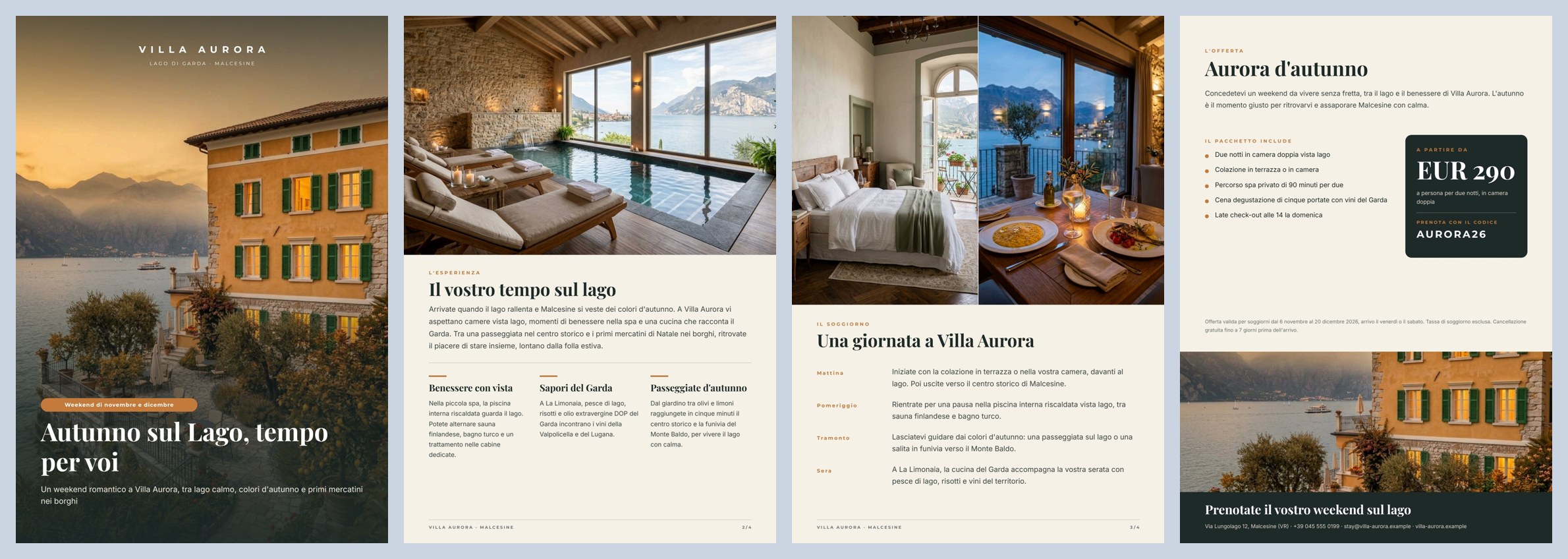
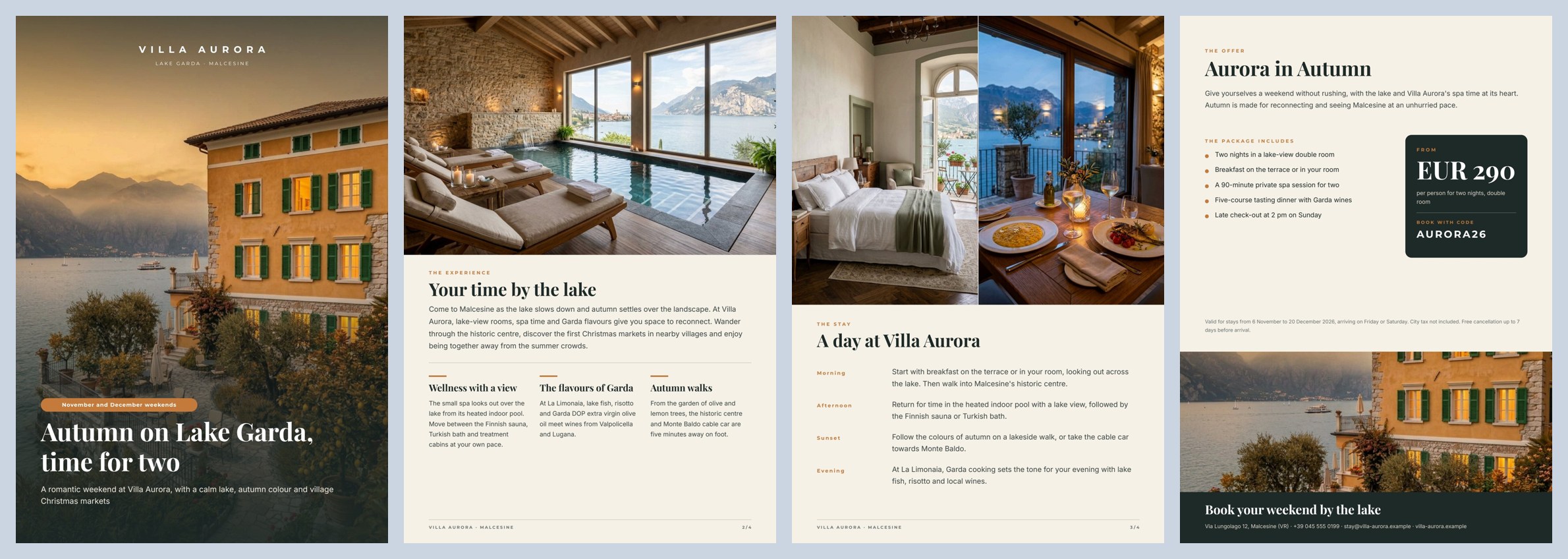
*A reference run: 56 seconds, 5.1 credits. In both languages the AI cover title takes two lines and the block stays anchored at the bottom. Single pages: Italian [1](/examples/f02/result-it-page-1.jpg) [2](/examples/f02/result-it-page-2.jpg) [3](/examples/f02/result-it-page-3.jpg) [4](/examples/f02/result-it-page-4.jpg) · English [1](/examples/f02/result-en-page-1.jpg) [2](/examples/f02/result-en-page-2.jpg) [3](/examples/f02/result-en-page-3.jpg) [4](/examples/f02/result-en-page-4.jpg) · [the AI copy](/examples/f02/result-copy.json).*
## The case
[Section titled “The case”](#the-case)
Make more of the content a hotel already has, to build campaigns aimed at specific audiences and periods of the year, in several languages. *Villa Aurora* (fictional), a boutique hotel in Malcesine on Lake Garda, launches wellness weekends in November and December for young couples.
| Input | Who provides it | In the workflow |
| ---------------------------- | ------------------------------------ | ----------------------------------------------------------------------------------- |
| Hotel facts | the management, once | *Hotel facts* (text) |
| Audience | marketing, for each campaign | *Audience* (text) |
| Period | marketing, for each campaign | *Period* (text) |
| Hotel photos | the hotel’s library (shot in summer) | four `input/image`: exterior, spa, room, restaurant |
| The offer, in both languages | the revenue manager | *Verified offer (IT/EN)* (JSON): package name, what it includes, conditions, labels |
| Price, code, contact | the revenue manager | *Price per person (EUR)* (number), *Booking code*, *Contact* |
## What it shows
[Section titled “What it shows”](#what-it-shows)
* **Two languages from one template.** The template holds no text in any language: even the labels (*THE OFFER*, *THE PACKAGE INCLUDES*, *FROM*) are fields. The same template produces the Italian and the English version from different data. Adding German means adding a language to the offer and to the schema, not a template.
* **Two data sources, kept apart.** Each render receives two objects: the **copy written by the AI** (`data_0`) and the **offer verified by the hotel** (`data_1`). The AI never sees prices, package contents or conditions and cannot rewrite them; the offer passes through no model. See [Templates in workflows](/templates/in-workflows/#keep-ai-copy-and-verified-facts-apart).
* **Make more of what exists.** The photos are the hotel’s own. Only the facade is adapted to the season by an image editing model, told explicitly not to change the building, its architecture, colours or framing — the same villa on a late-autumn evening ([before](/examples/f02/source-summer-exterior.jpg) → [after](/examples/f02/result-autumn-cover.jpg)).
* **One AI call for all the copy.** One model writes Italian and English together, plus the instruction for the photo edit: the two versions stay consistent and the schema checks them in one pass. The English is written for international guests, not translated word for word.
* **Ready for print.** The render produces PDF/X-4 with the workspace’s print colour profile (FOGRA39), as a printer expects, together with the page images for website, email and social. See [Print-ready PDF](/templates/techniques/print/).
## The template
[Section titled “The template”](#the-template)
Four A4 pages; Playfair Display for titles, Montserrat for labels, Inter for text; ink `#1e2a28`, ivory `#f6f1e7`, ochre `#c47a3a`.
| Page | Content | How it is built |
| ------------------ | -------------------------------------------------------------------------------------------------------------- | -------------------------------------------------------------------------------------------------------------------------------------------------------------------------------------------------------------------------------------------------------------------------------------- |
| 1 — Cover | full-page photo, brand, place, period, title, subtitle | **one Layout the size of the page**: the photo (`cover_image`, **fill**) and a graded **veil** are its background layers; pill, title (one or two lines) and subtitle flow anchored at the bottom (alignment *end*). The ochre pill is itself a small Layout with a rounded background |
| 2 — The experience | spa photo, title, introduction, three highlights | a **flowing Layout**: section, title and introduction, rule, then the **horizontal repeat** `highlights` (3 columns `{ title, text }`); each column is a Layout (bar, title on one or two lines, text) |
| 3 — The stay | room and restaurant photos side by side, “a day” in four moments | **vertical repeat** `day`, rows that grow with the text (up to 3 lines) |
| 4 — The offer | package name, introduction, what it includes, price, code, conditions, villa photo, call to action and contact | repeat `includes` (rows that grow), a price card with a **number** field in EUR, `strip_image` (the autumn facade again) |
| Fields | Come from |
| ------------------------------------------------------------------------------------------------------------------------------------------------------------------- | ------------------------------------------------- |
| `cover_title`, `cover_subtitle`, `experience_title`, `experience_intro`, `highlights[]`, `stay_title`, `day[]`, `offer_intro`, `cta` | the AI copy of the language, validated (`data_0`) |
| `place_label`, `season_label`, the three section labels, `package_name`, `includes_label`, `includes[]`, `price_label`, `price_note`, `booking_label`, `conditions` | the verified offer of the language (`data_1`) |
| the four photos, `strip_image`, `price`, `booking_code`, `contact` | the field ports |
Design choices worth copying:
* **Flow where length changes.** AI copy changes length with every run and between languages (“La spa vista lago” against “Wellness with a view”). Where it matters, texts sit in Layouts that follow their content: the cover block is anchored at the bottom, so a two-line title pushes the pill up instead of covering the subtitle; on page 2 a short introduction leaves no gap before the highlights. Every text has a line limit (cover title 2, then shrink; introduction 7) that protects the page from unexpected copy. See [Flowing layouts](/templates/techniques/flowing-layouts/).
* **A master page for the inner pages.** Pages 2 and 3 use the master *Inner pages*: a rule, “VILLA AURORA · MALCESINE” and the page number (`page_document_slash`, “2 / 4”). Cover and offer do not (`masterAssignment: none`), since they have their own layout. See [Multi-page documents](/templates/techniques/multi-page/#master-pages).
* **Two sample sets**, *Italiano* and *English*, with light embedded photos: the editor shows both versions and publishing checks that both render.
## The workflow
[Section titled “The workflow”](#the-workflow)
```plaintext
Hotel facts, Audience, Period ──► Compose the brief ──► Write the copy (IT/EN) ──► Copy fits the brochure
├─► Italian copy ──data_0──► Compose the Italian brochure ──► Brochure IT, Pages IT
├─► English copy ──data_0──► Compose the English brochure ──► Brochure EN, Pages EN
└─► Season edit ──► Bring the facade into the season
Photo — exterior ─────────────────────────────────────────────────────────────────────────────────────► (edits this photo)
Bring the facade into the season ──cover_image, strip_image──► both renders
Verified offer (IT/EN) ──► Italian offer ──data_1──► Compose the Italian brochure
└─► English offer ──data_1──► Compose the English brochure
Photos — spa, room, restaurant · Price · Booking code · Contact ──field ports──► both renders
```
| Node | Type | Why |
| --------------------------------------- | ---------------------------------------------------------------------------------- | --------------------------------------------------------------------------------------------------------------------------------------------------------------------------------------------------------------------------------- |
| Hotel facts, Audience, Period | `input/text` | Three separate inputs: an app or an agent fills them from a form, and marketing changes audience and period without touching the hotel’s facts |
| Compose the brief | `text/template` | Joins the three texts into one labelled prompt; each `[placeholder]` of the template is an input port. The node for composing a prompt from several sources |
| Write the copy (IT/EN) | `ai/text_generation`, `response_format: json_object`, temperature 0.5 | One call writes both languages and the photo instruction. The rules (hotel facts only, no prices or dates, plural address, no clichés, lengths) are in the system prompt |
| Copy fits the brochure | `utility/json_schema_validate`, inline schema, mode `fail` | The same copy block is required for `it` and `en`: exactly 3 highlights and 4 moments of the day, maximum lengths, no extra fields |
| Italian copy, English copy, Season edit | `utility/extract` | Take each language’s part out of the validated JSON (as an object) and the photo prompt (as text) |
| Italian offer, English offer | `utility/extract` | Take each language’s part out of the bilingual offer, unchanged |
| Bring the facade into the season | `ai/image_transform`, `aspect_ratio: match_input` | Edits the summer photo of the facade following the AI’s instruction and keeps its format; default model |
| Compose the Italian / English brochure | `design/template_render`, output `both`, `pdf_export_mode: pdfx4`, FOGRA39 profile | Same template and revision. `data_0` is the AI copy of the language, `data_1` its offer; the field ports carry photos, price, code and contact. *Both* on four pages gives the PDF and the **page manifest** (one image per page) |
| Outputs | `output/pdf` ×2, `output/json` ×3, `output/image` | Print brochures IT and EN, page manifests IT and EN, the approved copy, the reusable autumn photo |
**Reading a run**: *Approved copy (IT/EN)* is what the AI wrote, both languages together; *Pages IT* and *Pages EN* list one image per page. If the copy is too long, the run stops on *Copy fits the brochure* before anything is rendered or painted.
**Cost**: about 5.2 credits per run (the estimate before running shows 6) — the copy in two languages about 0.9, the autumn facade 5; validation, extractions and the two PDF/X-4 renders are free. A run takes about a minute; each print PDF weighs about 3.8 MB, with images at full resolution.
## Install it
[Section titled “Install it”](#install-it)
The example installs into your workspace with an API key, through the public API only — see [Installing an example](/templates/gallery/#installing-an-example):
```bash
node madoo-install-example.mjs f02 --api <your Madoo API URL> --key <key.json>
```
It uploads the four hotel photos, publishes the template and the workflow. It uses the workspace’s FOGRA39 print profile; without one, the workflow renders standard PDF instead of PDF/X-4 and the installer says so. To run it, open the workflow and paste the offer from [`run-inputs.json`](/examples/f02/run-inputs.json) into *Verified offer (IT/EN)* — every other input has a value — or add `--run` (about 5 credits).
## Change it
[Section titled “Change it”](#change-it)
* **Another audience or period**: change *Audience* and *Period* (for example “families, Easter”). Update the offer by hand: it is verified, the AI does not write it.
* **Another language**: add the language to the offer, to the schema (`de` next to `it` and `en`), to the system prompt, and one more render. The template does not change.
* **Digital only**: in both renders set `pdf_export_mode: standard` and remove the colour profile.
## Files
[Section titled “Files”](#files)
[manifest](/examples/f02/manifest.json) · [template](/examples/f02/template.json) · [workflow](/examples/f02/workflow.json) · [run inputs](/examples/f02/run-inputs.json) · [summer photo](/examples/f02/source-summer-exterior.jpg)
# F03 — Variable product flyer
> An A4 product flyer for any selection of up to nine catalogue products — an AI header with copy and an atmosphere photograph, product cards that print names, prices, sales and stock exactly as the store has them, stock badges from numeric conditions, clickable cards and an empty state. Installable.
A shop’s marketing manager picks up to nine products from the catalogue and writes two lines about the campaign; Madoo returns an A4 flyer ready to send on WhatsApp, as a PDF and as an image: a header with copy and a photograph made by the AI, and product cards printed from the catalogue with prices, sales and availability exactly as they are in the store.

*A reference run: 39 seconds, 5.04 credits. [PDF](/examples/f03/result-flyer.pdf) — **clickable**: each card opens the product in the store, the call to action opens WhatsApp, the contact the website · [the AI copy](/examples/f03/result-copy.json) · [header photograph](/examples/f03/result-header.jpg) · [layout report](/examples/f03/result-layout-report.json).*
## The case
[Section titled “The case”](#the-case)
From the catalogue to a campaign shared on WhatsApp, with product content built only from store data and authorised photos. *Nordlys Casa* (fictional), a Milan homeware shop, launches its autumn selection to the customers subscribed to its WhatsApp channel.
| Input | Who provides it | In the workflow |
| ----------------- | -------------------------------------------------------------------------- | --------------------------------------------- |
| Campaign brief | marketing, in plain words | *Campaign brief* (text, with a default value) |
| Selected products | the store: name, description, price, full price when on sale, stock, photo | *Selected products* (JSON, 0 to 9 products) |
| Shop contact | the shop’s details | *Shop contact* (text) |
The product photos are the ones the shop already has: a consistent set (same background, same light) made once as the example’s starting data.
## What it shows
[Section titled “What it shows”](#what-it-shows)
* **The catalogue is the truth.** Names, descriptions, prices, full prices and stock go from the store to the template without passing through a model: they cannot be rewritten, rounded or invented. The AI writes only the header (label, title, introduction, call to action) and the atmosphere photograph; its instructions forbid naming products, prices or discounts. See [Templates in workflows](/templates/in-workflows/#keep-ai-copy-and-verified-facts-apart).
* **The page reacts to the data.** No variants are prepared by hand: each card reads its own product. *Sold out* when stock is 0, *Last pieces* from 1 to 3, *On sale* and the struck-through full price only when there is a full price. An empty selection shows a waiting message; more than nine products stop the render with a clear error instead of printing a wrong page. See [Conditions, links and formats](/templates/techniques/conditions-links-formats/).
* **Every text takes the space it needs.** Header and cards are flowing Layouts: a two-line title pushes the header block up, a two-line product name lengthens its card and the grid row follows. See [Flowing layouts](/templates/techniques/flowing-layouts/#rows-and-grids).
## The template
[Section titled “The template”](#the-template)
A4 portrait, one page; Playfair Display for titles, Montserrat for labels and prices, Inter for text; ink `#23302f`, paper `#f6f3ee`, clay `#b8733f`, sale red `#9f3a2e`.
| Area | Content | How it is built |
| ----------- | --------------------------------------------------------------------------- | --------------------------------------------------------------------------------------------------------------------------------------------------------------------------------------------------------------------------------------------------------------------------------------------------------------------------- |
| Header | brand, label, title (1–2 lines), introduction (up to 3) | a fixed Layout 196 pt tall with alignment *end*, so the texts sit at the bottom; the photograph `header_image` (**fill**) and a veil graded from the left are its background layers ([Images](/templates/techniques/images/#text-on-a-photo)) |
| Grid | up to nine cards, three per row | repeat `products` in *grid* mode (3 columns), `maxItems: 9`, beyond that an error (`overflowPolicy: fail`) |
| Card | photo, name, description, price, struck-through full price | a Layout with a rounded white background; inside, the photo (`item.image`, **fill**) and a text Layout: name and description up to 2 lines each, a horizontal price row. Prices are **number** fields formatted `it-IT` in EUR with the symbol (*89 €*). The whole card links to `https://nordlyscasa.example/p/{item.sku}` |
| Badges | *Ultimi pezzi* (last pieces), *Esaurito* (sold out), *In offerta* (on sale) | small Layouts with a rounded background, each with a **condition**: `item.stock` > 0 and ≤ 3; `item.stock` ≤ 0; `item.compare_at_price` present |
| Empty state | *La nuova selezione arriva a breve.* (“The new selection is coming soon.”) | two texts with the condition *not* (`products` present) |
| Bottom band | call to action, contact | fields `cta` (AI) and `contact`; the call to action links to `https://wa.me/39025550188`, the contact to the website |
| Field | Type | Required | Comes from |
| -------------------------------------------- | --------------------------------------------------------------------------- | --------------------------------------- | ------------------------------------------ |
| `campaign_label`, `headline`, `intro`, `cta` | text | yes | the AI’s JSON, validated (the `data` port) |
| `header_image` | image | yes | the generated photograph (its own port) |
| `products` | list of `{ name, description, price, compare_at_price, stock, sku, image }` | no — when absent, the empty state shows | the *Selected products* input |
| `contact` | text | yes | the *Shop contact* input |
Design choices worth copying:
* **Keys declared on the repeat.** `stock` is never printed, only the badges read it: it is declared on the repeat as a required number with its description, so it appears in the template’s contract and an integrator (an app, an agent) knows to send it. `sku` is optional and not printed either: the card’s link reads it. Without `sku` that card has no link and the render says so (`DESIGN_LINKS_LEFT_OUT`) instead of pointing to a wrong page. See [Lists](/templates/techniques/lists/#flags-and-other-keys-the-row-does-not-print).
* **Nine, not “as many as fit”.** A flyer read on a phone stays legible with nine products at most. With ten the render answers `DESIGN_REPEAT_LIMIT_EXCEEDED` — *Repeat ‘Products’ received 10 items; the limit is 9.* — which the shop’s app can show as it is.
* **The card is drawn short.** Repeat rows never get shorter than drawn and grow with their content: drawing the card at its minimum (150 pt) and the region at its maximum (three cards of 181 pt) keeps the gaps between rows and columns equal whatever the text length.
* **Price as a number, sale from the data.** The template receives `89` and `119` and writes *89 €* and a struck *119 €*; with `en-GB` the same number becomes *€89*. The *On sale* badge depends on the full price being present, not on text.
* **The price box is as wide as “149 €”.** A text grows in height, not width: the box is sized to the catalogue’s longest price. A four-digit price (*1.290 €*) would end in “…”; for such a catalogue, widen it.
* **The PDF is clickable, the image is not.** The PDF carries 11 links (nine cards, WhatsApp, website), with `utm_source=whatsapp&utm_campaign=flyer` so the visits show in the store’s statistics. A print PDF (PDF/X-4) has no links and the render says so (`DESIGN_LINKS_OMITTED_FOR_PRINT`).
* **With few products the page stays open.** The grid starts at the top left; for a real campaign pick 3, 6 or 9.
* **Four sample sets** — *Nine products*, *Four products*, *One product*, *No products* — with embedded photos: the editor shows each case and publishing checks that all of them render ([four, one and no products](/examples/f03/variants-4-1-0.jpg)).
## The workflow
[Section titled “The workflow”](#the-workflow)
```plaintext
Campaign brief ──► Write the flyer copy (AI, JSON) ──► Copy fits the flyer (JSON Schema) ──data──► Compose the flyer ──► Flyer — PDF
└─► Header photo prompt ──► Paint the header ──header_image──► (Render ──► Flyer — image for WhatsApp
Selected products ──products──► Document ──► Layout report
Shop contact ──contact──► Template)
```
| Node | Type | Why |
| -------------------- | --------------------------------------------------------------------- | --------------------------------------------------------------------------------------------------------------------------------------------------------------------------------- |
| Campaign brief | `input/text` | Marketing writes season, audience and tone as they speak |
| Selected products | `input/json_value` | The selection arrives from the store as **one JSON value** (a list) that the repeat prints row by row; no default value, since it changes with every campaign |
| Write the flyer copy | `ai/text_generation`, `response_format: json_object`, temperature 0.5 | Writes label, title, introduction, call to action and the photo instruction; the rules forbid prices, product names and repetition between title, introduction and call to action |
| Copy fits the flyer | `utility/json_schema_validate`, inline schema, mode `fail` | Exactly five fields with the lengths the header can hold; copy that does not fit stops the workflow before composing |
| Header photo prompt | `utility/extract` | Takes the photo instruction out of the JSON as text |
| Paint the header | `ai/text_to_image`, `16_9` | A wide photograph, cropped by the header in **fill** mode; the prompt asks for an autumn Nordic living room, lamplight, free space on the left for the text, no people, no text |
| Compose the flyer | `design/template_render`, output `both`, `max_repeat: 9` | Validated copy on `data`, the selection on the `products` field port, photo and contact on their ports. *Both* gives the PDF and the page image to send on WhatsApp |
| Outputs | `output/pdf`, `output/image` ×2, `output/json` ×2 | The flyer as PDF and image, the reusable header photo, the approved copy, the layout report |
**Reading a run**: the *Layout report* shows `status: passed`, `repeatItems: 9`, `imagesLoaded: 12`, `imagesFailed: 0`, no warnings. If the copy is too long, the run stops on *Copy fits the flyer* before the photo is painted.
**Cost**: about 5.04 credits per run — the copy about 0.04, the header photograph 5; validation, extraction and composition are free. Runs take 36 to 39 seconds.
## Install it
[Section titled “Install it”](#install-it)
The example installs into your workspace with an API key, through the public API only — see [Installing an example](/templates/gallery/#installing-an-example):
```bash
node madoo-install-example.mjs f03 --api <your Madoo API URL> --key <key.json>
```
It uploads the nine product photos, publishes the template and the workflow. To run it, open the workflow and paste the list from [`run-inputs.json`](/examples/f03/run-inputs.json) into *Selected products*, replacing the photo placeholders with the paths of the uploaded photos, or add `--run`, which fills them for you (about 5 credits).
## Change it
[Section titled “Change it”](#change-it)
* **Another selection**: change the product list (0 to 9); prices, sales and stock change the badges by themselves.
* **Another campaign**: change the brief (for example “Christmas, gift ideas under 50 euros”).
* **Another shop**: the template is neutral about the sector — food, cosmetics, spare parts — change the brand, the colours and the brief.
## Files
[Section titled “Files”](#files)
[manifest](/examples/f03/manifest.json) · [template](/examples/f03/template.json) · [workflow](/examples/f03/workflow.json) · [run inputs](/examples/f03/run-inputs.json) · [sample sets preview](/examples/f03/variants-4-1-0.jpg)
# F04 — Visual summary of a book
> A one-page visual summary of a book from its summary — the idea in one sentence, the argument in three steps, four to six key ideas and three actions written by the AI and validated with JSON Schema, the facts of the work as a second data object that wins over the AI, an AI illustration, and a page whose height follows its content. Installable.
A reading app sends Madoo the summary of a book; Madoo returns a page to look at and remember, as a PDF and as an image: the idea in one sentence, the thread of the argument in three steps, four to six key ideas, three things to try and the author’s own words, with an illustration drawn by the AI and the facts of the work printed exactly as they are.
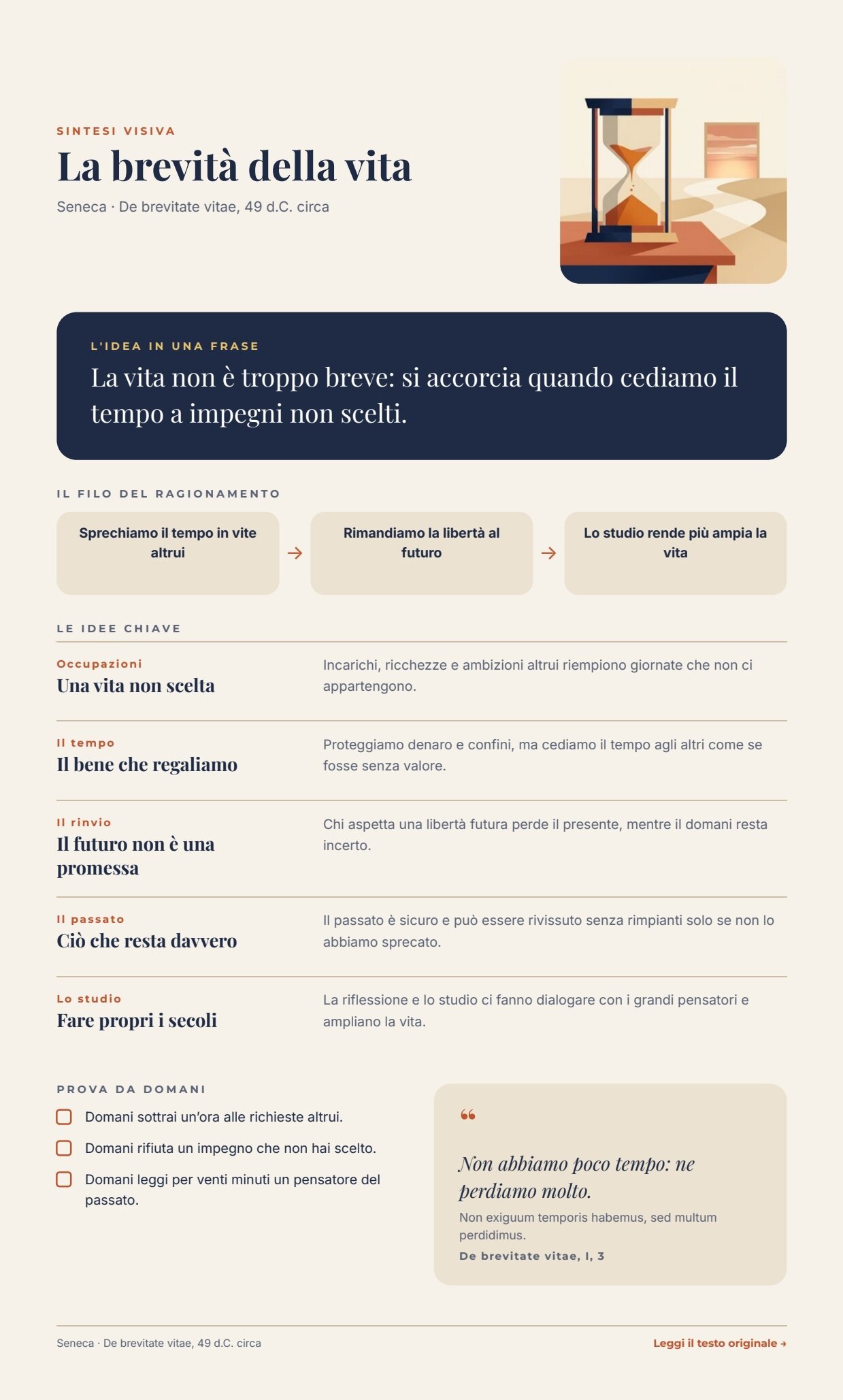
*A reference run: 47 seconds, 5.14 credits; the page is 989 pt tall (at most 1160) because it follows its content. [PDF](/examples/f04/result-summary.pdf) — clickable: *Leggi il testo originale* opens the work · [the AI structure](/examples/f04/result-summary.json) · [illustration](/examples/f04/result-illustration.jpg) · [layout report](/examples/f04/result-layout-report.json).*
The variant with one image per idea is [F04B — Illustrated summary](/templates/gallery/f04b-illustrated-summary/).
## The case
[Section titled “The case”](#the-case)
Book → summary → visual summary. The visual summary replaces neither the book nor the summary: it helps to see its structure and remember it. The case belongs to publishing and education, but the same scheme works for an article, an internal report or a lecture.
The example uses *La brevità della vita* (*De brevitate vitae*) by Seneca, a public-domain text. The summary is written for the example; the Latin quotation is taken word for word from [The Latin Library](https://www.thelatinlibrary.com/sen/sen.brevita.shtml), which is also the link printed on the page. Wikisource gives the same sentence with *perdimus* instead of *perdidimus*: exactly the kind of detail that must come from a source chosen by a person, not from a model.
| Input | Who provides it | In the workflow |
| ----------------- | ----------------------------------------------------------------------------------------------------------- | ------------------------------------------- |
| Book summary | the reading app (or the editors) | *Book summary* (text, with a default value) |
| Facts of the work | the app’s catalogue: title, author and date, quotation with translation and reference, link to the original | *Facts of the work* (one JSON object) |
## What it shows
[Section titled “What it shows”](#what-it-shows)
* **The facts of the work do not pass through the AI.** Title, author, date, quotation (original, translation and reference) and link reach the template as a second data object, next to the one written by the AI. The render merges them in order: first `data_0` (the AI), then `data_1` (the facts). For a key present in both, the fact wins: even if the model wrote a title, the catalogue’s one would be printed. The instructions also forbid the model to quote the author. See [Templates in workflows](/templates/in-workflows/#how-data-reaches-a-template).
* **The structure is a contract.** The model returns JSON with the idea in one sentence, three steps, four to six key ideas (theme, title, explanation) and three actions; `utility/json_schema_validate` checks the fields, the number of items and the lengths, computed from the space on the page. Output that does not fit stops the workflow before composing. See [Make the AI write for the page](/templates/in-workflows/#make-the-ai-write-for-the-page).
* **The page is one flow.** Each block takes the lines it needs, and the list of key ideas takes the height of the rows it prints: with four ideas *Prova da domani* moves up, with six it moves down. A variable list sits in the middle of the page with more content below it. See [Flowing layouts](/templates/techniques/flowing-layouts/#layouts-lists-and-pages).
## The template
[Section titled “The template”](#the-template)
595 pt wide and up to 1160 pt tall: the page **follows its content** and ends 36 pt below the footer, so with four ideas it is shorter than with six ([Pages that grow with their content](/templates/techniques/multi-page/#pages-that-grow-with-their-content)). Designed for the screen; Playfair Display for titles and the quotation, Montserrat for labels, Inter for text; night blue `#1f2a44`, paper `#f6f2ea`, terracotta `#c2542d`, sand `#ebe2d1`, gold `#e9c46a`. The fixed labels of the page are in Italian.
| Area | Content | How it is built |
| -------------------------- | ---------------------------------------------------------------- | ---------------------------------------------------------------------------------------------------------------------------------------------------------------------------------------------------------------------------------------------- |
| Header | *Sintesi visiva*, title, author and date; illustration | a horizontal Layout: on the left a vertical Layout of texts (title up to 2 lines, then shrunk), on the right the `illustration` as the background of a 160 × 160 Layout with rounded corners |
| The idea in one sentence | `big_idea` | a Layout with a night-blue background and rounded corners; text up to 3 lines |
| The thread of the argument | `step_1`, `step_2`, `step_3` | three equal boxes (each text drawn for three lines, *at least the drawn height*) joined by arrows |
| The key ideas | `key_ideas`: 4 to 6 `{ tag, title, text }` | a **repeat** inside the page Layout, drawn for six ideas at most; each row is a rule and a horizontal Layout: theme and title (2 lines) on the left, explanation (3 lines) on the right ([Lists](/templates/techniques/lists/#rows-that-grow)) |
| *Prova da domani* | `actions`: 3 `{ text }` | a repeat of rows with a check box |
| Quotation | `quote_translation`, `quote_original` (optional), `quote_source` | a sand Layout; the Latin shows only when present (a condition) |
| Footer | author and date; *Leggi il testo originale →* | the last block of the flow (drawn at the bottom of the page it would keep the page long); the link reads the field `source_url`; when it is missing, text and link disappear |
| Field | Type | Required | Comes from |
| ------------------------------------------------------ | ----- | -------- | ----------------------------------------- |
| `big_idea`, `step_1`, `step_2`, `step_3` | text | yes | the AI’s JSON, validated (`data_0`) |
| `key_ideas`, `actions` | lists | yes | the AI’s JSON, validated (`data_0`) |
| `title`, `byline`, `quote_translation`, `quote_source` | text | yes | *Facts of the work* (`data_1`) |
| `quote_original`, `source_url` | text | no | *Facts of the work* (`data_1`) |
| `illustration` | image | yes | the generated illustration (its own port) |
Design choices worth copying:
* **A theme instead of a number.** Repeat rows do not know their position; instead of having the model write “01, 02…”, each idea has a *theme* of one or two words, which says more.
* **The steps have the same height.** Each text in the three boxes is drawn for three lines with the rule *at least the drawn height*: the boxes stay aligned whatever the length of the sentences.
* **The schema limits come from the page.** Ideas: title up to 44 characters (two lines), explanation up to 130 (three lines); the idea in one sentence up to 150 (three lines).
* **The instructions ask for less than the schema accepts.** About 10% less (38 characters for the steps, 44 in the schema): a model that overshoots by a few characters stays on the page instead of stopping the run. Without this margin a run stopped on the third step (*step_3 \[maxLength]: Value should be at most 44 characters*) — the contract did its job, but it should happen rarely.
* **Three sample sets** — *Seneca, cinque idee*, *Quattro idee, senza latino* and *Il più lungo possibile* (every text at the schema’s limit, six ideas): the last proves that even the worst case fits the page — about 940 pt with four ideas, 1036 with five, 1129 in the longest case ([five ideas, four without Latin, the longest case](/examples/f04/variants-5-4-longest.jpg)).
## The workflow
[Section titled “The workflow”](#the-workflow)
```plaintext
Book summary ──► Build the visual summary (AI, JSON) ──► Summary fits the page (JSON Schema) ──data_0──► Compose the page ──► Visual summary — PDF
└─► Illustration prompt ──► Draw the illustration ──illustration──► (Render ──► Visual summary — image
Facts of the work ──data_1──► Document ──► Layout report
Template)
```
| Node | Type | Why |
| ------------------------ | --------------------------------------------------------------------- | ------------------------------------------------------------------------------------------------------ |
| Book summary | `input/text` | The summary, as the app has it |
| Facts of the work | `input/json_value` | One object with the verified facts: an app fills it from its catalogue, without six separate inputs |
| Build the visual summary | `ai/text_generation`, `response_format: json_object`, temperature 0.4 | Finds structure and ideas; the rules forbid invented facts, quotations and repetition between sections |
| Summary fits the page | `utility/json_schema_validate`, inline schema, mode `fail` | Fields, number of ideas and actions, lengths: the template must not hope that the text fits |
| Illustration prompt | `utility/extract` | Takes the illustration instruction out of the JSON as text |
| Draw the illustration | `ai/text_to_image`, `1_1` | A square illustration in the page’s palette, without text |
| Compose the page | `design/template_render`, output `both`, `max_repeat: 6` | `data_0` the AI structure, `data_1` the facts (they win), the illustration on its port |
| Outputs | `output/pdf`, `output/image` ×2, `output/json` ×2 | PDF and image of the page, the reusable illustration, the approved structure, the layout report |
**Reading a run**: *Approved summary* is the structure the AI wrote; the *Layout report* shows `status: passed`, `repeatItems: 8` (five ideas and three actions), two images loaded, no warnings. If the structure does not fit, the run stops on *Summary fits the page* with every violation, before the illustration is paid for.
**Cost**: about 5.14 credits per run — the structure about 0.14, the illustration 5; validation, extraction and composition are free.
## Install it
[Section titled “Install it”](#install-it)
The example installs into your workspace with an API key, through the public API only — see [Installing an example](/templates/gallery/#installing-an-example):
```bash
node madoo-install-example.mjs f04 --api <your Madoo API URL> --key <key.json>
```
It has no files to upload: it publishes the template and the workflow. To run it, open the workflow and paste the object from [`run-inputs.json`](/examples/f04/run-inputs.json) into *Facts of the work*, or add `--run` (about 5 credits).
## Change it
[Section titled “Change it”](#change-it)
* **Another book**: change the summary and the facts of the work (title, author, quotation, reference, link). For a modern work with no different original language, leave out `quote_original`.
* **Another kind of text**: an article, a report, a transcribed lecture — the instructions speak of “a book or an essay”, but the structure (idea, steps, ideas, actions) holds.
* **Another language**: the model writes in the language of the summary; the fixed labels of the page (*Sintesi visiva*, *Le idee chiave*…) are in Italian in the template, so translate them in a copy of the template.
## Files
[Section titled “Files”](#files)
[manifest](/examples/f04/manifest.json) · [template](/examples/f04/template.json) · [workflow](/examples/f04/workflow.json) · [run inputs](/examples/f04/run-inputs.json) · [sample sets preview](/examples/f04/variants-5-4-longest.jpg)
# F04B — Illustrated summary
> The illustrated edition of the F04 visual summary — every key idea gets its own small picture, generated in parallel with the main illustration as style reference, then joined back to its idea before layout. Installable.
The “illustrated edition” variant of [F04 — Visual summary of a book](/templates/gallery/f04-visual-summary/): the same page, but every key idea has its own small picture, drawn by the AI in the style of the main illustration. The pictures are generated in parallel, one per idea, and return next to their idea before the page is composed.
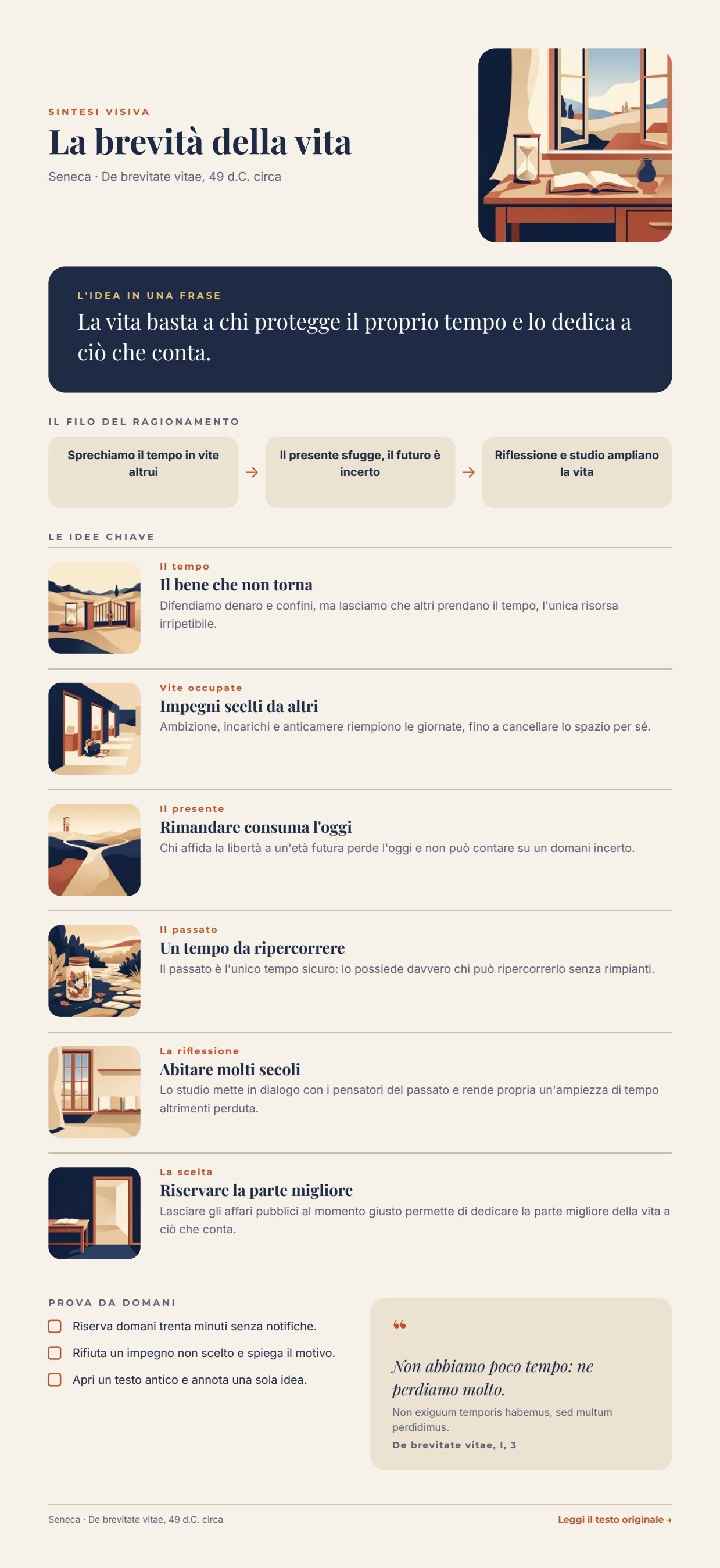
*A reference run: 74 seconds, 35.20 credits (one main illustration and six pictures). The page is 1296 pt tall (at most 1440) because it follows its content. [PDF](/examples/f04b/result-summary.pdf) · [the AI structure](/examples/f04b/result-summary.json) · [ideas with their pictures](/examples/f04b/result-illustrated-ideas.json) · [layout report](/examples/f04b/result-layout-report.json).*

## The case
[Section titled “The case”](#the-case)
The F04 summary is already laid out to be looked at; with one picture per idea it becomes truly visual — every concept has a symbol to remember. It costs about seven times more, though (5 credits per picture, 25 to 35 credits per summary against about 5 for F04) and takes about half a minute longer. These are two product levels — *summary* and *illustrated edition* — and the example shows what each one costs.
The inputs are those of F04: a reading app sends the summary of a book, and its catalogue provides the facts of the work. The example uses Seneca’s *De brevitate vitae*, a public-domain text.
| Input | Who provides it | Example |
| ----------------- | -------------------------------- | ---------------------------------------------------------------------------------------------------------------------- |
| Book summary | the reading app (or the editors) | *Book summary*, text with a default value |
| Facts of the work | the app’s catalogue | title, author and date, the quote in Latin with translation and reference, link to the original text — one JSON object |
## What it shows
[Section titled “What it shows”](#what-it-shows)
* **A list fans out, then comes back together.** `enumerate/json` opens the list of key ideas: each idea becomes an iteration, and the pictures are drawn in parallel. `aggregate/json` joins every idea to its picture, in the order of the ideas, and the list reaches the template as one value. See [Iteration](/workflows/iteration/).
* **The text model writes the scene, not the style.** Every idea has a `scene` field (in English, for the image model): one or two symbolic objects in a simple setting, different from one idea to the next. The instructions forbid describing a style.
* **The style is fixed by the workflow and anchored to an image.** Every picture instruction is a fixed `text/template`: *same technique, same palette, same light as the reference image; do not copy its objects or its composition; show only this scene; full-bleed, no frame*. The reference is the main illustration, passed to `ai/image_transform`. This is what holds six separately generated pictures together.
* **Facts win over the AI, as in F04.** The facts of the work reach the template as a second data object and win over any value with the same key. See [Templates in workflows](/templates/in-workflows/#keep-ai-copy-and-verified-facts-apart).
## The template
[Section titled “The template”](#the-template)
The same design as F04 — 595 pt wide, Playfair Display, Montserrat and Inter, night blue `#1f2a44`, paper `#f6f2ea`, terracotta `#c2542d`, sand `#ebe2d1`, gold `#e9c46a` — with two changes: every idea row gains a 76 pt square picture with rounded corners on the left, and the maximum page height goes to 1440 pt. The page follows its content ([Pages that grow with their content](/templates/techniques/multi-page/#pages-that-grow-with-their-content)).
| Area | Content | How it is built |
| ------------------------ | ---------------------------------------------------------------- | -------------------------------------------------------------------------------------------------------------------------------------------------------------------------------------- |
| Header | title, author and date; the main illustration | a horizontal Layout: texts on the left, `illustration` as the background of a rounded 160 × 160 Layout |
| The idea in one sentence | `big_idea` | a dark Layout with rounded corners, up to 3 lines |
| The line of reasoning | `step_1`, `step_2`, `step_3` | three equal boxes joined by arrows |
| Key ideas | `key_ideas`: 4 to 6 `{ tag, title, text, image }` | a **repeated list** in the page’s flowing Layout; each row has the picture `item.image` (**fill**), then theme and title, then the explanation ([Lists](/templates/techniques/lists/)) |
| Try tomorrow | `actions`: 3 `{ text }` | a list of rows with a checkbox |
| Quote | `quote_translation`, `quote_original` (optional), `quote_source` | the Latin appears only when present |
| Footer | author and date; *read the original text →* | the link reads `source_url`; without it, text and link disappear |
| Field | Type | Required | Comes from |
| ------------------------------------------------------ | ------------------------------------- | -------- | -------------------------------------------------- |
| `big_idea`, `step_1`–`step_3` | text | yes | the AI’s JSON, validated (`data_0`) |
| `actions` | list of `{ text }` | yes | the AI’s JSON, validated (`data_0`) |
| `key_ideas` | list of `{ tag, title, text, image }` | yes | *Ideas with their pictures* (its own port) |
| `illustration` | image | yes | the main illustration (its own port) |
| `title`, `byline`, `quote_translation`, `quote_source` | text | yes | *Facts of the work* (`data_1`, wins over `data_0`) |
| `quote_original`, `source_url` | text | no | *Facts of the work* |
Design choices worth copying:
* **The field port wins over the data object.** `data_0` also carries a `key_ideas` list, without pictures; the `key_ideas` port receives the recomposed list and prevails.
* **“Full-bleed, no frame”.** Without this sentence the model framed almost every picture with a cream border, which inside the rounded boxes looked like a frame within a frame.
* **Three sample sets** in the template, with the pictures of the reference run as samples: the editor shows a realistic page.
## The workflow
[Section titled “The workflow”](#the-workflow)
```plaintext
Book summary ──► Build the illustrated summary (AI, JSON) ──► Summary fits the page (JSON Schema)
Summary fits the page ──data_0──────────────────────────────────────────────────────► Compose the page
Summary fits the page ──► Illustration prompt ──► Draw the main illustration ──illustration──► Compose the page
Summary fits the page ──► One key idea at a time (one iteration per idea)
scene ──► Picture instruction ──► Draw the idea in the same style ◄──images_0── Draw the main illustration
tag, title, text ──► Ideas with their pictures ◄──image── Draw the idea in the same style
Ideas with their pictures ──key_ideas──► Compose the page
Facts of the work ──data_1──► Compose the page
Compose the page (Render Document Template) ──► PDF · Image · Layout report
```
| Node | Type | Why |
| ------------------------------------------------ | ----------------------------------------------------------------------------------------- | ---------------------------------------------------------------------------------------------------------------------- |
| Book summary | `input/text` | The summary as the app has it |
| Facts of the work | `input/json_value` | One object with the verified facts |
| Build the illustrated summary | `ai/text_generation`, JSON | Structure, ideas and one `scene` per idea; no invented facts or quotes |
| Summary fits the page | `utility/json_schema_validate`, inline, mode `fail` | Fields, number of ideas and actions, lengths computed on the page |
| Illustration prompt / Draw the main illustration | `utility/extract`, `ai/text_to_image` `1_1` | The square main illustration, which is also the style reference |
| One key idea at a time | `enumerate/json` (`arrayPath: key_ideas`) | Each idea becomes an iteration, with tag, title, text and scene as ports |
| Picture instruction | `text/template` | The fixed style plus this idea’s scene (`[scene]`) |
| Draw the idea in the same style | `ai/image_transform`, `1:1`, default model | The main illustration on `images_0` as style reference; iterations run in parallel |
| Ideas with their pictures | `aggregate/json` (columns `tag`, `title`, `text` as text, `image` as image) | Joins each idea to its picture, in order; the pictures become permanent paths |
| Compose the page | `design/template_render`, output `both`, `max_repeat: 6`, `missing_policy: fail_required` | AI structure on `data_0`, facts on `data_1`, the recomposed list on `key_ideas`, the illustration on its port |
| Outputs | `output/pdf`, `output/image` ×2, `output/json` ×3 | The PDF, the page image, the main illustration, the approved summary, the ideas with their pictures, the layout report |
**Reading a run**: *Ideas with their pictures* shows each idea with the path of its picture; the pictures are generated in parallel, so the run takes little longer than F04. If the schema fails, the run stops on *Summary fits the page* before any image is paid for.
**Cost**: about 25–35 credits per run — the structure about 0.2, the main illustration 5, the idea pictures 20–30 (5 each, four to six ideas); validation, extraction and composition are free. Two reference runs took 81 and 74 seconds.
## Install it
[Section titled “Install it”](#install-it)
The example installs into your workspace with an API key, through the public API only — see [Installing an example](/templates/gallery/#installing-an-example):
```bash
node madoo-install-example.mjs f04b --api <your Madoo API URL> --key <key.json>
```
It publishes the template and the workflow; there are no files to upload. To run it, open the workflow and paste the facts of the work from [`run-inputs.json`](/examples/f04b/run-inputs.json) into *Facts of the work*, or add `--run` (about 25–35 credits).
## Change it
[Section titled “Change it”](#change-it)
* **Another book**: change the summary and the facts of the work; omit `quote_original` when there is no original language to quote.
* **Another style**: change the fixed text of *Picture instruction* and the main illustration prompt together; the reference image carries the style to every picture.
* **Cheaper**: without pictures, the same page is [F04](/templates/gallery/f04-visual-summary/), about 5 credits.
## Files
[Section titled “Files”](#files)
[manifest](/examples/f04b/manifest.json) · [template](/examples/f04b/template.json) · [workflow](/examples/f04b/workflow.json) · [run inputs](/examples/f04b/run-inputs.json)
# F05 — Wine price list from a spreadsheet
> A multi-page wine price list from the winery's Excel export — one AI description per row validated with JSON Schema, prices, vintages and stock printed exactly as in the sheet and formatted per language, a card grid that continues on new pages under a master page. Installable.
A winery exports its restaurant price list from its management system as an Excel sheet; Madoo turns it into a multi-page PDF catalogue: one card per wine, with a description written by the AI from the winemaker’s notes, while prices, vintages, alcohol, bottle sizes and stock reach the page exactly as they are in the sheet. The cards fill a grid that continues on new pages by itself.
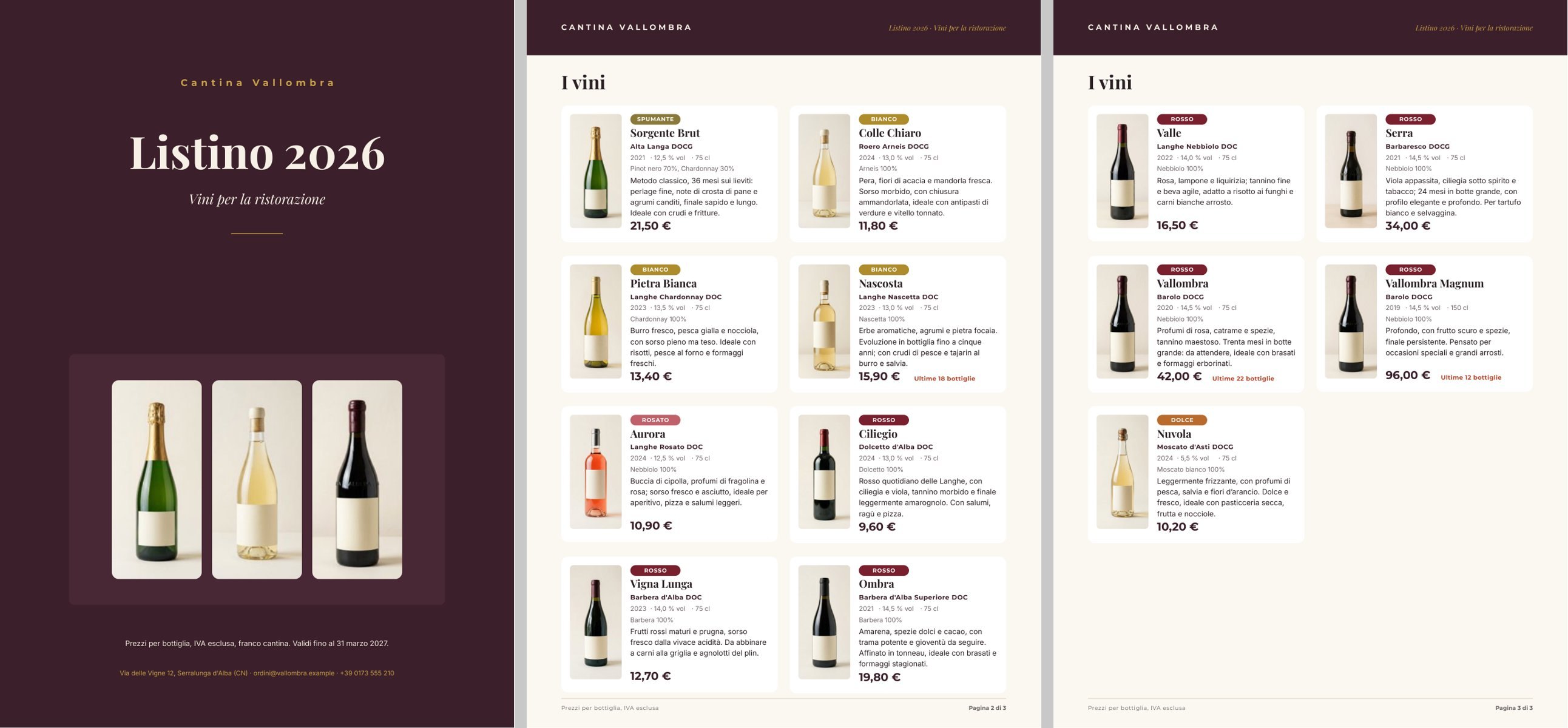
*A reference run: 26 seconds, 0.22 credits for thirteen descriptions, three pages. [PDF](/examples/f05/result-catalog.pdf) · [rows with their descriptions](/examples/f05/result-catalog-rows.json) · [layout report](/examples/f05/result-layout-report.json) · pages [1](/examples/f05/result-page-1.jpg), [2](/examples/f05/result-page-2.jpg), [3](/examples/f05/result-page-3.jpg).*
## The case
[Section titled “The case”](#the-case)
*Cantina Vallombra* (fictional, in the Langhe; the denominations are real) sends restaurants and wine shops its price list every year. The list lives in the management system; whoever lays it out copies it by hand every year.
| Input | Who provides it | Example |
| -------------------- | ------------------------------------------------------------------------------------------------------------------------------------------------------------------------ | -------------------------------------------------------------------------------- |
| Price list | the management system, as Excel: code, wine, denomination, type, vintage, grapes, alcohol, size, restaurant price, bottles available, winemaker’s notes, pairings, photo | [`listino-vallombra.xlsx`](/examples/f05/listino-vallombra.xlsx), thirteen wines |
| Winery and catalogue | the winery’s records: name, title and subtitle of the list, price validity, contacts | one JSON object |
The bottle photos are the ones the winery already has: a consistent set (same background, same light), generated once as the example’s starting data. The sheet refers to them by path, as it would to the image addresses of its website.
## What it shows
[Section titled “What it shows”](#what-it-shows)
* **The sheet is the truth.** Price, vintage, alcohol, size and stock go from `input/data` to the template without touching a model: typed as numbers when the sheet is read (`enumerate/data_rows` in *strict* mode — a non-numeric cell stops the workflow and names the row and the column), formatted only by the template.
* **The AI writes one thing: the description.** One call per row, with the facts of the wine composed by `text/template`. The instructions forbid repeating name, denomination, vintage, grapes, alcohol and price (the catalogue prints them) and inventing awards, scores or numbers. A JSON Schema checks each description (40–170 characters) before layout. See [Iteration](/workflows/iteration/).
* **The catalogue grows with the list.** The wine list sits directly on the page with the rule *continue on new pages*: eight cards per page, and one more copy of the page for every eight more wines. Thirteen wines make three pages (cover included); thirty would make five, without touching the template. See [Catalogues that continue on new pages](/templates/techniques/lists/#catalogues-that-continue-on-new-pages).
## The template
[Section titled “The template”](#the-template)
A4; Playfair Display for names and titles, Montserrat for labels and prices, Inter for text; wine `#3b1f2b`, cream `#f7f1e6`, gold `#c9a24a`.
| Page | Content | How it is built |
| --------- | ------------------------------------------------------------------------------------------------------------- | ---------------------------------------------------------------------------------------------------------------------------------------------- |
| Cover | winery name, *Listino 2026*, subtitle, three bottles, validity, contacts | fields of the *Winery and catalog* object; the three photos are part of the design, each in a rounded box |
| Catalogue | *I vini* and the cards | the repeated list `wines` as a grid (2 columns, 4 rows per page), `overflowPolicy: continue_page`, up to 40 wines; master page *Catalog pages* |
| Master | a band with the name, *Listino 2026 · Vini per la ristorazione*, a footer with *Pagina {{page}} di {{pages}}* | static elements; the page number is a special field ([Master pages](/templates/techniques/multi-page/#master-pages)) |
**The card** is a horizontal Layout: the bottle photo (`item.photo`, **fill**) and, beside it, a vertical Layout with the type badge, the name, the denomination, the data line, the grapes, the description and the price.
| Data | Field | How it prints |
| --------------------------------------- | ------------------------------------------------------------------- | ----------------------------------------------------------------------------------------------- |
| Type | `item.type` | five coloured badges, each with the condition *equals* (Spumante, Bianco, Rosato, Rosso, Dolce) |
| Vintage | `item.vintage`, number | no thousands separator: *2021*, never *2.021* |
| Alcohol | `item.alcohol`, number | one decimal and affixes: *· 14,5 % vol* |
| Size | `item.size`, number | *· 75 cl*, *· 150 cl* |
| Price | `item.price`, number | `it-IT` currency with two decimals: *21,50 €*, *96,00 €* |
| Stock | `item.stock`, number | only when ≤ 30, with affixes: *Ultime 18 bottiglie* |
| Name, denomination, grapes, description | `item.name`, `item.denomination`, `item.grapes`, `item.description` | text; the description comes from the AI |
The cover fields `winery`, `catalog_title`, `catalog_subtitle`, `validity` and `contact` come from the *Winery and catalog* object on `data_0`; the list `wines` comes from its own port. Number formats and conditions are explained in [Conditions, links and formats](/templates/techniques/conditions-links-formats/).
Design choices worth copying:
* **All cards the same.** Every text of the card is drawn for its maximum lines with the rule *at least as drawn* (name 1 line, description 4): the cards have the same height, the grid stays regular and each page holds exactly eight.
* **Numbers that speak the reader’s language.** Everything that is a number in the sheet stays a number up to the page, where the field format decides how it is written; affixes (*Ultime … bottiglie*, *% vol*, *cl*) avoid hand-composed texts.
* **The sheet is not touched.** No column computed or reformatted for Madoo: the sheet is the management system’s, with its own formats (price in euros, alcohol with one decimal).
* **Three sample sets** — *Listino completo (13 vini)*, *Otto vini, una pagina*, *Tre vini* — show in the editor how many pages the list produces.
## The workflow
[Section titled “The workflow”](#the-workflow)
```plaintext
Price list (Excel) ──► One wine at a time (one iteration per row)
name, denomination, type, grapes, notes, pairing ──► Facts of the wine ──► Write the description (AI, JSON)
──► Description fits the card (JSON Schema) ──► Description ──description──► Wines with their descriptions
code, name, …, price, stock, photo ──────────────────────────────────────────► Wines with their descriptions
Winery and catalog ──data_0──► Compose the catalog ◄──wines── Wines with their descriptions
Compose the catalog (Render Document Template) ──► PDF · Page images · Rows · Layout report
```
| Node | Type | Why |
| ----------------------------- | ------------------------------------------------------------------------------------------ | ----------------------------------------------------------------------------------------------------------------------------------------------------- |
| Price list (Excel) | `input/data`, `locale: it-IT`, header on the first row, cached formula values | Normalises the Excel into a portable dataset; the same workflow accepts CSV or JSON. The winery’s file is the default value, replaceable at every run |
| Winery and catalog | `input/json_value` | The winery’s records as one object |
| One wine at a time | `enumerate/data_rows` | Thirteen columns mapped to typed ports, text or number, *strict* conversion; one row at a time |
| Facts of the wine | `text/template` | Composes the facts of the wine for the model |
| Write the description | `ai/text_generation`, `json_object`, temperature 0.4 | One description per wine from the winemaker’s notes |
| Description fits the card | `utility/json_schema_validate`, mode `fail` | 40–170 characters; an out-of-size description stops the workflow |
| Description | `utility/extract` | Takes the description out of the JSON as text |
| Wines with their descriptions | `aggregate/json` | Joins each row to its description; numbers stay numbers (columns of type `number`) |
| Compose the catalog | `design/template_render`, output `both`, `max_repeat: 40`, `missing_policy: fail_required` | The winery on `data_0`, the recomposed list on `wines` |
| Outputs | `output/pdf`, `output/json` ×3 | The catalogue PDF, the page images, the rows with their descriptions, the layout report |
**Reading a run**: *Wines with descriptions* is the list as it reached the template, one row per wine with its description; the *Layout report* shows `outputPageCount: 3`, `repeatItems: 13`, no warnings. A non-numeric cell in a number column stops the run on *One wine at a time*, naming the row and the column.
**Cost**: 0.22 credits per run — thirteen descriptions; reading the sheet, validation and composition are free. The bottle photos are starting data, generated once (12 images, 60 credits), not at every catalogue.
## Install it
[Section titled “Install it”](#install-it)
The example installs into your workspace with an API key, through the public API only — see [Installing an example](/templates/gallery/#installing-an-example):
```bash
node madoo-install-example.mjs f05 --api <your Madoo API URL> --key <key.json>
```
It uploads the twelve bottle photos, then the price list with their paths, publishes the template and the workflow, and sets the uploaded list as the default value of *Price list*. The installer uploads the list as JSON ([`listino-vallombra.json`](/examples/f05/listino-vallombra.json), the same rows and columns as the Excel sheet), because `input/data` reads CSV, JSON or XLSX alike. To run it, open the workflow and paste the winery object from [`run-inputs.json`](/examples/f05/run-inputs.json) into *Winery and catalog*, or add `--run` (about 0.2 credits).
## Change it
[Section titled “Change it”](#change-it)
* **Another list**: upload another file with the same columns and choose it as *Price list* at run time.
* **More wines**: up to 40 without touching anything; pages are added by themselves.
* **Another sector**: the structure — sheet → one AI description per row → catalogue on continuing pages — works for spare parts, cosmetics, equipment; columns, card and instructions change.
* **Another price format**: currency, decimals and language of the *Price* field are changed in the template.
## Files
[Section titled “Files”](#files)
[manifest](/examples/f05/manifest.json) · [template](/examples/f05/template.json) · [workflow](/examples/f05/workflow.json) · [run inputs](/examples/f05/run-inputs.json) · [price list (Excel)](/examples/f05/listino-vallombra.xlsx) · [price list (JSON)](/examples/f05/listino-vallombra.json)
# F06 — Proposal with the customer's photo
> A two-page personalised proposal from a plant nursery — the customer's own terrace photo with the chosen plants placed on it by AI and declared as a simulation, validated copy, plants and prices from the management system on a second data object, a table that follows its rows and a confirmation link. Installable.
A customer sends a plant nursery the photo of her empty terrace and a few lines about what she wants; the nursery picks and prices the plants in its management system; Madoo composes a two-page proposal where the customer sees **her own terrace** before and after (an AI simulation, declared as such), reads why those plants answer what she asked, and finds plants, quantities, prices and total exactly as the nursery gave them, with a link to confirm.
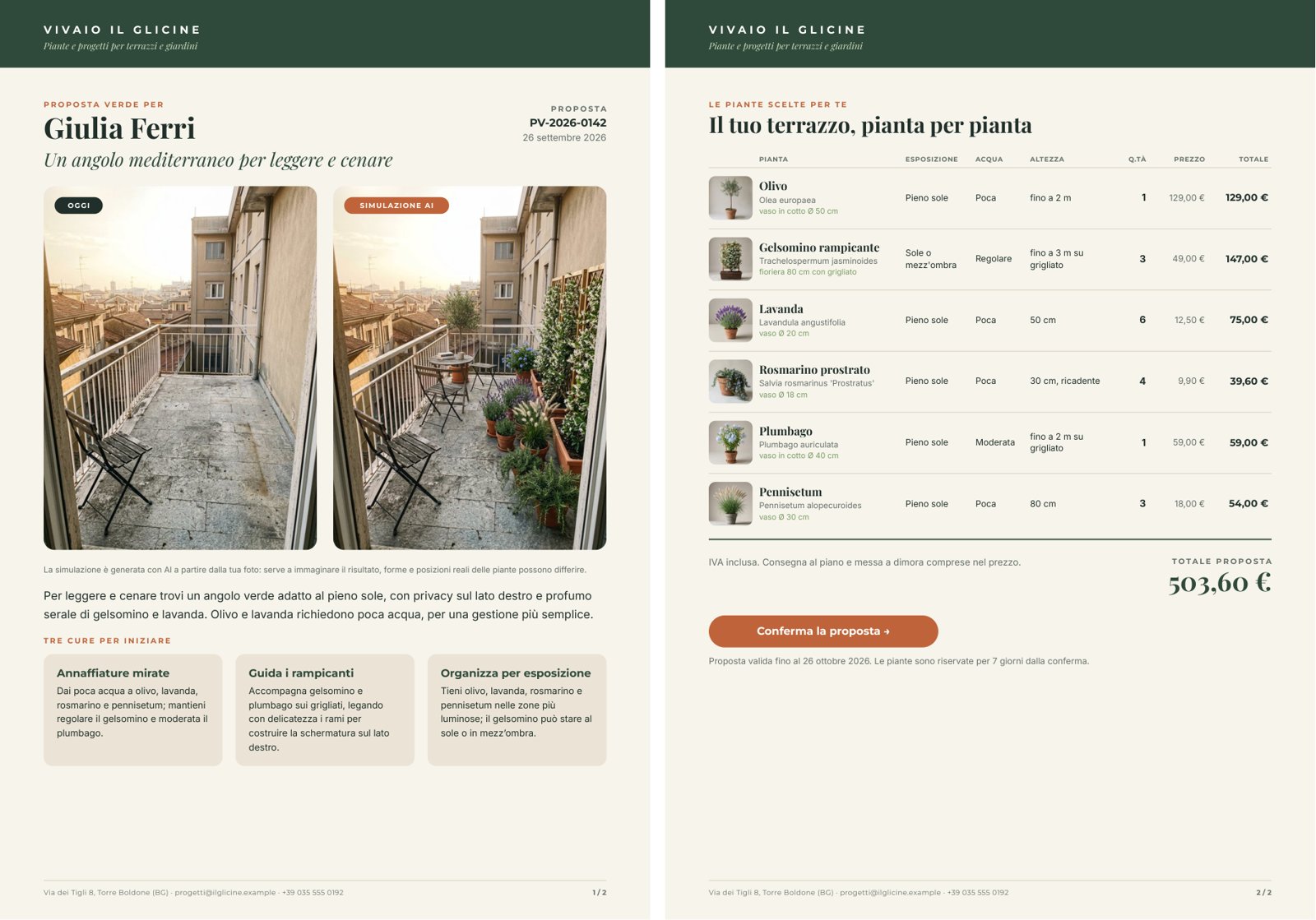
*A reference run: 51 seconds, 5.13 credits. [PDF](/examples/f06/result-proposal.pdf) · [the simulation](/examples/f06/result-staged-terrace.jpg) · [the AI copy](/examples/f06/result-copy.json) · [layout report](/examples/f06/result-layout-report.json) · pages [1](/examples/f06/result-page-1.jpg), [2](/examples/f06/result-page-2.jpg).*
## The case
[Section titled “The case”](#the-case)
*Vivaio Il Glicine* (fictional, near Bergamo) designs the greenery of terraces and gardens. Today whoever answers a request prepares a quote by hand, and whoever receives it has to imagine the result.
| Input | Who provides it | Example |
| -------------------------- | ----------------------------------- | --------------------------------------------------------------------------------------------------------------------------------------------------------------------------- |
| Photo of the terrace | the customer, with her phone | an empty terrace, deliberately shot like a phone snapshot (tilted framing, a folding chair, stains on the floor) |
| Customer notes | the customer, from the contact form | 12 m², south-west, privacy from the building opposite, scent, little time, no thorns |
| Selected plants and prices | the nursery’s management system | for each plant name, Latin name, exposure, water, height, pot, quantity, unit price, line total, catalogue photo; then total, validity, confirmation link — one JSON object |
The terrace photo and the six catalogue photos are the example’s starting data, generated once.
## What it shows
[Section titled “What it shows”](#what-it-shows)
* **The proposal is about the customer’s terrace, not a terrace.** The staging does not generate a scene from scratch: `ai/image_transform` receives the customer’s photo and an instruction to keep everything as it is (floor, railing, walls, the building opposite, light, framing) and add only the chosen plants, in their quantities. On the page the image carries the badge **SIMULAZIONE AI**, and a note below says real shapes and positions may differ.
* **What is paid for does not pass through the AI.** Plants, quantities, prices and total come from the management system on `data_1` and win over any value with the same key in the AI copy on `data_0`. The instructions forbid the model prices, discounts, guarantees, plants not chosen, and claims about the plants’ safety for pets or children — advice the nursery gives in person. See [Templates in workflows](/templates/in-workflows/#keep-ai-copy-and-verified-facts-apart).
* **One model, three tasks, one contract.** A single call writes the headline, the introduction, three tips and the staging instruction; a JSON Schema checks it (lengths with a 10% margin over the instructions, exactly three tips) before the image starts — the image costs forty times more.
* **The table follows its rows.** The plant list sits in a flowing Layout: with six plants, total, button and validity move up under the sixth row; with three, under the third. See [Flowing layouts](/templates/techniques/flowing-layouts/).
## The template
[Section titled “The template”](#the-template)
A4, two pages under the master page *Letterhead* (a band with the nursery’s name, a footer with contacts and *N / M*); Playfair Display for names and titles, Montserrat for labels and amounts, Inter for text; green `#2f4a3a`, paper `#f7f4ec`, terracotta `#c0643a`.
| Page | Content | How it is built |
| -------- | ---------------------------------------------------------------------------------------------------------------------------------------------------------------------- | ----------------------------------------------------------------------------------------------------------------------------------------------------------------------------- |
| Proposal | *Proposta verde per* + name, AI headline, code and date; the photos **OGGI** and **SIMULAZIONE AI** side by side; the note on the simulation; introduction; three tips | a flowing Layout: header in two columns, the photo row (two fixed 250 × 333 boxes, the 3:4 of a phone, with the badge inside), texts, the list `care_tips` as a grid of three |
| Plants | *Il tuo terrazzo, pianta per pianta*; table; total; button *Conferma la proposta →*; validity | a flowing Layout: column header, the list `plants` (vertical, up to 8), closing rule, total, confirmation |
| Data | Field | How it prints |
| ------------------------- | -------------------------------------------------------- | --------------------------------------------------------------------------------------------------------------------- |
| Customer’s photo | `terrace_photo`, image | **fill**, rounded corners ([Images](/templates/techniques/images/)) |
| Simulation | `staging_image`, image | as above, with the terracotta badge |
| Plant | `item.photo`, `item.name`, `item.latin_name`, `item.pot` | catalogue photo, name, Latin name in italics, pot in green |
| Exposure, water, height | `item.exposure`, `item.water`, `item.height` | text, up to two lines |
| Quantity | `item.quantity`, number | integer, right-aligned |
| Unit price and line total | `item.unit_price`, `item.line_total`, numbers | `it-IT` currency: *12,50 €*, *147,00 €* |
| Total | `total`, number | currency, large: *503,60 €* |
| Link | `confirm_url` (optional) | the button’s link; without a link there is no button ([Links](/templates/techniques/conditions-links-formats/#links)) |
The AI fills `headline`, `intro` and `care_tips` (`{ title, text }`); the nursery fills `customer_name`, `proposal_code`, `proposal_date`, `plants`, `total`, `total_note`, `validity` and `confirm_url`.
Design choices worth copying:
* **Before and after at the same size.** Two identical boxes, the same crop: the eye compares the same point of view. The simulation keeps the photo’s proportions (`aspect_ratio: match_input`).
* **A table, not cards.** Whoever receives a proposal compares rows and checks the bill: columns with a header, amounts right-aligned, the line total in bold. Column widths are fixed (a text does not widen with its content), sized on the nursery’s data.
* **Tips of the same height.** Each tip is drawn for five lines with the rule *at least as drawn*: the three boxes stay aligned whatever the length of the text.
* **Three sample sets** — *Terrazzo Ferri (6 piante)*, *Tre piante, senza link*, *Otto piante (il massimo)* — show how page 2 follows the table and what happens without a link.
## The workflow
[Section titled “The workflow”](#the-workflow)
```plaintext
Selected plants and prices ──► Selected plants ──► Compose the brief ◄── Customer notes
Compose the brief ──► Write the proposal and the staging (AI, JSON) ──► Copy fits the proposal (JSON Schema)
Copy fits the proposal ──► Staging instruction ──prompt──► Stage the plants on the terrace ◄──images_0── Photo of the terrace
Copy fits the proposal ──data_0──────────► Compose the proposal (Render Document Template)
Selected plants and prices ──data_1──────► Compose the proposal
Photo of the terrace ──terrace_photo─────► Compose the proposal
Stage the plants on the terrace ──staging_image──► Compose the proposal ──► PDF · Page images · Layout report
```
| Node | Type | Why |
| --------------------------------------------- | ----------------------------------------------------------------------------------------- | --------------------------------------------------------------------------------------- |
| Photo of the terrace (from the customer) | `input/image` | The customer’s photo; in the example the default value, at every request the new photo |
| Customer notes | `input/text` | The customer’s words, as she wrote them |
| Selected plants and prices (from the nursery) | `input/json_value` | The nursery’s choice with its prices, printed as it is |
| Selected plants | `utility/extract` (`plants`) | Passes only the list of plants to the model |
| Compose the brief | `text/template` | Notes and plants in one message; a JSON input enters the text as it is |
| Write the proposal and the staging | `ai/text_generation`, `json_object`, temperature 0.5 | Headline, introduction, three tips, the image instruction |
| Copy fits the proposal | `utility/json_schema_validate`, mode `fail` | Stops out-of-size copy before the image is paid for |
| Staging instruction | `utility/extract` | The instruction, in English, for the image model |
| Stage the plants on the terrace | `ai/image_transform`, default model, `match_input` | The plants on the customer’s photo |
| Compose the proposal | `design/template_render`, output `both`, `max_repeat: 8`, `missing_policy: fail_required` | AI copy on `data_0`, the nursery’s facts on `data_1` (they win), the two photos by name |
| Outputs | `output/pdf`, `output/image`, `output/json` ×3 | The proposal PDF, the simulation, the page images, the approved copy, the layout report |
**Reading a run**: *Approved copy* is what the AI wrote before layout; the *Layout report* shows `repeatItems: 9`, `imagesLoaded: 10`, no warnings. The simulation changes from one run to the next (one attempt put the olive tree in the foreground, another at the back): it is a visual proposal, not a project — which is why the badge and the note stay.
**Cost**: 5.13 credits per run — the copy and instruction 0.13, the terrace simulation 5; composition is free. Without the simulation the proposal would cost 0.13 credits. The photos (terrace and catalogue) are starting data: 7 images, 35 credits, once.
## Install it
[Section titled “Install it”](#install-it)
The example installs into your workspace with an API key, through the public API only — see [Installing an example](/templates/gallery/#installing-an-example):
```bash
node madoo-install-example.mjs f06 --api <your Madoo API URL> --key <key.json>
```
It uploads the terrace photo (the default value of *Photo of the terrace*) and the six catalogue photos, publishes the template and the workflow. To run it, open the workflow and paste the nursery’s choice from [`run-inputs.json`](/examples/f06/run-inputs.json) — with the paths of the uploaded catalogue photos in place of its placeholders — into *Selected plants and prices*, or add `--run`, which fills them for you (about 5 credits).
## Change it
[Section titled “Change it”](#change-it)
* **Another customer**: another photo in *Photo of the terrace*, other notes, another choice from the nursery.
* **Another sector**: the structure — customer’s photo → product staged on it → offer with the management system’s prices — works for furniture, awnings, flooring, lighting, kitchens; table and instructions change.
* **Without simulation**: remove the image node and the *after* box; the proposal costs 0.13 credits.
* **Different tips**: ask explicitly that the items of a multi-part text differ from each other; a first draft of this example had two watering tips out of three until the instructions required three different topics.
## Files
[Section titled “Files”](#files)
[manifest](/examples/f06/manifest.json) · [template](/examples/f06/template.json) · [workflow](/examples/f06/workflow.json) · [run inputs](/examples/f06/run-inputs.json)
# F07 — Property listing from a photo bundle
> A property listing from a verified photo bundle — an AI judgement of every photo, a gallery of the publishable ones only, the cover chosen in the bundle, facts only from the agency's sheet, and a two-page A4 sheet plus a 4:5 social post from one template. Installable.
An estate agency uploads the photo shoot of an apartment in one go (a *bundle* of eight photos) together with the sheet of certain facts; Madoo has the AI look at every photo, keeps in the gallery only the publishable ones, has the texts written from the sheet, and produces from the same template a two-page PDF sheet and a 4:5 social post. Price, areas, rooms and every other fact are printed as the agency wrote them.
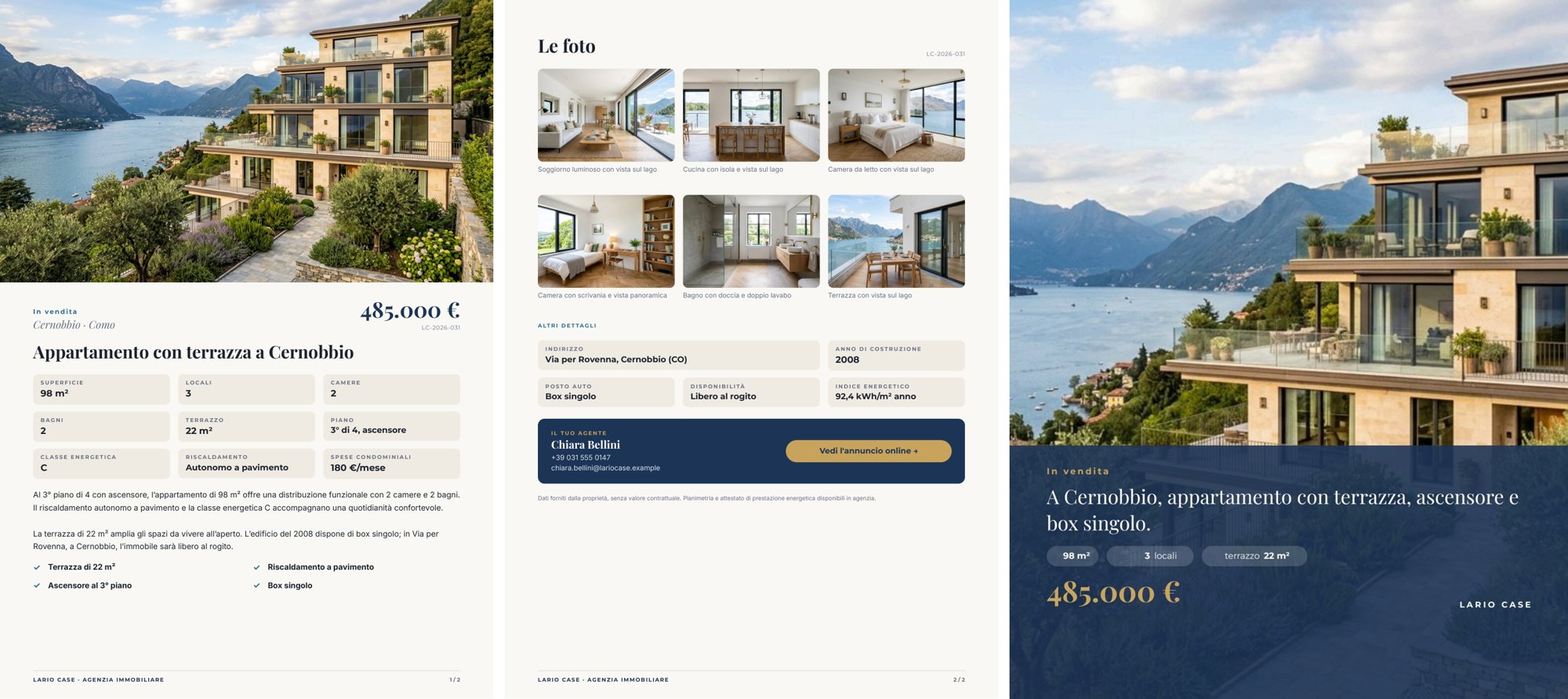
*A reference run: 24 seconds, 0.17 credits. [PDF](/examples/f07/result-listing.pdf) · [the social post](/examples/f07/result-social.jpg) · [photo-by-photo review](/examples/f07/result-photo-review.json) · [the AI copy](/examples/f07/result-copy.json) · [layout report](/examples/f07/result-layout-report.json).*
## The case
[Section titled “The case”](#the-case)
*Lario Case* (a fictional agency on Lake Como) puts a three-room apartment with a terrace in Cernobbio on the market. The photographer delivers eight shots: seven good ones and one taken in a hurry — a dark, blurred, tilted hallway — as happens in every real shoot.
| Input | Who provides it | Example |
| -------------- | ---------------------------------------------------------------------------------------------------------------------------------------------------------------------------------------------------- | ------------------------------------------------------------------------------------------------------- |
| Photo shoot | the photographer, through the agent: each photo with a declared role (`hero` for the cover, then `living_room`, `kitchen`, …) | *Photo shoot (bundle)*, the shoot saved as default value ([spec](/examples/f07/photo-bundle-spec.json)) |
| Property sheet | the agency’s management system: contract, area, address, price, surface, rooms, bedrooms, bathrooms, floor, terrace, energy class and index, year, fees, heating, parking, availability, agent, link | one JSON object |
The bundle is not a convenience container: Madoo checks that every file belongs to the workspace and matches its checksum before any paid call, and every photo carries its identity, role and rights through to the result. The photos are the example’s starting data, generated once as a consistent shoot (same parquet, same windows, same lake).
## What it shows
[Section titled “What it shows”](#what-it-shows)
* **A person chooses the cover, the AI filters the gallery.** The agent declares in the bundle which photo is the cover (`role: hero`); the AI does not change it. For all the others the AI says whether they are publishable: in the reference run seven out of eight yes, the hallway no (*“dark, motion-blurred, and partly obstructed by a coat”*). Only the publishable photos that are not the cover go into the gallery: six photos.
* **Keeping only some rows of a list.** For each photo `utility/filter` lets the image through only if its condition is true; otherwise the value is *absent*. The `photo` column of `aggregate/json` has `whenAbsent: skip_row`: a discarded photo leaves the list instead of becoming an empty row. The same mechanism, with the condition “is the cover”, produces the one-photo list the template uses as cover. The same run also produces the full photo-by-photo review, discarded photos included, for whoever has to review the shoot. See [Iteration](/workflows/iteration/).
* **Facts from the sheet, words from the AI.** The sheet reaches the render on `data_1` and wins over any value with the same key in the AI copy on `data_0`. The instructions let the AI use only the facts of the sheet, not write price, reference or contacts, write numbers as the sheet does and square metres as “m²”. A JSON Schema checks headline, description, four highlights and the line for the post. See [Templates in workflows](/templates/in-workflows/#keep-ai-copy-and-verified-facts-apart).
* **One template, two products.** Pages 1–2 are the A4 sheet, page 3 is the 4:5 post (540 × 675 pt, an image of 1125 × 1406 px). Two render nodes read the same template with two page selections (`1-2` → PDF, `3` → image). The post opens its own numbering sequence, so the sheet’s footer says “1 / 2” and “2 / 2”. See [Numbering sequences and covers](/templates/techniques/multi-page/#numbering-sequences-and-covers).
## The template
[Section titled “The template”](#the-template)
Master page *Listing pages* (a footer with the agency and `{{page}} / {{sequencePages}}`) on the two A4 pages; the post has no master. Playfair Display for price and titles, Montserrat for labels and values, Inter for text; lake blue `#1d3557`, sand `#f1ece3`, gold `#c8a45c`.
| Page | Content | How it is built |
| -------------------------- | --------------------------------------------------------------------------------------------------------------------------------------------- | ------------------------------------------------------------------------------------------------------------------------------------ |
| Listing (A4) | full-width cover, contract and place, price, reference, AI headline, nine facts in a grid, AI description, four highlights | the list `hero` (one photo); below, a flowing Layout; the facts are cells with label and value; the list `highlights` in two columns |
| Photos and contacts (A4) | *Le foto* (up to nine, three per row, with AI caption), other details, the agent’s box with the button *Vedi l’annuncio online →*, disclaimer | the list `gallery` as a grid; the button exists only when there is a link |
| Social post (540 × 675 pt) | the cover, a band with contract, AI line, three facts, price and agency | the list `hero` full-page; `numberingStart: 1` |
| Data | Field | How it prints |
| ----------------- | ------------------------------------------------------------- | ---------------------------------------------------------------------------------- |
| Price | `price`, number | `it-IT` currency without decimals: *485.000 €* |
| Surface, terrace | `area_sqm`, `terrace_sqm`, numbers | suffix: *98 m²*, *22 m²* |
| Condominium fees | `condo_fees`, number | suffix: *180 €/mese* |
| Year | `year_built`, number | no separator: *2008* |
| Rooms in the post | `rooms`, number | the same format as in the sheet; the word “locali” is a fixed text beside it |
| Photos | `gallery[].photo`, `hero[].photo` | **fill**, rounded corners in the gallery ([Images](/templates/techniques/images/)) |
| Link | `listing_url` (optional) | the button’s link; without it the agent’s box has no button |
| AI copy | `headline`, `description`, `highlights[].text`, `social_line` | text from the validated AI output |
| Photo captions | `gallery[].caption` | from the photo analysis (*Look at the photo*), checked by *Assessment is complete* |
A field that appears in several places must have the same format everywhere (the engine checks it): that is why in the post “3 locali” and “terrazzo 22 m²” are a number in the sheet’s format plus a fixed word.
Design choices worth copying:
* **The cover is a one-row list.** Filtering produces a list, so the cover arrives as `hero` with one photo and the template repeats it once — on the sheet and on the post.
* **The post opens its own numbering sequence** (`numberingStart: 1`) instead of counting in the sheet’s pages.
* **Three sample sets** — *Cernobbio (6 foto pubblicabili)*, *Tre foto, senza link*, *Nove foto (il massimo)* — show the full gallery and the agent’s box without a button.
## The workflow
[Section titled “The workflow”](#the-workflow)
```plaintext
Photo shoot (bundle) ──► Verified photos ──► One photo at a time (one iteration per photo)
photo ──► Look at the photo (AI) ──► Assessment is complete (JSON Schema) ──► Publishable? · Caption · Why
role ──► Declared as cover? · Not the cover?
Publishable? + Not the cover? ──► Publishable and not the cover
photo ──► Keep for the gallery (if publishable and not the cover) ──► Gallery (skip_row) ◄── Caption
photo ──► Keep as cover (if declared as cover) ──► Cover (skip_row)
asset_id, role, judgement ──► Photo review
Property sheet ──► Sheet as text ──► Property sheet for the writer ──► Write the listing (AI) ──► Words fit the listing
Words fit the listing ──data_0──┐
Property sheet ──data_1─────────┼──► Compose the listing (pages 1-2) ──► PDF · Page images · Layout report
Gallery, Cover ─────────────────┴──► Compose the social post (page 3) ──► Social post (4:5)
```
| Node | Type | Why |
| --------------------------------------------- | ------------------------------------------------------------------------------ | ------------------------------------------------------------------------------------------------------------- |
| Photo shoot (bundle) | `input/bundle_manifest`, `validation: fail`, `verifyChecksum: always` | The shoot as one verified unit of work; an altered file stops the workflow before any spending |
| Verified photos | `utility/extract` (`assets`) | The list of verified assets of the bundle |
| One photo at a time | `enumerate/json` | Ports `asset_id`, `role` (from the metadata) and `photo` (the verified image); eight photos, eight iterations |
| Look at the photo | `ai/image_analysis`, `json_object`, temperature 0.1 | Room, publishable yes/no, an Italian caption of what is visible, the reason |
| Assessment is complete | `utility/json_schema_validate`, mode `fail` | Allowed values and lengths before the judgement decides anything |
| Publishable? / Caption / Why | `utility/extract` | The three answers as separate values |
| Declared as cover? / Not the cover? | `utility/predicate` on the role (`equals` / `not_equals` `hero`) | The choice of the cover stays with the agent |
| Publishable and not the cover | `utility/boolean_combine`, mode `all` | The gallery’s condition |
| Keep for the gallery / Keep as cover | `utility/filter` | The image passes or becomes *absent* |
| Gallery / Cover | `aggregate/json`, column `photo` with `whenAbsent: skip_row` | Only the rows with a photo; the images of excluded rows are not even copied |
| Photo review | `aggregate/json` | All eight photos, with judgement and reason |
| Sheet as text / Property sheet for the writer | `utility/extract`, `text/template` | The sheet, as JSON text, in the writer’s message |
| Write the listing / Words fit the listing | `ai/text_generation` + `utility/json_schema_validate` | Headline, description, highlights, the line for the post — from the sheet only |
| Compose the listing / Compose the social post | `design/template_render`, pages `1-2` (output `both`) and `3` (output `image`) | Same template, same data, two products |
| Outputs | `output/pdf`, `output/image`, `output/json` ×4 | The PDF, the page images, the post, the photo review, the approved words, the layout report |
**Reading a run**: *Photo review* lists all eight photos with `listing_ready` and the reason; the gallery has six photos, the cover one. The description stays sober because the AI cannot add anything the sheet does not say: for a richer text you need a richer sheet, not a freer AI.
**Cost**: 0.17 credits per run — eight photo judgements 0.08, the listing texts 0.09; bundle verification, filters and composition are free. The eight photos are starting data: 40 credits, once.
## Install it
[Section titled “Install it”](#install-it)
The example installs into your workspace with an API key, through the public API only — see [Installing an example](/templates/gallery/#installing-an-example):
```bash
node madoo-install-example.mjs f07 --api <your Madoo API URL> --key <key.json>
```
It uploads the eight photos, composes the photo bundle from [`photo-bundle-spec.json`](/examples/f07/photo-bundle-spec.json) (Madoo derives type, size and checksum), validates it and saves it as the default value of *Photo shoot*, then publishes the template and the workflow. To run it, open the workflow and paste the property sheet from [`run-inputs.json`](/examples/f07/run-inputs.json), or add `--run` (about 0.2 credits).
## Change it
[Section titled “Change it”](#change-it)
* **Another property**: another bundle (the photos with their roles) and another sheet; up to nine photos in the gallery.
* **Another cover**: change the `hero` role in the bundle, without touching the workflow.
* **A stricter or looser judgement**: the instructions of *Look at the photo* say what makes a photo publishable.
* **Improve or stage photos**: photos judged to need work or virtual staging can go through an `ai/image_transform` declared as a simulation, as in [F06](/templates/gallery/f06-terrace-proposal/).
## Files
[Section titled “Files”](#files)
[manifest](/examples/f07/manifest.json) · [template](/examples/f07/template.json) · [workflow](/examples/f07/workflow.json) · [photo bundle spec](/examples/f07/photo-bundle-spec.json) · [run inputs](/examples/f07/run-inputs.json)
# F08 — Course poster in a brand font
> A course poster set in a private brand font (Righteous, SIL Open Font License), shared from the head office's workspace to a school's workspace together with the font, and produced by both with the same look. Installable.
The head office of a network of language schools designs the course poster once, in the brand font, and shares it with the schools of the network; each school imports it into its own workspace, **font included**, and produces its own posters, which come out in the same style as the head office’s.
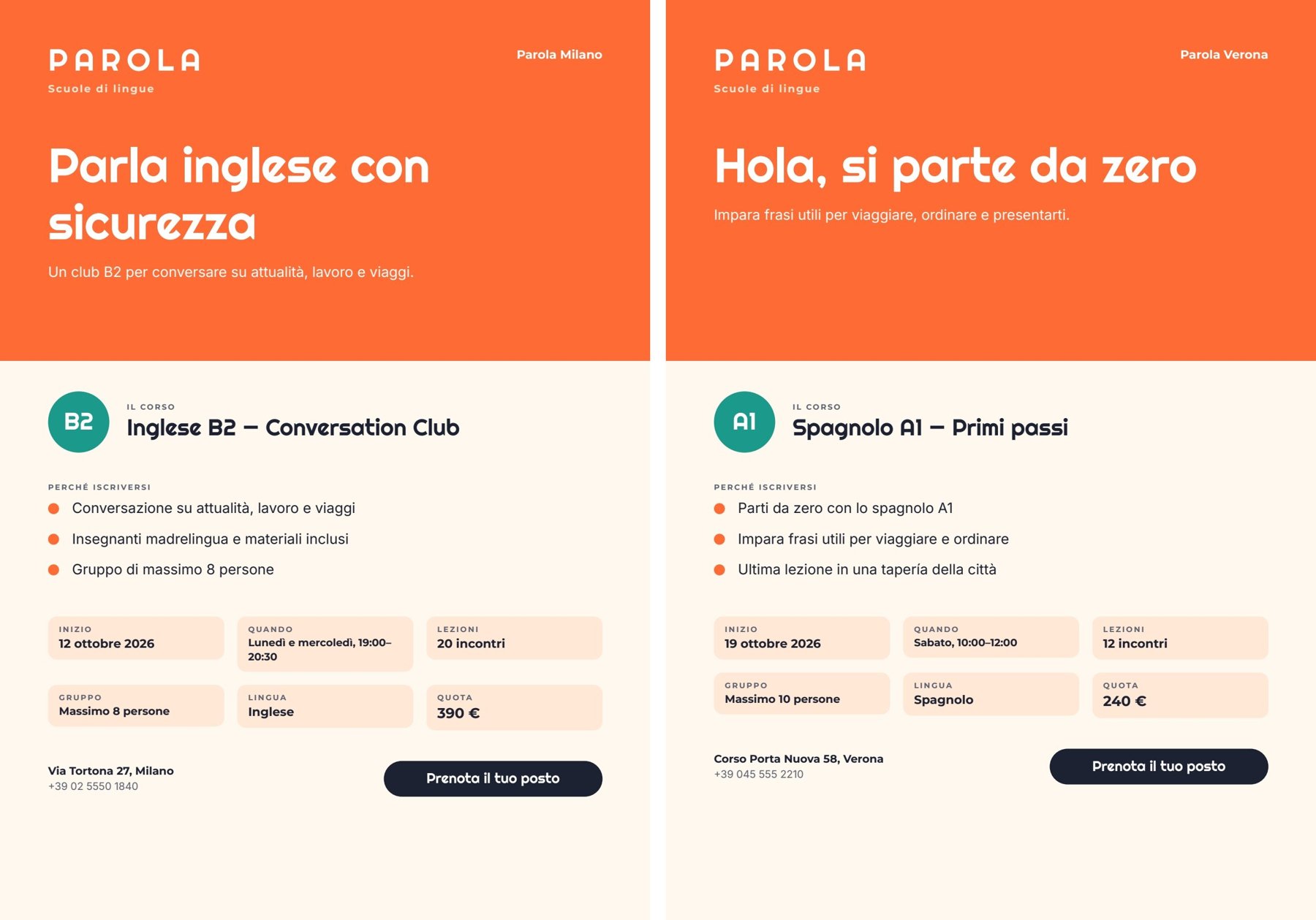
*Two reference runs, one per workspace: the head office’s poster (Milan) and the school’s poster (Verona), each 15 seconds and 0.03 credits. PDFs: [Milan](/examples/f08/result-milano.pdf) · [Verona](/examples/f08/result-verona.pdf). The AI words: [Milan](/examples/f08/result-milano-copy.json) · [Verona](/examples/f08/result-verona-copy.json).*
## The case
[Section titled “The case”](#the-case)
*Parola* (a fictional network of language schools) has a precise identity: orange, a recognisable poster and a brand font, **Righteous**. The head office prepares the course poster once; the schools — Milan, Verona, … — each with their own workspace, use it for their own courses.
| Who | Workspace | What they do |
| ------------- | --------------- | ----------------------------------------------------------------------------------------------------------------------------------------- |
| Head office | its own | Uploads the brand font, designs the template and the workflow, tries them on the Milan course, **shares the workflow including the font** |
| Verona school | *Parola Verona* | Opens the link, sees that the font comes with the share, **imports**, publishes its copy and runs it with its own course |
Righteous is published under the SIL Open Font License 1.1, which allows it to be shared. It is not one of Madoo’s built-in fonts: for the platform it is a **private font** of the head office’s workspace.
## What it shows
[Section titled “What it shows”](#what-it-shows)
* **Sharing is copying, not linking.** The importer receives an independent copy of the workflow and the template in its own workspace, tied to the shared revision. The school’s changes do not touch the head office; a new revision at the head office does not change copies already imported — to get it, the school imports again from the link. The head office’s link follows the workflow: when the head office saves, the link shares the new version. See [Sharing a template](/templates/lifecycle/#sharing-a-template).
* **The font travels only if the sharer takes responsibility for it.** Private fonts do not follow a share by default: the receiver would need the same file or a substitute, and the poster would no longer be the head office’s. When sharing, the head office sees the list of non-built-in fonts in use and can include them by declaring that it holds the rights to share them with the link’s recipients; the declaration — who, when, which font versions — is recorded on the share. Without the declaration, a share with fonts is refused.
* **The font file never passes through a public address.** The share carries only the font’s data (name, version, fingerprint, variants). On import the server reads the files from the sharer’s workspace, checks their integrity and adds them to the receiver’s workspace through the same path as a normal upload (format check and security scan included). The installed font has the same fingerprint — exactly the same version — and every text of the copy points to the receiver’s font. See [Fonts and weights](/templates/techniques/text/#fonts-and-weights).
* **Facts from the school, words from the AI.** The course record reaches the template on `data_1` and wins; the AI writes the headline, the subheadline and three reasons, checked by a JSON Schema, and never touches dates, schedule, price or contacts.
**What the school sees.** Before importing, the font check says ([preflight](/examples/f08/result-verona-preflight.json)): *Righteous — Included. Included by the person who shared, who declared holding the rights to share it. Importing adds it to this workspace’s fonts.* Adding Righteous is preselected; the school can choose one of its own fonts instead. After the import ([report](/examples/f08/result-verona-report.json)) the school has a published copy of the workflow, a copy of the template that its composition node points to, and Righteous as a workspace font with the same fingerprint, referenced by the template’s five Righteous texts.
## The template
[Section titled “The template”](#the-template)
A4 portrait, one page; Righteous for the logotype, headline, level, course name and button; Montserrat for labels and values; Inter for body text. Orange `#ff6b35`, teal `#1b998b`, cream `#ffe8d6`.
| Area | Content | How it is built |
| -------- | --------------------------------------------------------------------------- | ---------------------------------------------------------------------------------------- |
| Band | *PAROLA · Scuole di lingue*, the school, headline (AI) and subheadline (AI) | headline in Righteous 44 pt, at most two lines, shrinks if needed |
| Course | the level in a circle, the course name | a horizontal Layout |
| Why join | three reasons (AI) | a repeated list `reasons` (`item.text`), a drawn dot per row |
| Facts | start, when, lessons (*20 incontri*), group, language, fee (*390 €*) | six cells in two rows; `lessons` and `price` are number fields formatted by the template |
| Footer | address, phone, button *Prenota il tuo posto* | the button exists only when `booking_url` has a value |
| Field | Type | Required | Comes from |
| --------------------------------------------------------------------------------------------------------- | ----------------------------------- | -------- | ----------------------------------- |
| `headline`, `subhead` | text | yes | the AI’s JSON, validated (`data_0`) |
| `reasons` | list of `{ text }` | yes | the AI’s JSON, exactly three |
| `school`, `level`, `course_title`, `start_date`, `schedule`, `group_size`, `language`, `address`, `phone` | text | yes | the course record (`data_1`) |
| `lessons` | number (`it-IT`, suffix *incontri*) | yes | the course record |
| `price` | number (EUR, `it-IT`, no decimals) | yes | the course record |
| `booking_url` | text | no | the course record |
Design choices worth copying:
* **Exact font references.** Every Righteous text points to one font version by fingerprint; on import those references are rewritten to the receiver’s copy of the same file.
* **Check every character in the brand font.** Righteous has no `→` arrow, and a missing glyph simply does not print: the arrows before the reasons and on the button disappeared from the first poster, without a warning. The template now uses drawn dots.
* **An optional link, an optional button**: the template’s Verona sample set has no link, and its page has no button.
* **Two sample sets** in the template: *Milano — Inglese B2* and *Verona — Spagnolo A1, senza link*.
## The workflow
[Section titled “The workflow”](#the-workflow)
```plaintext
Course (from the school) ──► Course as text ──► Course for the writer ──► Write the headline and the reasons (AI, JSON)
│ │
│ Words fit the poster (JSON Schema)
│ │
└──────────────────────────────data_1──────────► Compose the poster ◄──data_0──┤──► Approved words
│
├──► Poster — PDF
└──► Poster — image
```
| Node | Type | Why |
| ------------------------------------- | --------------------------------------------------------------------------------------------------------- | ------------------------------------------------------------------------------------------------------------------ |
| Course (from the school) | `input/json_value` | The course record passes intact as one JSON value |
| Course as text, Course for the writer | `utility/extract`, `text/template` | The record becomes the text of the prompt |
| Write the headline and the reasons | `ai/text_generation`, `response_format: json_object`, temperature 0.6 | Italian, warm and direct; the rules forbid inventing facts and writing price, dates, schedule, address or contacts |
| Words fit the poster | `utility/json_schema_validate`, inline schema, mode `fail` | `headline` at most 38 characters, `subhead` at most 88, exactly three `reasons` of at most 58 |
| Compose the poster | `design/template_render`, fixed revision, output `both`, `missing_policy: fail_required`, `max_repeat: 3` | Validated words on `data_0`, the course record on `data_1`, which wins |
| Outputs | `output/pdf`, `output/image`, `output/json` | The PDF, the page image, the approved words |
The workflow is deliberately simple: the subject of this example is sharing.
**Reading a run**: *Approved words* is what the AI wrote; everything else on the poster comes from the course record. If the words do not fit, the run stops on *Words fit the poster* with every violation.
**Cost**: about 0.03 credits per run, the headline and reasons. Sharing, importing and installing the font are free.
## Install it
[Section titled “Install it”](#install-it)
The example installs into your workspace with an API key, through the public API only — see [Installing an example](/templates/gallery/#installing-an-example):
```bash
node madoo-install-example.mjs f08 --api <your Madoo API URL> --key <key.json>
```
It uploads the Righteous font to your workspace, acknowledging its SIL Open Font License on your behalf, fills the template’s font references with the uploaded font, and publishes the template and the workflow. To run it, use the Milan course in [`run-inputs.json`](/examples/f08/run-inputs.json), or add `--run` (about 0.03 credits). Sharing is done from the editor: share the workflow, include the font and declare your rights to share it.
## Change it
[Section titled “Change it”](#change-it)
* **Another course or school**: change the course record; the facts print as they are.
* **No booking link**: leave `booking_url` out and the button disappears.
* **Your own brand font**: upload it to the workspace and apply it to the Righteous texts; preview every symbol you use.
* **Share without the font**: the receiver then keeps their own copy of the font or chooses another one on import.
## Files
[Section titled “Files”](#files)
[manifest](/examples/f08/manifest.json) · [template](/examples/f08/template.json) · [workflow](/examples/f08/workflow.json) · [run inputs](/examples/f08/run-inputs.json)
# F09 — Poster built by an agent through MCP
> An event programme poster whose template and workflow were designed, previewed, published, run and corrected by an AI agent through the Madoo MCP server with a workspace API key, without opening the editor. Installable.
An AI agent, connected to Madoo through the MCP server and **never opening the editor**, designs the poster template of a cultural festival, publishes it, builds the workflow that fills it from the programme — an invitation written by the AI, an AI illustration, one line per evening — runs it, looks at the result and corrects it. The outcome is the same kind of document as the examples made in the editor.
*A reference run of the second version of the workflow: 36 seconds, 5.04 credits. The build took 90 MCP calls in about 10 minutes. [PDF](/examples/f09/result.pdf) · [the approved words](/examples/f09/result-copy.json).*
## The case
[Section titled “The case”](#the-case)
*Cortile Aperto* (a fictional association in Bologna) organises *Libri in cortile* every summer: five evenings with authors in a courtyard of via del Pratello. Every year it needs the same A4 poster with the new programme. The person in charge does not want to learn an editor: they ask their AI assistant to “make the festival poster, and a way to redo it next year from the programme”.
| Input | Who provides it | Example |
| ------------------ | ----------------------------------------- | -------------------------------------------------------------------------------------------------------- |
| Festival programme | the association, as JSON it already keeps | title, edition, theme, venue, entry note, contacts and the list of `evenings` (date, time, author, book) |
## What it shows
[Section titled “What it shows”](#what-it-shows)
* **Surface parity.** What can be done in the editor must be possible from REST, MCP and the agent with the same result. Here no step goes through the interface: the template is built with the design-template tools, the workflow with `create_workflow_draft`; validation, estimate, publishing, execution and reading the result are MCP calls too.
* **The agent works like a careful person: discover, try, look.** It does not guess names: it searches the nodes (`search_node_types`), reads their exact contract (`get_node_type`) and reads each tool’s schema before using it. Before publishing the template it looks at the **exact preview** of a sample set (JPEG images of the page) and checks publish readiness; after the first run it looks at the poster and corrects the workflow.
* **The same rules as the other examples.** The facts — dates, authors, venue, entry, contacts — come from the programme without passing through a model; the AI writes only the invitation and the illustration idea, inside a JSON Schema that limits their length; the workflow uses a published revision of the template.
* **Only the access it needs.** The agent uses a workspace API key with only the scopes required (catalogue, workflows, executions, assets, templates) on the MCP server’s API-key endpoint, `/mcp/automation`.
**What the agent did, in order** (tool names as recorded during the build):
| Step | MCP tools | What happens |
| ------------ | ------------------------------------------------------------------------------------------------------------------------------------------------------------------ | ------------------------------------------------------------------------------------------------------------------------------------------------------------------------------- |
| Get oriented | `initialize` (server instructions), `list_fonts` | Reads the usage rules and the available fonts |
| The template | `create_design_template_draft`, `update_design_template_page`, `add_design_template_rectangle` / `_text` / `_image_placeholder` / `_repeating_text_list` / `_line` | A cream A4 page, a green band with kicker, title, edition and illustration; below, invitation, programme, venue, entry and contacts |
| The fields | `configure_design_template_text_placeholder` | Title, edition, invitation, venue, entry and contacts become required fields; the illustration is an image field; the programme is a repeated list (`evenings`, row key `line`) |
| The style | `update_design_template_element` | Playfair Display for the title, Lora for the texts, Montserrat for labels and notes; the title takes at most two lines and shrinks beyond |
| The flow | `arrange_design_template_elements` | Invitation, label, programme, venue and entry in a flowing Layout: a longer invitation pushes the rest down |
| The test | `add_design_template_sample_set`, `preview_design_template_sample_set`, `get_design_template_publish_readiness` | Sample *Edizione 2026*, preview inspected, spacing corrected, no blockers |
| Publish | `publish_design_template_draft` | Revision 1 |
| The workflow | `search_node_types`, `get_node_type`, `validate_workflow`, `create_workflow_draft`, `publish_workflow` | Valid at the first attempt: 14 nodes, 19 connections |
| Run | `get_workflow` (execution contract), `estimate_execution`, `execute_workflow`, `get_execution`, `get_execution_result` | Estimate 6 credits, run, PDF and image |
| Correct | `update_workflow`, `execute_workflow` | A second version of the prompt after looking at the first poster |
Since then the MCP server groups related commands into families: the same work today uses `edit_design_template_page` (operation `update`), `configure_design_template_element_placeholder` (type `text`), `edit_design_template_sample_set` (operation `add`) and `get_design_template` (view `readiness`). An agent can also create a template from one complete document instead of element by element — see [Templates](/templates/) and the [document model](/templates/document-model/).
**The correction after the first poster.** The first run was correct but had two defects the agent saw in the image: the invitation **repeated** the free entry and the rain plan, already printed below, and the illustration had a **white frame** inside its box. The agent changed only the system prompt (“the poster already prints evenings, venue, entry and rain plan separately: do not repeat them”; “full bleed to the edges, no frame”) with `update_workflow`; the published workflow moved to version 2, and its run is the one shown above.
**Gaps found during the build**, in order of weight. Several have since been closed — rows with several elements (the add commands take a `parent_id`, see [Repeated lists](/templates/techniques/lists/)), letter spacing (`char_spacing`), and workspace fonts in `list_fonts` — and a template is best written as one complete document:
* **A Repeat row could hold only one text** with the element tools: `add_design_template_repeating_text_list` created a list with one field per row, with no way to add other elements inside the row or a Layout. In the editor the programme row would have had the date in bold and author and book in italic, aligned; here it is a sentence composed by the workflow.
* **An opaque error on missing required arguments**: `update_design_template_page` without `format` and `orientation` answered only “An error occurred invoking ‘update_design_template_page’”.
* **Searching nodes by capability sometimes misses**: “iterate json array items” did not return `enumerate/json`; a search by family (“enumerate”) did.
* **Missing text properties** in `update_design_template_element` at the time: letter spacing, and undocumented values of `fill_paint.type`.
* **`list_fonts` listed only built-in fonts**, not the workspace’s private ones.
* **The 64 KiB limit of sample sets** also applies to sample images: the agent had to shrink its test illustration; the error did not say which value exceeded it.
* **No tool for folders**: the agent’s workflow was created at the root.
* **The execution contract’s example** for a JSON input was a string (`"\"Replace with your value\""`); for an object, `{}` would be clearer.
What works well, and matters most for an agent: draft ETags prevent overwriting someone else’s changes, idempotency keys make every step repeatable, the exact preview lets the agent **look** before publishing, workflow validation is precise, and the execution contract gives the exact input keys and where to read the outputs.
## The template
[Section titled “The template”](#the-template)
One A4 page, three families: Playfair Display, Lora, Montserrat.
| Area | Content | How it is built |
| ------ | ------------------------------------------------------------------------------------------------- | --------------------------------------------------------------------------------- |
| Band | forest green, kicker *CORTILE APERTO PRESENTA*, title, edition, square illustration | fields `title`, `edition`; image field `illustration`, fills its box |
| Body | the invitation (up to 6 lines), the label *IL PROGRAMMA*, the evenings, the venue, the entry note | a flowing Layout; `evenings` is a Repeat of text rows, at most 6, an error beyond |
| Footer | a rule and the contacts | field `contacts` |
| Field | Type | Required | Comes from |
| ----------------------------------------------------- | ------------------ | -------- | ------------------------------------------------ |
| `intro` | text | yes | the AI’s JSON, validated (`data_0`) |
| `title`, `edition`, `venue`, `entry_note`, `contacts` | text | yes | the programme, printed as it is (`data_1`) |
| `illustration` | image | yes | the generated illustration (its own port) |
| `evenings` | list of `{ line }` | yes | the rows composed by the workflow (its own port) |
Design choice worth copying: **the programme row is one sentence composed by the workflow** (`[date] · ore [time] — [author], «[book]»`), not a row of four laid-out fields — a consequence of the first gap above.
## The workflow
[Section titled “The workflow”](#the-workflow)
```plaintext
Festival programme ──► Programme as text ──► Brief ──► Write the invitation and the illustration idea (AI, JSON)
│ │
│ Words fit the poster (JSON Schema) ──data_0──┐
│ └─► Illustration idea ──► Paint the illustration ──illustration──┤
├──► One evening at a time (enumerate) ──► Programme row ──► Evenings list (aggregate) ──evenings──────────────────────────┤
└──────────────────────────────────────────────data_1────────────────────────────────────────────────────► Compose the poster ──► PDF, image
+ approved words
```
| Node | Type | Why |
| -------------------------------------------------------------------------------------------- | --------------------------------------------------------------------------------------------------------- | ------------------------------------------------------------------------------------------------------------------------ |
| *Programma della rassegna* (festival programme) | `input/json_value` | The only input |
| *Programma come testo*, *Programma per la redazione* | `utility/extract`, `text/template` | The programme becomes the text of the prompt |
| *Scrivi l’invito e l’idea di illustrazione* (write the invitation and the illustration idea) | `ai/text_generation`, `response_format: json_object`, temperature 0.6 | `intro` in Italian and `image_prompt` in English; only facts from the programme, nothing already printed elsewhere |
| *Le parole stanno nella locandina* (the words fit the poster) | `utility/json_schema_validate`, inline schema, mode `fail` | Exactly two keys; `intro` between 120 and 340 characters |
| *Idea di illustrazione*, *Disegna l’illustrazione* | `utility/extract`, `ai/text_to_image`, `1_1` | A square, full-bleed editorial illustration, no text |
| *Una serata alla volta* (one evening at a time) | `enumerate/json` over `evenings` | One item per evening: date, time, author, book |
| *Riga del programma*, *Elenco serate* | `text/template`, `aggregate/json` (column `line`) | One sentence per evening, collected back into the list the template expects — see [Iteration](/workflows/iteration/) |
| *Componi la locandina* (compose the poster) | `design/template_render`, fixed revision, output `both`, `missing_policy: fail_required`, `max_repeat: 6` | Approved words and programme on the `data` port (`data_0`, `data_1`), `evenings` and `illustration` on their named ports |
| Outputs | `output/pdf`, `output/image`, `output/json` | The PDF, the page image, the approved words |
The node names are in Italian, like the poster. **Reading a run**: *Parole approvate* (approved words) holds the invitation and the image prompt; everything else on the poster comes from the programme.
**Cost**: 5.04 credits per run, almost all of it the illustration; the invitation is a small part. The estimate before running was 6 credits. Building the template, previews, validations and estimates are free.
## Install it
[Section titled “Install it”](#install-it)
The example installs into your workspace with an API key, through the public API only — see [Installing an example](/templates/gallery/#installing-an-example):
```bash
node madoo-install-example.mjs f09 --api <your Madoo API URL> --key <key.json>
```
It publishes the template the agent built and version 2 of its workflow; there are no files to upload. To run it, use the programme in [`run-inputs.json`](/examples/f09/run-inputs.json), or add `--run` (about 5 credits). To repeat the experiment itself, give an agent connected to the MCP server the case above and let it build its own.
## Change it
[Section titled “Change it”](#change-it)
* **Next year’s festival**: change the programme; the evenings follow the list, up to six.
* **Another kind of event**: a concert season, a lecture series, a market calendar — change the programme, the row sentence in *Riga del programma* and the style rules in the system prompt.
* **A richer programme row**: open the template in the editor and lay out date, author and book as separate elements of the Repeat row.
## Files
[Section titled “Files”](#files)
[manifest](/examples/f09/manifest.json) · [template](/examples/f09/template.json) · [workflow](/examples/f09/workflow.json) · [run inputs](/examples/f09/run-inputs.json)
# F10 — Course certificates in one PDF
> One PDF with the cover of a course register and one certificate of attendance per participant — Generate PDF for the cover, Multi-page PDF over the participants, typed field ports for numbers, yes/no and lists, no AI. Installable.
A craft school closes an edition of its course and produces **one PDF**: the cover of the course register — course, dates, hours, programme — followed by a certificate of attendance for each participant, with their hours, their final project and the *con merito* seal only for those who earned it. The cover is composed by `document/pdf`, the certificates by `aggregate/pdf`, the node that turns the items of an iteration into one PDF with a page per item. No AI: every word comes from the school’s register.
*A reference run on a clean workspace, built and run with an API key only: 7 seconds, 0 credits, 7 pages (the cover and 6 certificates). [PDF](/examples/f10/result-certificates.pdf).*
## The case
[Section titled “The case”](#the-case)
*Bottega Scuola Ferraris* (fictional, in Turin) runs courses in antique furniture restoration. At the end of each edition the office prepares a certificate for every participant by hand in a word processor, plus the register cover to file. The sector is **education**, but the same structure fits conference badges, online-course certificates, catalogue sheets, exhibition labels: anything that is *the same page, once for every item of a list*.
| Input | Who provides it | In the workflow |
| ------------ | ----------------------------------------------------------------------------------------- | --------------------------------------------------------------------------------------------- |
| Course data | the office: school, title, edition, dates, total hours, director, place and date of issue | seven simple inputs (`input/text`, `input/number` for the hours) holding the edition’s values |
| Programme | the course plan: modules and hours | *Programme* — `input/json_value`, a list |
| Participants | the register export: name, hours attended, distinction yes/no, final project | *Participants* — `input/json_value`, a list |
## What it shows
[Section titled “What it shows”](#what-it-shows)
* **Three nodes fill a template; choose by the result you need.** `design/template_render` for one document from structured data (PDF, page images, layout report, PDF/X-4, always a fixed revision); `document/pdf` for one document with one port per field; `aggregate/pdf` for **one PDF for a whole iteration**, the template’s pages repeated for each item, with an optional cover and closing. `utility/merge_pdf` is not an alternative: it joins a fixed list of existing PDFs, not the items of an iteration. See [One document per item, or one PDF for the whole list](/templates/in-workflows/#one-document-per-item-or-one-pdf-for-the-whole-list).
* **The ports are the template’s fields.** In `document/pdf` and `aggregate/pdf` every field code of the template is an input port, typed like the field: text, number (the hours), yes/no (the distinction), list (the programme, read by a Repeat row), image. Connect only the fields to fill; the others stay as in the template. A connection to a field the template does not have is rejected, with the list of valid fields.
* **What is iterated changes; the rest repeats.** `aggregate/pdf` receives each participant’s values from the enumerator and the course data from the simple inputs: the first change page by page, the second are the same on every certificate. See [Iteration](/workflows/iteration/).
* **A fixed revision means a reproducible result.** Both nodes set `template_revision`. Without it, `document/pdf` and `aggregate/pdf` compose the template’s **current draft** at run time — useful while trying the template, risky in production, because an edit to the draft changes the documents produced.
## The templates
[Section titled “The templates”](#the-templates)
Two templates, because `aggregate/pdf` repeats *all* the pages of its template for each item: the cover, which comes out once, is a separate document. Playfair Display for titles and names, Montserrat for labels, Inter for text; walnut `#3e2a1e`, cream `#f6efe3`, gold `#b8893b`. Numbers are formatted by the template in Italian, without a thousands separator.
| Template | Format | Fields | How it is built |
| ------------------------- | -------------------------------------------------- | -------------------------------------------------------------------------------------------------------------------------------------------------------------------------------------------------------- | ------------------------------------------------------------------------------------------------------------------------------------------------------ |
| Register cover | A4 portrait, walnut background | `school`, `course_title`, `edition`, `dates`, `course_hours` (number, *120 ore in tutto*), `director`, `modules` (list) | the programme is a one-column **Repeat**: each row has `item.name` and `item.hours` (number, *16 ore*); up to 12 modules, beyond that the render stops |
| Certificate of attendance | A4 landscape, cream paper with a double gold frame | `participant`, `hours_attended` (number, *118 ore frequentate*), `course_hours` (*su 120 di corso*), `project`, `distinction` (yes/no), plus `school`, `course_title`, `dates`, `director`, `issue_date` | the *con merito* seal is a circle with the condition `distinction = true` and a text bound to `distinction` in *visibility* mode |
Design choices worth copying:
* **A separate template for pages that appear once.** The cover reaches `aggregate/pdf` as `introPdf`; a closing page would arrive as `outroPdf`.
* **Hours are numbers**, with the words around them (*ore frequentate*, *su … di corso*) as prefix and suffix of the format — the register passes `118`, not a sentence. See [Conditions, links and formats](/templates/techniques/conditions-links-formats/).
* **The distinction is a yes/no field** that shows or hides the seal, not a text to type.
* **Sample sets** in both templates (*Primavera 2026*; *Alessandra Bruno*, *Davide Ricci*), so the editor shows real pages.
## The workflow
[Section titled “The workflow”](#the-workflow)
```plaintext
School, Course, Edition, Dates, Course hours, Director ─┬──────────────────► Cover of the registry (document/pdf) ──introPdf──┐
Programme (modules and hours) ──modules─────────────────┘ │
School, Course, Dates, Course hours, Director, Place and date of issue ─────────────────────────────────────────────────────┤
Participants ──► One participant at a time (enumerate/json) ──participant, hours_attended, distinction, project────────────┤
Cover + one certificate per participant (aggregate/pdf) ──► Certificates — PDF
```
| Node | Type | Why |
| --------------------------------------- | ------------------------------------------------------------------- | ------------------------------------------------------------------------------------------------------------------ |
| Course data (7) | `input/text`, `input/number` | The edition’s values; the hours are a number, not a text |
| Programme (modules and hours) | `input/json_value` | The list of modules, connected to the cover’s `modules` port |
| Participants (registry export) | `input/json_value` | The register export |
| Cover of the registry | `document/pdf`, `template_revision` fixed | The cover: every field is a port; `modules` receives the whole list |
| One participant at a time | `enumerate/json` | One iteration per participant; exposes `participant`, `hours_attended` (number), `distinction` (yes/no), `project` |
| Cover + one certificate per participant | `aggregate/pdf`, `template_revision` fixed, `outputName: attestati` | Fills the certificate once per participant; the course data come from the simple inputs; `introPdf` is the cover |
| Certificates — PDF | `output/pdf` | The final PDF |
In the public workflow definition (REST, MCP, agent) the multi-page node is written like this:
```json
{"id":"certificates","type":"aggregate/pdf","parameters":{
"template_id":"tpl_…","template_revision":1,"outputName":"attestati"}}
```
**Reading a run**: one PDF, the cover first and then one certificate per participant, in the order of the register; the pages follow the number of participants.
**Checks.** The same cover rendered by `document/pdf` and by `design/template_render` with the same inputs gives byte-identical page images ([parity](/examples/f10/result-parity.json)); without `template_revision`, `document/pdf` shows an unpublished draft edit, with it the published revision. A workflow saved in the editor reads back through the public API with `template_id`, is written back unchanged and runs ([round trip](/examples/f10/result-editor-roundtrip.json)).
**Cost**: 0 credits — no AI; composing and joining PDFs is free.
## Install it
[Section titled “Install it”](#install-it)
The example installs into your workspace with an API key, through the public API only — see [Installing an example](/templates/gallery/#installing-an-example):
```bash
node madoo-install-example.mjs f10 --api <your Madoo API URL> --key <key.json>
```
It publishes the two templates — the register cover and the certificate — and the workflow; there are no files to upload. To run it, paste the programme and the participants from [`run-inputs.json`](/examples/f10/run-inputs.json), or add `--run` (0 credits).
## Change it
[Section titled “Change it”](#change-it)
* **Another edition**: change the course data and pass another register to *Participants*; the pages follow the number of participants.
* **Without a cover**: disconnect `introPdf`; with `outroPdf` add a closing page, for example the course rules.
* **Another sector**: event badges (one attendee per page), product sheets (one item per page), exhibition labels. The template and the list change, not the structure.
* **Try a template change before publishing it**: remove `template_revision` from one of the two nodes and run; then publish and set it again.
## Files
[Section titled “Files”](#files)
[manifest](/examples/f10/manifest.json) · [cover template](/examples/f10/template.json) · [certificate template](/examples/f10/certificate-template.json) · [workflow](/examples/f10/workflow.json) · [run inputs](/examples/f10/run-inputs.json)
# F11 — Restaurant menu
> An evening menu on one A4 page — sections with their dishes as a list inside a list, dietary tags that appear only when a dish has them, prices formatted by the template, and a chef's note written by the AI from the chef's own shorthand and validated against the page. Installable.
The kitchen decides tonight’s dishes; the menu prints them. Madoo takes the menu as data — sections, dishes, descriptions, prices, dietary flags — and lays it out on an A4 page, with a two-sentence note from the chef written by the AI from the chef’s own shorthand. Change the menu, and the page follows: a section with five dishes pushes the rest down, a dish without tags takes one line less.
*A reference run: 0.02 credits, a few seconds. [PDF](/examples/f11/result-menu.pdf) · [the chef’s note](/examples/f11/result-chef-note.json) · [layout report](/examples/f11/result-layout-report.json).*
## The case
[Section titled “The case”](#the-case)
*Osteria del Ponte* (fictional), an Italian restaurant in London, prints a new evening menu every day. The dishes change with the market; the page must always look the same.
| Input | Who provides it | Example |
| ---------------- | ------------------------------------------------ | ----------------------------------------------------------------------------------------------- |
| Menu | the kitchen’s system, or whoever writes the menu | four sections, ten dishes: name, description, price, *vegetarian*, *gluten free*, *new tonight* |
| Chef’s notes | the chef, in shorthand | *pumpkins arrived from kent this morning (ravioli). lamb braised all afternoon…* |
| Service and date | the front of house | *Dinner · Friday 2 October* |
## What it shows
[Section titled “What it shows”](#what-it-shows)
* **A list inside a list.** The menu is a list of sections, and each section holds its own list of dishes: the inner list reads `item.dishes` of its section. See [A list inside each item](/templates/techniques/lists/#a-list-inside-each-item).
* **Everything grows from its smallest size.** Every row is drawn at its smallest height — a one-line name, a one-line description — and grows with its content: a long dish name takes two lines and the dishes below move down.
* **Optional tags that take no space when absent.** *VEGETARIAN*, *GLUTEN FREE* and *NEW TONIGHT* are small labels shown only when the dish says so; their row has its own condition — any of the three flags — so a dish without tags takes one line less. See [Conditions](/templates/techniques/conditions-links-formats/).
* **The AI writes the note, not the menu.** Dishes and prices go from the input to the page untouched. The AI only turns the chef’s shorthand into two sentences, forbidden to mention prices or dishes the notes do not name, and a JSON Schema checks the length (60–220 characters) before the page is composed.
## The template
[Section titled “The template”](#the-template)
A4 portrait on warm paper `#f7f2ea` with a thin frame; Playfair Display for the name, the note, the sections and the dishes; Inter for descriptions and prices; Montserrat for small labels; terracotta `#b5532f` and olive `#5e6b3a`.
| Area | Content | How it is built |
| -------- | ------------------------------------------------------------------------------------------------- | ------------------------------------------------------------------------------------------------------------------------------------------------------- |
| Header | *ITALIAN KITCHEN · LONDON BRIDGE*, *Osteria del Ponte*, service and date, a short terracotta rule | fixed texts and the field `service_line` |
| Body | the chef’s note, then the sections | a flowing Layout: the note (up to 3 lines, centred) pushes the menu down |
| Sections | a title in italics, then its dishes | the list `sections` (at most 5); each row is a Layout with the title and the inner list |
| Dishes | name and price on one line, the description, the tags | the inner list `item.dishes` (at most 8 per section); each row a Layout: a horizontal head (name, price), the description (up to 2 lines), the tags row |
| Footer | allergen notice, service charge, address | fixed texts under a rule |
| Field | Type | Required | Comes from |
| --------------------------------------------- | --------------------------------- | -------- | ------------------------------------------ |
| `service_line` | text | yes | the *Service and date* input |
| `chef_note` | text | yes | the AI’s JSON, validated (the `data` port) |
| `sections` | list of `{ title, dishes }` | yes | the *Menu* input |
| each dish: `name`, `description`, `price` | text, text, number (GBP) | — | the menu |
| each dish: `vegetarian`, `gluten_free`, `new` | yes/no, declared on the dish list | — | the menu |
Design choices worth copying:
* **Prices are numbers** formatted by the template — `£12`, `£27` — never text from the kitchen.
* **The flags are declared** on the dish list (`itemFields`), so the contract tells a workflow or an agent that each dish may carry them, although no element prints them as text.
* **The page has a ceiling**: at most five sections and eight dishes each; a menu that does not fit stops the render instead of printing over the footer. The second sample set, a short lunch menu, shows the same template half empty and still balanced.
## The workflow
[Section titled “The workflow”](#the-workflow)
```plaintext
Chef's notes ──► Write the chef's note (AI, JSON) ──► Note fits the page (JSON Schema) ──data──► Compose the menu ──► PDF
Menu (JSON value) ──sections──────────────────────────────────────────────────────────────► (Render ──► Image
Service and date ──service_line───────────────────────────────────────────────────────────► Document ──► Layout report
└──► Chef's note (output) Template)
```
| Node | Type | Why |
| --------------------- | ---------------------------------------------------------------------------------------- | ------------------------------------------------------------------------------------------------------------------------------------------------------- |
| Chef’s notes | `input/text`, multi-line | The chef writes as they speak |
| Menu | `input/json_value` | The whole menu as **one JSON value** — not split into one run per dish |
| Service and date | `input/text` | A plain field of the page |
| Write the chef’s note | `ai/text_generation`, `response_format: json_object`, temperature 0.5, 1,500 tokens | Two sentences from the notes only; the token budget leaves room for the model’s reasoning — with 300 tokens a reasoning model can stop before answering |
| Note fits the page | `utility/json_schema_validate`, inline schema, mode `fail` | One field, 60–220 characters |
| Compose the menu | `design/template_render`, fixed revision, output `both`, `missing_policy: fail_required` | The note on `data`, the menu and the service line on their field ports |
| Outputs | `output/pdf`, `output/image`, `output/json` ×2 | The menu, its image, the layout report and the approved note |
**Reading a run**: the *Chef’s note* output is what the AI wrote; the layout report shows `status: passed` and fourteen list rows (four sections and ten dishes).
**Cost**: about 0.02 credits per run, the chef’s note; composing the page is free.
## Install it
[Section titled “Install it”](#install-it)
```bash
node madoo-install-example.mjs f11 --api <your Madoo API URL> --key <key.json>
```
The installer publishes the template and the workflow; the example has no files to upload. To run it, paste the menu from [`run-inputs.json`](/examples/f11/run-inputs.json) into *Menu*, or add `--run`. See [Installing an example](/templates/gallery/#installing-an-example).
## Change it
[Section titled “Change it”](#change-it)
* **Tonight’s menu**: change the sections and dishes; up to five sections of eight dishes.
* **Another restaurant**: duplicate the template and change the name, the kicker, the colours and the footer.
* **Another language**: the prices follow the format of the price field (`en-GB`, GBP); for euros and Italian separators change its currency and locale.
* **Lunch and dinner**: the same template serves both; the second sample set shows a short lunch menu.
## Files
[Section titled “Files”](#files)
[manifest](/examples/f11/manifest.json) · [template](/examples/f11/template.json) · [workflow](/examples/f11/workflow.json) · [run inputs](/examples/f11/run-inputs.json)
# F12 — Quote from the quoting system
> A two-page quote — letterhead and page numbers from a master page, line items that grow with their description, totals from the quoting system with a discount and a deposit shown only when present, VAT printed as a percentage, an acceptance link, and an introduction written by the AI from the site-visit notes on a separate data object. Installable.
The quoting system knows the lines, the quantities, the prices and the totals; the estimator knows what the client asked for during the visit. Madoo puts both on the letterhead: the system’s quote as it is — every figure untouched — and an introduction written by the AI from the estimator’s notes.
*A reference run: 0.02 credits. [PDF, two pages](/examples/f12/result-quote.pdf) · [the introduction](/examples/f12/result-introduction.json) · [layout report](/examples/f12/result-layout-report.json) · exact previews of [the terms page](/examples/f12/result-terms.jpg) and of [a short job without discount or deposit](/examples/f12/variant-short-job.jpg).*
## The case
[Section titled “The case”](#the-case)
*Brightwork Joinery* (fictional), a kitchen fitter in Cork, sends a quote after every site visit.
| Input | Who provides it | Example |
| ---------------- | -------------------------------------- | ------------------------------------------------------------------------------------------------------- |
| Quote | the quoting system, as one JSON object | number, dates, client, project, six line items, subtotal, discount, VAT rate and amount, total, deposit |
| Site-visit notes | the estimator, in shorthand | *two walls of units, keep the window free, want an island w breakfast bar (oak top)…* |
## What it shows
[Section titled “What it shows”](#what-it-shows)
* **Two data objects, facts last.** The AI’s introduction goes to `data_0`, the system’s quote to `data_1`; objects are merged in order, so on any shared key the quote wins — and the AI never sees a price. See [Keep AI copy and verified facts apart](/templates/in-workflows/#keep-ai-copy-and-verified-facts-apart).
* **The amounts come from the system, on purpose.** Subtotal, VAT and total are facts of the quoting system, like the prices: a document that recalculated them could disagree with the invoice by a rounding. The template only formats them. When a source gives only the lines, compute the totals with Calculate — see [Amounts computed in the workflow](/templates/in-workflows/#amounts-computed-in-the-workflow).
* **Rows that grow, numbers that stay aligned.** A long description takes up to three lines; quantity, unit, unit price and amount stay on its first line, and the rows below move down. A description longer than three lines stops the render (`beyond: fail`) rather than print a quote with a cut line.
* **Lines that appear only when they apply.** The discount prints only when it is below zero, the deposit only when it is above zero; in a flowing Layout they leave no gap. See [Conditions](/templates/techniques/conditions-links-formats/).
* **A letterhead as a master page.** Logo, company, contacts, the footer and *Page 1 of 2* come from one master page applied to every page. See [Multi-page documents](/templates/techniques/multi-page/).
## The template
[Section titled “The template”](#the-template)
A4, two pages; white paper, navy `#12355b`, a grey tint `#f3f6f9` for panels; Playfair Display for titles, Inter for text and figures, Montserrat for small labels. Amounts in euros, `en-IE` (`€11,850.00`).
| Area | Content | How it is built |
| ------------------- | --------------------------------------------------------------------------- | -------------------------------------------------------------------------------------------------------------------------------------------- |
| Letterhead (master) | band, SVG logo, company name and line, contacts, footer, page number | a master page with `automaticRule: all`; `Page {{page}} of {{pages}}` |
| Title block | *Quote*, quote number, issue and validity dates, the client panel | fields `quote_number`, `issue_date`, `valid_until`, `client_name`, `client_address` (two lines with a line break) |
| Body | project, introduction, table, totals | a flowing Layout: the project (up to 2 lines), the introduction (up to 5 lines, `fail` beyond), then the table and the totals |
| Table | a navy header, then one row per line item | a Layout without gaps holding the header and the list `items` (at most 14, `fail` beyond); each row a rule, the description and four figures |
| Totals | subtotal, discount, VAT, total, deposit | a Layout of right-aligned lines; the VAT label is the rate field itself, formatted as a percentage with the prefix *VAT* |
| Page 2 | terms as a bulleted list, the acceptance panel with a link, signature lines | rich text with a bullet list; the link `https://brightwork.example/quotes/{quote_number}` |
| Field | Type | Required | Comes from |
| --------------------------------------------------------------------------------------- | ------------------------------------------------------------- | -------- | ----------------------------------------------- |
| `introduction` | text | yes | the AI’s JSON, validated (`data_0`) |
| `quote_number`, `issue_date`, `valid_until`, `client_name`, `client_address`, `project` | text | yes | the quote (`data_1`) |
| `items` | list of `{ description, quantity, unit, unit_price, amount }` | yes | the quote |
| `subtotal`, `vat`, `total` | number (EUR) | yes | the quote |
| `vat_rate` | number (percentage: `0.135` prints *VAT 13.5%*) | yes | the quote |
| `discount`, `deposit` | number (EUR) | no | the quote; printed only when below / above zero |
Design choices worth copying:
* **The rate is a number, not a label.** `vat_rate` is `0.135` and the template prints *VAT 13.5%*: a different rate never needs a different template.
* **Numbers are aligned on the right** in their own columns, bold for the amount of each line and for the total.
* **Two sample sets**: the full kitchen quote, and a short job without discount or deposit that shows the conditional lines disappearing.
## The workflow
[Section titled “The workflow”](#the-workflow)
```plaintext
Site-visit notes ──► Write the introduction (AI, JSON) ──► Introduction fits the page (JSON Schema) ──data_0──► Compose the quote ──► PDF
Quote from the system (JSON value) ──data_1──────────────────────────────────────────────────────────────► (Render ──► First page
└──► Introduction (output) Document ──► Layout report
Template)
```
| Node | Type | Why |
| -------------------------- | ----------------------------------------------------------------------------------- | --------------------------------------------------------------------------------------------------- |
| Site-visit notes | `input/text`, multi-line | The estimator writes as they speak |
| Quote from the system | `input/json_value` | The whole quote as one JSON object, keyed by the template’s field codes |
| Write the introduction | `ai/text_generation`, `response_format: json_object`, temperature 0.4, 1,500 tokens | Two or three sentences from the notes only; no prices, amounts or guarantees |
| Introduction fits the page | `utility/json_schema_validate`, inline schema, mode `fail` | One field, 120–420 characters |
| Compose the quote | `design/template_render`, fixed revision, output `both`, `page_selection: 1` | The introduction on `data_0`, the quote on `data_1`; the PDF has both pages, the image is the first |
| Outputs | `output/pdf`, `output/image`, `output/json` ×2 | The quote, its first page, the layout report and the approved introduction |
**Reading a run**: the *Introduction* output is what the AI wrote; the layout report shows `status: passed` and six list rows.
**Cost**: about 0.02 credits per run, the introduction; composing the quote is free.
## Install it
[Section titled “Install it”](#install-it)
```bash
node madoo-install-example.mjs f12 --api <your Madoo API URL> --key <key.json>
```
The installer publishes the template and the workflow; there are no files to upload. To run it, paste the quote from [`run-inputs.json`](/examples/f12/run-inputs.json) into *Quote from the system*, or add `--run`. See [Installing an example](/templates/gallery/#installing-an-example).
## Change it
[Section titled “Change it”](#change-it)
* **An invoice**: duplicate the template, change the title and the terms, add fields for the invoice date and the payment details; the table and the totals stay.
* **Another company**: change the master page — logo, name, contacts, footer — and every page follows.
* **Another currency or country**: change the currency and locale of the amount formats; the VAT rate is data.
* **Only the lines from the system**: add Calculate nodes between the quote and the template — `round(sum(quote.items[*].amount), 2)` for the subtotal, `round(subtotal * vat_rate, 2)` for the VAT — and connect their results to the `subtotal`, `vat` and `total` field ports.
* **Longer quotes**: the list takes up to 14 lines on the page; for longer ones, give the list more room or move the terms to a later page.
## Files
[Section titled “Files”](#files)
[manifest](/examples/f12/manifest.json) · [template](/examples/f12/template.json) · [workflow](/examples/f12/workflow.json) · [run inputs](/examples/f12/run-inputs.json)
# F13 — Event badges
> One A6 badge per participant in a single PDF for the printer — the event's colour and SVG logo as fields so one template serves every event, a check-in QR code per person drawn by the QR Code node, a role band chosen by conditions, a VIP ribbon shown by a yes/no field on a whole group, and long names that shrink to fit. No AI. Installable.
The registration system exports the participants; the event has its colour and its logo. Madoo prints every badge in one PDF, ready for the printer: the name large enough to read from two metres, the company, the track, a band that says who the person is, a ribbon for VIP guests and a QR code to scan at the door — and the next event uses the same template with its own colour and logo.
*A reference run: 0 credits, four A6 pages in one [PDF](/examples/f13/result-badges.pdf). The same template for another event, only the colour, the name and the participant changed: [variant](/examples/f13/variant-another-event.jpg).*
## The case
[Section titled “The case”](#the-case)
*Northwind Summit* (fictional), a two-day conference in Bergen, prints the badges the night before.
| Input | Who provides it | Example |
| --------------------------- | ------------------------- | ----------------------------------------------------------------------------------------------------------------- |
| Participants | the registration system | first name, last name, company, role (`speaker`, `staff`, `attendee`), VIP yes/no, track, badge ID, check-in link |
| Event name, place and dates | the organisers | *NORTHWIND SUMMIT*, *Bergen · 14–15 October 2026* |
| Event colour | the event’s brand | `#1b4965` |
| Event logo | the event’s brand, as SVG | a white mountain mark |
## What it shows
[Section titled “What it shows”](#what-it-shows)
* **One template for every event.** The header band takes its colour from a **colour field** and the logo is an **SVG image field**: a new event changes two values, not the design. See [Colour fields](/templates/techniques/conditions-links-formats/#colour-fields) and [An SVG as an image](/templates/techniques/vector-artwork/#an-svg-as-an-image).
* **A QR code per person, proven to scan.** The QR Code node (`image/code`) runs once per participant, after the enumerator, and draws the check-in link as a vector SVG with the event logo at its centre; it decodes every code it draws, so a code that does not scan stops the run instead of reaching the printer. The badge ID printed beside it is the fallback for manual check-in. See [QR codes](/templates/techniques/images/#qr-codes).
* **A band per role, chosen by conditions.** Three bands sit at the bottom of the page, each shown only when `role` equals its value. The role has its own field — a hidden text — because a condition reads the template’s fields.
* **A yes/no field that shows a whole group.** The VIP ribbon is a group (a gold shape and its label) carrying a yes/no field in visibility mode: it prints only for VIP guests. See [Yes/no fields](/templates/techniques/conditions-links-formats/#yesno-fields).
* **Names of any length.** First name and surname each take one line and shrink beyond it; a long company takes two lines and an ellipsis; an empty company or track leaves no gap, because the name block is a flowing Layout.
* **One PDF for the printer.** Multi-page PDF runs the template once per participant after the list is split — see [One PDF for the whole list](/templates/in-workflows/#one-document-per-item-or-one-pdf-for-the-whole-list).
## The template
[Section titled “The template”](#the-template)
A6 portrait (298 × 420 points), white; Playfair Display for the name, Montserrat for labels, Inter for text.
| Area | Content | How it is built |
| ---------- | -------------------------------------------------------------------- | -------------------------------------------------------------------------------------------------------------------------------------------------------- |
| Header | the event colour, a lanyard hole, the logo, the event name and dates | a rectangle with the colour field `event_color`; image field `event_logo` (fit, aligned left); fields `event_name` (one line, shrinks) and `event_dates` |
| VIP ribbon | *VIP ACCESS* in a gold chip under the header | a group with the yes/no field `vip`, `booleanMode: visibility`, default false |
| Person | first name, surname, company, track | a flowing Layout: `first_name` (34 pt, one line, shrinks), `last_name`, `company` (up to 2 lines) and `track`, the last two shown only when not empty |
| Check-in | the QR code, the badge ID | image field `checkin_qr` (104 points square, fit, above the band on the right); field `badge_id` beside it |
| Role band | *SPEAKER*, *STAFF* or *ATTENDEE* | three groups at the bottom, each with the condition `role` equals its value |
| Field | Type | Required | Comes from |
| --------------------------- | -------------------------------------- | -------- | ------------------------------------------------------ |
| `first_name`, `last_name` | text | yes | each participant |
| `company`, `track` | text | no | each participant |
| `role` | text: `speaker`, `staff` or `attendee` | yes | each participant |
| `vip` | yes/no (visibility) | no | each participant |
| `badge_id` | text | yes | each participant |
| `checkin_qr` | image (SVG) | yes | the QR Code node, from the participant’s check-in link |
| `event_name`, `event_dates` | text | yes | the event inputs |
| `event_color` | colour | yes | the event input |
| `event_logo` | image (SVG) | yes | the event input |
Design choices worth copying:
* **Readable from a distance**: the first name at 34 points, the surname smaller, the company muted.
* **Colour means role**: orange for speakers, dark for staff, light grey for attendees — the band is the first thing seen at a door.
* **White text on the event colour**: whatever colour the event brings must keep white readable; say so in the field’s description.
* **A QR code of at least 3 cm**, in white space, with the quiet zone the node draws around it: scanned at a door from a lanyard, a smaller code fails.
* **Four sample sets** cover a speaker with VIP, an attendee, the longest name and company with VIP, and a staff member without company.
## The workflow
[Section titled “The workflow”](#the-workflow)
```plaintext
Participants (JSON value) ──► One badge per participant (enumerate/json) ──first_name, last_name, company, role, vip, track, badge_id──┐
└──checkin_url──► Check-in QR code (image/code) ──svg──────────────────────────────────────┤
Event logo (SVG) ──────────────────────────────────────────────► (logo) ├──► All badges in one PDF ──► PDF
Event name, Place and dates, Event colour, Event logo ────────────────────────────────────────────────────────────────────────────────┘
```
| Node | Type | Why |
| ----------------------------------------- | ------------------------------- | ----------------------------------------------------------------------------------------------------------------------------------------------------------------------------------------------- |
| Participants | `input/json_value` | The whole list as one JSON value |
| One badge per participant | `enumerate/json` | Splits the list: one iteration per participant, with typed values (`vip` as a yes/no) |
| Event name, Place and dates, Event colour | `input/text` | The same on every badge; the colour as `#RRGGBB` text into the colour field |
| Event logo (SVG) | `input/image` | An SVG file uploaded to the workspace |
| Check-in QR code | `image/code` | One code per participant from `checkin_url`: rounded modules, the event logo on a dark circle (Logo Background `circle`) so a white logo stays visible; error correction rises to H with a logo |
| All badges in one PDF | `aggregate/pdf`, fixed revision | Runs the template once per participant and joins the pages in order; every field of the template is an input port |
| Badges — PDF | `output/pdf` | One file for the printer |
**Cost**: 0 credits — no AI; composition is free.
## Install it
[Section titled “Install it”](#install-it)
```bash
node madoo-install-example.mjs f13 --api <your Madoo API URL> --key <key.json>
```
The installer uploads the SVG logo and publishes the template and the workflow. To run it, paste the participants from [`run-inputs.json`](/examples/f13/run-inputs.json), or add `--run` (0 credits). See [Installing an example](/templates/gallery/#installing-an-example).
## Change it
[Section titled “Change it”](#change-it)
* **Another event**: change the name, the dates, the colour and the logo — the template stays.
* **Other roles**: add a band group per role, each with its condition; describe the values in the `role` field.
* **Another code content**: connect the badge ID instead of the link, or a contact card, to the QR node’s `content`; its style (shapes, colours, logo) is in the node’s parameters — see [QR codes](/templates/techniques/images/#qr-codes).
* **Another size**: badges for 90 × 120 mm holders need a page of 255 × 340 points; move the elements accordingly.
## Files
[Section titled “Files”](#files)
[manifest](/examples/f13/manifest.json) · [template](/examples/f13/template.json) · [workflow](/examples/f13/workflow.json) · [run inputs](/examples/f13/run-inputs.json)
# F14 — Square social carousel
> An Instagram carousel of square slides from one brief — a cover with a full-bleed photo and a veil, one slide per tip made by a list that continues on new pages, a numbering sequence for the tips, a closing slide, all the words written by the AI as validated JSON, and the slides delivered as page images. Installable.
A garden centre wants a carousel a week: a cover that stops the scroll, a few practical tips, an invitation to visit. The facts come from the gardeners; the AI turns them into short slides; Madoo lays them out on square pages and returns the images, ready to post. Three tips make five slides, five tips make seven — the template adds the pages.
*A reference run: 0.04 credits, six square slides as page images ([1](/examples/f14/result-slide-1.jpg), [2](/examples/f14/result-slide-2.jpg), [3](/examples/f14/result-slide-3.jpg), [4](/examples/f14/result-slide-4.jpg), [5](/examples/f14/result-slide-5.jpg), [6](/examples/f14/result-slide-6.jpg)) · [the carousel copy](/examples/f14/result-carousel-copy.json).*
## The case
[Section titled “The case”](#the-case)
*Il Glicine* (fictional), a garden centre, posts a weekly carousel of care tips.
| Input | Who provides it | Example |
| --------------- | ----------------- | ------------------------------------------------------------------------------------------------- |
| Topic and facts | the gardeners | caring for an olive tree in a pot; four facts (watering, sun, feeding, frost); this month’s offer |
| Cover photo | the shop’s photos | an olive tree in a terracotta pot |
## What it shows
[Section titled “What it shows”](#what-it-shows)
* **One page per item.** The tips are a list whose row is as tall as the slide and whose rule is *continue on new pages*: one row fits per page, so every tip gets its own slide and the template adds as many as there are tips. See [Catalogues that continue on new pages](/templates/techniques/lists/#catalogues-that-continue-on-new-pages).
* **A numbering sequence for the tips.** The tip slide starts a numbering sequence at 1; its large number is `{{page}}` and its counter `{{page}} / {{sequencePages}}`, so the tips count 1 to 4 whatever comes before them; cover and closing slide hide their number. See [Page numbers](/templates/techniques/multi-page/#page-numbers).
* **Text on a photo, readable.** A gradient from transparent to the ink colour covers the lower part of the cover photo; the title block is anchored at its bottom and grows upwards. See [Text on a photo](/templates/techniques/images/#text-on-a-photo).
* **The AI writes every word, from the facts only.** Kicker, cover title, three to five tips and the call to action come as one JSON object; a JSON Schema checks the number of tips and every length before the slides are made.
* **Images, not a PDF.** The render node’s output `pages` returns every page as an image in a pages manifest — what a social scheduler needs.
## The template
[Section titled “The template”](#the-template)
Square pages of 540 × 540 points (rendered at 1125 pixels); Playfair Display for titles and numbers, Inter for text, Montserrat for small labels; ink `#1e2a22`, cream `#f4efe4`, green `#2f5d46`, coral `#e07a5f`.
| Page | Content | How it is built |
| -------------- | ------------------------------------------------------------------------ | --------------------------------------------------------------------------------------------------------------------------------------------------------------------------------- |
| Cover | a full-bleed photo, a veil, kicker and title, brand, *Swipe →* | image field `cover_photo` (fill); a rectangle with a linear gradient to 92% ink; a flowing Layout anchored at its bottom with `kicker` and `cover_title` (up to 3 lines, shrinks) |
| Tip (repeated) | a large number, the tip’s title and text, counter, brand and handle | the list `tips` with `continue_page`, at most 5; row: `{{page}}` in 110-point coral, a Layout with `item.title` (up to 3 lines) and `item.body` (up to 7 lines, `fail` beyond) |
| Closing | *FROM OUR NURSERY*, the call to action, a *SAVE THIS POST* button, brand | field `cta` (up to 4 lines, shrinks) |
| Field | Type | Required | Comes from |
| ------------------------------ | ------------------------- | -------- | ----------------------------------------------------------- |
| `kicker`, `cover_title`, `cta` | text | yes | the AI’s JSON, validated |
| `tips` | list of `{ title, body }` | yes | the AI’s JSON, validated |
| `cover_photo` | image | yes | the *Cover photo* input |
| `brand`, `handle` | text, with defaults | no | the template’s defaults (*Il Glicine*, *@ilglicine.garden*) |
Design choices worth copying:
* **The same field on several pages.** `brand` and `handle` appear on the cover, on every tip slide and on the closing slide with the same contract: one value fills them all, and the defaults make them optional.
* **Large type for a phone**: a 34-point tip title and 17-point text read on a small screen; nothing under 9 points.
* **Three colours with one job each**: cream for tips, green for the brand and the closing slide, coral for the numbers and the call to action.
## The workflow
[Section titled “The workflow”](#the-workflow)
```plaintext
Topic and facts ──► Write the carousel (AI, JSON) ──► Copy fits the slides (JSON Schema) ──data──► Compose the slides (pages) ──► Slides (page images)
Cover photo ──cover_photo────────────────────────────────────────────────────────────────► └──► Carousel copy
```
| Node | Type | Why |
| -------------------- | ----------------------------------------------------------------------------------- | ------------------------------------------------------------------------------------------------------ |
| Topic and facts | `input/text`, multi-line | The gardeners’ facts and the offer; the AI must not add others |
| Cover photo | `input/image` | A photo from the shop’s library |
| Write the carousel | `ai/text_generation`, `response_format: json_object`, temperature 0.6, 2,500 tokens | One JSON object: kicker, cover title, 3–5 tips, call to action |
| Copy fits the slides | `utility/json_schema_validate`, inline schema, mode `fail` | 3 to 5 tips; kicker ≤ 28, title ≤ 60, tip title ≤ 60, tip text 60–220, call to action ≤ 110 characters |
| Compose the slides | `design/template_render`, fixed revision, output `pages`, `max_repeat: 5` | Every page as an image in a pages manifest |
| Outputs | `output/json` ×2 | The pages manifest (the slides) and the approved copy |
**Cost**: about 0.04 credits per run, the copy; composing and rasterising the slides is free.
## Install it
[Section titled “Install it”](#install-it)
```bash
node madoo-install-example.mjs f14 --api <your Madoo API URL> --key <key.json>
```
The installer uploads the cover photo and publishes the template and the workflow. The workflow runs with its default brief and photo — or add `--run` (about 0.04 credits). See [Installing an example](/templates/gallery/#installing-an-example).
## Change it
[Section titled “Change it”](#change-it)
* **Another topic**: change the facts and the photo; the number of tips follows the facts, from three to five slides.
* **Another brand**: change the brand, the handle and the colours of the three pages.
* **A portrait carousel (4:5)**: pages of 540 × 675 points; move the elements down accordingly.
* **A PDF too**: set the render output to `both` for a PDF alongside, for example to review the carousel before posting.
## Files
[Section titled “Files”](#files)
[manifest](/examples/f14/manifest.json) · [template](/examples/f14/template.json) · [workflow](/examples/f14/workflow.json)
# Templates in workflows
> How workflows fill document templates — choosing between Render Document Template, Generate PDF and Multi-page PDF; connecting data objects, field inputs and assets; keeping AI copy and verified facts apart; computing amounts; validating AI copy against the page; one document per item or one PDF for a whole list; pinning revisions; and reading the layout report.
A template on its own is a design; a workflow makes it a production line. The AI writes the copy, a catalogue brings the facts, a photo is generated or cut out — and a template node puts it all on the page, the same way every time, for one customer or for a thousand. This page explains how to connect a template to a workflow so that the result is right and stays right.
## Three nodes, chosen by the result
[Section titled “Three nodes, chosen by the result”](#three-nodes-chosen-by-the-result)
| You need | Node | What it produces |
| --------------------------------------------------------------------------------------------- | ------------------------------------------------------- | --------------------------------------------------------------------------------------------------------- |
| **One document** from structured data — the usual choice | **Render Document Template** (`design/template_render`) | PDF, page images, a pages manifest, a layout report; PDF/X-4 for print; always a fixed published revision |
| One document, one input port per field | **Generate PDF** (`document/pdf`) | one PDF |
| **One PDF with a page set per item of a list** — a catalogue, one certificate per participant | **Multi-page PDF** (`aggregate/pdf`) | one PDF, with optional cover and closing PDFs |
To join a fixed set of PDFs that already exist, use **Merge PDF** (`utility/merge_pdf`) instead; it does not iterate.
## How data reaches a template
[Section titled “How data reaches a template”](#how-data-reaches-a-template)
The template’s **contract** lists its fields: code, type, required, default, and for lists the keys of each item. Read it before wiring (`get_design_template`, view `contract`; REST `GET /api/v1/design-templates/{tpl_id}/versions/{revision}/contract`). The field codes are the keys of the data.
**Render Document Template** accepts the data three ways, which can be combined:
| Port | Carries | Precedence |
| --------------------------------------------------------------------------------- | -------------------------------------------------------------------------------------------------------- | ---------- |
| **field inputs** — one port per field code (`hero_image`, `investment`, `claims`) | a single value for that field | highest |
| `assets` | a JSON map of image field codes to storage references or URLs | middle |
| `data`, or `data_0`, `data_1`, … | JSON objects keyed by field code, merged in index order (a later object overrides an earlier one’s keys) | lowest |
**Generate PDF** and **Multi-page PDF** take only field inputs: each field code of the template is an input port, typed like the field. Connect the fields to fill; the others keep the value written in the template. A connection to a field the template does not have is rejected, with the list of valid fields.
## Keep AI copy and verified facts apart
[Section titled “Keep AI copy and verified facts apart”](#keep-ai-copy-and-verified-facts-apart)
The single most important rule: **the AI writes words, never facts.** Prices, dates, names, legal notes, claims with a source — they come from inputs, catalogues and systems, and must reach the page untouched. Two patterns make it structural:
* **Separate data objects.** The copy written by the AI on `data_0`, the verified offer on `data_1`: the offer wins on any shared key, and the AI never even sees the prices.
* **Field inputs for facts.** Connect each fact to its own field port — `investment` from a number input, `claims` from a JSON value, `client_logo` from an image input. A field input overrides whatever the data says.
The [F01 proposal](/templates/gallery/f01-b2b-proposal/) does both:
```plaintext
Brief ──► Write the copy (AI, JSON) ──► Copy fits the page (JSON schema) ──data──► Render Document Template ──► PDF
└─► Cover prompt ──► Paint the cover ──hero_image──► │ ──► Preview
Client logo ──client_logo──► │ Investment ──investment──► │ Approved claims ──claims──► │ ──► Layout report
```
## Amounts computed in the workflow
[Section titled “Amounts computed in the workflow”](#amounts-computed-in-the-workflow)
A total, a VAT amount, a deposit or an average is a fact too: the AI must not compute it, even when it has the numbers. When the source gives the lines but not the totals, compute them with **Calculate** (`utility/calculate`): an expression such as `round(sum(quote.items[*].amount) * (1 + vat_rate), 2)` whose variables — `quote`, `vat_rate` — become its input ports. The arithmetic is exact decimal, a text value is never read as a number, and a missing field or a division by zero stops the run instead of printing a wrong or empty amount. Connect its `result` to a field port (`total`), or run it once per item inside an enumerator for a per-line amount.
When the source system already has the totals, pass them through instead: a document that recalculates them could disagree with the invoice by a rounding. The [F12 quote](/templates/gallery/f12-quote/) does that.
## Make the AI write for the page
[Section titled “Make the AI write for the page”](#make-the-ai-write-for-the-page)
A template has limited space; the AI does not know it unless you say so, and check it.
1. **Ask for JSON with the template’s keys**, and give each key its limit in characters, taken from the space on the page: *“headline”: at most 70 characters, one or two lines*. Say what must never appear (numbers, prices, promises).
2. **Validate it before the render** with **JSON Schema Validate** (`utility/json_schema_validate`): the exact keys, `additionalProperties: false`, and `maxLength` for every text. In mode `fail` a copy that does not fit stops the run with the list of violations — no document with a truncated headline is produced.
3. **Let the template decide the rest**: growth rules, shrink or ellipsis for the texts that vary (see [Text](/templates/techniques/text/#when-the-text-is-longer-than-its-box)).
```json
{ "id": "copy_contract", "type": "utility/json_schema_validate",
"parameters": { "schema_source": "inline", "mode": "fail",
"schema_definition": { "type": "object", "additionalProperties": false,
"required": ["headline", "subheadline"],
"properties": { "headline": { "type": "string", "minLength": 20, "maxLength": 70 },
"subheadline": { "type": "string", "minLength": 40, "maxLength": 150 } } } } }
```
## Lists and structured values
[Section titled “Lists and structured values”](#lists-and-structured-values)
A list field (a repeated list in the template) receives **one JSON value** — the whole array. Pass it with a **JSON Value** input (`input/json_value`) or from a node that produces JSON; do **not** use an enumerator, which would split the list into one run per item. See [Iteration](/workflows/iteration/).
## One document per item, or one PDF for the whole list
[Section titled “One document per item, or one PDF for the whole list”](#one-document-per-item-or-one-pdf-for-the-whole-list)
* **One file per item** — a flyer per product, a certificate per participant as separate files: put the template node **inside** the iterated branch. It runs once per item and produces one PDF per item.
* **One PDF with a page set per item** — a catalogue, a register of certificates: use **Multi-page PDF** **after** the iterated branch. Connect the per-item values to its field ports; values that are not iterated (the course title, the date) are the same on every item’s pages. `introPdf` and `outroPdf` add a cover and closing pages — for example a cover rendered by another template node.
```plaintext
Participants (JSON enumerator) ──► per item: name, hours, merit ──┐
Course title, dates ──────────────────────────────────────────────┼──► Multi-page PDF ──► one PDF
Cover (Generate PDF, another template) ──introPdf─────────────────┘
```
The [F10 certificates](/templates/gallery/f10-course-certificates/) build exactly this.
## Revisions: reproducible output
[Section titled “Revisions: reproducible output”](#revisions-reproducible-output)
* **Render Document Template** always renders a **published revision**: `template_id` plus `template_revision`; without a revision, the current published one is fixed when the workflow is saved. `template_version_policy` `latest_compatible` lets new runs follow later compatible revisions; `pinned` (default) never moves.
* **Generate PDF** and **Multi-page PDF** render the template’s **current draft** when `template_revision` is not set — useful while designing, risky in production: a later edit to the draft changes every document. Set `template_revision` before you rely on the workflow.
```json
{ "id": "render", "type": "design/template_render",
"parameters": { "template_id": "tpl_…", "template_revision": 3, "output": "both",
"missing_policy": "fail_required", "overflow_policy": "template" } }
```
## Render Document Template settings
[Section titled “Render Document Template settings”](#render-document-template-settings)
| Parameter | Values | Use |
| --------------------------------------- | ------------------------------------------------- | -------------------------------------------------------------------------------------------------- |
| `output` | `pdf`, `image`, `both`, `pages` | PDF; one page image (`page_selection` must pick one page); both; or a manifest of every page image |
| `page_selection` | `all`, `1`, `1-3`, `1,3-5` | which pages become images |
| `missing_policy` | `fail_required` (default), `use_template_default` | stop when a required field has no value, or print the template’s own value |
| `overflow_policy` | `template` (default), `fail`, `fit`, `clip` | keep each list’s own rule, or impose one on every list |
| `max_repeat` | 1–100 | ceiling on the items of any list |
| `pdf_export_mode`, `color_profile_guid` | `standard` / `pdfx4` and a workspace profile | print-ready output (see [Print-ready PDF](/templates/techniques/print/)) |
## Reading the result
[Section titled “Reading the result”](#reading-the-result)
Besides the PDF and the images, the node returns a **layout report** (`madoo.template-layout-report/v1`): the status, the revision used, list rows printed and left out, images loaded and failed, texts that did not fit, links left out, the time taken. Expose it as a JSON output while building a workflow — it tells you what happened on the page without opening the PDF. `quality_check` is a shorter summary of the same health.
The template nodes cost no credits; the AI steps before them do.
## Checklist
[Section titled “Checklist”](#checklist)
* [ ] The contract has been read, and every required field is connected or in the data.
* [ ] Facts reach the page through field inputs or a separate data object, never through the AI.
* [ ] Totals and other computed amounts come from the source system or from Calculate, never from the AI.
* [ ] AI copy is JSON with the template’s keys, validated against a schema with `maxLength` from the page.
* [ ] Lists reach their field as one JSON value, not through an enumerator.
* [ ] The template revision is fixed for every template node in production.
* [ ] The layout report of a test run shows no rows left out, no image failed, no text cut.
# The template lifecycle
> From draft to production — the editable draft and its ETag, sample sets, exact previews, publish readiness, immutable revisions and their contracts, how workflows pin and move revisions, duplicating, archiving, and sharing a template with other workspaces (fonts included).
A template lives two lives at once: a **draft** you keep changing, and **published revisions** that never change and that workflows use. Keeping them apart is what lets you improve a template on Tuesday without breaking the catalogue that Monday’s workflow prints. This page follows a template from its first draft to production and beyond.
```plaintext
draft ──(sample sets, exact preview, readiness)──► publish ──► revision 1 ──► workflows pin revision 1
▲ │
└──────────────── keep editing the draft ──────────────────────┘──► publish ──► revision 2 ──► review, move pins
```
## The draft
[Section titled “The draft”](#the-draft)
Every template has one editable draft. Each change — in the editor, through element tools, or by replacing the whole document — creates a new draft revision with its **ETag** (`dd-draft-r7-…`). Every write must send the ETag it read (`If-Match`, or `if_match` in MCP): if someone else changed the draft in between, the write is refused with 412, and you read again instead of overwriting their work. Writes also carry an **idempotency key**, so a retried request is applied once.
**In the editor**, the draft is what you edit; **Save** writes it. Leaving the editor with unsaved changes loses them — save before you navigate away.
## Sample sets: realistic data inside the template
[Section titled “Sample sets: realistic data inside the template”](#sample-sets-realistic-data-inside-the-template)
A **sample set** is a named set of values stored in the template — the same shape as the data a workflow sends. Sample sets are how a template is tested, and they travel with it: previews use them, readiness checks them, and whoever opens the template sees what it was designed for.
```http
POST /api/v1/design-templates/{tpl_id}/draft/sample-sets
{ "name": "Longest title, sold out", "values": { "title": "…", "stock": 0 } }
```
MCP: `edit_design_template_sample_set` (`add`, `set_values`). Write sample sets for the longest and shortest values, every branch of every condition, every market — see [Fields and data](/templates/fields-and-data/#sample-sets).
**In the editor**, sample sets are chosen and edited in the **Fields** panel (list items as JSON); **Reset values** restores them.
## Exact preview
[Section titled “Exact preview”](#exact-preview)
The **exact preview** renders a sample set with the production engine — the same that prints the PDF — and returns the page images with a short layout report and readability checks: texts that did not fit, lists that overflowed, images that failed. It costs nothing and calls no AI.
```http
GET /api/v1/design-templates/{tpl_id}/draft/sample-sets/{sample_set_id}/exact-preview?max_page_dimension=1200
```
MCP: `preview_design_template_sample_set`. **Look at every page of every sample set** — a template is judged by its pages.
**In the editor**, **Preview & readiness** on the right shows the **Live canvas** (instant, approximate) or the **Exact preview** (*Rasterized from the runtime PDF*) for the chosen **Sample set**, with the coverage of the fields and the contract changes since the last publication.
## Publish readiness
[Section titled “Publish readiness”](#publish-readiness)
Before publishing, the readiness check runs every blocking rule the server applies:
```http
GET /api/v1/design-templates/{tpl_id}/draft/publish-readiness
```
It returns `can_publish`, the checks with their severity and a suggested action, and the draft ETag to publish with. Blocking checks — a sample set that does not render, an invalid document — stop the publication; it also reports the required fields that no sample set exercises. Warnings (a text cut in one sample, for instance) do not block, but read them.
## Publishing: an immutable revision
[Section titled “Publishing: an immutable revision”](#publishing-an-immutable-revision)
```http
POST /api/v1/design-templates/{tpl_id}/draft/publish (If-Match: the draft ETag)
```
MCP: `publish_design_template_draft`. Publishing freezes the draft as **revision** 1, 2, 3… — its content and its **contract** (the fields, their types, required flags and defaults, the item keys of every list) never change again. The draft stays editable for the next revision.
**In the editor**, **Publish** opens **Publish readiness** with the checks and the **Input contract** — *First publication — the initial contract will be frozen*, or the changes against the current published version.
## Changing a template that workflows use
[Section titled “Changing a template that workflows use”](#changing-a-template-that-workflows-use)
* **Render Document Template** nodes keep the revision they were built with. A new revision changes nothing until someone moves the pin.
* To see what changed for a workflow, **review** it: `GET /api/v1/workflows/{wf_id}/template-revisions` (MCP `get_workflow_template_revisions`) lists each template node’s saved and latest revision, the changed fields and whether the change is compatible.
* To move a compatible node to the new revision, **upgrade** it: `POST /api/v1/workflows/{wf_id}/template-revisions/upgrade` (MCP `upgrade_workflow_template_revision`). Nothing else in the workflow changes.
* `template_version_policy: "latest_compatible"` on the node lets **new runs** use a newer revision automatically when the change is compatible — same fields and types, same pages, lists that still fit — and falls back to the pinned one otherwise.
* **Generate PDF** and **Multi-page PDF** without `template_revision` render the **draft** at every run: set the revision before relying on them.
A change is compatible when the data the workflow sends still fits: restyling, moving and resizing are compatible; removing or retyping a field, adding a required one, or changing the pages is not.
## Duplicate, archive, return to draft
[Section titled “Duplicate, archive, return to draft”](#duplicate-archive-return-to-draft)
| You want | Do |
| -------------------------------------------------------- | ---------------------------------------------------------------------------- |
| A new template starting from this one | `POST /api/v1/design-templates/{tpl_id}/duplicate` (a revision or the draft) |
| To start the next revision from an older one | Read `GET …/versions/{revision}/content` and put it as the draft |
| To take a template out of selection while it is reworked | `revert-to-draft` (MCP `change_design_template_lifecycle`) |
| To retire a template | `archive` — it disappears from selection and can no longer be edited |
Workflows pinned to a revision keep rendering it after the template is returned to draft or archived.
## Sharing a template
[Section titled “Sharing a template”](#sharing-a-template)
A template can be shared with other workspaces as a **link to a published revision**. Opening the link shows a preview; importing it creates an **independent copy** in the receiving workspace — later changes on either side do not reach the other. To pass on a new revision, share it again. A workflow shared with its templates follows the same rule.
* The link can require sign-in and limit the number of imports; it can be revoked.
* **Images** stored in Madoo travel with the template; images on external URLs must be imported into storage first.
* **Fonts**: built-in fonts are everywhere. A **private font** uploaded to your workspace travels only if you include it and declare that you have the right to share it with the link’s recipients; the receiver’s workspace then gets the same font file. Otherwise the receiver must use their own copy of the font or choose another.
**In the editor**, **Share template** creates a link for the current published revision (*Share published revision*), with **Require sign-in** and **Limit imports**, and lists the **Active links** with **Copy share link** and **Revoke share link**.
## Checklist before production
[Section titled “Checklist before production”](#checklist-before-production)
* [ ] Sample sets cover the longest and shortest values, every branch and every market.
* [ ] Every page of every sample set has been looked at in the exact preview.
* [ ] Readiness shows `can_publish: true` and no warning you did not decide to accept.
* [ ] Every workflow node that uses the template has a fixed revision.
* [ ] Before a new revision, the workflows that use the template have been reviewed.
# Conditions, links and number formats
> How one Madoo template becomes many variants from its data — elements shown or hidden by conditions and yes/no fields, brand colours from color fields, prices and percentages formatted per market, and clickable links built from fields.
A good template is not one document but a family of them: the same product sheet for every product, every brand, every market. The data decides which badge appears, which colour the band takes, how the price is written and where the link points. This page shows the four tools for that — **conditions**, **yes/no and colour fields**, **number formats** and **links** — each **in the editor** and **in the document**.
The [variants lab](/_kb/templates/examples/variants-lab.template.json) is one product sheet with two sample sets: an Italian brand with a logo, a discount and two pieces left; a British brand without a logo, no discount and plenty in stock. Nothing else differs.
## Conditions: show an element only when the data says so
[Section titled “Conditions: show an element only when the data says so”](#conditions-show-an-element-only-when-the-data-says-so)
Any element — a text, an image, a shape, a group, a Layout, a list — can carry a `condition`. When it does not hold, the element is not drawn, and inside a flowing Layout it leaves no gap.
| Operator | Holds when |
| -------------------------------------------------------------------------- | ----------------------------------------------------------- |
| `not_empty` | the field has a value (a non-empty text, a list with items) |
| `equals` | the value equals `literal` (`"true"`, `"0"`, `"premium"`) |
| `greater_than`, `greater_than_or_equal`, `less_than`, `less_than_or_equal` | the number compares with the numeric `literal` |
| `not` | its one condition does not hold |
| `all`, `any` | all, or at least one, of its `conditions` hold |
A condition reads a template field by code (`"placeholderCode": "stock"`), or a key of the current item inside a list row (`"item.stock"`). Conditions nest up to 8 levels. Three badges on the same number — one per range:
```json
{ "operator": "greater_than", "placeholderCode": "stock", "literal": "3" }
{ "operator": "all", "conditions": [
{ "operator": "greater_than", "placeholderCode": "stock", "literal": "0" },
{ "operator": "less_than_or_equal", "placeholderCode": "stock", "literal": "3" } ] }
{ "operator": "equals", "placeholderCode": "stock", "literal": "0" }
```
The lab’s header is a horizontal Layout holding the logo and the brand name; the logo has `{ "operator": "not_empty", "placeholderCode": "logo" }`, so without a logo the name moves to the left edge.
* Put optional blocks **inside a flowing Layout** so that a hidden block takes no space (see [Flowing layouts](/templates/techniques/flowing-layouts/)).
* A condition on a field that is not in the template is rejected when the document is saved.
* An empty list can show a message: `{ "operator": "not", "conditions": [ { "operator": "not_empty", "placeholderCode": "items" } ] }`.
**In the editor**
Select the element and open the **Fields** panel: **When is this element visible?** offers *Always show it*, *Depends on* each field, and — in a list row — *A new value of each row…*. Then choose the rule: *Has a value*, *Equals a value*, or for numbers *Greater than*, *Greater than or equal to*, *Less than*, *Less than or equal to*. The panel says whether the element is shown or hidden with the current sample set. Combined rules (`all`, `any`, `not`) are written through the API or by an agent; the editor shows them as *Combined rule*.
## Yes/no fields
[Section titled “Yes/no fields”](#yesno-fields)
A `boolean` field receives `true` or `false` and works in one of two ways, chosen in its `format`:
* **As a label**, on a text: it prints `trueLabel` or `falseLabel` (default *Yes* / *No*). The lab’s delivery line prints *Included* or *From €4.90*:
```json
"placeholder": { "id": "5c0deaaa-0000-4000-8000-000000000101", "name": "Free delivery",
"code": "free_delivery", "placeholderType": "boolean", "required": false,
"format": { "trueLabel": "Included", "falseLabel": "From €4.90" } }
```
* **As visibility**, on a text or a container (a group, a Layout): `"format": { "booleanMode": "visibility" }` shows the element only when the value is `true` — the *GIFT WRAP* badge of the lab. It behaves like a condition: a hidden child of a flowing Layout takes no space. Without a value, the field’s `defaultValue` decides; without a default, the element shows.
Use a yes/no field when the data has a real yes/no fact (*gift wrap available*, *sold out*); use a condition when the decision derives from another value (*stock is zero*).
## Colour fields
[Section titled “Colour fields”](#colour-fields)
A `color` field on a text or a shape paints it with the colour in the data (`#RRGGBB`); `format.colorTarget` chooses `fill` (default) or `stroke`. The lab’s band takes each brand’s colour:
```json
{ "$type": "rectangle", "id": "5c0deaaa-0000-4000-8000-000000000102", "name": "Brand band",
"left": 0, "top": 0, "width": 420, "height": 64, "fill": "#23493a",
"placeholder": { "id": "5c0deaaa-0000-4000-8000-000000000103", "name": "Brand colour",
"code": "brand_color", "placeholderType": "color", "required": false,
"format": { "colorTarget": "fill" }, "description": "The brand colour, #RRGGBB." } }
```
The drawn `fill` is the colour shown when no value arrives. Choose text colours that read on every brand colour the template may receive — white on dark brand colours, or ink on a light band.
## Number formats per market
[Section titled “Number formats per market”](#number-formats-per-market)
A `number` field prints through its `format` (all options in [Fields and data](/templates/fields-and-data/#number-formats)). To serve several markets with one template, take the language from the data: `"locale": "{language}"` reads the field `language` (`it-IT`, `en-GB`, `de-CH`…). The lab’s price:
```json
"format": { "locale": "{language}", "numberStyle": "currency", "currency": "EUR", "currencyDisplay": "symbol" }
```
prints `89,00 €` for `it-IT` and `€1,289.50` for `en-GB` — separators, decimals and the position of the symbol follow the language. A discount of `0.25` with `"numberStyle": "percent"`, `"prefix": "−"` and `"suffix": " off"` prints `−25% off`.
* The currency is part of the format, not of the data: a template that sells in euros and pounds needs one price text per currency, each with a condition on a `currency` field.
* **Always write `currencyDisplay`** in a currency format — without it the price prints as `EUR 89.00` (see [Fields and data](/templates/fields-and-data/#number-formats)).
* Send numbers as numbers (`89`, `0.25`), never as formatted text.
**In the editor**
Make a text a placeholder with **Value type** *Number*: the dialog shows **Number format** — **Style** (*Number*, *Price (currency)*, *Percentage*), **Language** (a fixed language, or *From the data (key “language”)*), **Currency code** and **Shown as** (*Symbol (€)* or *Code (EUR)*), **Decimals at least** / **at most**, **Thousands separator**, **Sign**, **Negatives**, and text **Before the number** and **After the number**. Yes/no and colour fields are chosen in the same dialog with their **Value type**.
## Links
[Section titled “Links”](#links)
Any element can be a link in the PDF: a text, a button made of a shape and a text, a logo, a product photo.
```json
"link": { "href": "https://shop.example.com/{language}/p/{sku}", "description": "Open the product page" }
```
* Schemes: `https`, `http`, `mailto`, `tel` — `mailto:orders@example.com`, `tel:+390612345678`.
* `{code}` inserts a field’s value, URL-encoded; `{item.key}` a key of the current list item. A link outside a list can read only fields the template has; a link in a row may read item keys the row does not print.
* A link that resolves to nothing usable is left out and reported. `description` is read by screen readers.
* Links exist in the PDF only: page images are not clickable, and print PDFs (PDF/X-4) omit them.
**In the editor**
Select the element; in the **Fields** panel, **Link** takes the **Address** — **Insert a field** adds `{code}` or `{item.key}` — and **What it opens**, the description. **Remove link** removes it.
## Recipes
[Section titled “Recipes”](#recipes)
| You need | Do |
| --------------------------------------- | ---------------------------------------------------------------------------------------------------------------------------- |
| A badge on some products only | A condition on a field or item key; the badge inside a flowing Layout |
| Different badges by quantity | One element per range, each with its numeric condition |
| An optional logo | An image field with `not_empty`; the header as a horizontal Layout |
| The same template for several brands | Colour fields for bands and accents, an image field for the logo, a text field for the name |
| The same template for several countries | `"locale": "{language}"` on every number, texts translated in the data |
| A “free delivery” line | A yes/no field with `trueLabel` and `falseLabel` |
| A “buy now” button | A rounded rectangle and a text in a group, with the link on the group’s elements |
| A way to reach the product from paper | A QR Code node (`image/code`) with the product link into a square image field; on screen, a link with `{sku}` in the address |
## Checklist
[Section titled “Checklist”](#checklist)
* [ ] Every optional element has a condition, and sits where hiding it leaves no hole.
* [ ] Every sample set exercises a different branch: with and without logo, each badge, each market.
* [ ] Every number is sent as a number and formatted by the template; currency formats have `currencyDisplay`.
* [ ] Brand colours keep text readable on every colour the data can bring.
* [ ] Every link resolves with every sample set, and the PDF opens the right page.
# Flowing layouts
> Layout regions in a Madoo template — vertical stacks, horizontal rows and grids whose elements move when a text grows or a block disappears; sizing to content, anchors, padding and gaps, background layers with rounded corners, alignment, and how lists and conditions behave inside them.
On a page, every element sits where it was drawn. That is right for a fixed design and wrong for variable data: a title that takes three lines instead of one overlaps the text below it, a description of one line leaves a hole, a badge that is absent leaves an empty space. A **Layout** (`layout_region`) solves this the way a web page does: its elements are arranged one after the other, with fixed padding and gaps, and when one of them grows, shrinks or disappears, the others move.
This page shows **in the editor** and **in the document** how to build them. Every example is in the [layout lab](/_kb/templates/examples/layout-lab.template.json), rendered here with its two sample sets — short values on the left, long values on the right. Nothing was moved by hand between the two.
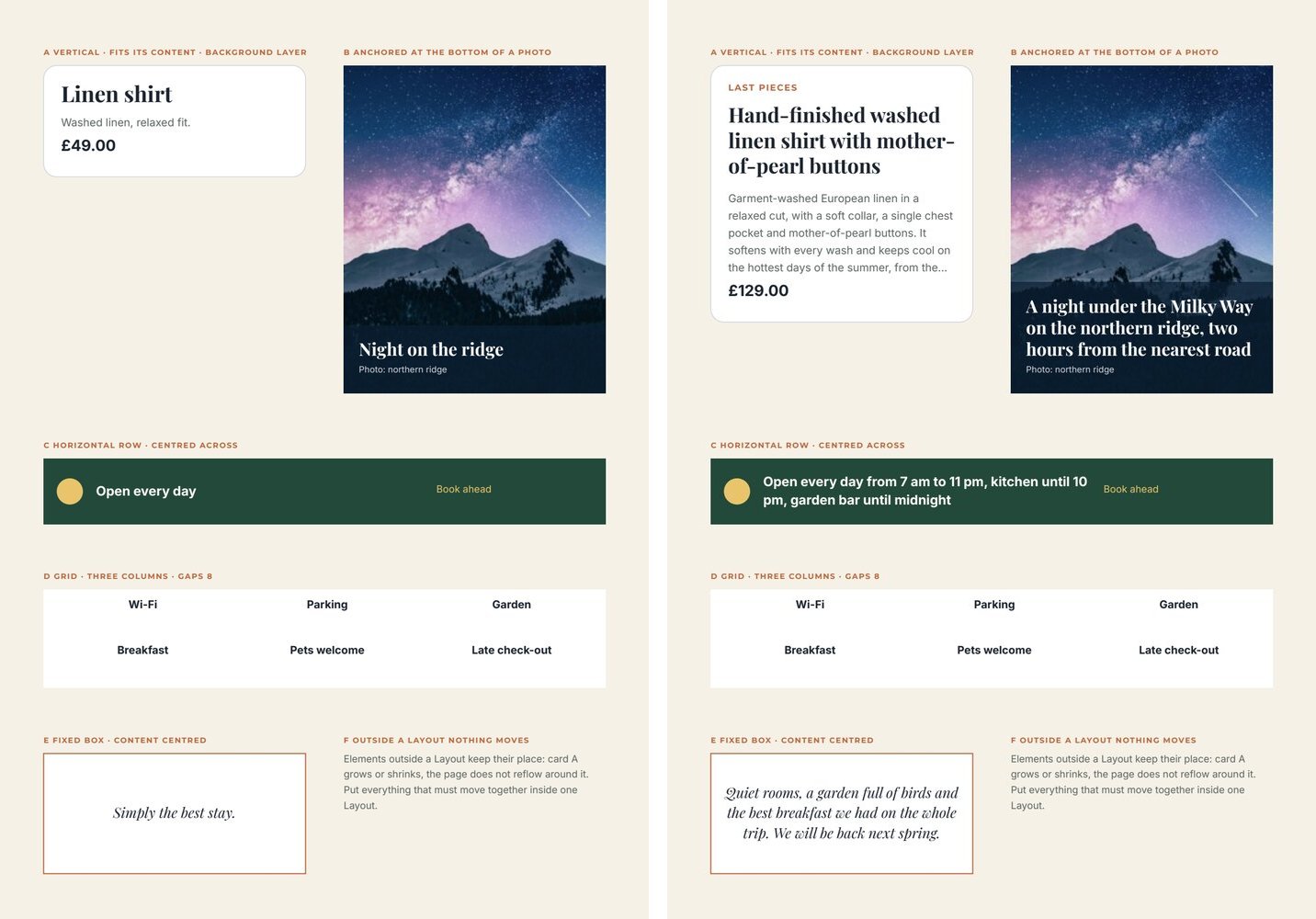
## The idea: a box that arranges its children
[Section titled “The idea: a box that arranges its children”](#the-idea-a-box-that-arranges-its-children)
A Layout is a container. Its children are positioned **relative to the Layout**, and its `layout` settings decide how they are arranged:
| Setting | Values | What it does |
| ---------------------------- | -------------------------------------------- | ------------------------------------------------------------------------------------------------------------------------------------------------------------------ |
| `mode` | `vertical`, `horizontal`, `grid`, `absolute` | A stack, a row, a grid of equal columns — or free positions (`absolute`, the children stay where drawn) |
| `childSizing` | `content`, `drawn` | **`content` makes the Layout flow**: texts with a growth rule take the lines they need, hidden elements take no space. `drawn` keeps every child at its drawn size |
| `sizing` | `hug`, `fixed` | `hug`: the Layout is exactly as large as its content plus padding. `fixed`: it keeps its drawn size |
| `anchor` | `start`, `center`, `end` | For a `hug` Layout, the edge that stays in place when it grows: `start` grows downwards, `end` grows upwards |
| `paddingTop` … `paddingLeft` | points | Space between the Layout’s edge and its content |
| `rowGap`, `columnGap` | points | Space between children |
| `columns` | 1–12 | Columns of a grid |
| `crossAxisAlignment` | `start`, `center`, `end` | Each child across the flow: left/centre/right in a stack, top/middle/bottom in a row |
| `mainAxisAlignment` | `start`, `center`, `end` | The whole content along the flow, in a `fixed` Layout with free space |
| `cornerRadius` | points | Rounds the background layers |
For templates filled with data, the combination you want almost always is **`childSizing: "content"`** — without it, nothing flows.
## A vertical stack that follows its content
[Section titled “A vertical stack that follows its content”](#a-vertical-stack-that-follows-its-content)
The product card of the lab: a badge that may be absent, a title of one to three lines, a description of up to five lines, a price — always 8 points apart, 16 points from the card’s edge, and the card as tall as what it holds.
```json
{ "$type": "layout_region", "id": "5c0de666-0000-4000-8000-000000000002", "name": "Card",
"left": 40, "top": 60, "width": 240, "height": 300,
"layout": { "mode": "vertical", "sizing": "hug", "childSizing": "content",
"paddingTop": 16, "paddingRight": 16, "paddingBottom": 16, "paddingLeft": 16,
"rowGap": 8, "cornerRadius": 12 },
"children": [
{ "$type": "rectangle", "id": "5c0de666-0000-4000-8000-000000000003", "name": "Card background",
"left": 0, "top": 0, "width": 240, "height": 300, "fill": "#ffffff",
"stroke": "#d0d5dd", "strokeWidth": 0.75, "layoutBackground": true },
{ "$type": "text", "id": "5c0de666-0000-4000-8000-000000000004", "name": "Badge",
"left": 16, "top": 16, "width": 120, "height": 12, "text": "LAST PIECES",
"fontFamily": "Montserrat", "fontSize": 8, "fontWeight": "bold", "fill": "#c0643a", "charSpacing": 120,
"placeholder": { "id": "5c0de666-0000-4000-8000-000000000005", "name": "Badge", "code": "badge",
"placeholderType": "text", "required": false },
"condition": { "operator": "not_empty", "placeholderCode": "badge" } },
{ "$type": "text", "id": "5c0de666-0000-4000-8000-000000000006", "name": "Title",
"left": 16, "top": 40, "width": 208, "height": 24, "text": "Title",
"fontFamily": "Playfair Display", "fontSize": 20, "fontWeight": "bold", "fill": "#1c2430", "lineHeight": 1.1,
"placeholder": { "id": "5c0de666-0000-4000-8000-000000000007", "name": "Title", "code": "title",
"placeholderType": "text", "required": false },
"grow": { "maxLines": 3, "beyond": "shrink", "height": "content" } },
{ "$type": "text", "id": "5c0de666-0000-4000-8000-000000000008", "name": "Description",
"left": 16, "top": 72, "width": 208, "height": 40, "text": "Description",
"fontFamily": "Inter", "fontSize": 10, "fill": "#5c6663", "lineHeight": 1.4,
"placeholder": { "id": "5c0de666-0000-4000-8000-000000000009", "name": "Description", "code": "description",
"placeholderType": "text", "required": false },
"grow": { "maxLines": 5, "beyond": "ellipsis", "height": "content" } }
] }
```
What makes it work:
* **The order of `children` is the order of the stack** (background layers apart). The drawn `top` of each child is only a starting point: the Layout places it.
* **Each text that varies has a `grow` rule** with `"height": "content"`: it is exactly as tall as its lines, up to `maxLines`, and `beyond` decides what happens past them (`ellipsis`, `shrink`, or `fail`). A text without a rule keeps its drawn height.
* **An element hidden by its condition takes no space** — the badge disappears with its gap. The same holds for an element with `visible: false`.
* **`sizing: "hug"`** makes the card end 16 points below the price, whatever the content.
## Background layers
[Section titled “Background layers”](#background-layers)
A rectangle or an image directly inside a Layout can be a **background layer** (`"layoutBackground": true`): it leaves the flow, covers the whole Layout — padding included — behind the other children, and grows with it. Its fill, gradient, stroke and opacity are its own; `layout.cornerRadius` rounds every background layer of the Layout (an image is clipped to it).
A white rectangle makes a card; a photo plus a semi-transparent rectangle makes a card with an overlay; a thin stroke makes a framed box. Background layers are not counted in the order of the stack.
## Growing upwards: anchors
[Section titled “Growing upwards: anchors”](#growing-upwards-anchors)
A caption on the bottom of a photo must keep its bottom edge on the photo’s edge and grow **upwards**. That is `"anchor": "end"` on a `hug` Layout — lab example B:
```json
"layout": { "mode": "vertical", "sizing": "hug", "childSizing": "content", "anchor": "end",
"paddingTop": 14, "paddingRight": 14, "paddingBottom": 14, "paddingLeft": 14, "rowGap": 4 }
```
Draw the Layout with its bottom edge where it must stay; with a longer caption, its top edge moves up and the veil (a background layer) grows with it. `center` keeps the middle in place and grows both ways.
## Rows and grids
[Section titled “Rows and grids”](#rows-and-grids)
* **`horizontal`** places the children one after the other from left to right, `columnGap` apart. Each child keeps its drawn **width**; a text grows in height within it. `crossAxisAlignment: "center"` centres them vertically — the dot and the two texts of lab example C stay aligned on the middle line even when the text takes two lines.
* **`grid`** divides the width into `columns` equal columns and fills them row by row, `columnGap` and `rowGap` apart (lab example D). `crossAxisAlignment` aligns each child in its cell.
## Fixed boxes with centred content
[Section titled “Fixed boxes with centred content”](#fixed-boxes-with-centred-content)
A Layout with `sizing: "fixed"` keeps its drawn size; `mainAxisAlignment` then places the content inside it: `center` centres a quote of any length vertically in its box (lab example E). Free space is left at the end with `start`, at the start with `end`.
## Layouts, lists and pages
[Section titled “Layouts, lists and pages”](#layouts-lists-and-pages)
* **Layouts nest** (up to 8 levels): a card in a grid, a row inside a card. Nested Layouts are measured first.
* **A repeated list inside a flowing Layout** takes the height of the rows it prints, so what follows it — a total after the line items, a quote after the key ideas — stays right after the last row. Its drawn height is the most it may take; rows beyond follow the list’s overflow rule. A list that continues onto new pages must sit directly on the page, not in a Layout. Lists have their own page.
* **Outside a Layout nothing moves.** Elements on the page keep their place, whatever happens inside a Layout next to them. Put everything that must move together into one Layout — often the whole body of a page, as in the [event poster](/_kb/templates/examples/event-poster.template.json).
* A page can end where its content ends: `fitHeight` on the page (see [The document model](/templates/document-model/)).
**In the editor**
Select the elements to arrange, open the **Fields** panel on the right and, under **Arrange selected elements**, choose **Layout**. The elements are wrapped in a new Layout in reading order. With a Layout selected, the same panel shows its settings:
* **Arrangement**: *Free / absolute*, *Vertical stack*, *Horizontal row* or *Grid*;
* **Region size**: *Fit content* (hug) or *Fixed size*; dragging the Layout’s handles also sets a fixed size;
* **Element sizes**: *Fit their content* (the flowing behaviour) or *As drawn*;
* **Stays in place**: the anchor of a Layout that fits its content;
* **Align elements** (or **Align in cell** in a grid) and **Stack position** / **Row position** for a fixed Layout;
* **Inner padding**, **Space between rows**, **Space between columns**, **Columns**;
* **Texts**: tick a text to make it fit its text, then **Up to lines** and **Beyond that**;
* **Order in the stack**: move elements earlier or later;
* **Background**: tick the elements that are background layers, and set **Rounded corners (pt)**.
A new Layout made from the editor or the API starts as a vertical stack that fits its content, with 12 points of padding and 8 of gap, and gives its texts a rule of up to 10 lines.
## Recipes
[Section titled “Recipes”](#recipes)
| You need | Do |
| ------------------------------------------------------------ | ---------------------------------------------------------------------------------- |
| A card whose height follows its content | Vertical, `hug`, `content`; a white background layer; `cornerRadius` 8–16 |
| A block that can be absent without leaving a hole | Put it in a flowing Layout with a `condition` on it |
| Title, subtitle and text of any length, always evenly spaced | One vertical Layout, each text with `grow` and `"height": "content"`, one `rowGap` |
| A caption on the bottom of a photo | A `hug` Layout with `anchor: "end"` over the photo, a veil as background layer |
| An icon next to a text of variable length | Horizontal, `crossAxisAlignment: "center"` |
| Features, amenities, logos in a tidy grid | Grid with 2–4 `columns` and equal gaps |
| A quote centred in a fixed box | Fixed, `mainAxisAlignment` and `crossAxisAlignment` `center` |
| The whole body of a flyer that must never overlap | One vertical Layout holding every block from the title to the footer |
## Checklist
[Section titled “Checklist”](#checklist)
* [ ] Every Layout that receives variable data has `childSizing: "content"`.
* [ ] Every variable text inside it has a `grow` rule with a `maxLines` and a `beyond` chosen on purpose.
* [ ] Blocks that can be absent carry a condition and sit inside the Layout.
* [ ] Spacing comes from padding and gaps, not from drawn positions.
* [ ] Elements that must move together are in the same Layout.
* [ ] Every sample set — the shortest and the longest — has been previewed.
# Images
> Placing photos, logos and artwork in a Madoo template — fit, fill and stretch, image fields and their alignment, frames with focal point and zoom, borders, opacity masks, veils for text on photos, SVG as an image, and full-page background images.
Images carry a page more than any decoration: the product, the place, the people, the brand. This page covers the image element — fixed artwork and image fields — how it fills its box, how to crop it into a shape, how to keep text readable over a photo, and how to put a photo behind a whole page. As on every technique page, each technique is shown **in the editor** and **in the document**.
Every example is in the [image lab](/_kb/templates/examples/image-lab.template.json), a two-page template: the first page shows the techniques side by side, the second a full-page background.

## Where an image comes from
[Section titled “Where an image comes from”](#where-an-image-comes-from)
The `src` of an image — or the value of an image field — can be:
| Source | Example | Notes |
| -------------------- | -------------------------------------------------------- | -------------------------------------------------------------------------------------------------------- |
| A Madoo storage path | the `path` returned by an upload | The right choice for a template that will be shared or published: stored images travel with the template |
| An HTTPS URL | `https://images.example.com/courtyard.jpg` | Fetched at render time; it must stay reachable. Plain HTTP is rejected |
| A data URI | `data:image/png;base64,…`, `data:image/svg+xml;base64,…` | Small images such as a generated badge or a logo |
Photos in PNG, JPEG, WebP or GIF; **SVG** is accepted too, and prints as vectors at its own proportions — useful for logos and badges produced by a workflow. A single image may be up to 20 MiB, and a render up to 100 MiB of images in total.
To bring a file into Madoo, upload it (`upload_asset` in MCP, `POST /api/v1/assets` in REST); `list_assets` finds files already there. See [Assets](/public-api/assets/).
## Fit, fill or stretch
[Section titled “Fit, fill or stretch”](#fit-fill-or-stretch)
An image has a **box** (`left`, `top`, `width`, `height`) and a `fitMode` that decides how the picture meets it.
| `fitMode` | What happens | Use it for |
| --------- | --------------------------------------------------------------------------------------- | -------------------------------------------------------------------- |
| `fit` | The whole picture is shown, as large as the box allows; the rest of the box stays empty | Logos, badges, product cut-outs, anything that must never be cropped |
| `fill` | The picture covers the box; what exceeds is cropped | Photos — the usual choice |
| `stretch` | The picture takes exactly the box, distorted if the proportions differ | Almost never: only textures and patterns |
```json
{ "$type": "image", "id": "5c0de444-0000-4000-8000-000000000101", "name": "Hero photo",
"left": 40, "top": 40, "width": 515, "height": 300,
"src": "https://images.unsplash.com/photo-1507842217343-583bb7270b66?w=1200", "fitMode": "fill" }
```
With `fill`, a fixed image is cropped around its **centre**. To keep another part of it — a face near the top, a product on the right — give it a frame with a focal point (see [Frames](#frames-shapes-focal-point-and-zoom)), or make it a field and choose an alignment.
**In the editor**
Choose **Add image** in the tool bar on the left and click on the page, then **Add image** (or **Replace image**) in the image bar to upload a PNG, JPEG, WebP or GIF. **Image options** chooses **Photo fit**: *Fit*, *Fill* or *Stretch*. An SVG file is imported as editable vector artwork rather than as a picture — see the vector artwork page.
## Image fields
[Section titled “Image fields”](#image-fields)
An image becomes a **field** with a `placeholder` of type `image`: its picture comes from data. The field carries its own `fitMode` and an **alignment** — `top_left`, `top_center`, `top_right`, `center_left`, `center`, `center_right`, `bottom_left`, `bottom_center`, `bottom_right` — which decides which part of the box the picture keeps:
* with `fill`, the alignment is the part of the photo that survives the crop: `top_center` keeps the heads of a portrait, `bottom_center` the feet of a product on a floor;
* with `fit`, it is where the picture sits in the box: `top_center` puts a logo at the top of its space, `center_left` aligns it with the text on its left.
```json
{ "$type": "image", "id": "5c0de444-0000-4000-8000-000000000102", "name": "Speaker portrait",
"left": 40, "top": 220, "width": 160, "height": 110, "src": "", "fitMode": "fill",
"placeholder": { "id": "5c0de444-0000-4000-8000-000000000103", "name": "Speaker portrait",
"code": "portrait", "placeholderType": "image", "required": true,
"fitMode": "fill", "alignment": "top_center",
"description": "A portrait photo; the face in the upper half." } }
```
Say in the field’s `description` what picture is expected and where its subject is: it is what a person or an agent reads when preparing the data. A workflow that generates the picture should generate it in the proportions of the box.
**In the editor**
Choose **Add image placeholder** in the tool bar, or select an image and choose **Make Placeholder** from the `…` menu of its action bar. In the dialog, with **Value type** *Image*, set **Fit Mode** and click a cell of the **Alignment** grid.
## Frames: shapes, focal point and zoom
[Section titled “Frames: shapes, focal point and zoom”](#frames-shapes-focal-point-and-zoom)
A **frame** crops an image into a shape — a circle for a portrait, rounded corners for a card, any closed vector path — and places the picture inside it independently of the box. It is written as two properties:
* `clipPath` — the shape, as an SVG path in points relative to the image’s top-left corner;
* `frame` — how the picture sits in the shape: `focalX` and `focalY` (0–1, the point of the picture kept in view: 0.5/0.3 keeps the upper middle), `scale` (zoom, 1 = the picture just covers the shape), `offsetX` / `offsetY` (points), `rotation` (degrees), and an inside border with `strokeColor` and `strokeWidth`.
A circular portrait, 110 × 110, keeping the face:
```json
{ "$type": "image", "id": "5c0de444-0000-4000-8000-000000000104", "name": "Round portrait",
"left": 65, "top": 370, "width": 110, "height": 110, "fitMode": "fill",
"src": "https://images.unsplash.com/photo-1494790108377-be9c29b29330?w=800",
"frame": { "focalX": 0.5, "focalY": 0.3, "scale": 1, "offsetX": 0, "offsetY": 0, "rotation": 0 },
"clipPath": { "units": "user_space_on_use", "transform": [], "shapes": [
{ "pathData": "M 55 0 A 55 55 0 1 1 55 110 A 55 55 0 1 1 55 0 Z", "fillRule": "non_zero",
"transform": [], "opacity": 1, "luminance": 1, "color": "#000000" } ] } }
```
* **Rounded corners**: a path with quadratic corners — for a 160 × 110 card with radius 18: `M 18 0 H 142 Q 160 0 160 18 V 92 Q 160 110 142 110 H 18 Q 0 110 0 92 V 18 Q 0 0 18 0 Z`.
* **Zoom on a detail**: the same frame with `"scale": 1.8` and a focal point on the subject.
* **A border** that follows the shape: `"strokeColor": "#e9c46a", "strokeWidth": 4` in `frame` — drawn inside the shape.
* An **image field** can have a frame too: every picture the data brings is cropped into the same shape — the way to give every card of a list the same rounded photo.
**In the editor**
Select the image and choose **Crop / mask**: pick a **Mask shape** (rectangle, ellipse, circle, triangle, diamond, star), drag inside to move the photo, use **Mask handles** or **Photo handles** to resize one or the other, edit the contour’s points, then **Done**. Any rectangle, ellipse or vector path you drew becomes a frame too: select it and choose **Use as image frame**, or select it together with the image and choose **Use shape as frame**. The border is under **Image options** (**Border width**, **Border color**); **Remove mask** releases the image.
## Opacity masks
[Section titled “Opacity masks”](#opacity-masks)
An **opacity mask** makes part of an image transparent: outside the mask the image disappears, inside it keeps the mask shape’s opacity. A soft oval vignette, a photo that fades into the page:
```json
"opacityMask": { "units": "user_space_on_use", "contentUnits": "user_space_on_use",
"x": 0, "y": 0, "width": 160, "height": 110, "transform": [],
"shapes": [ { "pathData": "M 80 0 A 80 55 0 1 1 80 110 A 80 55 0 1 1 80 0 Z", "fillRule": "non_zero",
"transform": [], "opacity": 0.6, "luminance": 1, "color": "#ffffff" } ] }
```
The mask is vector: it stays sharp in the PDF.
**In the editor**
Select the image together with a closed shape and choose **Use shape as alpha mask**.
## Text on a photo
[Section titled “Text on a photo”](#text-on-a-photo)
Text directly on a photo is readable only where the photo happens to be dark or plain. Put a **veil** between them: a rectangle in the ink color at 50–70% `opacity`, over the part of the photo that holds the text — or a gradient from transparent to dark, for a softer edge. Then white or light text on the veil.
```json
{ "$type": "rectangle", "id": "5c0de444-0000-4000-8000-000000000105", "name": "Veil",
"left": 0, "top": 520, "width": 595, "height": 322, "fill": "#0b1f33", "opacity": 0.7 }
```
Elements are painted in order: the photo first, the veil, then the text.
## A photo behind the whole page
[Section titled “A photo behind the whole page”](#a-photo-behind-the-whole-page)
A page can have a **background image** above its background color or gradient. It always covers the page from edge to edge and sits behind every element.
```json
"backgroundColor": "#0b1f33",
"backgroundImage": { "src": "https://images.unsplash.com/photo-1519681393784-d120267933ba?w=1600",
"fitMode": "cover", "focalX": 0.5, "focalY": 0.3, "scale": 1 }
```
* `fitMode`: `cover` fills the page and crops the edges; `contain` shows the whole picture, with the background color around it; `stretch` distorts it to the page.
* `focalX` / `focalY` choose the part kept in view; `scale` (0.25–4) enlarges or reduces it — below 1 it reveals the color underneath.
* Transparent areas of a PNG show the background color or gradient.
A background image is part of the design, not a field. For a background that changes with the data, place an image field covering the whole page as the first element instead.
**In the editor**
Open **Page settings** from the page thumbnails. Under **Background**, **Image overlay (optional)** uploads the picture; **Fit to page** chooses *Fill page (crop edges)*, *Show whole image* or *Stretch to page*; **Image size** scales it; drag the picture in the small preview to position it.
## QR codes
[Section titled “QR codes”](#qr-codes)
A QR code on a page is an image field fed by the **QR Code & Barcode** node (`image/code`) of the workflow. Connect its `svg` output to the field: the code stays vector in the PDF and prints sharp at any size. In a workflow that makes one document per item (a badge per participant, a label per product), put the node after the enumerator — every item gets its own code, as in the [F13 event badges](/templates/gallery/f13-event-badges/).
* **Style**: module shape (`square`, `rounded`, `circle`, `dots`, `diamond`, `heart`, `star`), eye frame and eye ball shapes, code, eye and background colours, an optional centre logo (SVG, PNG or JPEG). A white or light logo needs **Logo Background** (`square`, `rounded`, `circle`): a plate behind it, in the code colour unless you choose another.
* **It always scans**: the node decodes every code it draws; a style that stops it from scanning — a pale colour, a logo too large — fails the node instead of reaching the printer. Its `check` output says what was read.
* **In the editor**, the node’s panel shows the code above its parameters, redrawn as you change them, with whether it scans. It is the run’s own drawing (nothing is stored, no credits); without content yet it shows a sample, and a logo computed during the run is left out of the preview.
* **In the template**: an image field with `fit`, square, at least 2 cm on paper (80 points), with white or a light colour around it; the node’s quiet zone (4 modules) is the margin scanners need.
* **A frame with “Scan me”** is part of the template, not of the code — see [Frames around a QR code](#frames-around-a-qr-code).
* **To hand the code over as a file**, connect it to an **Image Output** (`output/image`): format `original` keeps the `svg` output vector (a `.svg` for the printer or the designer); `png`, `jpg` or `webp` convert it.
### Barcodes: EAN-13 and Code 128
[Section titled “Barcodes: EAN-13 and Code 128”](#barcodes-ean-13-and-code-128)
The same node draws barcodes: set **Symbology** to `ean13` or `code128`.
| Symbology | Use it for | Content |
| --------- | -------------------------------------------------------------- | ------------------------------------------------------------------------------------------------------------- |
| `ean13` | Retail products: packaging, shelf and price labels | 12 digits — the check digit is added — or 13, when the check digit is verified; spaces and dashes are ignored |
| `code128` | Labels, tickets, logistics: an order, a SKU, a lot, a badge ID | Letters, digits and symbols (printable ASCII), up to 48 characters |
* **It always scans**, as a QR code: the drawn barcode is read back and must give the content (an EAN-13 gives its 13 digits). A wrong check digit is refused with the right one — *the check digit of ‘5901234123458’ should be 7*.
* **The human-readable line** (on by default, **Human-Readable Text**) is drawn under the bars as vector outlines: the SVG carries no font, so it prints the same in any PDF, a PDF/X print file included. An EAN-13 follows the GS1 layout — the first digit left of the bars, two groups of six, the guard bars running down into the digits.
* **Size and margins**: the usual height is kept (69 modules for an EAN-13), **Bar Height** changes it; the standard quiet zones are always drawn (11 and 7 modules for EAN-13, 10 for Code 128). Code and background colours apply as for QR codes; shapes, logos and error correction are for QR codes only.
* **In the template**: an image field with `fit`, as wide as the barcode needs — an EAN-13 is about 37 mm wide at its nominal size (100%), and should not print below 80% of it; keep white around it.
### Frames around a QR code
[Section titled “Frames around a QR code”](#frames-around-a-qr-code)
A sticker frame — a banner that says *SCAN ME*, a speech bubble, a ticket — is drawn in the template around the image field, in the brand’s fonts and colours; the code itself stays plain, so it always scans. The [QR frames lab](/_kb/templates/examples/qr-frames-lab.template.json) has six frames fed by three fields: `qr` (the image), `call_to_action` (the text) and `frame_color` (a colour field on every coloured shape). Its two sample sets show the same page in two brands:
| Frame | How it is built |
| ------------------- | ------------------------------------------------------------------------------------------------------------------------------------ |
| **A** Banner below | A coloured rounded rectangle; a white rounded card inside it with the code; the call to action in white on the colour under the card |
| **B** Tab above | A coloured border (a rounded rectangle with a white one inside), and a coloured tab overlapping its top edge with the text |
| **C** Speech bubble | A coloured rounded square and a triangular `path` pointing down, both with the colour field; the text in ink under the pointer |
| **D** Round badge | A coloured circle; a white rounded card inside the circle, the code on it and the text in white below |
| **E** Ticket | A coloured rounded rectangle; two circles in the page colour cut the notches; a dashed white `line` is the perforation |
| **F** Phone | A coloured rounded rectangle is the body, a white one the screen, two small white bars the speaker and the home bar |
Frame A:
```json
{ "$type": "group", "id": "9f5a0000-0000-4000-8000-000000000010", "name": "Banner below", "left": 40, "top": 58,
"width": 160, "height": 220, "children": [
{ "$type": "rectangle", "id": "9f5a0000-0000-4000-8000-000000000003", "name": "Frame", "left": 0, "top": 0,
"width": 160, "height": 204, "fill": "#e4572e", "rx": 16, "ry": 16,
"placeholder": { "id": "9f5a0000-0000-4000-8000-000000000004", "name": "Frame colour", "code": "frame_color",
"placeholderType": "color", "required": true, "format": {"colorTarget":"fill"},
"description": "The frame colour, #RRGGBB; white text must read on it." } },
{ "$type": "rectangle", "id": "9f5a0000-0000-4000-8000-000000000005", "name": "Card", "left": 8, "top": 8,
"width": 144, "height": 144, "fill": "#ffffff", "rx": 10, "ry": 10 },
{ "$type": "image", "id": "9f5a0000-0000-4000-8000-000000000006", "name": "QR code", "left": 12, "top": 12,
"width": 136, "height": 136, "src": "", "fitMode": "fit",
"placeholder": { "id": "9f5a0000-0000-4000-8000-000000000007", "name": "QR code", "code": "qr", "placeholderType": "image",
"required": true, "fitMode": "fit", "alignment": "center",
"description": "The QR code: the svg output of the QR Code node, square." } },
{ "$type": "text", "id": "9f5a0000-0000-4000-8000-000000000008", "name": "Call to action", "left": 12,
"top": 164, "width": 136, "height": 30, "text": "SCAN ME", "fontFamily": "Montserrat", "fontSize": 17,
"fontWeight": "bold", "fill": "#ffffff", "charSpacing": 160, "textAlign": "center", "lineHeight": 1.1,
"fixedHeight": 30, "overflowMode": "shrink", "minFontSize": 6,
"placeholder": { "id": "9f5a0000-0000-4000-8000-000000000009", "name": "Call to action", "code": "call_to_action",
"placeholderType": "text", "required": true,
"description": "A short call to action, e.g. \"SCAN ME\" or \"SEE THE MENU\"." } } ] }
```
What makes a frame work:
* **The code sits on white.** Put it on a white or very light card inside the frame, never directly on the frame colour, and keep the node’s quiet zone: the card is decoration, the quiet zone is what the scanner needs.
* **One field, many places.** The same code (`frame_color`) can sit on several shapes when every occurrence has the same contract — name, type, requirement, format — so one value paints the whole frame.
* **One field per element.** A text that is the call-to-action field cannot also take its colour from a field: give it a fixed colour that reads on every frame colour — white on the colour, ink on the page.
* **A short call to action that stays inside.** Keep it on one line — a fixed height with `shrink` and a small `minFontSize`, or `grow` with `maxLines: 1` and `beyond: shrink` — and keep its box a few points inside the frame’s rounded corners: *SEE THE MENU* shrinks where *SCAN ME* fits.
## Recipes
[Section titled “Recipes”](#recipes)
| You need | Do |
| -------------------------------------------------- | ------------------------------------------------------------------------------------------------------------------------------------------ |
| A logo that is never cropped | `fit`, aligned to the side of the text it goes with |
| Product photos on a white background, all the same | Image fields with `fit` and `bottom_center` alignment: every product stands on the same line |
| Portraits in a list of speakers | An image field with `fill`, a circle frame and `focalY` around 0.3 |
| A hero photo with a title on it | The photo with `fill`, a veil rectangle at 60% over the lower part, the title in white on it |
| A card photo with rounded corners | A frame with a rounded path; the same frame on every card |
| A badge produced by a workflow | An image field with `fit` fed an SVG data URI or file |
| A barcode on a price label or a shipping label | The QR Code & Barcode node with `ean13` (a GTIN) or `code128` (a SKU, an order), its `svg` output into an image field with `fit` |
| A QR code with *SCAN ME* in the brand’s colours | A frame from the [QR frames lab](#frames-around-a-qr-code): shapes with a colour field around a square image field fed by the QR Code node |
| A QR code per participant or product | The QR Code node after the enumerator, its `svg` output into a square image field |
| A cover with a full-page photo | `backgroundImage` with `cover` and a focal point on the subject, a veil under the text |
## Checklist
[Section titled “Checklist”](#checklist)
* [ ] Photos use `fill`, logos and cut-outs use `fit`; nothing important is cropped (check every sample set).
* [ ] Every image field says in its `description` what picture it expects and where the subject is.
* [ ] Portraits and subjects off-centre have an alignment or a focal point.
* [ ] Text over a photo sits on a veil.
* [ ] Photos are large enough for their printed size (about 1500 px on the long side for half an A4 page).
* [ ] Images of a template that will be shared are in Madoo storage, not on an external URL.
# Repeated lists
> Repeated lists in a Madoo template — one row drawn per item of a JSON list, as a column, a row or a grid; item keys, rows that grow, backgrounds that follow the row, flags read by conditions, lists inside items, empty lists, limits and what happens when the rows do not fit, up to catalogues that continue on new pages.
A **repeated list** (`repeat_region`) draws one **row** per item of a list in the data: the three dishes of today’s menu, the twelve products of a catalogue page, the line items of a quote. You design the row once; the list decides how many rows print, how they are arranged and what happens when they do not fit.
As on every technique page, each technique is shown **in the editor** and **in the document**. Every example is in the [list lab](/_kb/templates/examples/list-lab.template.json): on the left its first page; on the right the catalogue page, which continued on a second page by itself.
## The list and its row
[Section titled “The list and its row”](#the-list-and-its-row)
A list reads a field of type `json` — an array of objects, one per row:
```json
"dishes": [
{ "name": "Burrata, heirloom tomatoes, basil oil", "price": 12.5, "sold_out": false,
"tags": [ { "label": "VEGETARIAN" }, { "label": "LOCAL" } ] },
{ "name": "Grilled sea bass, fennel, lemon", "price": 24, "sold_out": false, "tags": [] }
]
```
The `repeat_region` carries that field and names it in `sourceCode`. Its **children are the row**: elements positioned relative to the row’s top-left corner. An element of the row reads a key of the current item through a field with a `bindingPath` `item.<key>`:
```json
{ "$type": "repeat_region", "id": "5c0de888-0000-4000-8000-000000000101", "name": "Menu",
"left": 40, "top": 60, "width": 515, "height": 250,
"sourceCode": "dishes", "maxItems": 6, "overflowPolicy": "fail",
"placeholder": { "id": "5c0de888-0000-4000-8000-000000000102", "name": "Dishes", "code": "dishes",
"placeholderType": "json", "required": true,
"description": "Today's dishes: name, price, sold_out, tags." },
"layout": { "mode": "vertical", "rowGap": 6 },
"children": [
{ "$type": "text", "id": "5c0de888-0000-4000-8000-000000000103", "name": "Dish",
"left": 12, "top": 8, "width": 330, "height": 16, "text": "Dish",
"fontFamily": "Playfair Display", "fontSize": 13, "fontWeight": "bold", "fill": "#1c2430",
"placeholder": { "id": "5c0de888-0000-4000-8000-000000000104", "name": "Dish", "code": "dish_name",
"placeholderType": "text", "required": true, "bindingPath": "item.name" } },
{ "$type": "text", "id": "5c0de888-0000-4000-8000-000000000105", "name": "Price",
"left": 400, "top": 8, "width": 103, "height": 16, "text": "0", "textAlign": "right",
"fontFamily": "Inter", "fontSize": 12, "fontWeight": "bold", "fill": "#1c2430",
"placeholder": { "id": "5c0de888-0000-4000-8000-000000000106", "name": "Price", "code": "dish_price",
"placeholderType": "number", "required": true, "bindingPath": "item.price",
"format": { "locale": "en-GB", "numberStyle": "currency", "currency": "GBP",
"currencyDisplay": "symbol", "minimumFractionDigits": 2 } } }
] }
```
* **The row’s size is the box around its children** (here 515 wide, 32 tall with the badge below the price). Rows follow one another `rowGap` apart.
* **The key is what matters**, not the field’s `code`: `item.name` reads `name` of each item. The codes of fields inside a row only have to be unique. Nested keys work: `item.author.name`.
* The keys the row reads are the list’s **item contract**: a workflow or an agent reads them in the template’s contract to know what each item must contain. A required key missing in an item stops the render with `DESIGN_PLACEHOLDER_REQUIRED` and a path such as `dishes[1].price`.
* The row can hold anything a page holds: texts, images, shapes, Layouts, even another list.
## Arranging the rows
[Section titled “Arranging the rows”](#arranging-the-rows)
`layout.mode` arranges the rows: `vertical` (one below the other), `horizontal` (side by side) or `grid` with `columns`. In a grid each cell is `width ÷ columns` wide (minus gaps), and the row is designed for one cell — the product cards of lab example B:
```json
"layout": { "mode": "grid", "columns": 3, "rowGap": 12, "columnGap": 12 }
```
`rowGap`, `columnGap` and the padding settings work as in a Layout.
## Rows that grow
[Section titled “Rows that grow”](#rows-that-grow)
A text in a row can **grow** with its value — `grow` with `maxLines` and `beyond`, as on [Text](/templates/techniques/text/#when-the-text-is-longer-than-its-box) — and **the row grows with it**; the rows below move down.
* `"height": "at_least_drawn"` (the default in a row) never makes the text shorter than drawn, so short rows keep the drawn height; `"content"` makes it exactly as tall as its lines.
* **A row is never shorter than it is drawn.** Draw the row at its smallest size — a one-line name, a one-line description — and let it grow; a row drawn 40 points tall takes 40 points even for a dish with one short line.
* **A Layout whose children are all hidden still takes its drawn height.** A row of optional tags where no tag applies leaves an empty line: give the Layout itself a condition — `any` of the tag flags — so that it disappears with them.
* **A background that follows the row**: a rectangle, ellipse, image or line with `"followsRowHeight": true` stretches with the row — the white card of each dish. A rectangle or line as tall as the row stretches by default; `false` keeps a shape at its size.
* **Elements below a growing text do not move by themselves** — the row is not a Layout. To keep the tags under a dish name of any length, put the name and the tags in a flowing Layout inside the row, as the lab does:
```json
{ "$type": "layout_region", "id": "5c0de888-0000-4000-8000-000000000107", "name": "Dish block",
"left": 12, "top": 8, "width": 330, "height": 32,
"layout": { "mode": "vertical", "sizing": "hug", "childSizing": "content", "rowGap": 4 },
"children": [
{ "$type": "text", "id": "5c0de888-0000-4000-8000-000000000111", "name": "Dish",
"left": 0, "top": 0, "width": 330, "height": 16, "text": "Dish",
"fontFamily": "Playfair Display", "fontSize": 13, "fontWeight": "bold", "fill": "#1c2430",
"placeholder": { "id": "5c0de888-0000-4000-8000-000000000112", "name": "Dish", "code": "dish_title",
"placeholderType": "text", "required": true, "bindingPath": "item.name" },
"grow": { "maxLines": 3, "beyond": "ellipsis", "height": "content" } }
] }
```
The tags list (next section) is the Layout’s second child, so it always starts 4 points below the last line of the name.
## Flags and other keys the row does not print
[Section titled “Flags and other keys the row does not print”](#flags-and-other-keys-the-row-does-not-print)
A condition in a row can read any key of the item: `{ "operator": "equals", "placeholderCode": "item.sold_out", "literal": "true" }` prints the *SOLD OUT* label only on the dishes that are finished. A key that no element prints should be **declared** on the list, so it is part of the item contract that workflows and agents read:
```json
"itemFields": [ { "code": "sold_out", "name": "Sold out", "type": "boolean",
"description": "True when the dish is finished for today." } ]
```
Types are `text`, `number` and `boolean`, up to 50 keys. A link in a row can read item keys too (`"href": "https://shop.example.com/p/{item.sku}"`).
## A list inside each item
[Section titled “A list inside each item”](#a-list-inside-each-item)
An item can hold its own list — the tags of a dish, the features of a product, the modules of a course. A list inside the row reads it with **`"sourceCode": "item.<key>"` and no field of its own**:
```json
{ "$type": "repeat_region", "id": "5c0de888-0000-4000-8000-000000000108", "name": "Tags",
"left": 0, "top": 20, "width": 330, "height": 12,
"sourceCode": "item.tags", "maxItems": 6, "overflowPolicy": "clip",
"layout": { "mode": "horizontal", "columnGap": 6 },
"children": [
{ "$type": "text", "id": "5c0de888-0000-4000-8000-000000000109", "name": "Tag",
"left": 0, "top": 0, "width": 70, "height": 12, "text": "tag",
"fontFamily": "Inter", "fontSize": 8, "fontWeight": "bold", "fill": "#23493a",
"placeholder": { "id": "5c0de888-0000-4000-8000-000000000110", "name": "Tag", "code": "tag_label",
"placeholderType": "text", "required": false, "bindingPath": "item.label" } }
] }
```
Inside the inner list, `item.` refers to the inner item (`item.label` of each tag). Lists nest two levels deep. The inner list’s drawn height is the most it may take: draw it tall enough for its longest list (it takes only the height of its rows), or its overflow rule applies. The [restaurant menu](/templates/gallery/f11-restaurant-menu/) nests the dishes inside the sections of the menu. Do not give the inner list a `json` field with a `bindingPath`: that form is rejected (`DESIGN_BINDING_INVALID: A JSON repeat source must be a root placeholder`).
## Empty lists and absent lists
[Section titled “Empty lists and absent lists”](#empty-lists-and-absent-lists)
* An **empty list** prints no rows. To say so, add a text next to the list with the condition “the list is not non-empty”: `{ "operator": "not", "conditions": [ { "operator": "not_empty", "placeholderCode": "extras" } ] }` — lab example D.
* A list that may be missing altogether must have `"required": false` on its field.
* In a flowing Layout an empty list takes only its padding, so what follows moves up.
## When the rows do not fit
[Section titled “When the rows do not fit”](#when-the-rows-do-not-fit)
A list has a box. How many rows fit depends on the box and the row size; `overflowPolicy` decides what happens to the others:
| `overflowPolicy` | What happens | Use it when |
| ---------------- | -------------------------------------------------------------------- | ---------------------------------------------------------------------------------------------------------- |
| `fail` (default) | The render stops with `DESIGN_REPEAT_OVERFLOW`, naming the list | Missing rows would be wrong: a quote, an invoice, a programme |
| `fit` | All rows print, shrunk together until they fit — text gets smaller | A few extra rows are acceptable at a smaller size: opening hours, a short list of features (lab example C) |
| `clip` | Only the rows that fit print; the report says how many were left out | Losing rows is acceptable: “top picks”, a preview of a longer list |
| `continue_page` | Extra rows go to copies of the page | Catalogues, price lists, participant lists |
**`maxItems`** (1–100) is a separate, hard ceiling: a list with more items stops the render with `DESIGN_REPEAT_LIMIT_EXCEEDED`, whatever the policy. Set it to the most the document may ever hold.
A workflow can override the policy of every list of a template from the Render Document Template node (its overflow setting); by default the template’s own rule applies.
## Catalogues that continue on new pages
[Section titled “Catalogues that continue on new pages”](#catalogues-that-continue-on-new-pages)
With `continue_page`, the rows that do not fit on the page go to **copies of the page** — the whole page, with its header, background and page number. The lab’s 26 spare parts become two pages; `Page {{page}} of {{pages}}` counts them correctly.
* Only **one** list per page can continue, and it must sit **directly on the page** — not inside a Layout or another list (`DESIGN_REPEAT_CONTINUATION_INVALID`).
* Design the page so that its header and footer make sense on every copy.
* A document can reach 200 pages in one render.
**In the editor**
Draw one row — texts, images, shapes — and make the elements that change placeholders (**Make Placeholder**): the code you give each one becomes the key it reads from every item (`name`, `price`). Then select the row’s elements, open the **Fields** panel and, under **Arrange selected elements**, choose **Repeat**. Selecting the list shows its settings in the same panel:
* **Data**: the **List key** in the workflow data, a workflow data example, and **Add a key the row does not print** to declare flags such as *sold out*;
* **Rows are placed**: *One below the other*, *Side by side*, *In a grid* (with **Columns**), with **Space between rows**, **Space between columns** and **Inner padding**;
* **Max items** and **When the rows do not fit**: *Stop with an error*, *Shrink the rows to fit*, *Print only the rows that fit*, *Continue on new pages*;
* **Long texts**: tick a text of the row to make it grow, then **Up to lines** and **Beyond that**; below, the shapes that stretch with the row.
The items of the sample sets are edited as JSON in the **Fields** panel (**Items as JSON**).
## Recipes
[Section titled “Recipes”](#recipes)
| You need | Do |
| ------------------------------------------------ | --------------------------------------------------------------------------------------------------------------------------------------------------------------------------- |
| A menu, a programme, a price list | Vertical list; name and price in each row; `fail` so nothing is ever lost |
| Product cards | Grid with 2–4 columns; photo field with a rounded frame, name, price |
| Line items followed by a total | The list and the total inside one flowing Layout: the total follows the last row |
| A badge on some rows only | A key in each item (`sold_out`, `new`), declared in `itemFields`, read by a condition |
| Features or tags of each product | A list inside the row with `sourceCode: "item.features"` |
| Rows with names of any length | `grow` on the name, `followsRowHeight` on the row background, the elements below it in a Layout |
| A catalogue of any length | `continue_page` on a list placed directly on the page, page numbers in the footer |
| One page per item — carousel slides, flash cards | A list with `continue_page` whose row is taller than half its box: one row fits per page, and every item gets its own page ([F14](/templates/gallery/f14-social-carousel/)) |
| A message when there is nothing to show | A text with the condition *not not_empty* on the list |
## Checklist
[Section titled “Checklist”](#checklist)
* [ ] The list’s field has a `description` naming the keys of each item.
* [ ] Every key read only by a condition or a link is declared in `itemFields`.
* [ ] `maxItems` is the real maximum; `overflowPolicy` is chosen on purpose.
* [ ] Rows with variable text grow, and the row background follows them.
* [ ] Sample sets include the longest list, a single item and — if it can happen — an empty list.
# Multi-page documents
> Brochures, catalogues and reports in one Madoo template — several pages, master pages with shared headers and footers, automatic odd/even masters, page numbers and numbering sequences, covers without numbers, pages that grow with lists, pages whose height follows the content, and PDF metadata.
A brochure, a catalogue, a proposal, a report: one template with several pages, sharing a header and a footer, numbered from the first inner page, with a cover that stands apart. This page covers pages, **master pages**, **page numbers** and **numbering sequences**, and pages whose **height follows their content** — each **in the editor** and **in the document**.
The [pages lab](/_kb/templates/examples/pages-lab.template.json) is a four-page programme rendered from a three-page template: a cover without master or number; a contents page numbered *i*; a programme numbered from 1, whose list of events continued onto a fourth page by itself. Odd and even pages take different masters, with mirrored footers.
## Pages
[Section titled “Pages”](#pages)
A document holds 1 to 100 pages in `pages`, printed in that order; a list that continues on new pages adds more (up to 200 pages in one render). Each page has its own size, so a document can mix an A4 portrait body with a landscape spread or a square insert — but a master applies only to pages of its size.
`metadata` at the root of the document sets the PDF’s properties:
```json
"metadata": { "title": "The courtyard season 2026", "author": "Madoo documentation",
"subject": "Multi-page lab", "keywords": "masters, numbering" }
```
## Master pages
[Section titled “Master pages”](#master-pages)
A **master page** holds what several pages share — a footer rule, a brand line, a page number, an edge mark, a background. It lives in `masterPages` (up to 32, not printed on their own) and has the shape of a page. Pages show it **without copying it**: change the master, and every page that uses it changes.
* A master holds **static content only**: shapes, images, texts and page-number tokens. Fields, conditions and lists belong to the pages.
* A page draws its master **below** its own elements (`"masterLayer": "underlay"`, the default) or **above** them (`"overlay"`, for a frame or a watermark that must stay on top).
* `"useMasterBackground": true` gives the page the master’s background instead of its own.
### Assigning masters
[Section titled “Assigning masters”](#assigning-masters)
Masters are assigned **automatically by page position** or by hand:
| On the master | `automaticRule` | Applies to |
| ------------- | --------------- | ------------------------------------------------------------- |
| | `all` | every page of its size set to automatic |
| | `odd`, `even` | odd or even pages — for mirrored footers; they override `all` |
| | `none` | no page automatically |
| On the page | `masterAssignment` | Meaning |
| ----------- | ------------------ | ---------------------------------------------------------- |
| | `automatic` | takes the master whose rule matches its **final** position |
| | `manual` | takes `masterPageId`, whatever its position |
| | `none` | no master — a cover, a back cover |
Positions are counted **in the final document**: when a list adds pages, the new pages take their master by their own position, so odd and even alternate correctly. Only one master per rule and page size.
```json
"masterPages": [
{ "id": "5c0deddd-0000-4000-8000-000000000101", "name": "Inner — odd", "width": 595, "height": 842,
"pageFormat": "A4", "backgroundColor": "#f6f1e7", "automaticRule": "odd", "elements": [
{ "$type": "text", "id": "5c0deddd-0000-4000-8000-000000000102", "name": "Page number",
"left": 355, "top": 806, "width": 200, "height": 14, "text": "Page {{page}} of {{sequencePages}}",
"fontFamily": "Inter", "fontSize": 9, "fill": "#1c2430", "textAlign": "right" } ] },
{ "id": "5c0deddd-0000-4000-8000-000000000103", "name": "Inner — even", "width": 595, "height": 842,
"pageFormat": "A4", "backgroundColor": "#f6f1e7", "automaticRule": "even", "elements": [
{ "$type": "text", "id": "5c0deddd-0000-4000-8000-000000000104", "name": "Page number",
"left": 40, "top": 806, "width": 200, "height": 14, "text": "Page {{page}} of {{sequencePages}}",
"fontFamily": "Inter", "fontSize": 9, "fill": "#1c2430" } ] }
]
```
## Page numbers
[Section titled “Page numbers”](#page-numbers)
A page number is a text containing **tokens**, resolved after lists have added their pages:
| Token | Prints |
| ------------------- | ------------------------------------------------- |
| `{{page}}` | the number of this page in its numbering sequence |
| `{{pages}}` | the pages of the whole document |
| `{{sequencePages}}` | the pages of the current numbering sequence |
The rest of the text is yours: `Page {{page}} of {{pages}}`, `{{page}} / {{sequencePages}}`, `— {{page}} —`. Put it on a master to number every page, or on a single page.
### Numbering sequences and covers
[Section titled “Numbering sequences and covers”](#numbering-sequences-and-covers)
* `"numberingStart": 1` on a page starts a **new sequence** there; `"numberingStyle"` is `arabic`, `roman_upper` or `roman_lower`. The lab’s contents page starts a Roman sequence (*i*), the programme an Arabic one (*1*, *2*) — and `{{sequencePages}}` counts only the pages of its sequence.
* `"hidePageNumber": true` hides the page-number texts of one page without breaking the count — a cover counted as page 1 but printed without a number.
* A cover with no master at all: `"masterAssignment": "none"`.
```json
{ "id": "5c0deddd-0000-4000-8000-000000000105", "name": "Programme", "width": 595, "height": 842,
"pageFormat": "A4", "backgroundColor": "#f6f1e7",
"masterAssignment": "automatic", "numberingStart": 1, "numberingStyle": "arabic", "elements": [] }
```
**In the editor**
The panel of page thumbnails has two tabs, **Pages** and **Masters**. Under **Masters**, **Create master page** adds a master of the selected page’s size; open it to draw its content (the canvas shows *Editing shared master*), and set **Apply this master automatically** (*Never*, *All pages*, *Odd pages*, *Even pages*). A page’s **Page settings** has a **Shared layout** section: **Master choice** (*Automatic by page position*, a specific master, or *No master (exception)*), **Use master background** and **Shared artwork position** (*Behind page content* or *In front of page content*); **Assign pages in bulk** changes a range of pages at once. **Page numbering** — **Start new numbering here**, **Start at**, **Style** — starts a sequence. The page’s menu has **Hide page number on this page**. Page numbers are added with the **Special fields** tool, or by typing the tokens through **Fields** in the text bar.
## Pages that grow with their content
[Section titled “Pages that grow with their content”](#pages-that-grow-with-their-content)
* **A list that continues on new pages** adds copies of its page — header, background and master included — until every row has printed (see [Repeated lists](/templates/techniques/lists/#catalogues-that-continue-on-new-pages)). The copies are numbered and take their masters by position.
* **A page whose height follows its content** — for images shared on screen, a story, a receipt, a summary of variable length: `fitHeight` makes the printed page end `bottomMargin` points below its lowest printed element, never taller than drawn. The same 540 × 960 page prints about 130 points tall with a short note and about 315 with a long one:
```json
{ "id": "5c0deeee-0000-4000-8000-000000000001", "name": "Story", "width": 540, "height": 960,
"backgroundColor": "#23493a", "fitHeight": { "bottomMargin": 32 }, "elements": [] }
```
Draw the page at its tallest; put its content in a flowing Layout so that it has a real bottom; use it for page images and screen PDFs rather than for print.
**In the editor**
In **Page settings**, tick **Height follows the content**; the canvas marks where the page ends with the active sample set.
## Recipes
[Section titled “Recipes”](#recipes)
| You need | Do |
| -------------------------------------------- | ------------------------------------------------------------------------------------------------------------ |
| A footer on every inner page | A master with `automaticRule: "all"`; the cover with `masterAssignment: "none"` |
| Mirrored footers for a printed booklet | Two masters, `odd` and `even`, with the number on the outer edge |
| Front matter in Roman numerals | `numberingStart: 1` with `roman_lower` on the first front page, then `arabic` at 1 on the first chapter page |
| A cover counted but not numbered | `hidePageNumber: true` on the cover |
| A watermark over every page | A master with the watermark, pages with `masterLayer: "overlay"` |
| A catalogue of any length with a footer | A list with `continue_page`, the footer on an `all` master |
| A social story or receipt of variable length | One page with `fitHeight`, content in a flowing Layout |
## Checklist
[Section titled “Checklist”](#checklist)
* [ ] Shared artwork lives on masters, not copied on every page.
* [ ] Masters and the pages they apply to have the same size.
* [ ] The cover and back cover have `masterAssignment: "none"` or a number hidden on purpose.
* [ ] Page numbers use tokens, and sequences restart where the reader expects.
* [ ] A preview with the longest data shows the added pages numbered and with their masters.
# Print-ready PDF
> Standard PDF or print-ready PDF/X-4 from a Madoo template — when to use which, workspace ICC profiles, exporting from the editor and from a workflow, what PDF/X-4 changes (images, links, colours), and what it does not do yet.
Every template renders to PDF. Most PDFs are read on a screen, sent by email or printed in the office — a **standard PDF** is right for them. A document that goes to a print shop needs a **print-ready PDF/X-4**: an ISO standard that printers accept without surprises, carrying the colour profile of the press it is meant for.
## Standard PDF or PDF/X-4
[Section titled “Standard PDF or PDF/X-4”](#standard-pdf-or-pdfx-4)
| | Standard PDF | PDF/X-4 |
| ---------------- | ---------------------------------------------------------------------------------------------------- | -------------------------------------------------------------------------------------------------------------- |
| For | screens, email, messaging apps, office printers | commercial print |
| Photos | larger photos are reduced to about 144 pixels per inch of their printed size, to keep the file small | the original pixels are kept |
| Colour | RGB | RGB with the printer’s CMYK ICC profile embedded as the output intent |
| Links | clickable | left out — a print file does not carry interactive areas (the render reports `DESIGN_LINKS_OMITTED_FOR_PRINT`) |
| Text and vectors | vector, fonts embedded | vector, fonts embedded |
For a flyer that is both printed and shared, produce both: the PDF/X-4 for the printer, a standard PDF or page images for the screen.
## The printer’s ICC profile
[Section titled “The printer’s ICC profile”](#the-printers-icc-profile)
A PDF/X-4 needs the **ICC profile of the press** — a file the print shop gives you (for example *PSO Coated v3*, output condition *FOGRA51*). Profiles belong to the workspace; a workspace can hold several and mark one as the default.
* Upload it in **Settings → Print & Color** (*Upload ICC profile*), or with `POST /api/v1/print-color-profiles` (a printer-class CMYK profile, ICC version 2 or 4, at most 5 MB, with its output condition identifier). The file is immutable; archiving it removes it from new choices without breaking workflows that pinned it.
* The profile must be the one the printer asked for. A PDF/X-4 does not replace the printer’s own checks: page size and profile must match their specifications.
See [Design templates API](/public-api/design-templates/#workspace-icc-profiles-and-pdfx-4) for the endpoints.
## Exporting
[Section titled “Exporting”](#exporting)
**In the editor**
**Export** in the top bar offers *Standard PDF* and *PDF/X-4*. *PDF/X-4* asks for the **Workspace color profile** (the first time, it asks you to upload one) and exports with it.
**In a workflow**
The **Render Document Template** node (`design/template_render`) has `pdf_export_mode` — `standard` (default) or `pdfx4` — and `color_profile_guid`, the profile to use. When the workflow is published the profile is pinned, so every run prints with the same one; the node’s layout report records the mode and the profile. The direct render of a template through REST or MCP produces a standard PDF.
## What PDF/X-4 does not do yet
[Section titled “What PDF/X-4 does not do yet”](#what-pdfx-4-does-not-do-yet)
Madoo’s print path is deliberately simple. It does **not** offer:
* **bleed and crop marks** — the PDF page is the trimmed page; for colour that must reach the edge, agree with the printer how they want the file;
* **soft proofing**, **spot colours**, **overprint**, **trapping** or **total-ink control** — colours are authored in RGB and converted by the printer’s workflow using the embedded profile;
* **imported PDFs** and intro/outro PDFs in PDF/X-4 — use a native template.
## Before sending a file to print
[Section titled “Before sending a file to print”](#before-sending-a-file-to-print)
* [ ] The page size is the size the printer expects.
* [ ] Photos are large enough at their printed size (about 300 pixels per inch: 2,500 px for the long side of an A4 page).
* [ ] Every character prints (check the preview: a glyph missing from a font does not print).
* [ ] Text is not closer than 5–8 mm to the page edge.
* [ ] The workspace has the printer’s ICC profile, and the export uses it.
* [ ] Links are not needed in the printed file (they are left out).
# Styles and components
> Keeping a Madoo template consistent — named text, paint and object styles that update every linked element, local overrides, styles shared between documents, and reusable components placed many times with their own texts and colours.
A template with forty texts in three sizes is easy to make and hard to change: to move every heading from 24 to 26 points you would edit every heading. **Styles** name an appearance once — *Heading*, *Body*, *Eyebrow*, *Accent* — and keep every element that uses it in step. **Components** do the same for small compositions — a chip, a badge, a signature block — placed many times, each copy with its own words and colours.
The [style lab](/_kb/templates/examples/style-lab.template.json) shows both: every text takes one of three text styles; the four amenity chips are one component.
## Styles
[Section titled “Styles”](#styles)
A style lives in the document’s `styles` catalog (up to 500) and has a `kind`:
| `kind` | Holds | Applies to |
| -------- | --------------------------------------------------------------------------------------------------------------------------------- | ------------------------------------------------------------------------------------------- |
| `text` | `fontFamily`, `fontSize`, `fontWeight`, `fontStyle`, `fill`, `textAlign`, `lineHeight`, `charSpacing`, `underline`, `linethrough` | texts |
| `object` | `fill`, `stroke`, `fillPaint`, `strokePaint`, `strokeWidth`, opacities, dashes, caps, joins, `shadows` | shapes, lines, paths, images |
| `paint` | `color` (or a gradient as `paint`) | the fill or stroke of any element; text and object styles can link a paint with `paintRefs` |
A style never holds content or geometry: no text, position, size, path or image.
```json
"styles": [
{ "id": "5c0df000-0000-4000-8000-000000000001", "name": "Heading", "kind": "text",
"properties": { "fontFamily": "Playfair Display", "fontSize": 26, "fontWeight": "bold",
"fill": "#1c2430", "lineHeight": 1.1 } },
{ "id": "5c0df000-0000-4000-8000-000000000004", "name": "Accent", "kind": "paint",
"properties": { "color": "#c0643a" } }
]
```
An element links a style through `styleRefs` — slot `text`, `object`, `fill` or `stroke`:
```json
{ "$type": "text", "id": "5c0df000-0000-4000-8000-000000000101", "name": "Title",
"left": 40, "top": 58, "width": 515, "height": 34, "text": "A hotel page built from styles",
"fontFamily": "Playfair Display", "fontSize": 26, "fontWeight": "bold", "fill": "#1c2430", "lineHeight": 1.1,
"styleRefs": { "text": "5c0df000-0000-4000-8000-000000000001" } }
```
### How styles work — read this before writing them
[Section titled “How styles work — read this before writing them”](#how-styles-work--read-this-before-writing-them)
* **The element carries its own appearance, and that is what prints.** A style does not restyle elements at render time: the editor and the style commands copy the style’s values onto every linked element when the style is applied or changed. In a document you write, give each linked element **the same values as its style** — as above — or it prints its own values, whatever the style says.
* **Changing a style updates every linked element.** In the editor, or with `edit_design_template_style` (REST `POST /draft/styles/edit`, operation `update`): changing *Heading* to 32 points and green changed every linked heading in the lab.
* **Local overrides survive.** A property changed on one element — the lab’s second heading kept at 14 points — is listed in the element’s `styleOverrides` and is not touched by later style updates; the other properties still follow the style. `reset_overrides` puts the element back in step.
* Removing or detaching a style keeps the elements’ current appearance.
The practical rule for agents: to restyle a template, **update the style** through the style command, never element by element; to write a new template with styles, write both the catalog and the matching values on each element.
### Styles between documents
[Section titled “Styles between documents”](#styles-between-documents)
The editor exports a document’s styles as a `madoo.document-styles/v1` file and imports it into another document, with new IDs — a copy, not a live link. A new blank document starts with *Title*, *Subtitle* and *Body*.
**In the editor**
The **Styles** panel on the right has tabs for text, paint and object styles, each with a preview and the number of linked uses. **+** creates a style in a dialog with a live preview (for text: **Font family**, **Font size**, **Weight**, **Style**, colour, **Alignment**, **Line height**, **Character spacing**, underline and strikethrough). Each style’s menu offers **Apply to selection** (or **Apply to fill** / **Apply to stroke** for paints), **Edit style**, **Reset local changes**, **Detach from selection** and **Delete style**. **Export styles** and **Import styles** are in the panel header.
## Components
[Section titled “Components”](#components)
A **component** is a small composition defined once in the document’s `components` catalog — a chip, a badge, a signature block, a row of social icons — and placed any number of times as a `component_instance`. Edit the definition, and every instance changes.
```json
"components": [
{ "id": "5c0df000-0000-4000-8000-000000000201", "name": "Amenity chip", "width": 150, "height": 30,
"elements": [
{ "$type": "rectangle", "id": "5c0df000-0000-4000-8000-000000000202", "name": "Chip background",
"left": 0, "top": 0, "width": 150, "height": 30, "rx": 15, "ry": 15,
"fill": "#ffffff", "stroke": "#d0d5dd", "strokeWidth": 0.75 },
{ "$type": "circle", "id": "5c0df000-0000-4000-8000-000000000203", "name": "Chip dot",
"left": 12, "top": 10, "width": 10, "height": 10, "radius": 5, "fill": "#23493a" },
{ "$type": "text", "id": "5c0df000-0000-4000-8000-000000000204", "name": "Chip label",
"left": 30, "top": 8, "width": 110, "height": 14, "text": "Amenity",
"fontFamily": "Inter", "fontSize": 10, "fontWeight": "bold", "fill": "#1c2430" } ] }
]
```
An instance places it and changes what it needs through `overrides`, keyed by the id of an element of the definition:
```json
{ "$type": "component_instance", "id": "5c0df000-0000-4000-8000-000000000301", "name": "Chip parking",
"left": 200, "top": 230, "width": 150, "height": 30,
"componentId": "5c0df000-0000-4000-8000-000000000201",
"overrides": { "5c0df000-0000-4000-8000-000000000204": { "text": "Parking" },
"5c0df000-0000-4000-8000-000000000203": { "fill": "#c0643a" } } }
```
* An override can change `text`, `src`, `frame`, `fill`, `stroke`, `fillPaint`, `strokePaint`, `opacity`, `shadows`, `visible` and `styleRefs` — the words, the picture and the colours. Position, size and shape belong to the definition.
* `"visible": false` hides one part in one instance — the chip without its dot.
* A definition cannot contain another instance or a repeated list.
* **A field inside a component is one field of the template**: every instance prints the same value (the lab’s phone number, twice). For values that differ per copy, use a repeated list; use components for repeated design, lists for repeated data.
**In the editor**
The **Components** panel on the right lists the document’s components. **+** (*Create empty component*) opens a canvas to design one; **Create from current selection** turns the selected elements into a component and replaces them with its first instance. Click or drag a component onto the page to place it. Each component’s menu has **Insert instance**, **Edit visually**, **Rename**, **Edit selected instance** (its texts, images and colours), **Reset instance overrides**, **Detach instance** and **Delete and detach instances**.
## Recipes
[Section titled “Recipes”](#recipes)
| You need | Do |
| ----------------------------------------------- | ------------------------------------------------------------------- |
| Consistent typography | Three text styles — display, body, label — applied to every text |
| A brand colour used everywhere | A paint style, linked by text and object styles through `paintRefs` |
| Restyle a whole template | Update its styles; check the elements that keep local overrides |
| The same typography in several templates | Export the styles from one, import them into the others |
| Chips, badges, icon rows | A component; one instance per use, with text and colour overrides |
| A signature block with name and role per signer | Not a component with fields — a repeated list, or two fields |
## Checklist
[Section titled “Checklist”](#checklist)
* [ ] Every text is linked to a style; local overrides are deliberate.
* [ ] In a written document, each linked element carries the values of its style.
* [ ] Restyling goes through the styles, not element by element.
* [ ] Components hold repeated design; repeated data goes in lists.
# Text
> Everything a text element can do in a Madoo template — fonts and weights, size, color, alignment, line height and letter spacing, mixed formatting and lists, text fields, and what happens when a value is longer than its box.
Text carries most of what a document says: the title, the price, the description, the legal note. This page covers the text element from the simplest label to a paragraph with mixed formatting that receives its value from data. Each technique is explained once, then shown twice: **in the editor** (what to click) and **in the document** (the JSON, for agents and integrations). The two are the same thing — the editor saves exactly the document shown.
All the examples on this page are collected in the [text lab](/_kb/templates/examples/text-lab.template.json), a one-page template that shows every technique side by side.
## The text box
[Section titled “The text box”](#the-text-box)
A text element is a **box**: `left`, `top`, `width` and `height` in points. The text wraps at the box’s width, and **the box’s height is the limit of what prints**. A value longer than the box does not spill onto the page: it is cut, shrunk or grown according to rules you choose (see [When the text is longer than its box](#when-the-text-is-longer-than-its-box)).
| Property | What it does | Default |
| --------------------------------------- | --------------------------------------------------------------------------------------------------------- | ---------------------- |
| `text` | The text itself; `\n` starts a new line | — |
| `fontFamily`, `fontWeight`, `fontStyle` | The font: family name, `normal`/`bold` or a number 100–900, `normal`/`italic` | Roboto, normal, normal |
| `fontSize` | Size in points | 16 |
| `fill` | Color, `#RRGGBB` | `#000000` |
| `textAlign` | `left`, `center`, `right`, `justify` | `left` |
| `lineHeight` | Distance between lines as a multiple of the size (1.3 = 130%) | 1.16 |
| `charSpacing` | Letter spacing in thousandths of an em: `100` adds a tenth of the size between letters; negative tightens | 0 |
| `underline`, `linethrough` | Decorations | false |
| `shadows` | Drop shadows: color, opacity, offset, blur | none |
**In the document**
```json
{ "$type": "text", "id": "5c0de000-0000-4000-8000-000000000031", "name": "Intro",
"left": 40, "top": 330, "width": 330, "height": 90,
"text": "Five summer evenings in the library courtyard.",
"fontFamily": "Inter", "fontSize": 12, "fill": "#1c2430", "lineHeight": 1.4 }
```
**In the editor**
Choose **Add text** in the tool bar on the left and click on the page. With the text selected, the bar above the page shows the text controls: font, size, **Bold**, **Italic**, **Underline**, **Strikethrough**, the four alignments, bulleted and numbered lists and the text color. Line height, letter spacing and weights other than regular and bold are set through a **text style** (see [Fonts and weights](#fonts-and-weights)).
While you type static text in the editor, the box grows to hold it. A value that arrives from data at render time does not move the box: it follows the rules below.
## Fonts and weights
[Section titled “Fonts and weights”](#fonts-and-weights)
A font must **exist in the workspace**: one of the 31 built-in families (Inter, Montserrat, Playfair Display, Roboto…) or a font the workspace has uploaded. List them with `list_fonts` (MCP) or `GET /api/v1/fonts` (REST) — each family comes with its available weights and styles, workspace fonts first.
* **Name the family exactly** as the list spells it (`Playfair Display`, not `PlayfairDisplay` or `Playfair`). An unknown family is not rejected: the text prints in a substitute font. Check the preview.
* **Weights**: `normal` (400) and `bold` (700) exist for most families; many families also have light (300), medium (500), semibold (600) or black (900). Write the number: `"fontWeight": "600"`. When a family does not have the weight you ask for, the closest one it has prints — a semibold becomes bold, a light becomes regular.
* **Italic** needs an italic file in the family; without it the upright style prints.
* **Every character must exist in the font.** A glyph the font lacks does not print. Check symbols such as →, €, ², ✓ and non-Latin text in a preview.
* A text can pin an exact font revision with a `font` reference (the object `list_fonts` returns). The editor always writes it; in a document you write, family and weight are enough.
**In the editor**
The font picker in the text bar lists the workspace’s families. **Bold** and **Italic** are enabled only when the family has that variant. For other weights, and for line height and letter spacing, open the **Styles** panel on the right, add a text style, choose its **Weight**, **Line height** and **Character spacing**, and apply it to the text. A style keeps the same typography consistent across the template; styles have their own page.
## Mixed formatting and lists
[Section titled “Mixed formatting and lists”](#mixed-formatting-and-lists)
One text can mix formats — a bold word, a colored word, a subscript, a bulleted list — through **rich text**: paragraphs made of runs, where each run overrides only what changes.
```json
{ "$type": "text", "id": "5c0de000-0000-4000-8000-000000000032", "name": "Menu intro",
"left": 315, "top": 60, "width": 240, "height": 150,
"fontFamily": "Inter", "fontSize": 12, "fill": "#1c2430", "lineHeight": 1.35,
"text": "Our menu is seasonal and local.\nStarters\nMains\nDesserts\nH2O and CO2 at 5 €/m2",
"richText": { "schema": "madoo.rich-text/v1", "paragraphs": [
{ "runs": [ { "text": "Our menu is " }, { "text": "seasonal", "fontWeight": "bold" }, { "text": " and " },
{ "text": "local", "fill": "#c0643a", "fontStyle": "italic" }, { "text": "." } ] },
{ "list": { "kind": "bullet", "level": 0 }, "runs": [ { "text": "Starters" } ] },
{ "list": { "kind": "bullet", "level": 1 }, "runs": [ { "text": "Mains" } ] },
{ "list": { "kind": "ordered", "level": 0 }, "runs": [ { "text": "Desserts" } ] },
{ "runs": [ { "text": "H" }, { "text": "2", "fontSize": 8, "baselineShift": -2 },
{ "text": "O and CO" }, { "text": "2", "fontSize": 8, "baselineShift": -2 },
{ "text": " at 5 €/m" }, { "text": "2", "fontSize": 8, "baselineShift": 4 } ] }
] } }
```
* A run can change `fontFamily`, `fontSize`, `fontWeight`, `fontStyle`, `fill`, `underline`, `linethrough` and `baselineShift` (points, positive upwards: superscript, negative: subscript). Everything else comes from the element.
* **`text` must equal the rich text’s plain content**: the runs of each paragraph joined, paragraphs separated by `\n`. A mismatch is rejected (`DESIGN_RICH_TEXT_INVALID: The plain text projection must match the rich text content`).
* A paragraph with `list` becomes a list item: `kind` `bullet` or `ordered`, `level` 0–8 for nesting, `start` to restart a numbering. Markers (•, ◦, 1.) are drawn for you and are never part of the text.
* A `\n` inside a run is a line break within the same paragraph (the same list item); a new paragraph is a new item.
**In the editor**
Double-click the text to edit it, select words, and apply bold, italic, color or size from the text bar; **Ctrl+B**, **Ctrl+I** and **Ctrl+U** work while typing. The list buttons turn the current paragraphs into a bulleted or numbered list. **Shift+Enter** breaks the line inside a list item. Superscript, subscript and **Clear formatting** are under **More text properties** (the `…` button at the end of the text bar).
## A text that is a field
[Section titled “A text that is a field”](#a-text-that-is-a-field)
A text becomes a **field** when it carries a `placeholder`: its value comes from data, and the text you wrote is the example shown in the editor. See [Fields and data](/templates/fields-and-data/) for field types and codes.
* The value **replaces the whole text**. A line break in the value (`"12 Harbour Street\nFalmouth"`) starts a new line.
* A value is printed with the **element’s own format** — its font, size, color and alignment. Rich formatting written on a field’s example text does not apply to the value: a field prints in one format. To give part of a line another format, use two texts, or two fields (a bold name and a regular role).
* A `number` field is formatted by its number format, a `boolean` field prints its labels — both are texts too, and everything on this page applies to them.
**In the editor**
Choose **Add text placeholder** in the tool bar, or select an existing text and choose **Make Placeholder** from the `…` menu of its action bar. The dialog asks for the name, the code, whether it is required, a default value and a description. The editor calls fields *placeholders*; they are listed in the **Fields** panel on the right.
## When the text is longer than its box
[Section titled “When the text is longer than its box”](#when-the-text-is-longer-than-its-box)
A title that is sometimes three words and sometimes twelve, a description that varies from one line to six: the same box must serve all of them. Four behaviours are available.
| Behaviour | Where it works | What happens to a long value |
| ---------------------------- | ---------------------------------------------------------------------- | ----------------------------------------------------------------------------------------------------------------------------------- |
| **Keep the box** (default) | anywhere | The size stays; the lines that do not fit are left out |
| **Fixed height, shrink** | anywhere | The size decreases until the text fits, down to `minFontSize`; below that, lines are left out |
| **Fixed height, cut with …** | anywhere | The size stays; the last visible line ends with an ellipsis |
| **Grow** | in a flowing Layout or a repeated list row | The box takes the lines the value needs, up to `maxLines`; what follows moves |
| **Grow, on a free text** | anywhere else: on the page, in a Group, in a Layout that does not flow | The box keeps its place and height; the value may take up to `maxLines` lines and no more than the box holds, then `beyond` applies |
```json
{ "fixedHeight": 44, "overflowMode": "shrink", "minFontSize": 8 }
{ "fixedHeight": 44, "overflowMode": "clip_ellipsis" }
{ "grow": { "maxLines": 2, "beyond": "shrink", "height": "content" } }
```
* **`fixedHeight`** turns the fixed-height behaviours on; `overflowMode` is `shrink`, `clip` or `clip_ellipsis`. Shrink suits titles and names; cut with … suits descriptions, where a truncated sentence is acceptable.
* **`grow`** makes the box follow the value where the text can push something: in a **flowing Layout** whose children size to their content, or directly in a **repeated list** row. `maxLines` is 1–50; `beyond` decides what happens past the limit: `ellipsis`, `shrink`, or `fail`, which stops the render with `DESIGN_TEXT_TOO_LONG` when cutting would be wrong (a legal note, a price condition). `"height": "content"` makes a short value exactly as tall as its lines, so a one-line title pulls up what follows. With `shrink` the value keeps its limit in lines too: a smaller size never wraps it onto more lines than `maxLines`, so a name with `maxLines: 1` stays on one line. A value too long even at `minFontSize` (6 points unless set) prints at that size within the limit, the rest left out, and the preview reports it (*too long even at the minimum size*). Flowing Layouts and lists have their own pages.
* **On a free text** — directly on the page, in a Group, or in a Layout that keeps drawn sizes — there is nothing to push, so the box keeps its place and height, and `grow` limits what it prints: the value may take up to `maxLines` lines **and no more than the box holds**, at least one. A value that needs more follows `beyond`: it is shrunk or cut with … inside the box, or the render stops with `DESIGN_TEXT_TOO_LONG`, which says how many lines the value needs and how many the text has room for. A value that fits prints as drawn. `{ "grow": { "maxLines": 1, "beyond": "shrink" } }` on a one-line box is the simplest way to keep a name or a title on its line whatever its length; `height` has no effect there. The editor canvas shows the text as written; the exact preview and the PDF apply the rule to the sample or runtime value.
* A preview **reports every text that did not fit**, with what happened to it: `DESIGN_TEXT_OVERFLOW` — *5 text(s) did not fit their box: A (too long even at the minimum size, lines left out), C (cut with …)…*. It is a warning, not an error: read it, and fix the box or the rule.
**In the editor**
The **Fixed height** button in the text bar (the wrap icon) turns the fixed-height behaviours on; the menu next to it chooses **Shrink**, **Clip** or **Clip…**, and with Shrink a number sets the minimum font size. Growing texts are set in the settings of the Layout or the list that contains them: under **Texts** (in a Layout) or **Long texts** (in a list row), tick the text, then choose **Up to lines** and **Beyond that** — *Cut with …*, *Shrink to fit* or *Stop the render*.
## Page numbers and other page texts
[Section titled “Page numbers and other page texts”](#page-numbers-and-other-page-texts)
A text can contain the tokens `{{page}}`, `{{pages}}` and `{{sequencePages}}`: they print the page number, the pages of the document and the pages of the current numbering sequence, and they are right even when a list adds pages. They are covered with masters and numbering sequences in the multi-page page.
**In the editor**
The **Special fields** tool adds a ready-made page text — the page number, *Page 1*, *1 / 12*, *Page 1 of 12*, for the document or for the current sequence; on any text, **Fields** in the text bar (or **Edit fields** under **More text properties**) opens the page text editor, which inserts the tokens.
## Recipes
[Section titled “Recipes”](#recipes)
| You need | Do |
| ---------------------------------------- | ----------------------------------------------------------------------------------------------------------------------------------------------------------------------------------------------------- |
| A small label above a title (an eyebrow) | Montserrat or another geometric sans, bold, 7–9 pt, capitals, `charSpacing` 100–150, accent color |
| A title that is sometimes long | Display font, `fixedHeight` with `shrink` and a `minFontSize` no smaller than 70% of the size — or `grow` with `maxLines: 2` and `beyond: shrink`, in a Layout or on a free text drawn two lines tall |
| A description of variable length | `fixedHeight` with `clip_ellipsis`, or `grow` with `maxLines: 6` and `beyond: ellipsis` in a Layout |
| An old price next to the new one | Two texts: the old one `linethrough` in a muted color, the new one bold in the accent |
| An address or a signature block | One text field; the data carries the line breaks (`\n`) |
| A legal note that must never be cut | `grow` with `beyond: fail`, in a Layout or on a free text: a note too long stops the render instead of printing incomplete |
| A tight display title | `charSpacing` −10 to −20 on a large serif |
| Chemical formulas, units, footnote marks | Rich text runs with a smaller `fontSize` and a `baselineShift` |
## Checklist
[Section titled “Checklist”](#checklist)
* [ ] Every family is spelled as `list_fonts` returns it, and every weight exists or has a close neighbour.
* [ ] Every symbol and accent prints (check the preview, not the editor).
* [ ] Every text field has a behaviour for its longest value — shrink, cut, grow or fail — chosen on purpose.
* [ ] The preview reports no `DESIGN_TEXT_OVERFLOW` you did not decide to accept.
* [ ] Rich text only on static texts; fields print in one format.
# Vector shapes and SVG artwork
> Shapes, lines and paths in a Madoo template — fills and strokes, rounded corners, dashes, arrows, linear and radial gradients, transparency — and SVG artwork imported as editable shapes or kept whole with a recolourable palette. Everything stays vector in the PDF.
Most of what makes a page look designed is not text or photos but shapes: the band behind a header, the card behind a product, a thin rule, an arrow, a badge, a gradient that fades a photo into the page. In Madoo they are **vectors**: they stay sharp at any size and print as vectors in the PDF. This page covers the native shapes and paths, their paint, and SVG files imported as artwork — each **in the editor** and **in the document**.
The [shape lab](/_kb/templates/examples/shape-lab.template.json) collects the examples.
## Shapes
[Section titled “Shapes”](#shapes)
| `$type` | Geometry |
| ----------- | ---------------------------------------------------------------------------------------------------------------------- |
| `rectangle` | `width`, `height`; `rx` / `ry` for equal corners, or `cornerRadiusTopLeft`, `…TopRight`, `…BottomRight`, `…BottomLeft` |
| `circle` | `radius` (its box is `2 × radius`) |
| `ellipse` | `rx`, `ry` |
| `line` | from (`x1`, `y1`) to (`x2`, `y2`) inside its box; `startMarker` and `endMarker`: `none`, `arrow`, `circle` |
| `path` | `pathData`: standard SVG path commands `M L H V C S Q T A Z`, absolute or relative, in the element’s own coordinates |
```json
{ "$type": "path", "id": "5c0def00-0000-4000-8000-000000000101", "name": "Star",
"left": 414, "top": 230, "width": 120, "height": 112,
"pathData": "M 60 0 L 74 42 L 120 42 L 82 68 L 96 112 L 60 84 L 24 112 L 38 68 L 0 42 L 46 42 Z",
"fill": "#c0643a", "fillRule": "non_zero",
"fillPaint": { "type": "linear_gradient", "units": "object_bounding_box", "spreadMethod": "pad",
"x1": 0, "y1": 0, "x2": 1, "y2": 1, "gradientTransform": [],
"stops": [ { "offset": 0, "color": "#f97316", "opacity": 1 },
{ "offset": 1, "color": "#7c3aed", "opacity": 1 } ] } }
```
## Fill and stroke
[Section titled “Fill and stroke”](#fill-and-stroke)
Closed shapes have a **fill** and a **stroke** (outline); lines and open paths only a stroke.
| Property | Values |
| ----------------------------------------- | ------------------------------------------------------------------------------------------ |
| `fill`, `stroke` | a colour `#RRGGBB`, or `null` for none |
| `fillOpacity`, `strokeOpacity`, `opacity` | 0–1: the fill, the outline, or the whole element |
| `strokeWidth` | points |
| `strokeDashArray` | dash and gap lengths: `[6, 4]` dashed, `[2, 6]` with `"strokeLineCap": "round"` dotted |
| `strokeLineCap` | `butt`, `round`, `square` — the ends of a line or dash |
| `strokeLineJoin` | `miter`, `round`, `bevel` — the corners |
| `paintOrder` | `fill_then_stroke` (default) or `stroke_then_fill`, for an outline half-hidden by the fill |
| `nonScalingStroke` | `true` keeps the outline’s width when the shape is resized |
## Gradients
[Section titled “Gradients”](#gradients)
`fillPaint` (and `strokePaint`) replace the flat colour with a paint:
* `"type": "linear_gradient"` from (`x1`, `y1`) to (`x2`, `y2`) — with `"units": "object_bounding_box"` these are fractions of the shape: `0,0 → 1,0` left to right, `0,0 → 0,1` top to bottom, `0,0 → 1,1` diagonal;
* `"type": "radial_gradient"` around (`cx`, `cy`) with radius `r`, and an optional focus (`fx`, `fy`) for a light spot;
* `stops`: 2 to 32 colours with an `offset` from 0 to 1 and, on fills, an `opacity` — a stop at opacity 0 fades the shape to transparent (lab example D: a dark veil over a photo or a colour that fades out).
Keep `fill` set to a close colour: it is what older viewers and thumbnails show. A gradient on a stroke must be opaque. A page background takes the same paint as `backgroundPaint` (see [Images](/templates/techniques/images/#a-photo-behind-the-whole-page)).
**In the editor**
The tool bar on the left adds rectangles, circles and lines; **Open shape library** offers ready-made shapes (search, choose, click the page); **Draw with pen** and **Draw freehand** make paths. With a shape selected, the bar above the page sets **Fill** and **Stroke**: a type (*No fill*, *Solid color*, *Linear gradient*, *Radial gradient*), colour and opacity, the stroke’s **Width**, **Pattern** (*Solid*, *Dashed*, *Dotted*), **Ends** (*Flat*, *Round*, *Square*), **Corners** (*Sharp*, *Round*, *Bevel*), **Layering** and **When resizing**. The gradient editor has draggable **Color stops** (double-click the bar to add one), an **Angle** dial for linear gradients and **Center and focus** for radial ones. A rectangle’s corner handles set the radius — click one corner handle to change it alone. A line’s **Ends** can be *Arrow* or *Circle*. **Outer shadow** adds a soft shadow to any element.
## SVG artwork
[Section titled “SVG artwork”](#svg-artwork)
A logo, an icon set, an illustration made elsewhere: import the SVG file. There are two ways, and the choice matters.
| Mode | What you get | Choose it when |
| -------------------- | ----------------------------------------------------------------------------------------- | ------------------------------------------------------------------------------------------------------------ |
| `editable` (default) | The SVG becomes native groups, paths and texts | You want to change its parts: move a shape, edit a path, restyle a line |
| `preserved` | One `svg_artwork` element that keeps the file as it is, with a **palette** of its colours | Complex artwork that must stay exactly as designed — a logo, a detailed illustration — recoloured as a whole |
Both stay vector in the PDF and neither is ever turned into pixels. The importer refuses what it cannot keep faithfully — scripts, external files, embedded bitmaps, filters, text on paths — with a specific `svg_import_*` error instead of simplifying silently. Limits: 10 MB; 500 drawable objects in editable mode, 2,000 in preserved mode.
An SVG is **imported**, not written into the document: the importer cleans it and stores it. Through the API:
```http
POST /api/v1/design-templates/{tpl_id}/draft/svg-imports
{ "page_id": "<page id>", "name": "Leaf mark", "svg": "<svg viewBox=\"0 0 120 120\">…</svg>",
"left": 430, "top": 420, "width": 90, "height": 90, "mode": "preserved" }
```
MCP: `import_design_template_svg`. In a document you write, an imported artwork appears as an `svg_artwork` element that points to its stored file — copy it from a document that has it, do not invent its `src`.
### Recolouring artwork
[Section titled “Recolouring artwork”](#recolouring-artwork)
Every imported artwork has a **palette**: each original colour, its current colour and how many times it is used. Change one colour and every use of it changes — fills, outlines, gradient stops — without touching the geometry; reset one colour or all of them at any time.
```http
GET /api/v1/design-templates/{tpl_id}/draft/elements/{element_id}/palette
POST /api/v1/design-templates/{tpl_id}/draft/elements/{element_id}/palette-replacements
{ "source_color": "#e9c46a", "target_color": "#c0643a" }
```
MCP: `get_design_template` with view `palette`, and `edit_design_template_palette`. This is how one illustration serves several brands.
To recolour artwork **from data** — each brand’s colour at render time — use native shapes with colour fields instead (see [Conditions, links and formats](/templates/techniques/conditions-links-formats/#colour-fields)): a palette is part of the design, a colour field is part of the data.
**In the editor**
Choose an SVG file with the **Add image** tool: the editor asks **How do you want to import this SVG?** — *Editable elements* or *Keep artwork* — and recommends one. With the artwork selected, **Artwork colors** lists its palette: change a colour, or **Reset all artwork colors**.
## An SVG as an image
[Section titled “An SVG as an image”](#an-svg-as-an-image)
An SVG can also arrive as the **value of an image field** or as an image’s `src` (an HTTPS URL, a storage path or a `data:image/svg+xml` URI): it prints as vectors at its own proportions, with no palette. It is the way to place a badge or a chart that a workflow generates (see [Images](/templates/techniques/images/)).
## Recipes
[Section titled “Recipes”](#recipes)
| You need | Do |
| -------------------------------- | ------------------------------------------------------------------------------------------------------- |
| A header band | A full-width rectangle in the ink or brand colour, first in the page’s elements |
| A card | A rectangle with `rx`/`ry` 8–16 and a white fill — or, better, a flowing Layout with a background layer |
| A divider | A `line` 0.5–1 pt in a muted colour |
| A “sale” burst or a sticker | A `path` star or circle with a gradient, a text on top |
| A photo that fades into the page | A rectangle over the photo with a linear gradient from the page colour at opacity 0 to opacity 1 |
| Arrows in a diagram | `line` with `"endMarker": "arrow"`; for curves, a `path` |
| A brand logo in SVG | Import it `preserved`; recolour with the palette per brand variant |
| Icons you will restyle | Import them `editable` |
## Checklist
[Section titled “Checklist”](#checklist)
* [ ] Shapes carry the structure — bands, cards, rules — in the palette of the template.
* [ ] Gradients have a flat `fill` fallback close to their colours.
* [ ] Logos and complex artwork are imported `preserved`; icons to restyle `editable`.
* [ ] Artwork for several brands is recoloured through its palette, or built from shapes with colour fields.
# Troubleshooting templates
> What to do when a Madoo template is rejected, a render fails or the page does not look right — organised by symptom, with the DESIGN_* codes, their causes and their fixes, and how to read the layout report.
Template problems show up in four places: when a document is **saved**, when a sample set is **previewed**, when a draft is **published**, and when a workflow **renders**. Every problem carries a code (`DESIGN_…`), a path to what caused it and, where possible, a suggested action. Read the code first: it tells you which page of this guide to open.
## The document is rejected when saved
[Section titled “The document is rejected when saved”](#the-document-is-rejected-when-saved)
A rejected save returns **every** problem, each with its JSON path (`$.pages[0].elements[3].richText`) or element (`element:5c0d…`). Fix all of them and save again.
| Code | Cause | Fix |
| -------------------------------------------------- | ------------------------------------------------------------------------------------------------------------------------ | --------------------------------------------------------------------------------------------------------------------------- |
| `DESIGN_SCHEMA_INVALID` | An unknown property, a wrong type, a value out of its range | Compare with the schema (`get_json_schema` `madoo.design-document/2.0`); property names are camelCase in documents |
| `DESIGN_ID_DUPLICATE` | Two pages, elements, fields or sample sets share an id | Give every id its own GUID — also when you copy an element |
| `DESIGN_PLACEHOLDER_TYPE_MISMATCH` | A field type on the wrong element (an image field on a text) | See the field types in [Fields and data](/templates/fields-and-data/#field-types) |
| `DESIGN_PLACEHOLDER_CODE_DUPLICATE` | The same code on two elements with a different type, required flag or default | Use one code per value; the same code may appear on several elements only with the same contract (one value fills them all) |
| `DESIGN_BINDING_INVALID` | An `item.` key outside a list, a nested list with its own `json` field, a link or condition reading a missing field | Read keys only inside their list; a nested list uses `sourceCode: "item.<key>"` without a field |
| `DESIGN_REPEAT_SOURCE_INVALID` | A list whose `sourceCode` is not a `json` field of the template (or `item.<key>` when nested) | Match `sourceCode` to the list’s field code |
| `DESIGN_REPEAT_CONTINUATION_INVALID` | Two lists continuing on new pages on one page, or one inside a Layout | One `continue_page` list per page, placed directly on the page |
| `DESIGN_RICH_TEXT_INVALID` | `text` differs from the rich text’s content | `text` = the runs joined, paragraphs separated by `\n` |
| `DESIGN_LINK_INVALID`, `DESIGN_CONDITION_INVALID` | A scheme other than https/http/mailto/tel; a condition with an unknown operator or field | See [Conditions, links and formats](/templates/techniques/conditions-links-formats/) |
| `DESIGN_STYLE_INVALID`, `DESIGN_COMPONENT_INVALID` | A property a style kind does not hold (a paint style holds `color`), an override of a property that cannot be overridden | See [Styles and components](/templates/techniques/styles-and-components/) |
| `DESIGN_MASTER_INVALID` | A field, condition or list on a master, or a master of another size | Masters hold static content and apply to pages of their size |
| `DESIGN_RECTANGLE_CORNER_RADIUS_INVALID` | A corner radius larger than half the shorter side | Reduce it |
| `DESIGN_SVG_PATH_INVALID` | Path data with unsupported commands | Use `M L H V C S Q T A Z` only |
## The preview or the render fails
[Section titled “The preview or the render fails”](#the-preview-or-the-render-fails)
| Code | Cause | Fix |
| -------------------------------------------------------------------------------------------------------------- | ----------------------------------------------------------------------------------------------------------------------------------------------------------------- | ---------------------------------------------------------------------------------------------------------------------------------------------------------- |
| `DESIGN_PLACEHOLDER_REQUIRED` | A required field — or a required key of a list item (`items[1].price`) — has no value and no default | Send the value; or make the field optional with a default; or use `missing_policy: use_template_default` on the node |
| `DESIGN_FIELD_UNKNOWN`, `DESIGN_FIELD_TYPE_INVALID`, `DESIGN_DATA_INVALID`, `DESIGN_PLACEHOLDER_TYPE_MISMATCH` | The data has a code the template does not have, or a value of the wrong JSON type — a yes/no as `"yes"`, a list as a string (*Value for ‘flag’ is not a boolean*) | Read the contract; send yes/no as `true`/`false`, lists as arrays, numbers as numbers (a number written as text is accepted, but do not rely on it) |
| `DESIGN_REPEAT_OVERFLOW` | More rows than fit, with the list’s rule `fail` | Enlarge the list, shrink the row, or choose `fit`, `clip` or `continue_page` — see [Repeated lists](/templates/techniques/lists/#when-the-rows-do-not-fit) |
| `DESIGN_REPEAT_LIMIT_EXCEEDED` | More items than `maxItems` (or the render’s ceiling) | Raise `maxItems` to the real maximum, or send fewer items |
| `DESIGN_REPEAT_ROW_TOO_TALL` | A row that grows is taller than the whole list | Allow fewer lines in the row’s texts, or give the list more height |
| `DESIGN_TEXT_TOO_LONG` | A growing text with `beyond: fail` needs more lines than allowed | Shorten the value, allow more lines, or choose `ellipsis` or `shrink` |
| `DESIGN_IMAGE_REQUIRES_ONE_PAGE` | `output: image` with more than one page selected | Select one page, or use `output: pages` |
| `DESIGN_IMAGE_LIMIT_EXCEEDED`, `DESIGN_IMAGE_PIXEL_LIMIT_EXCEEDED`, `DESIGN_IMAGE_TOTAL_LIMIT_EXCEEDED` | An image over 20 MiB or 40 million pixels, or over 100 MiB of images in one render | Resize the images before the render |
| `DESIGN_RENDER_LIMIT_EXCEEDED`, `DESIGN_RENDER_TOO_LARGE` | Over 200 pages or 25,000 elements in one render, or a direct render over its limits | Split the document; use a workflow for large outputs |
| `DESIGN_RENDER_BUSY` | The renderer is at capacity | Retry after a few seconds (workflows retry by themselves) |
| `FONT_*` | A font that cannot be loaded or installed | See [Text](/templates/techniques/text/#fonts-and-weights) |
## Publication is blocked
[Section titled “Publication is blocked”](#publication-is-blocked)
The readiness check (`GET …/draft/publish-readiness`) lists blocking errors and warnings:
* a **sample set that fails** blocks with the error of its render (for example `DESIGN_PLACEHOLDER_REQUIRED` — *Sample “Empty”: Required placeholder ‘title’ is missing*): fix the sample set or the template;
* `DESIGN_SAMPLE_SET_MISSING` and `DESIGN_REQUIRED_FIELD_UNEXERCISED` warn that the template has no sample set, or that a required field is not covered by one — add a representative value and preview it.
## The workflow is rejected or fails on the template node
[Section titled “The workflow is rejected or fails on the template node”](#the-workflow-is-rejected-or-fails-on-the-template-node)
| Code | Cause | Fix |
| -------------------------------------------------------------------------------- | ----------------------------------------------------------------------------------- | ---------------------------------------------------------------------------------------------------------- |
| `template_field_not_connected` (validation) | A required field without default is not connected on Generate PDF or Multi-page PDF | Connect it, or give the field a default in the template |
| `template_not_found`, `template_revision_not_found`, `invalid_template_revision` | A wrong `template_id` or a revision that does not exist | Discover templates with `list_design_templates`, revisions with `get_design_template` |
| `DESIGN_TEMPLATE_NOT_PINNED`, `DESIGN_TEMPLATE_PIN_MISMATCH` | The node has no published revision fixed, or its pin no longer matches | Set `template_id` and `template_revision` (never the internal document fields) and save the workflow again |
## The render succeeds but the page is wrong
[Section titled “The render succeeds but the page is wrong”](#the-render-succeeds-but-the-page-is-wrong)
Many problems are **warnings**: the document is produced, and the layout report says what went wrong. Read it — in the preview’s checks, or in the `layout_report` output of the workflow node.
| Warning | What you see | Fix |
| --------------------------------------------------------- | -------------------------------------------------- | ------------------------------------------------------------------------------------------------------------------------------------------------------------------------------------------------------------------------------------- |
| `DESIGN_TEXT_OVERFLOW` | A text cut, ended with …, or shrunk to its minimum | Give it room, a growth rule in a Layout, or a shorter value — see [Text](/templates/techniques/text/#when-the-text-is-longer-than-its-box) |
| `DESIGN_REPEAT_ITEMS_NOT_PRINTED` | Fewer rows than items (`clip`) | Choose another overflow rule if the rows matter |
| `DESIGN_IMAGE_LOAD_FAILED`, `DESIGN_IMAGE_LOAD_WARNING` | An empty image box | The URL is unreachable, private or not an image, or the SVG uses what the renderer cannot draw (an embedded `<image>`, scripts, web content, more than 2,000 elements); use a storage path or a public HTTPS URL, or simplify the SVG |
| `DESIGN_LINKS_LEFT_OUT`, `DESIGN_LINKS_OMITTED_FOR_PRINT` | A link missing in the PDF | Its address read an empty value; or the PDF is PDF/X-4, which carries no links |
And the problems that no check reports:
| What you see | Likely cause |
| -------------------------------------------- | --------------------------------------------------------------------------------------------------------------- |
| A symbol or an accented letter is missing | The font does not contain it — choose another font or remove the character |
| A text in the wrong font | The family name is misspelt: unknown families print in a substitute font |
| A price printed as `EUR 89.00` | The currency format has no `currencyDisplay` |
| A gap where a hidden block was | The block is not inside a flowing Layout |
| Elements below a growing text overlap it | They are not in the same flowing Layout (or, in a list row, not in a Layout inside the row) |
| A photo cropped in the wrong place | No alignment on the image field, or no focal point on the frame |
| A style change did not reach an element | The element has a local override of that property, or its values were written by hand without the style command |
| Every document changed after a template edit | A Generate PDF or Multi-page PDF node without `template_revision` renders the draft |
## A method that always works
[Section titled “A method that always works”](#a-method-that-always-works)
1. **Reproduce with a sample set.** Put the failing data in a sample set and run the exact preview: it gives the same result as the workflow, faster, and with the pages to look at.
2. **Read the code and the path.** The path names the element or the value; the code names the rule.
3. **Change one thing, preview again.** Keep the sample set: it becomes the test that proves the fix, and protects the template from the same problem later.
# How workflows are built
> The anatomy of a Madoo workflow — nodes, typed ports, parameters, models — its lifecycle from draft to published version, and what happens when it runs.
A workflow is a **directed graph of nodes**. Each node does one job; each connection carries one value from an output port of a node to an input port of another. The graph has no cycles: data flows from the inputs to the outputs, and every node runs as soon as everything it needs is available — independent branches run in parallel.
## Nodes
[Section titled “Nodes”](#nodes)
Every node has a **type** (a code such as `ai/remove_background` or `image/resize`), a set of **input ports**, a set of **output ports** and **parameters**. The catalog holds around two hundred node types, grouped by category:
| Category | What the nodes do | Examples |
| ---------------------------------- | ----------------------------------------------------- | ------------------------------------------------------------------------------------------------------------------------- |
| **Input** | Receive the values that change from run to run | text, number, image, video, audio, document, JSON value, CSV, dataset |
| **AI** | Call AI models, with a default model and alternatives | generate or edit an image, remove a background, write or analyze text, transcribe, synthesize a voice, animate an image |
| **Image, Video, Audio processing** | Deterministic media processing | resize, crop, overlay, color, trim, merge, burn captions, mix, normalize loudness |
| **Text processing** | Deterministic text work | fill a text template, join, replace |
| **Document** | Documents from templates | render a design template to PDF or images, fill a template per item |
| **Utility and Control** | Structure, checks and routing | extract a JSON value, validate against a schema, predicate, filter, quality gate, select by key, switch |
| **Enumerate and Aggregate** | Fan a list out and collect it back | JSON / CSV / value-list enumerators, data rows, video and audio segments; generate JSON / CSV / PDF, merge video or audio |
| **Workflow** | Composition | run another published workflow as a single node |
| **Output** | Name what the run returns | image, video, audio, text, JSON, CSV, PDF, 3D model |
Never guess a node type or a port name: read them from the catalog (`search_node_types`, then `get_node_type`, or [Catalog discovery](/public-api/catalog/) over REST). The catalog entry of a node says what it is for, when to use it, its exact ports and parameters, and, for AI nodes, which models it can use.
## Ports, types and connections
[Section titled “Ports, types and connections”](#ports-types-and-connections)
Ports are **typed**: `text`, `number`, `boolean`, `json`, `image`, `video`, `audio`, `pdf`, `document`, `model3d`, `csv` and a few more. A connection is valid only between compatible types, and validation rejects the others before anything runs. Some input ports accept several values at once (an array port such as `images` shows as `images_0`, `images_1`, …).
A node reads a value in one of two ways:
* **From a connection** — the value produced upstream at run time.
* **From a parameter** — a value fixed in the workflow (a prompt, a size, a color, a model choice).
Many nodes accept either: a prompt can be typed as a parameter or come from a text template upstream. The node’s catalog entry says which inputs can also be set as parameters.
Some nodes have **dynamic ports** that depend on their configuration: a text template exposes one input per placeholder, a document node exposes one input per field of its template, a JSON enumerator exposes one output per property you map. Read them after configuring the node.
## AI nodes and models
[Section titled “AI nodes and models”](#ai-nodes-and-models)
An AI node performs one capability (for example image editing or text generation) and can run it on different models. Each node has a **default model**, chosen for quality and cost, that is the right choice unless the user asks for another one. The model and its options determine the credit cost of the node, which is known before the run through an estimate.
AI results vary between runs by nature. Make them dependable by constraining them — a clear prompt, a JSON answer validated against a schema, a quality gate — and by keeping facts (prices, names, dates) out of the model and in deterministic steps.
## From draft to published version
[Section titled “From draft to published version”](#from-draft-to-published-version)
1. **Draft.** A workflow is created as an editable draft (in the editor, by the agent, or through the API).
2. **Validate.** Validation checks node types, parameters, connections, port types, required template fields and the structure of iterations. Each issue points to the exact node, port or parameter and suggests the fix.
3. **Estimate.** The credit estimate shows what a run will cost before it starts — with the actual inputs when they decide how many items a list produces.
4. **Publish.** Publishing freezes the definition as a numbered, immutable version. Only published workflows run. Editing again makes a new draft; publishing again makes the next version. Earlier versions stay available.
5. **Archive** a workflow that should no longer be used.
Changes are protected by an ETag: an edit must name the version it was based on, so two people (or an agent and a person) cannot overwrite each other’s work silently.
## The interface of a workflow
[Section titled “The interface of a workflow”](#the-interface-of-a-workflow)
The **inputs** and **outputs** of a workflow are its contract. By default they are its input nodes and output nodes; an **interface** can expose a chosen subset with readable keys, so that an App, an API client or an agent sees `product_photo` and `hero_image` rather than internal node names. The execution contract of a published workflow lists exactly what to send and where each output is read.
Inputs can be **optional**. When an optional input is not provided, the nodes that would need it are **skipped** — not failed — and the corresponding outputs are reported as *absent*. A run in which some branches were skipped still succeeds.
## Running a workflow
[Section titled “Running a workflow”](#running-a-workflow)
An execution runs one published version with one set of inputs:
* Each node becomes a task that runs as soon as its inputs are ready; independent branches run at the same time.
* AI calls to external providers can take seconds or minutes; Madoo waits for them without blocking other work.
* Credits are reserved when the run starts and settled on what was actually used; unused credits return.
* A node that fails is retried when the failure is transient. A run in which some nodes failed ends as *partial success*; a run can be cancelled at any time.
* The **result** of a run is read by output key: text and JSON come back already parsed, files come back as links, and each output says whether it is present, absent (skipped) or missing.
To process a list of items — every row of a CSV, every photo of a shoot, every segment of a long video — a workflow does not need a loop: lists fan out on their own. That is the subject of [Iteration](/workflows/iteration/).
## Composition
[Section titled “Composition”](#composition)
A published workflow can be used inside another one as a single node (`workflow/sub`): its inputs and outputs become the node’s ports. Composition keeps large pipelines readable and lets teams reuse proven building blocks.
## Rules of thumb
[Section titled “Rules of thumb”](#rules-of-thumb)
* Start from the outcome: decide the outputs first, then work backwards to the inputs.
* Look nodes up in the catalog instead of guessing; read the ports of a node after configuring it.
* Validate after every change and fix issues by their path; estimate before running anything that costs credits.
* Build what was asked. An AI step the user did not request costs their credits: propose it instead of adding it.
* Keep facts deterministic and let AI create, choose or rewrite — then check what AI produced before it reaches a customer.
# Iteration — processing lists of items
> How one Madoo workflow processes a list of items without loops — enumerators fan a list out, the nodes after them run once per item, aggregators collect the results back — and what happens with lists created at run time, skipped items and two lists at once.
A Madoo workflow has no loops. To process many items you do not repeat the workflow and you do not draw a cycle: you give the workflow a **list**, and every node after the list runs **once per item**, in parallel. When you need one result from all the items — a table, a PDF with a page per item, a single video — an **aggregator** collects them back.
This page builds the idea up one step at a time. Each step adds one thing to the one before.
## Step 1 — one item, one run
[Section titled “Step 1 — one item, one run”](#step-1--one-item-one-run)
Start with the simplest workflow: a product photo goes in, the background is removed, a new scene is generated, the image comes out.
```plaintext
Image input ──► Remove background ──► Place in scene ──► Image output
```
One run, one photo, one result. Every node runs exactly once. To process a second photo you could run the workflow again — and for a handful of items that is fine. For a catalog it is not: you want **one run** that processes the whole list.
## Step 2 — a list fans out
[Section titled “Step 2 — a list fans out”](#step-2--a-list-fans-out)
Replace the single image input with a node that produces a **list**: for example a **CSV input** with one row per product and a column holding the photo.
```plaintext
CSV input (3 rows) ──► Remove background ──► Place in scene ──► Image output
runs 3 times runs 3 times 3 images
```
The CSV input is an **enumerator**: it produces its values one per item. Every node downstream of it becomes an **iterator**: Madoo runs it once for each item, in parallel, so *Remove background*, *Place in scene* and the output each run three times. There is no loop to write and no counter to keep: the fan-out follows the connections.
Each column you map becomes an output port of the enumerator. Values of the same row stay together: row 2’s photo always travels with row 2’s name, price and language, however many nodes they pass through.
A value that does **not** come from the list is shared by every item. If *Place in scene* also receives a style prompt from a text input, all three iterations use that same prompt.
**What you get.** An output node inside the iterated branch produces one result per item. The run returns three images, each tagged with its item index, under the same output key.
## Step 3 — collecting the results with an aggregator
[Section titled “Step 3 — collecting the results with an aggregator”](#step-3--collecting-the-results-with-an-aggregator)
Often you want one result, not N. An **aggregator** waits for every iteration of the branch it is connected to and combines them into a single value. After it, the flow is one item again.
```plaintext
CSV input ──► … per item … ──► Generate CSV ──► CSV output (one file, one row per item)
└────► Multi-page PDF ──► PDF output (one PDF, one page set per item)
```
Pick the aggregator by the result you need:
| You want | Aggregator |
| -------------------------------------------------------------------------------------- | ----------------------------------------------------------------------------- |
| A JSON array, one object per item (for a template list, an API response, another step) | Generate JSON (`aggregate/json`) |
| A spreadsheet, one row per item | Generate CSV (`aggregate/csv`) |
| One text joining every item’s text | Concatenate Text (`aggregate/concat_text`) |
| One PDF with the same page layout filled once per item | Multi-page PDF (`aggregate/pdf`) |
| One video or one audio track from per-item clips | Merge Videos / Merge Audio (`aggregate/video_merge`, `aggregate/audio_merge`) |
Specialized aggregators recompose the results of media techniques — transcripts, caption tracks, audio timelines, highlight plans — and are explained with those techniques.
A single workflow can do both: keep the per-item images **and** collect their descriptions into one CSV.
## Step 4 — where lists come from
[Section titled “Step 4 — where lists come from”](#step-4--where-lists-come-from)
Lists enter a workflow in two ways.
**Lists you provide.** Input nodes that enumerate what you give them when the run starts:
| Node | Produces one item per |
| ------------------------------------------------------------- | -------------------------------------------------------- |
| CSV Input (`input/csv`) | row of a CSV file, with columns mapped to ports |
| JSON Input (`input/json`) | element of a JSON array, with properties mapped to ports |
| Value List (`input/value_list`) | entry of a typed list (texts, numbers, image links) |
| Number Range (`input/number_range`) | number from start to end by a step |
| Data Input + Data Rows (`input/data` → `enumerate/data_rows`) | row of a CSV, JSON or XLSX dataset, with typed columns |
The data can be fixed in the workflow or supplied when it runs, so the same workflow processes a different list every time.
**Lists created during the run.** Sometimes the list does not exist until an earlier step produces it: an AI answer that proposes five headlines, a JSON extracted from a document, the segments of a long video. **Dynamic enumerators** turn such a value into items:
| Node | Fans out over |
| ------------------------------------- | ------------------------------------------------------------------ |
| JSON Enumerator (`enumerate/json`) | a JSON array produced upstream |
| CSV Enumerator, Value List Enumerator | CSV text or a list produced upstream |
| Number Range Enumerator | a range whose bounds are computed upstream |
| Video Segments, Audio Segments | consecutive parts of a long video or audio, known only at run time |
So a workflow can ask a model *“propose five scenes for this product”*, fan out over the five answers, generate one image per scene and collect them — all in one run.
**A JSON value is not a list to fan out.** When a node needs the whole array at once (a template’s repeating list, a caption track, a configuration object), pass it as a single value with a **JSON Value** input (`input/json_value`) or from the producing node directly. Use an enumerator only when you want one run of the following nodes per element.
**Values computed per item.** A value that each item needs but the data does not hold — an amount, a price with VAT, a label — can be computed in two ways:
* a **computed column** of the CSV or JSON enumerator, when it depends only on the item’s own fields. A *number* column takes a calculation (`round(qty * price, 2)`); a *text* column takes a template (`{{ name | string.upcase }} ({{ sku }})`);
* a **Calculate** node (`utility/calculate`) after the enumerator, when the value also needs something outside the item (a VAT rate from an input, a total from another node). It runs once per item like any node that follows an enumerator.
Both use exact decimal arithmetic and stop the run with a reason instead of producing an empty or rounded-off value. Never let an AI node compute amounts.
## Step 5 — skipping items
[Section titled “Step 5 — skipping items”](#step-5--skipping-items)
Not every item must go all the way through. A **Filter** (`utility/filter`) after a **Predicate** lets an item continue only when a condition holds; a **Quality Gate** can stop an item whose result does not meet a policy. An item that is stopped is **skipped**, not failed: the nodes after it do not run for that item and do not spend credits, and the run still succeeds.
Skipped items leave a gap. Aggregators handle it — for example Generate JSON can leave the skipped item’s row out — so the collected result contains only the items that made it through. A photo shoot of eight pictures can produce a gallery of the six judged publishable.
## Step 6 — two lists at once
[Section titled “Step 6 — two lists at once”](#step-6--two-lists-at-once)
This is the part that needs care. When a node receives values from **two different lists**, Madoo runs it on **every combination** of their items.
```plaintext
Value List: 2 photos ─────┐
├──► Translate text in image runs 2 × 2 = 4 times
Value List: 2 languages ──┘ (photo 1 · IT, photo 1 · EN, photo 2 · IT, photo 2 · EN)
```
Each independent list is a **dimension**. A node iterates over the product of the dimensions that reach it.
Values that come from the **same** list never multiply: they stay **aligned**. If a product’s name and its photo both come from the same CSV row — even when the photo went through three processing nodes first and the name through a text template — they meet again as the same item, not as every name with every photo.
```plaintext
CSV input (3 rows) ──► photo ──► Remove background ──► Place in scene ──┐
└────────► name ──► Text template ─────────────────────────┴──► Image with caption runs 3 times
```
Two rules follow:
* **Different sources multiply.** 3 products × 2 languages × 2 formats is 12 runs of every node that receives all three. That is exactly what you want for “every product in every language in every format” — and exactly what you do not want by accident.
* **The same source aligns.** Values traced back to the same list are paired item by item, whatever path they took.
An aggregator collects **everything** that reaches it: after it, all dimensions are closed and the flow is a single item again.
## Step 7 — lists inside an item
[Section titled “Step 7 — lists inside an item”](#step-7--lists-inside-an-item)
An item can itself contain a list: a product with its features, a course participant with their modules, an invoice with its lines. You do not need a second fan-out for that. Pass the inner list as a JSON value to the node that uses it — a document template renders it with a repeating list, a text template can list it in a prompt. Fan out only over the items whose processing you want to run separately.
## Cost, limits and estimates
[Section titled “Cost, limits and estimates”](#cost-limits-and-estimates)
The cost of an iterated branch is the cost of one item times the number of items. Estimate a run with the inputs you will actually send: when the list comes from the inputs, the estimate counts its items; when the list is created during the run, the paid part of the estimate is known only once the list exists.
Every node has a ceiling on how many iterations it may create (10,000 by default), and a run can set a lower one (`max_iterations_per_node`) as a safety limit.
## Common mistakes
[Section titled “Common mistakes”](#common-mistakes)
* **No aggregator, one file expected.** Output nodes inside an iterated branch return one result per item. If the user expects one CSV, one PDF or one video, add the aggregator.
* **An accidental product.** Two lists from different sources feeding the same node multiply. If the values belong together, they must come from the same list (the same row, the same array element).
* **Fanning out when a whole value was needed.** A template’s repeating list, a caption track or a JSON document for one node is a single value: use a JSON Value input, not a JSON enumerator.
* **Expecting loops.** Madoo has no loops or cycles. Repetition is a list; refinement in rounds is a fixed number of explicit steps.