

F14 — Square social carousel
A garden centre wants a carousel a week: a cover that stops the scroll, a few practical tips, an invitation to visit. The facts come from the gardeners; the AI turns them into short slides; Madoo lays them out on square pages and returns the images, ready to post. Three tips make five slides, five tips make seven — the template adds the pages.
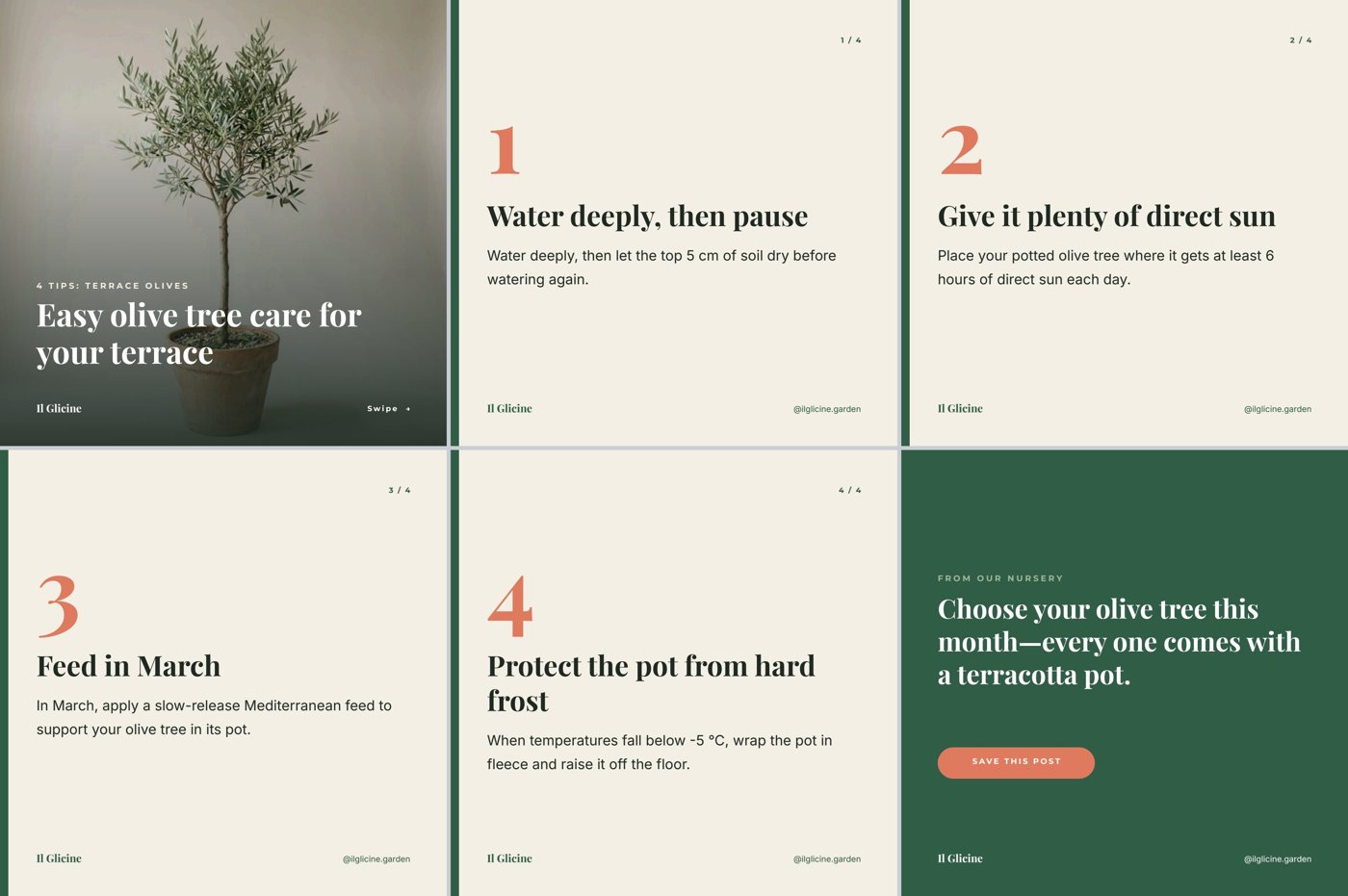
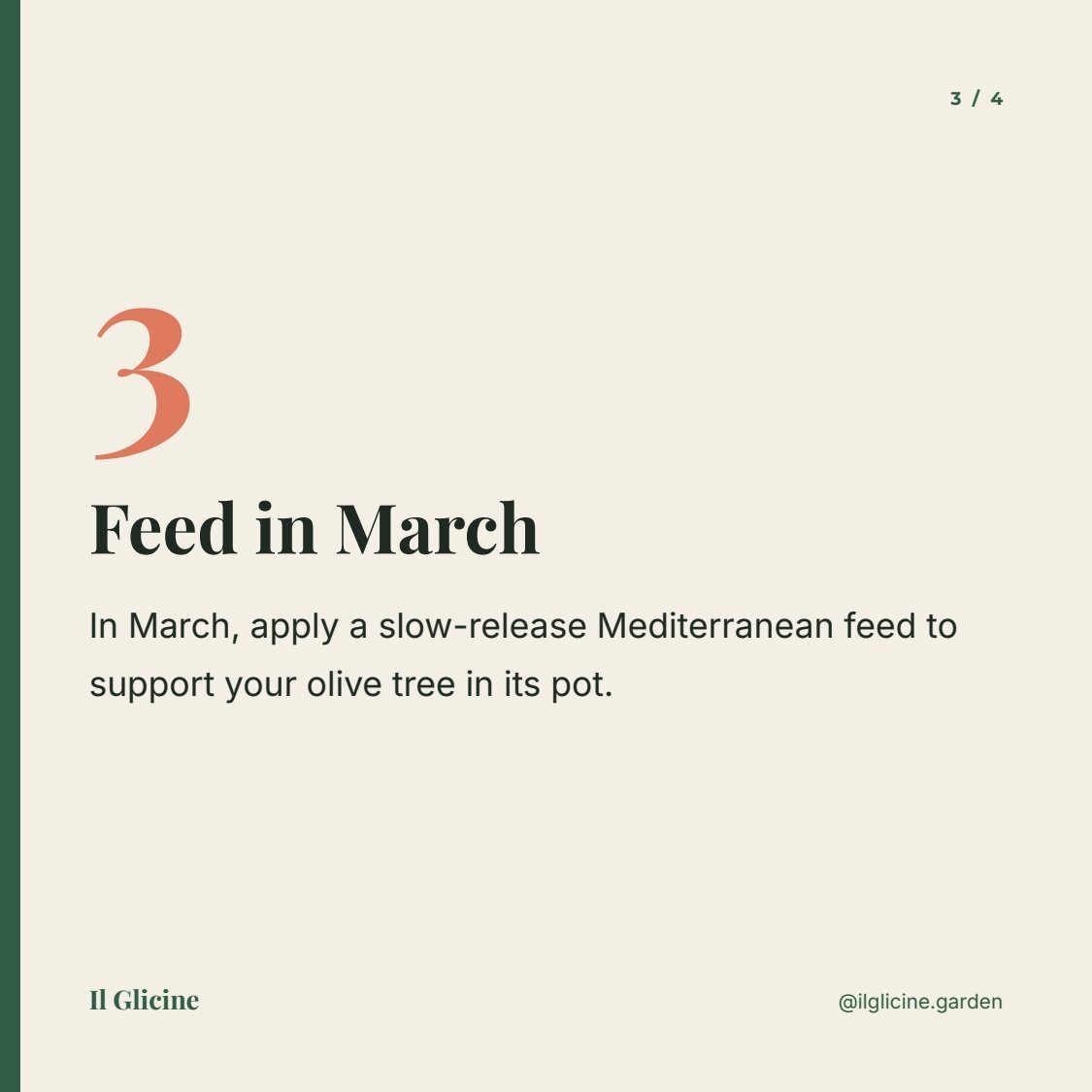
A reference run: 0.04 credits, six square slides as page images (1, 2, 3, 4, 5, 6) · the carousel copy.
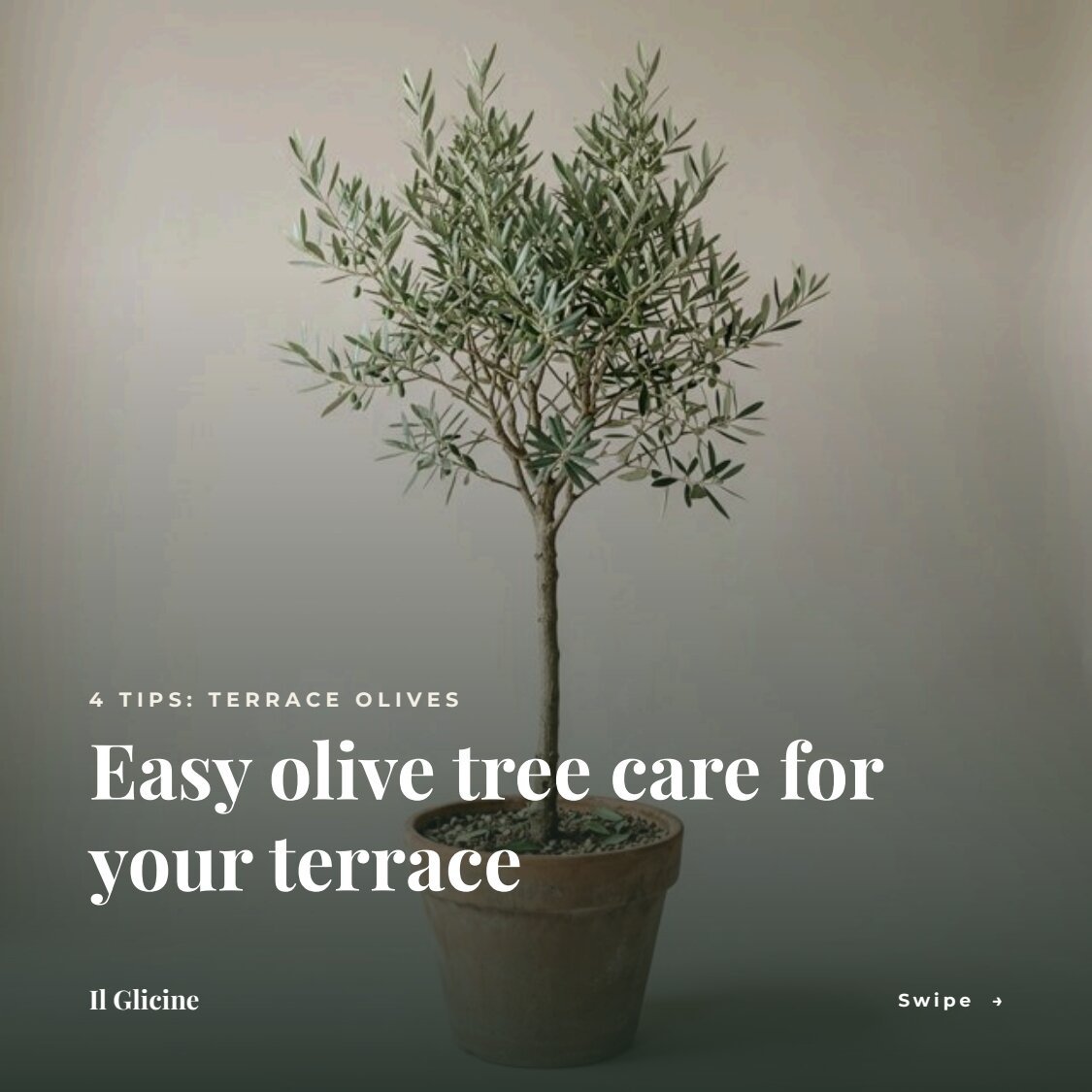
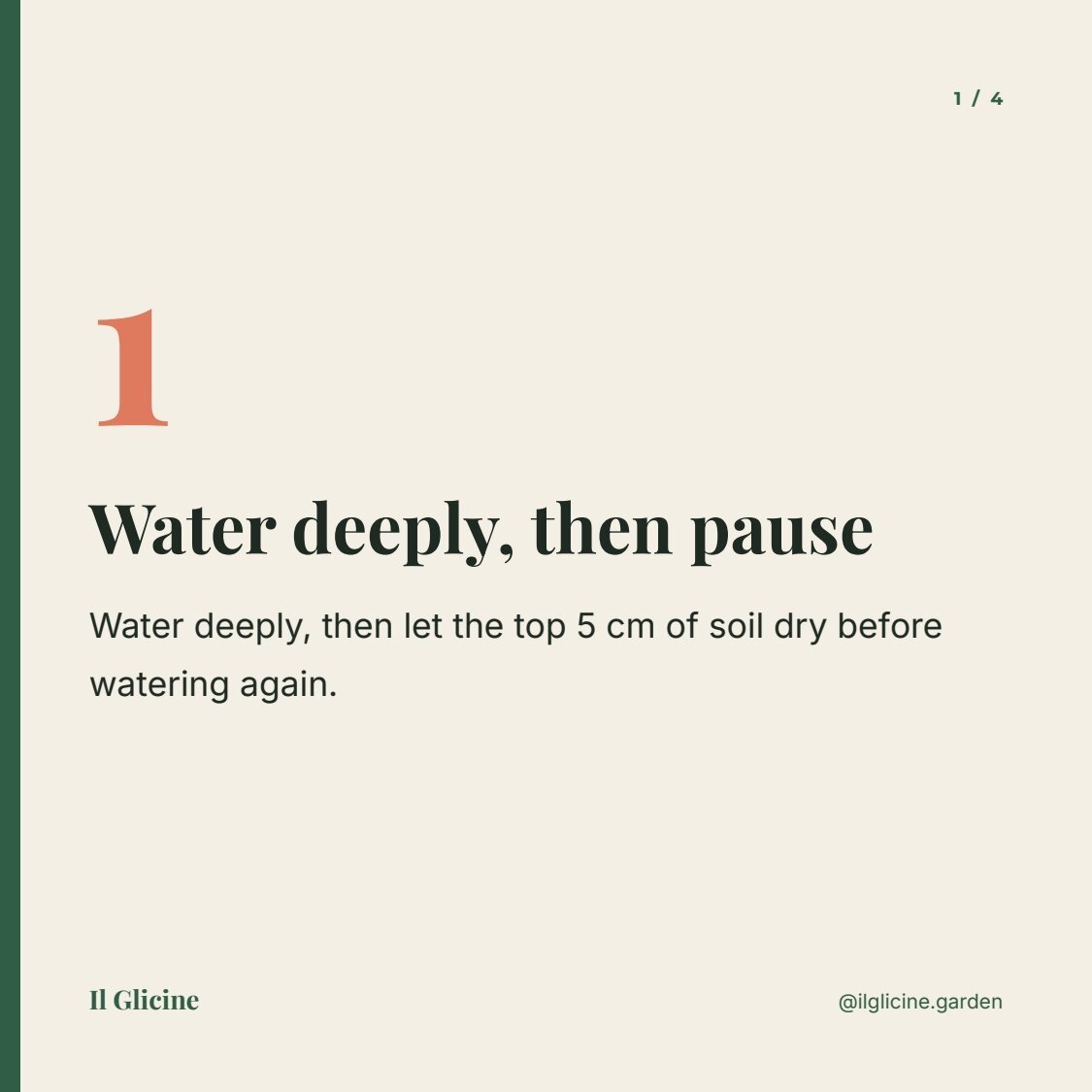
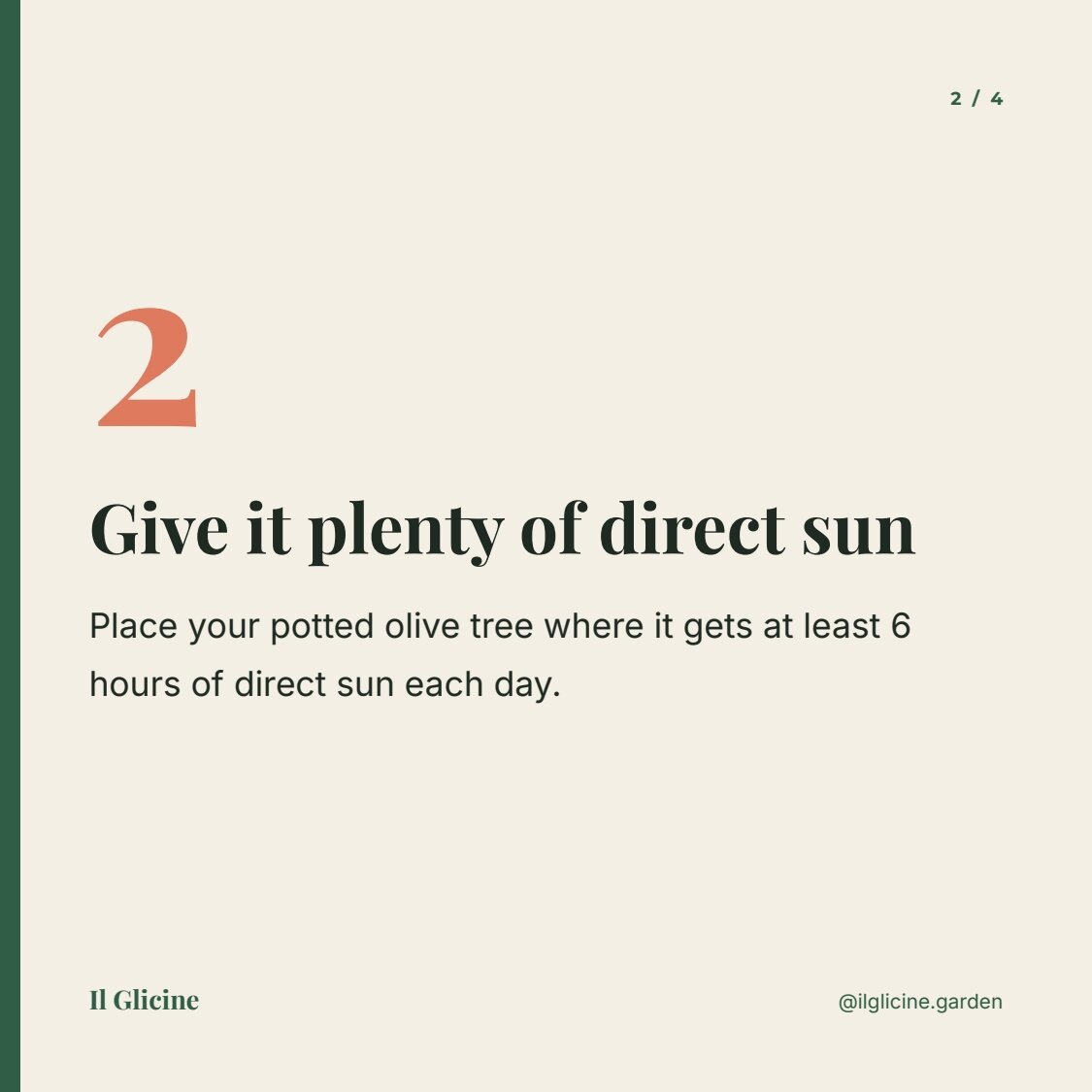


The case
Section titled “The case”Il Glicine (fictional), a garden centre, posts a weekly carousel of care tips.
| Input | Who provides it | Example |
|---|---|---|
| Topic and facts | the gardeners | caring for an olive tree in a pot; four facts (watering, sun, feeding, frost); this month’s offer |
| Cover photo | the shop’s photos | an olive tree in a terracotta pot |
What it shows
Section titled “What it shows”- One page per item. The tips are a list whose row is as tall as the slide and whose rule is continue on new pages: one row fits per page, so every tip gets its own slide and the template adds as many as there are tips. See Catalogues that continue on new pages.
- A numbering sequence for the tips. The tip slide starts a numbering sequence at 1; its large number is
{{page}}and its counter{{page}} / {{sequencePages}}, so the tips count 1 to 4 whatever comes before them; cover and closing slide hide their number. See Page numbers. - Text on a photo, readable. A gradient from transparent to the ink colour covers the lower part of the cover photo; the title block is anchored at its bottom and grows upwards. See Text on a photo.
- The AI writes every word, from the facts only. Kicker, cover title, three to five tips and the call to action come as one JSON object; a JSON Schema checks the number of tips and every length before the slides are made.
- Images, not a PDF. The render node’s output
pagesreturns every page as an image in a pages manifest — what a social scheduler needs.
The template
Section titled “The template”Square pages of 540 × 540 points (rendered at 1125 pixels); Playfair Display for titles and numbers, Inter for text,
Montserrat for small labels; ink #1e2a22, cream #f4efe4, green #2f5d46, coral #e07a5f.
| Page | Content | How it is built |
|---|---|---|
| Cover | a full-bleed photo, a veil, kicker and title, brand, Swipe → | image field cover_photo (fill); a rectangle with a linear gradient to 92% ink; a flowing Layout anchored at its bottom with kicker and cover_title (up to 3 lines, shrinks) |
| Tip (repeated) | a large number, the tip’s title and text, counter, brand and handle | the list tips with continue_page, at most 5; row: {{page}} in 110-point coral, a Layout with item.title (up to 3 lines) and item.body (up to 7 lines, fail beyond) |
| Closing | FROM OUR NURSERY, the call to action, a SAVE THIS POST button, brand | field cta (up to 4 lines, shrinks) |
| Field | Type | Required | Comes from |
|---|---|---|---|
kicker, cover_title, cta |
text | yes | the AI’s JSON, validated |
tips |
list of { title, body } |
yes | the AI’s JSON, validated |
cover_photo |
image | yes | the Cover photo input |
brand, handle |
text, with defaults | no | the template’s defaults (Il Glicine, @ilglicine.garden) |
Design choices worth copying:
- The same field on several pages.
brandandhandleappear on the cover, on every tip slide and on the closing slide with the same contract: one value fills them all, and the defaults make them optional. - Large type for a phone: a 34-point tip title and 17-point text read on a small screen; nothing under 9 points.
- Three colours with one job each: cream for tips, green for the brand and the closing slide, coral for the numbers and the call to action.
The workflow
Section titled “The workflow”Topic and facts ──► Write the carousel (AI, JSON) ──► Copy fits the slides (JSON Schema) ──data──► Compose the slides (pages) ──► Slides (page images)Cover photo ──cover_photo────────────────────────────────────────────────────────────────► └──► Carousel copy| Node | Type | Why |
|---|---|---|
| Topic and facts | input/text, multi-line |
The gardeners’ facts and the offer; the AI must not add others |
| Cover photo | input/image |
A photo from the shop’s library |
| Write the carousel | ai/text_generation, response_format: json_object, temperature 0.6, 2,500 tokens |
One JSON object: kicker, cover title, 3–5 tips, call to action |
| Copy fits the slides | utility/json_schema_validate, inline schema, mode fail |
3 to 5 tips; kicker ≤ 28, title ≤ 60, tip title ≤ 60, tip text 60–220, call to action ≤ 110 characters |
| Compose the slides | design/template_render, fixed revision, output pages, max_repeat: 5 |
Every page as an image in a pages manifest |
| Outputs | output/json ×2 |
The pages manifest (the slides) and the approved copy |
Cost: about 0.04 credits per run, the copy; composing and rasterising the slides is free.
Install it
Section titled “Install it”node madoo-install-example.mjs f14 --api <your Madoo API URL> --key <key.json>The installer uploads the cover photo and publishes the template and the workflow. The workflow runs with its default
brief and photo — or add --run (about 0.04 credits). See Installing an example.
Change it
Section titled “Change it”- Another topic: change the facts and the photo; the number of tips follows the facts, from three to five slides.
- Another brand: change the brand, the handle and the colours of the three pages.
- A portrait carousel (4:5): pages of 540 × 675 points; move the elements down accordingly.
- A PDF too: set the render output to
bothfor a PDF alongside, for example to review the carousel before posting.